
TrustCell CS-YFA800PW
TrustCell Replacement Battery User Manual
Model: CS-YFA800PW
1. Product Overview
This manual provides essential information for the safe and effective use of your TrustCell Replacement Battery, designed for Power-G Easymow, Easymow 6HD, and SF600 ECO devices. This high-capacity Li-ion battery ensures reliable power for your equipment.
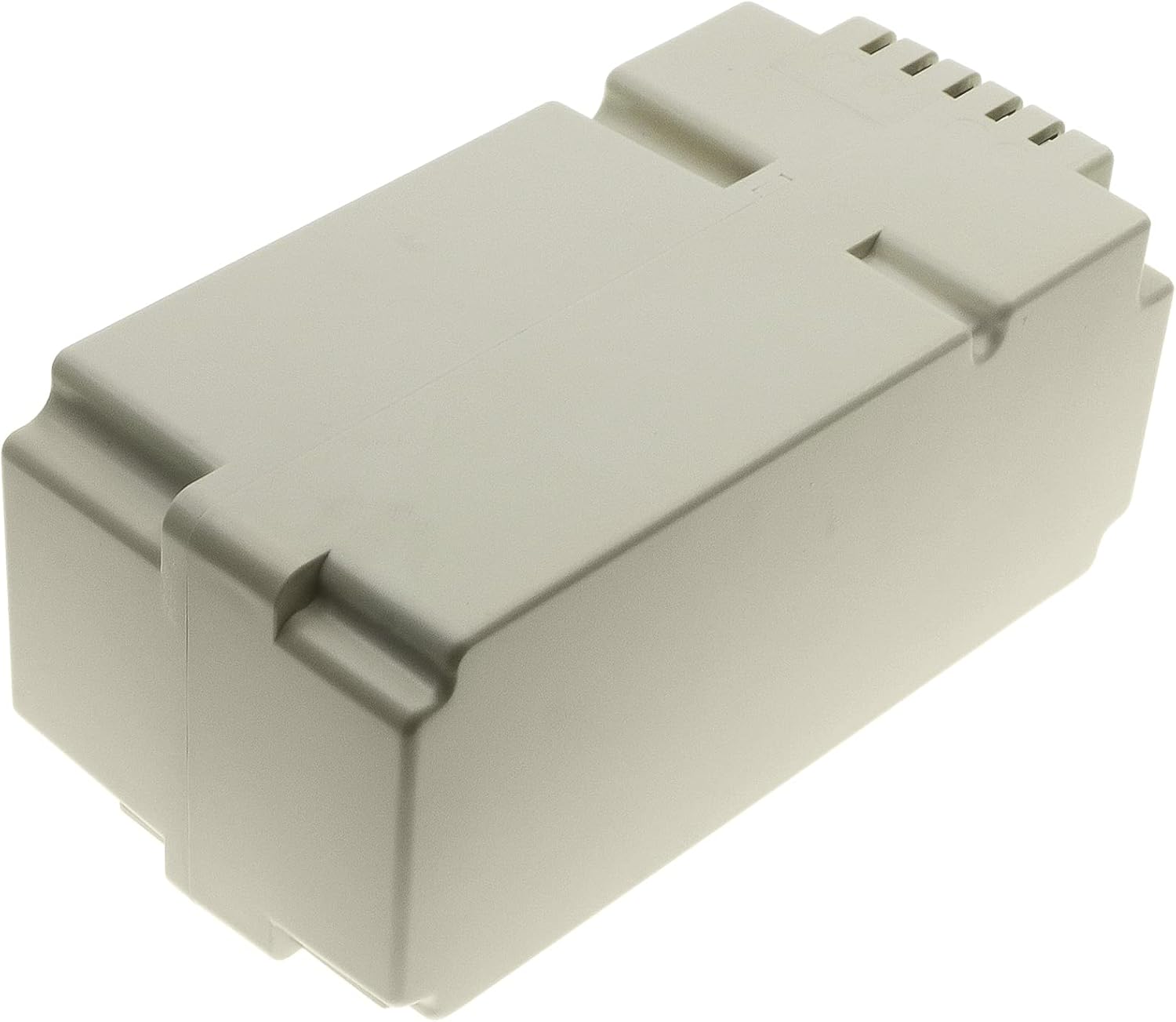
Image 1: Front view of the TrustCell Replacement Battery. This is the main product component.
2. Important Safety Information
WARNING: Read all safety warnings and instructions before using this product. Failure to follow the warnings and instructions may result in electric shock, fire, and/or serious injury.
- Do not disassemble: Attempting to disassemble, open, or service the battery pack will void the warranty and can be dangerous.
- Do not dispose of in fire or water: Improper disposal can lead to explosion or leakage.
- Do not store above 60 ℃ (140 ℉): High temperatures can damage the battery and pose a fire risk.
- Do not crush, puncture, or short circuit external contacts: This can cause fire or explosion.
- Replace only with the battery pack designated for this product: Using an incorrect battery can cause damage or injury.
- New battery must be fully charged before use: Ensure optimal performance and longevity.
- Read instructions in operating guide before using the battery: Refer to your device's manual for specific battery installation and usage instructions.

Image 2: Close-up view of the battery's warning label, detailing safety precautions and specifications. Note the Cameron Sino logo and the link to cameronsino.com.
3. Setup and Initial Use
3.1 Unpacking
Carefully remove the battery from its packaging. Inspect the battery for any signs of damage. If damaged, do not use and contact customer support.
3.2 Initial Charging
A new battery will achieve its best performance after 2 or 3 complete cycles of charge and discharge. Ensure the battery is fully charged before its first use.
- Use only the charger provided with your Power-G Easymow, Easymow 6HD, or SF600 ECO device.
- Do not use low quality third-party adapter chargers, as this can shorten the battery's life.
3.3 Installation
Refer to your device's instruction manual for specific steps on how to install the replacement battery. Ensure the connector has been properly connected to your device.

Image 3: View of the battery's connector pins, which interface with the device for power transfer.

Image 4: The replacement battery positioned next to a robotic lawnmower, illustrating its intended use with compatible devices like the Power-G Easymow.
4. Operating the Battery
Once installed and charged, the battery operates as the power source for your compatible device. The battery is designed for optimal performance within the specified operating conditions of your Power-G Easymow, Easymow 6HD, or SF600 ECO.
4.1 Charging Cycles
For best battery life, allow the battery to fully discharge and then fully recharge periodically. This helps to calibrate the battery's charge indicator and maintain its capacity.
4.2 Battery Protection
The battery is equipped with built-in protection mechanisms against overcharge, over-discharge, over-voltage, and short circuits to ensure safe and durable use.
5. Maintenance and Storage
5.1 Cleaning
Keep the battery contacts clean and free from dust and debris. Use a dry, soft cloth to wipe the battery if necessary.
5.2 Storage
If storing the battery for an extended period, ensure it is charged to approximately 50% capacity. Store in a cool, dry place, away from direct sunlight and extreme temperatures. Do not store above 60 ℃ (140 ℉).
5.3 Disposal
Dispose of the battery responsibly according to local regulations. Do not dispose of in household waste, fire, or water. Lithium-ion batteries require special disposal procedures.
6. Troubleshooting
6.1 Battery Not Charging
- Ensure the charger is properly connected to both the power outlet and the device.
- Verify that the battery is correctly installed in the device.
- Check if the charger or device has any visible damage.
- Allow 2-3 charge/discharge cycles for a new battery to reach full performance.
6.2 Shortened Battery Life
- Ensure you are using the original or a high-quality compatible charger. Low-quality third-party chargers can shorten battery life.
- Avoid storing the battery in extreme temperatures.
- Perform regular full charge/discharge cycles.
If issues persist, please contact customer support.
7. Specifications
| Feature | Detail |
|---|---|
| Battery Type | Li-ion |
| Capacity | 5000mAh |
| Voltage | 28V |
| Rate | 140Wh |
| Model Number | CS-YFA800PW |
| Product Dimensions | 2.93 x 2.57 x 5.93 inches (150.60x74.40x65.30mm) |
| Item Weight | 2.4 pounds (1090.0g) |
| Certifications | ISO9001, RoHS, CE, UN38.3, MSDS |
8. Warranty and Support
8.1 Warranty Information
This product comes with a 1-year refund or replacement warranty. The warranty is void if the label is removed or if the battery has been disassembled, opened, or serviced.
8.2 Customer Support
If you have any problems or questions regarding your TrustCell Replacement Battery, please feel free to contact us via email. Our customer service team is available 24/7 to provide prompt after-sales service and will reply within 24 hours.
For additional information and resources, you may visit the manufacturer's website: www.cameronsino.com