
1. Introduction
Thank you for choosing the KIMMOO 3-in-1 Portable Handheld Turbo Fan. This versatile device offers personalized cooling with 100 adjustable wind speeds, a powerful 20000 RPM motor, and a long-lasting 3600 mAh battery. It can be used as a handheld fan, a desk fan, or worn around your neck for hands-free convenience. Please read this manual carefully before use to ensure proper operation and maintenance.
2. Important Safety Instructions
- Keep fingers and objects away from the fan grilles to prevent injury.
- Children under 12 years old must use the fan under adult supervision.
- Do not immerse the fan in water or other liquids.
- Do not disassemble, repair, or modify the fan yourself. Contact customer support if service is required.
- Avoid exposing the fan to extreme temperatures or direct sunlight for prolonged periods.
- Use only the provided charging cable or a certified USB-C cable for charging.
3. Product Overview
Components and Features
The KIMMOO 3-in-1 Portable Handheld Turbo Fan is designed for optimal performance and convenience. Key components include the fan head, handle, control buttons, LED display, and USB-C charging port.
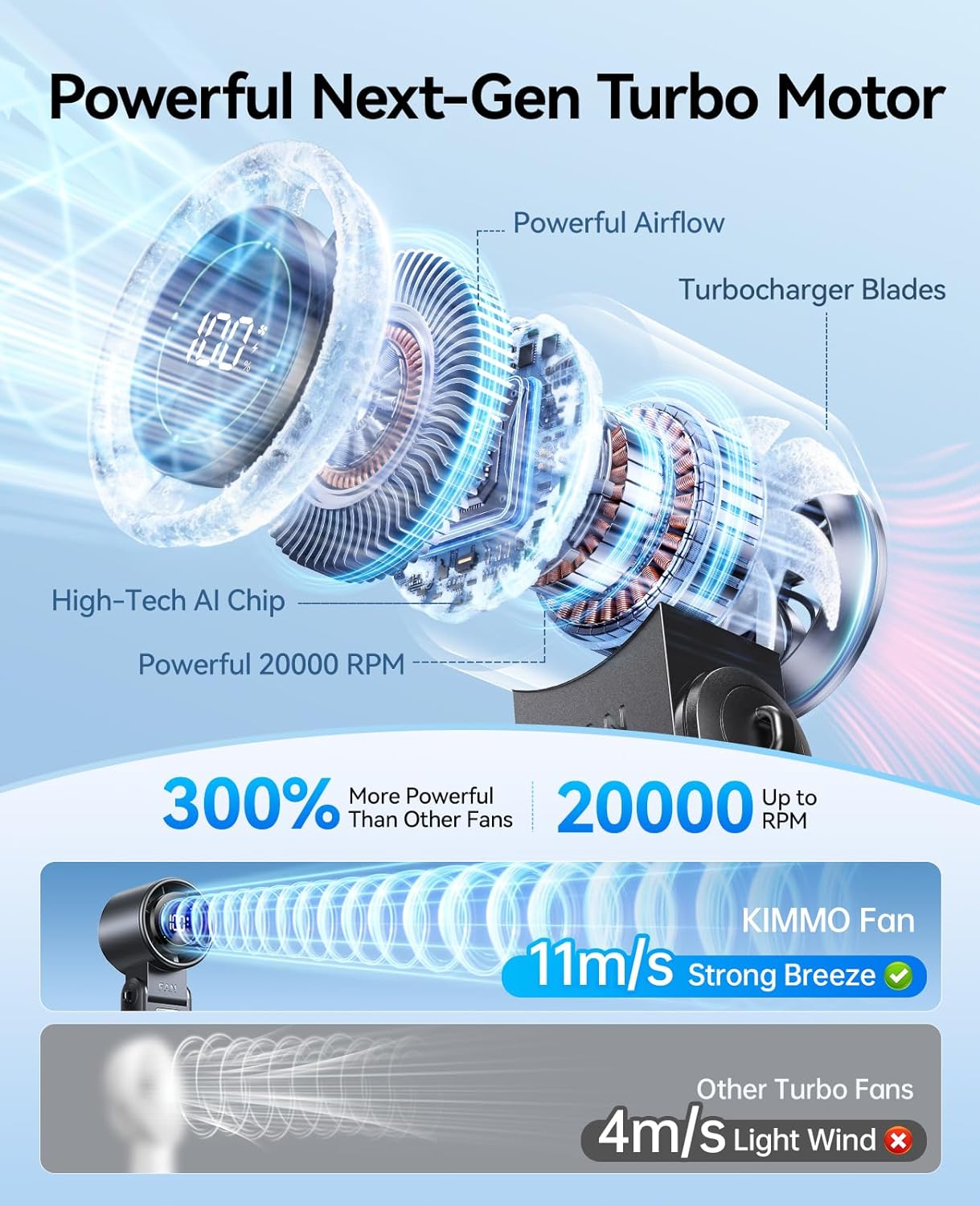
Figure 1: Fan Components
- 100 Adjustable Wind Speeds: Fine-tune airflow from a gentle breeze to a powerful gust.
- 20000 RPM Turbo Motor: Advanced 6-blade design and high-speed brushless motor deliver strong airflow up to 8 m/s.
- Smart LED Display: Shows real-time wind speed and remaining battery life.
- 3600 mAh Rechargeable Battery: Provides up to 12 hours of continuous use.
- 3-in-1 Design: Functions as a handheld, desk, or neck fan.
- 120° Foldable Design: Allows for versatile positioning and hands-free use.
Video 1: KIMMOO Handheld Turbo Fan Overview. This video demonstrates the fan's features and various uses in outdoor and indoor settings.
4. Setup
4.1 Charging the Fan
Before first use, fully charge the fan. Connect the provided USB-C cable to the charging port on the side of the fan and plug the other end into a compatible USB power source (e.g., wall adapter, laptop, power bank, car charger). The LED display will show the charging status.

Figure 2: Charging the Fan
4.2 Attaching the Lanyard
For hands-free use, attach the included lanyard to the designated loops on the fan handle. Ensure it is securely fastened before wearing around your neck.
5. Operating Instructions
5.1 Power On/Off and Speed Adjustment
- Power On/Off: Press the power button once to turn the fan on or off.
- Adjust Speed: While the fan is on, press the speed adjustment buttons (+/-) to increase or decrease the wind speed. The LED display will show the current speed level (1-100).
- Check Battery: Double-click the power button to briefly display the remaining battery percentage on the LED screen.
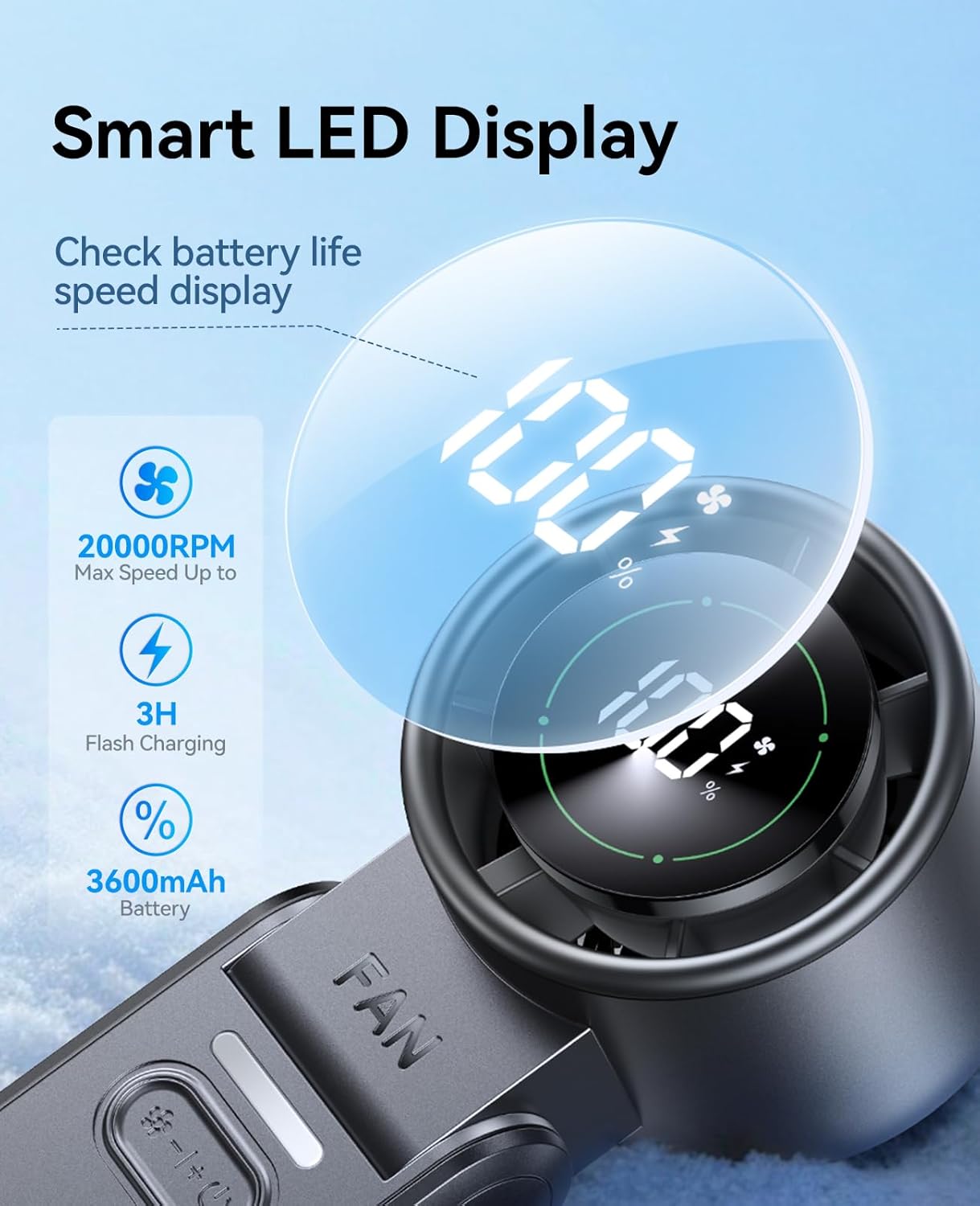
Figure 3: LED Display and Controls
5.2 3-in-1 Modes (Handheld, Desk, Neck)
The fan's innovative design allows for three convenient modes:
- Handheld Mode: Hold the fan by its handle for direct cooling.
- Desk Fan Mode: Fold the handle to create a stable base, allowing the fan to stand on a flat surface. The 120° adjustable head provides flexible airflow direction.
- Neck Fan Mode: Attach the lanyard and wear the fan around your neck for portable, hands-free cooling.

Figure 4: Desk Fan Mode
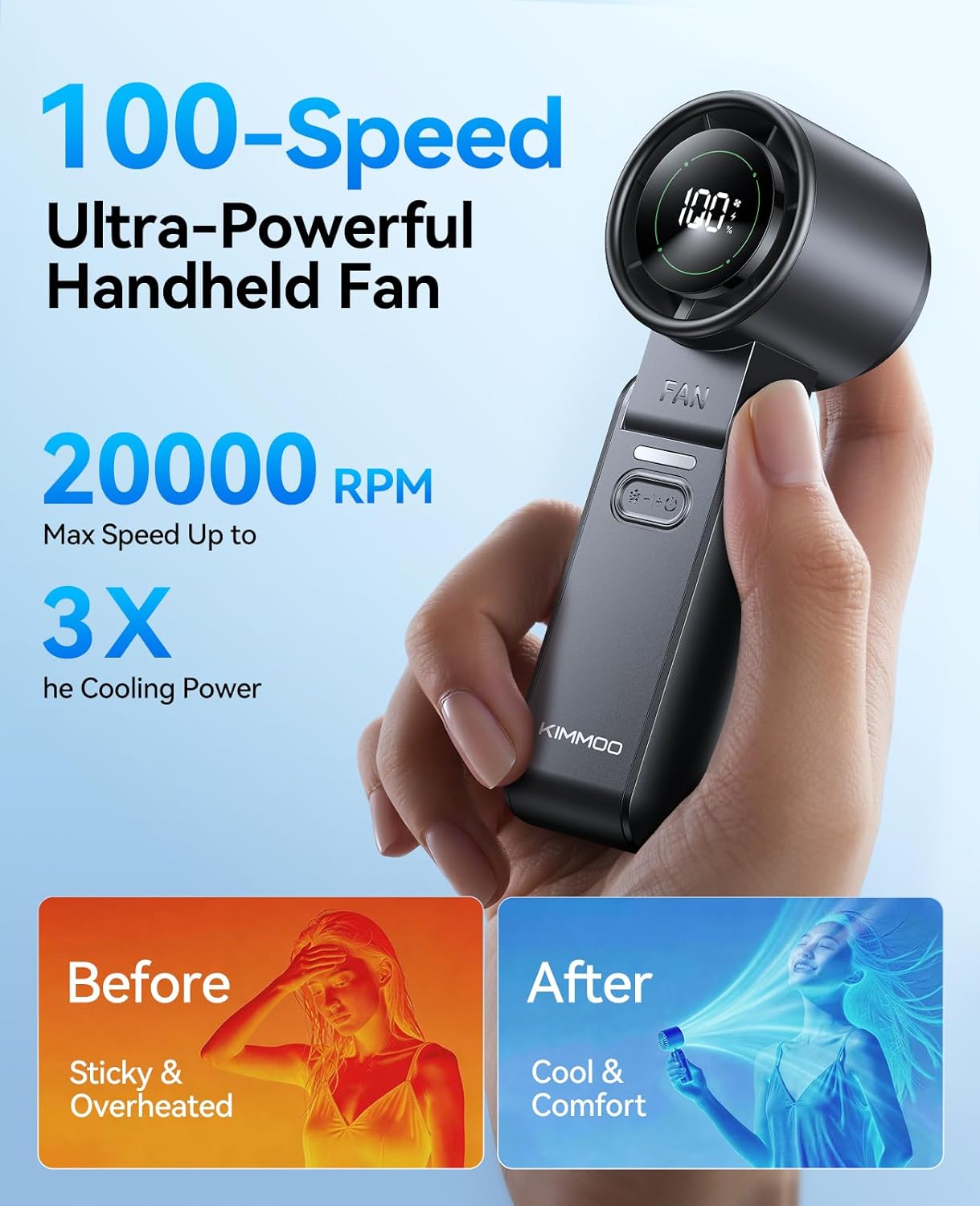
Figure 5: Neck Fan Mode
Video 2: Portable Handheld Turbo Fan Features. This video highlights the 100 speeds, 10800 RPM, and LED display of the fan.
6. Maintenance
6.1 Care and Cleaning
To maintain the performance and longevity of your fan, follow these cleaning guidelines:
- Ensure the fan is turned off and unplugged before cleaning.
- Use a soft, dry cloth to wipe the exterior of the fan.
- For dust accumulation on the fan grilles, use a soft brush or cotton swab to gently clean.
- Do not use abrasive cleaners, solvents, or harsh chemicals, as these may damage the fan's surface.
7. Troubleshooting
If you encounter any issues with your KIMMOO fan, please refer to the table below for common problems and solutions.
| Problem | Possible Cause | Solution |
|---|---|---|
| Fan does not turn on. | Low battery or no power. | Charge the fan using the USB-C cable. Ensure the power source is active. |
| Weak airflow. | Low speed setting or low battery. | Increase the speed setting. Recharge the fan if the battery is low. |
| Fan stops unexpectedly. | Battery depleted. | Recharge the fan. |
| LED display not working. | Malfunction or low battery. | Ensure the fan is charged. If the issue persists, contact customer support. |
8. Specifications
- Model: QW-F52
- Brand: KIMMOO
- Dimensions: 2.32"D x 6.81"W x 2.24"H
- Weight: 0.45 Pounds
- Power Source: Battery Powered (3600 mAh)
- Number of Speeds: 100
- Max Speed: 20000 RPM
- Voltage: 5 Volts
- Wattage: 3.4 watts
- Material: Acrylonitrile Butadiene Styrene
- Control Method: Button Control
9. Warranty & Support
The KIMMOO 3-in-1 Portable Handheld Turbo Fan comes with a 1-year limited warranty from the date of purchase. This warranty covers manufacturing defects and workmanship under normal use. It does not cover damage caused by misuse, accidents, unauthorized modifications, or normal wear and tear.
For warranty claims, technical support, or any questions regarding your product, please contact KIMMOO customer service through the retailer where you purchased the product or visit the official KIMMOO website for contact information.