
POWTREE Dyson V8 SV10 Battery Replacement 215681
POWTREE Upgraded 7.0Ah V8 SV10 Battery User Manual
Brand: POWTREE | Model: Dyson V8 SV10 Battery Replacement 215681
Introduction
This manual provides essential information for the safe and effective use of your POWTREE Upgraded 7.0Ah V8 SV10 Replacement Battery. This high-capacity Li-ion battery is designed to provide extended runtime and powerful suction for compatible Dyson V8 series cordless vacuum cleaners. Please read this manual thoroughly before installation and use.

Image: The POWTREE 7.0Ah V8 SV10 Replacement Battery, shown alongside two included purple replacement filters for Dyson V8 vacuums.
Safety Information
Your POWTREE replacement battery is manufactured with advanced safety features to ensure reliable operation. Adhere to the following guidelines for safe use:
- The battery features a built-in integrated microchip that prevents overload, overcharging, and self-discharge, contributing to a longer battery life.
- It is CE/RoHS/FCC certified, ensuring compliance with international safety standards.
- Safeguard features are incorporated to protect against incorrect voltage, battery overload, short circuits, and internal overheating.
- Do not disassemble, modify, or attempt to repair the battery.
- Keep the battery away from heat sources, direct sunlight, and moisture.
- Do not store the battery in temperatures exceeding 60°C (140°F) or below -20°C (-4°F).
- Dispose of used batteries responsibly according to local regulations. Do not dispose of in general waste.

Image: Visual representation of the battery's integrated protection features, including safeguards against overcharge, overcurrent, short circuit, temperature fluctuations, and overdischarge.
Compatibility
This POWTREE 7.0Ah battery is specifically designed for full compatibility with the Dyson V8 series cordless vacuum cleaners. It is not compatible with V6 or V7 series models.
Compatible Models Include:
- Dyson V8 Animal Cordless Stick Vacuum
- Dyson V8 Animal Cord Free Vacuum
- Dyson V8 Animal HEPA Cordless Stick Vacuum
- Dyson 214730-01 V8 Absolute Cordless Stick Vacuum
- Dyson V8 Motorhead Cordless Stick Vacuum Pet Hair Vacuum
- Dyson V8 Motorhead HEPA Cordless Stick Vacuum
- Dyson V8 Animal+ Cord-Free Stick Vacuum
- Dyson V8 Fluffy HEPA Cordless Stick Vacuum
- Dyson SV10 Handheld Cordless Vacuum Cleaner

Image: A visual guide illustrating the compatibility of the battery with various Dyson V8 models and explicitly stating non-compatibility with V6 and V7 series.
Setup and Installation
Replacing the battery in your Dyson V8 vacuum is a straightforward process. Follow these steps carefully:
- Prepare the Vacuum: Ensure the vacuum cleaner is turned off and unplugged from any power source.
- Remove Dust Cover: Locate and remove the dust cover from the vacuum's main body.
- Unscrew Rear Handle Screw: Identify the screw located at the rear of the vacuum's handle and unscrew it.
- Unscrew Dust Cover Back Screw: Find the screw at the back of the dust cover assembly and unscrew it.
- Remove Old Battery: Carefully detach and remove the existing battery from the vacuum.
- Install New Battery: Align the new POWTREE battery with the vacuum's interface and gently push it into place until it clicks securely.
- Re-attach Screws: Re-insert and tighten the screws removed in steps 3 and 4.
- Re-attach Dust Cover: Place the dust cover back onto the vacuum.

Image: A step-by-step visual demonstration of how to remove and install the battery in a Dyson V8 vacuum cleaner.
Operating and Charging
Charging the Battery
The POWTREE replacement battery is 100% compatible with your original Dyson V8 charger. You can charge the battery while it is installed in the vacuum using two primary methods:
- Drop-in Docking: Place your Dyson V8 vacuum into its wall-mounted docking station. Ensure the battery contacts align properly.
- Plug into Charging Port: Directly connect the original charger cable to the charging port on the battery, typically located at the base of the vacuum's handle.

Image: Illustration of the two common methods for charging the Dyson V8 battery: via a wall-mounted docking station or by plugging the charger directly into the battery port.
LED Indicator
The battery features a convenient LED indicator system to display its charge status and usage:
- The indicator is composed of 3 separate LED lights.
- Each illuminated light signifies approximately 33% of the battery's power capacity.
- During charging, the lights will illuminate sequentially, indicating the charging progress.
- When fully charged, all three lights will typically remain solid or turn off, depending on the vacuum model.
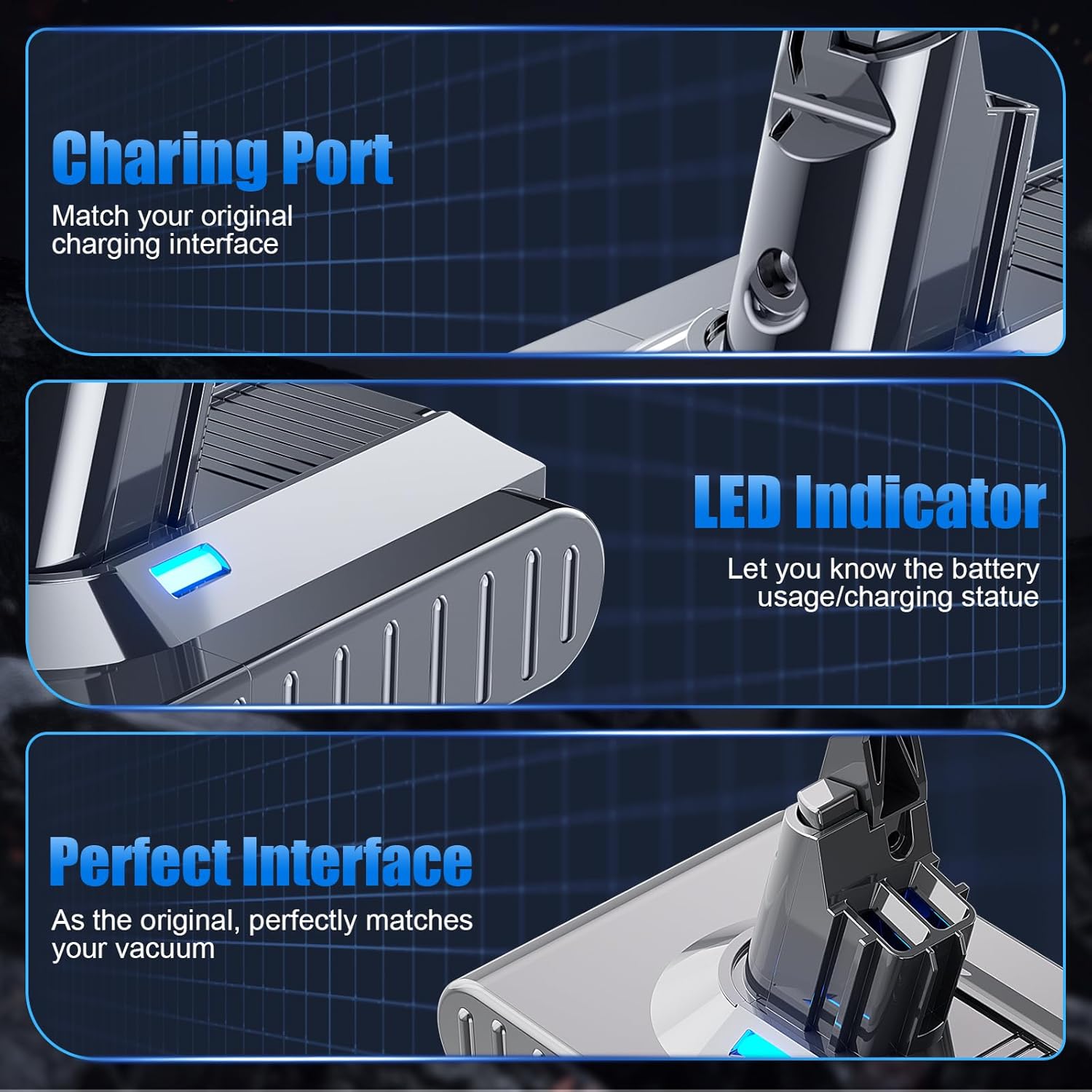
Image: Detailed view of the battery's charging port, the blue LED indicator light, and the precise interface designed for seamless integration with Dyson V8 vacuums.
Maintenance
Battery Care
- For optimal battery life, avoid completely draining the battery before recharging.
- Store the battery in a cool, dry place when not in use for extended periods.
- Regularly clean the battery contacts on both the battery and the vacuum to ensure a good connection.
Filter Maintenance
Your purchase includes two replacement filters. Regular cleaning and replacement of filters are crucial for maintaining your vacuum's performance and air quality.
- The included filters are cleanable and recyclable.
- Refer to your Dyson vacuum's original manual for specific instructions on how to remove, clean, and re-install the filters.
- Ensure filters are completely dry before re-installing them to prevent damage to the vacuum.
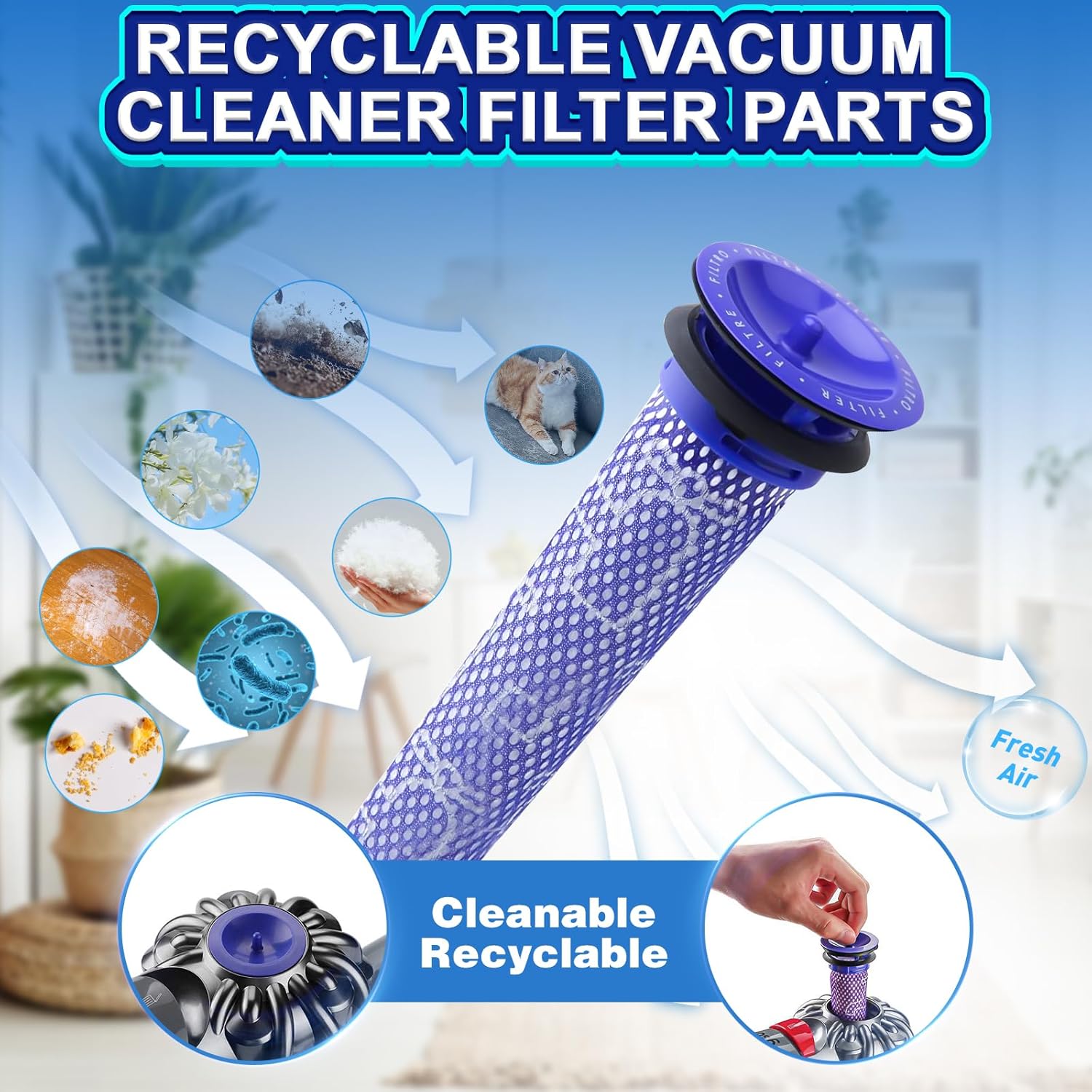
Image: A visual representation of the V8 filter's function in capturing dust, pet dander, and other particles to ensure fresh air output, highlighting its cleanable and recyclable nature.
Troubleshooting
| Problem | Possible Cause | Solution |
|---|---|---|
| Battery not charging. | Loose connection, faulty charger, battery protection activated. | Ensure the charger is securely plugged into both the wall outlet and the vacuum/battery. Try a different outlet. Verify the original charger is functioning correctly. If the battery is completely drained, it may take a few minutes for the LED indicator to respond. |
| Short run time after charging. | Battery not fully charged, high power mode usage, battery degradation. | Ensure the battery is fully charged (all LED lights indicate full). High power modes consume more energy; use standard mode for longer run times. If the issue persists, contact customer support. |
| Vacuum not turning on. | Battery not installed correctly, battery completely discharged. | Check that the battery is securely installed and all screws are tightened. Charge the battery for several hours. If the problem continues, the vacuum itself may have an issue, or the battery may be faulty. |
| LED indicator not working. | Battery issue, internal fault. | Ensure the battery is properly connected. If the battery functions but the lights do not, it might be a minor cosmetic issue. If the battery does not function, contact customer support. |
Specifications
| Feature | Detail |
|---|---|
| Battery Type | Lithium Ion (Li-ion) |
| Voltage | 21.6V |
| Capacity | Upgraded 7000mAh |
| Product Dimensions | 6.1 x 3.9 x 5.5 inches |
| Item Weight | 1.43 pounds |
| Model Number | Dyson V8 SV10 Battery Replacement 215681 |
| Manufacturer | Huizhou Ronghui Technology Co., Ltd |
| Certifications | CE/RoHS/FCC |
| Included Components | 1 Lithium Ion battery (included), 2 PKS Filters |
| Recommended Use | Indoor vacuum cleaner power supply |
Warranty and Support
POWTREE is committed to providing high-quality products and excellent customer service.
- Return Policy: 30 days return period from the date of purchase.
- Limited Warranty: 180 days limited warranty from the date of purchase.
- Merchant Guarantee: Free replacement within 1 year for manufacturing defects.
- Customer Service: 24 hours warm service available.
For any questions, concerns, or support needs, please contact the seller directly. You can typically find a "Contact Seller" option within your order details or by visiting the POWTREE storefront on Amazon and clicking "Ask a question."
Ask a question about this manual
Ask about setup, troubleshooting, compatibility, parts, safety, or missing instructions. Manuals+ will review the question and use this page’s manual context to help answer it.