
1. Introduction
This manual provides essential instructions for the safe and effective use of your POWTREE 7.0Ah V8 SV10 Replacement Battery. This high-capacity lithium-ion battery is designed to replace the original battery in compatible Dyson V8 series cordless vacuum cleaners, offering enhanced performance and extended runtime.
2. Safety Information
Your POWTREE replacement battery is equipped with multiple safety features to ensure reliable operation. Please adhere to the following guidelines:
- The battery is CE/RoHS/FCC certified, indicating compliance with health, safety, and environmental protection standards.
- Built-in protection mechanisms prevent overcharging, overcurrent, short circuits, internal overheating, and over-discharge.
- Do not disassemble, modify, or attempt to repair the battery.
- Avoid exposing the battery to water, fire, or extreme temperatures.
- Store the battery in a cool, dry place away from direct sunlight and metallic objects.
- If the battery shows signs of damage, swelling, or leakage, discontinue use immediately and dispose of it properly according to local regulations.

3. Compatibility
This POWTREE 7.0Ah V8 SV10 Replacement Battery is fully compatible with the following Dyson V8 series cordless vacuum cleaner models:
- Dyson V8 Animal Cordless Stick Vacuum Cleaner
- Dyson V8 Animal HEPA Cordless Stick Vacuum Cleaner
- Dyson V8 Absolute (including 214730-01)
- Dyson V8 Motorhead Cordless Stick Vacuum Cleaner
- Dyson V8 Motorhead HEPA Cordless Stick Vacuum Cleaner
- Dyson V8 Animal+ Cordless Stick Vacuum
- Dyson V8 Hepa Cordless Stick Vacuum Cleaner
- Dyson SV10 series
Important: This battery is NOT compatible with Dyson V6 or V7 series vacuum cleaners.

4. Setup (Battery Installation)
Follow these steps to replace your Dyson V8 vacuum cleaner battery:
- Remove the Dust Cover: Locate and remove the dust cover from your vacuum cleaner.
- Unscrew Rear Handle Screw: Identify and unscrew the screw located at the rear of the vacuum's handle.
- Unscrew Dust Cover Back Screw: Unscrew the screw positioned at the back of the dust cover assembly.
- Remove the Old Battery: Carefully detach and remove the existing battery from the vacuum cleaner.
- Install New Battery: Align the POWTREE replacement battery with the vacuum's battery slot and gently push it into place until it clicks.
- Secure Screws: Reinsert and tighten all screws removed in steps 2 and 3.
- Replace Dust Cover: Reattach the dust cover.

5. Operating (Charging and Usage)
5.1 Initial Charge
Before first use, fully charge the battery. This helps calibrate the battery and ensures optimal performance.
5.2 Charging Methods
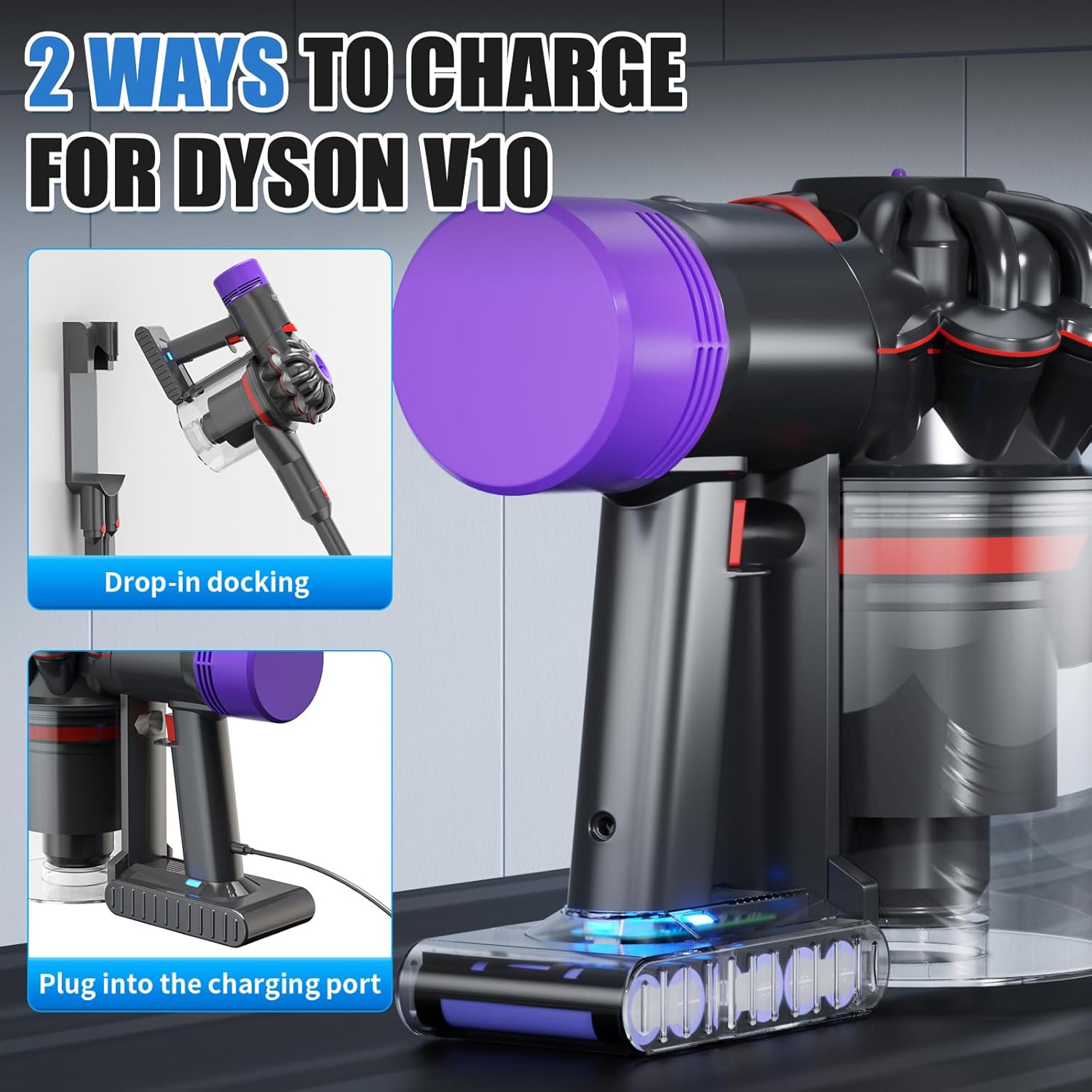
The POWTREE replacement battery is designed to be compatible with your original Dyson V8 charger and charging methods:
- Drop-in Docking: Place your Dyson V8 vacuum into its wall-mounted docking station.
- Direct Plug-in: Connect the original charger directly to the charging port on the battery.
5.3 LED Indicator
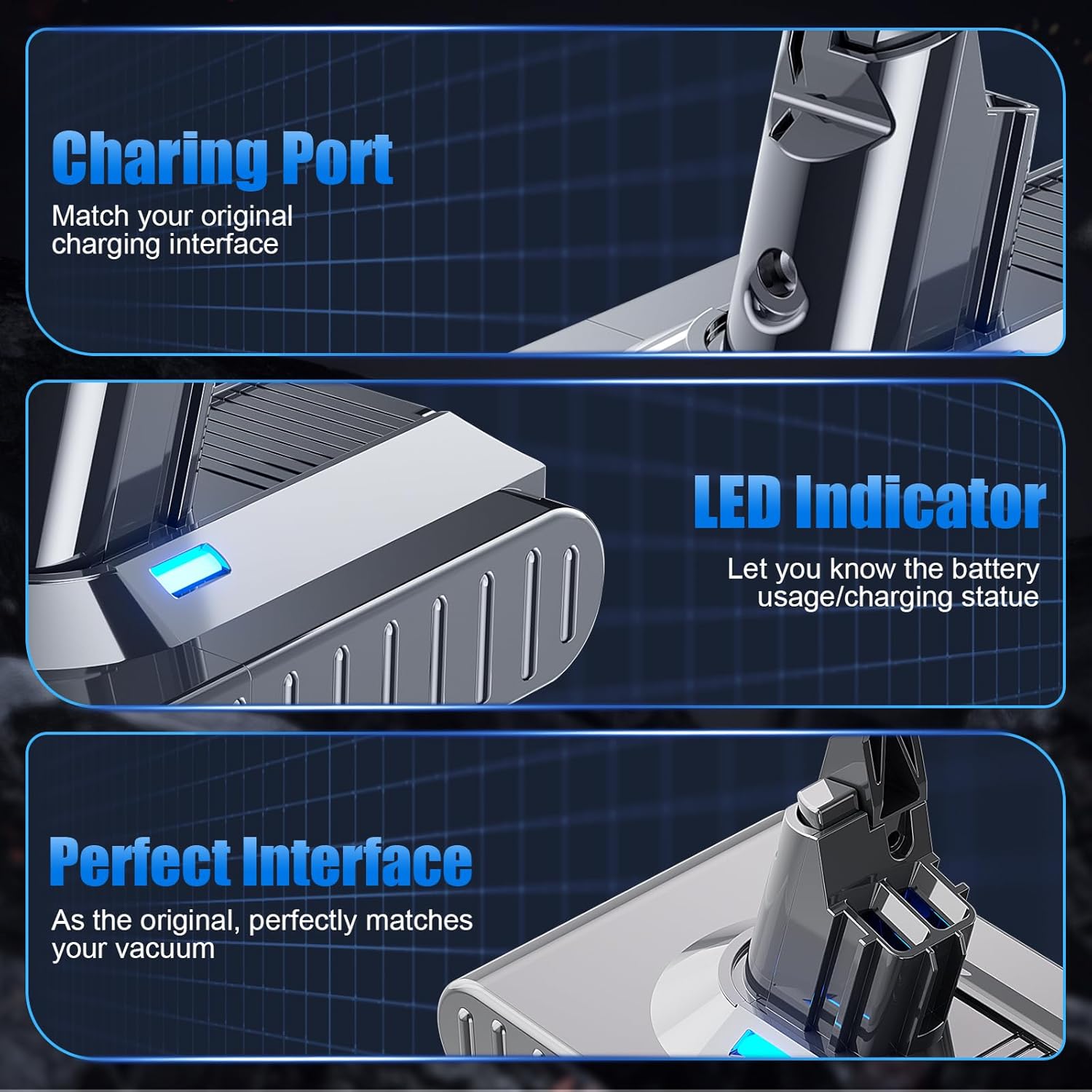
The battery features an LED indicator composed of 3 separate lights. Each light represents approximately 33% of the battery's charge level. This allows for easy monitoring of battery usage and charging status.
- 3 Lights On: 67-100% charge
- 2 Lights On: 34-66% charge
- 1 Light On: 1-33% charge (recharge soon)
- No Lights: Battery depleted or not connected.
6. Maintenance
Proper maintenance can extend the lifespan of your battery:
- Regular Charging: Avoid completely draining the battery before recharging. Frequent partial charges are generally better for lithium-ion batteries than full discharge cycles.
- Storage: If storing the battery for an extended period, ensure it is charged to approximately 50-70% capacity. Store it in a cool, dry environment.
- Cleaning: Keep the battery contacts clean and free of dust or debris. Use a dry cloth to wipe the exterior if necessary.
- Temperature: Operate and charge the battery within recommended temperature ranges (typically 0°C to 45°C or 32°F to 113°F). Extreme temperatures can degrade battery performance and life.
7. Troubleshooting
If you encounter issues with your POWTREE replacement battery, consider the following:
- Battery Not Charging:
- Ensure the charger is properly connected to both the battery/vacuum and the power outlet.
- Verify that the power outlet is functional.
- Check for any visible damage to the charger or battery.
- Short Runtime:
- Ensure the battery is fully charged before use.
- Operating the vacuum in MAX mode will consume battery power more quickly.
- Over time, all batteries experience some capacity degradation.
- Vacuum Not Turning On:
- Confirm the battery is securely installed.
- Check if the battery has sufficient charge.
If troubleshooting steps do not resolve the issue, please contact customer support.
8. Specifications
| Feature | Specification |
|---|---|
| Battery Type | Lithium-ion (Li-ion) |
| Voltage | 21.6V |
| Capacity | 7000mAh (7.0Ah) |
| Model Number | Dyson V8 SV10 Battery Replacement 215681 |
| Product Dimensions | 6.1 x 3.9 x 5.5 inches |
| Item Weight | 1.32 pounds |
| Certifications | CE, RoHS, FCC |

9. Warranty and Support
POWTREE offers the following support for your replacement battery:
- Warranty: 180 days limited warranty from the date of purchase.
- Returns: 30-day return policy for full refunds.
- Customer Service: For any questions or assistance, please contact us through your purchase platform. You can typically find a "Contact Seller" option within your order details or an "Ask a Question" link on our storefront.