Introduction
Welcome to the user manual for your Srotek Language Translator Earbuds. These earbuds are designed to provide real-time language translation, high-fidelity audio for music, and clear calling capabilities. This manual will guide you through the setup, operation, and maintenance of your device, ensuring you get the most out of its advanced features.
Product Features
Your Srotek Language Translator Earbuds offer a range of advanced features:
- Personalized and Initial Monogram on the Case: The earbud case is personalized with an embossed initial, making it a unique and thoughtful item.
- Tree-in-One Real-Time Multilingual Translation Earbuds: Supports real-time translation in 144 languages, combining translation, music, and calling into one device.
- Smart Noise Cancellation & HD Stereo Sound: Ensures clear translations even in noisy environments and provides an immersive audio experience.
- High-Fidelity Sound: Delivers exceptional clarity for both translations and audio playback, ensuring full comprehension.
- Long Battery Life and Ergonomic Design: Offers up to 80 hours of battery standby time and is designed for comfortable, extended wear.
- Wide Compatibility: Fully compatible with Android, iOS, and Windows devices that have Bluetooth functionality.
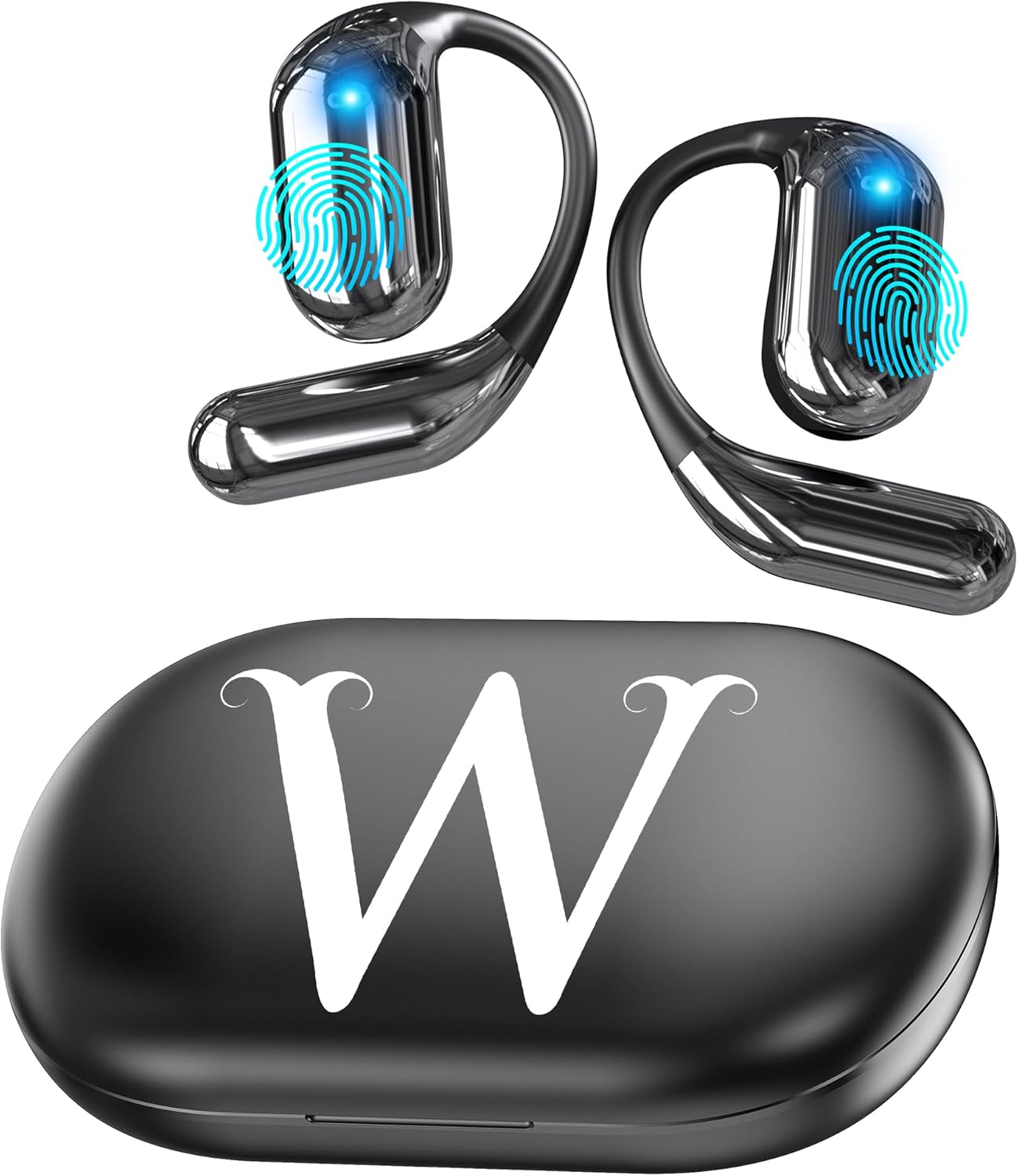
The Srotek Language Translator Earbuds and their charging case, featuring a personalized initial on the case.

The earbuds in their charging case, showing Bluetooth connection status on a smartphone, highlighting privacy protection.
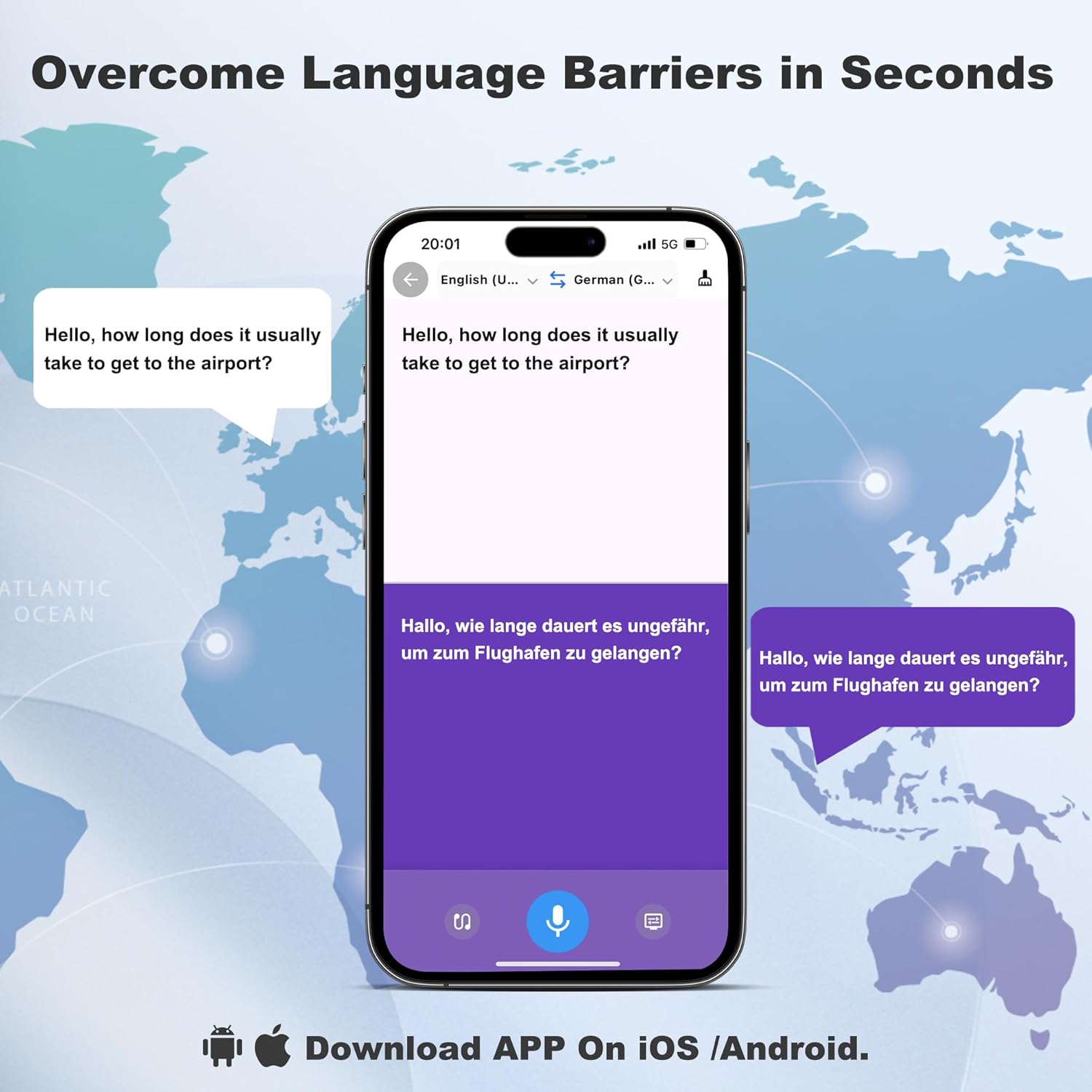
A smartphone screen displaying the translation app interface, demonstrating real-time language translation between English and German.

An illustration showing various flags representing the 134 languages and accents supported for simultaneous translation.
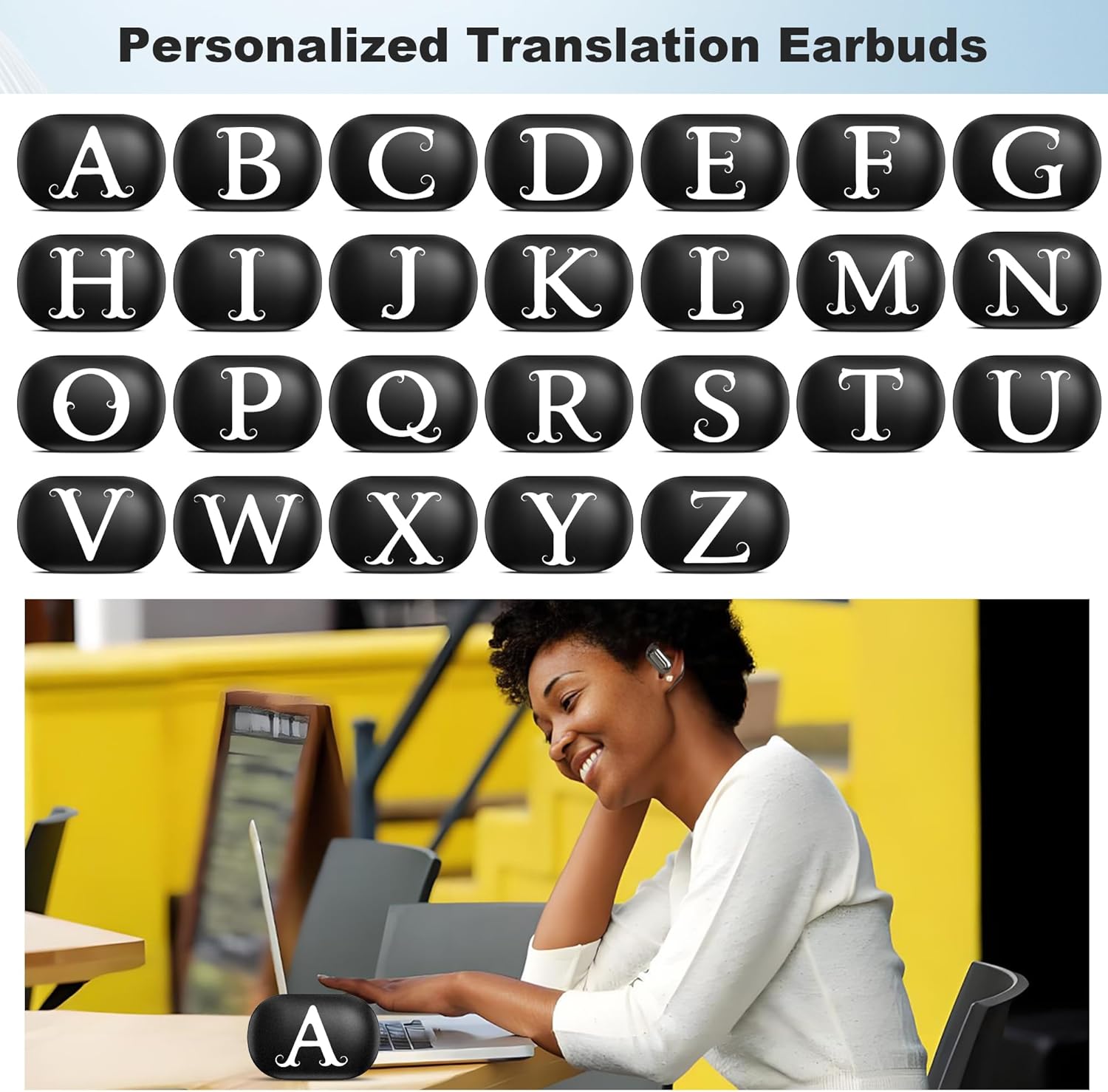
A display of various earbud cases with different initial monograms, emphasizing the personalization feature.

An infographic illustrating the battery performance: 12 hours talk & music playing time, 80 hours standby time, and 60 hours charging time for the headset.

An exploded view diagram of the earbud's internal components, highlighting the high-precision laminated horn and professional-grade surround sound technology.

A diagram showing the earbud's design and its professional directional sound transmission, which protects privacy by reducing sound leakage by 90%.
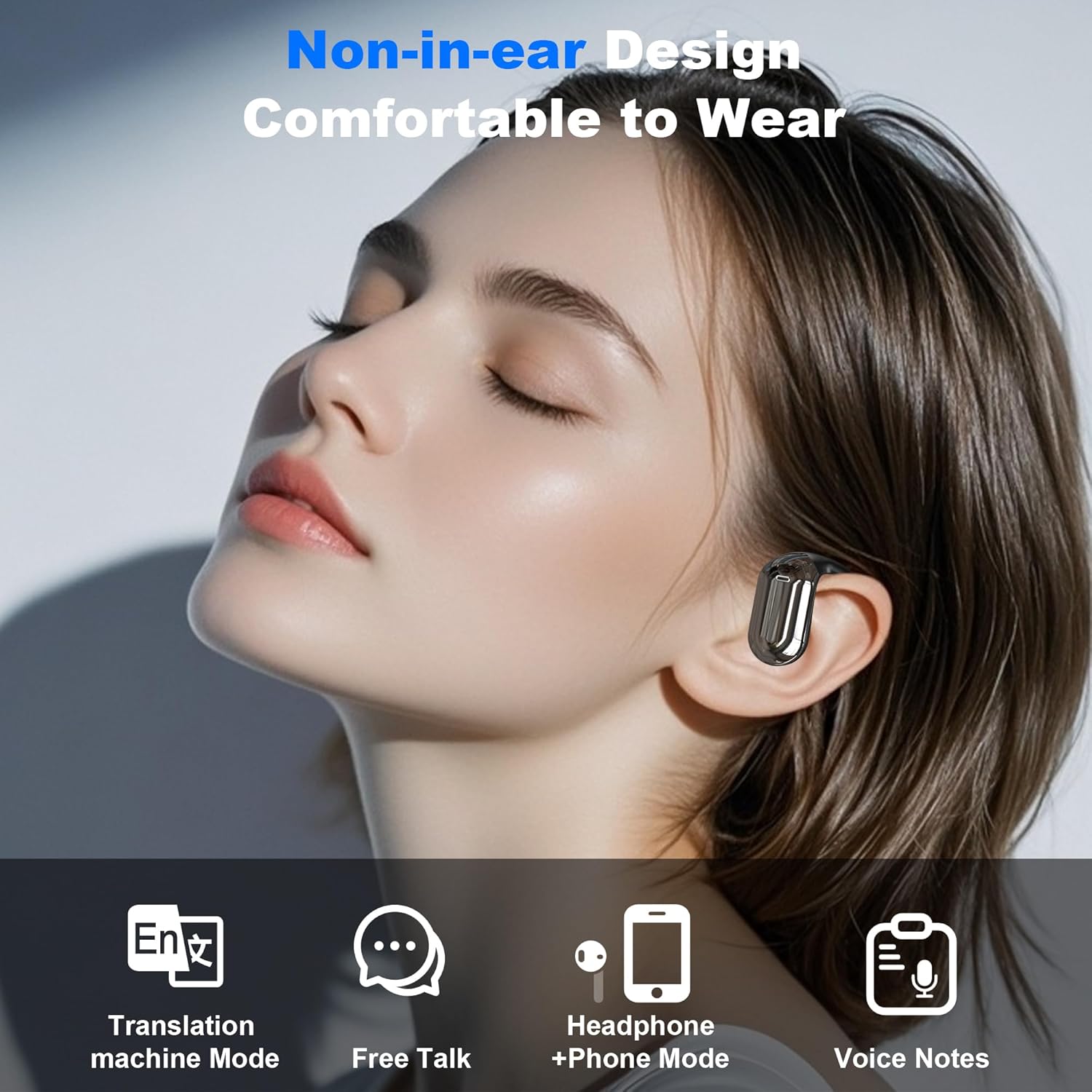
A person wearing the non-in-ear design earbud, with icons indicating its functions: Translation machine Mode, Free Talk, Headphone + Phone Mode, and Voice Notes.
Setup Guide
Charging the Earbuds
Before first use, fully charge the earbuds and the charging case to ensure optimal performance.
- Place the earbuds securely into their designated slots within the charging case.
- Connect the charging case to a standard USB power source using the provided USB cable.
- The indicator lights on the charging case will illuminate to show the charging status. Ensure they are fully charged before disconnecting.
Pairing with Your Device
The earbuds are designed for quick and stable connection with your smartphone or other Bluetooth-enabled devices.
- Open the lid of the charging case. The earbuds will automatically power on and enter pairing mode.
- On your smartphone or device, navigate to the Bluetooth settings and ensure Bluetooth is enabled.
- Search for "Srotek YYK-Q16" (or a similar name) in the list of available Bluetooth devices.
- Select the earbuds to connect. A voice prompt will confirm successful pairing once connected.
App Installation
For full access to translation features and advanced settings, download the dedicated Srotek application.
- Scan the QR code found in your product packaging or search for the "Srotek Translator" app on the Apple App Store (for iOS devices) or Google Play Store (for Android devices).
- Install the application and follow the on-screen instructions to complete the initial setup and link it with your earbuds.
Operating Instructions
Translation Mode
Your earbuds support real-time translation across 144 languages, facilitating seamless communication.
- Ensure your earbuds are connected to your device and the Srotek translation app is open and active.
- Within the app, select your desired source language (the language you will speak) and the target language (the language you want to translate to).
- Initiate the translation function via the app's interface. Speak clearly and at a moderate pace into the earbud's microphone.
- The translated audio will be played back through your earbuds, and often displayed on your device's screen.
Music Playback
Enjoy high-fidelity audio for your music and other media.
- Connect the earbuds to your device via Bluetooth.
- Open your preferred music streaming application or media player.
- Control playback (play/pause, skip tracks, adjust volume) using the touch controls on the earbuds or directly from your connected device.
Call Functionality
Manage your calls with clarity thanks to the smart noise cancellation feature.
- When an incoming call is received, tap either earbud once to answer the call.
- To end an active call, tap either earbud once again.
- The integrated microphone and noise cancellation ensure your voice is transmitted clearly.
Touch Controls
The earbuds feature intuitive touch controls for various functions. For a detailed guide on specific gestures (e.g., single tap, double tap, long press) and their corresponding actions, please refer to the Srotek app or the quick start guide included with your product.
Maintenance and Care
Proper maintenance will extend the lifespan and ensure optimal performance of your Srotek Language Translator Earbuds.
- Cleaning: Regularly wipe the earbuds and the charging case with a soft, dry, lint-free cloth. Do not use abrasive cleaners, solvents, or harsh chemicals.
- Storage: Always store the earbuds in their charging case when not in use. This protects them from dust, damage, and helps maintain battery charge.
- Environmental Conditions: Avoid exposing the earbuds to extreme temperatures (hot or cold), high humidity, direct sunlight, or liquids. They are not waterproof unless explicitly stated.
- Battery Care: For long-term storage, ensure the earbuds and case have some charge (e.g., 50%) to prevent deep discharge, which can damage the battery.
Troubleshooting
If you encounter issues with your earbuds, refer to the common problems and solutions below.
Earbuds not connecting to device
- Ensure Bluetooth is enabled on your smartphone or device.
- Verify that the earbuds and charging case have sufficient battery charge.
- Try unpairing the earbuds from your device's Bluetooth settings and then re-pairing them.
- Restart both your device and the earbuds (by placing them in the case and closing/opening the lid).
Poor audio quality or no sound
- Check for any obstructions or debris in the earbud speakers. Gently clean if necessary.
- Ensure the earbuds are properly seated in your ears for optimal sound delivery.
- Move closer to your connected device to avoid signal interference or range issues.
- Adjust the volume on both your device and the earbuds.
Translation not working correctly
- Verify that the Srotek translation app is installed, updated to the latest version, and running in the foreground.
- Confirm your device has a stable internet connection, as translation often requires online processing.
- Double-check that the correct source and target languages are selected within the app.
- Speak clearly and at a moderate pace directly into the earbud's microphone.
Specifications
| Feature | Detail |
|---|---|
| Model Number | YYK-Q16 |
| Package Dimensions | 6 x 4 x 1.15 inches |
| Item Weight | 5.5 ounces |
| Batteries | 1 CR5 batteries required (included) |
| Talk & Music Playing Time | Up to 12 hours |
| Standby Time | Up to 80 hours |
| Charging Time | Approximately 1.5 hours (for earbuds) |
| Total Battery Life (with case) | Up to 90 hours |
| Translation Languages Supported | 144 Languages |
| Compatibility | Android, iOS, Windows (via Bluetooth) |
| Bluetooth Version | 5.4 |
Warranty and Support
For detailed warranty information, technical support, or to inquire about replacement parts, please refer to the contact details provided in your product packaging or visit the official Srotek website. Please retain your proof of purchase, such as your receipt or order confirmation, as it may be required for warranty claims.