
1. Introduction
This manual provides detailed instructions for the setup, operation, and maintenance of your FORIOT GC2145 Camera Module. The GC2145 is a compact 2-megapixel camera module equipped with a 160-degree wide-angle lens, designed for integration with various microcontroller development boards, including ESP32.
It offers high-resolution imaging capabilities and a DVP interface for seamless configuration and control, making it suitable for a wide range of embedded vision applications.
2. Product Features
- High-Resolution Imaging: Provides 2 million pixels (1616*1232) for clear images.
- Wide-Angle Lens: Features a 160-degree wide-angle lens with a 16mm focal length for broad field-of-view capture.
- Fast Autofocus: Supports fast autofocus to ensure image clarity.
- DVP Interface: Utilizes a DVP interface for easy configuration and control.
- Compatibility: Suitable for various microcontroller development boards and ESP32 development boards.
3. Specifications
| Feature | Description |
|---|---|
| Brand | FORIOT |
| Model | GC2145 |
| Photosensitive Chip | GC2145 |
| Pixels | 2 Million |
| Maximum Resolution | 1616*1232 |
| Lens Type | 160-degree Wide-Angle Lens |
| Focal Length | 16 millimeters |
| Output Format | DVP |
| Interface Voltage | 1.7~3V |
| Ambient Temperature | -20 ~ 70°C |
| Item Weight | 1.76 ounces |
| Package Dimensions | 2 x 2 x 0.2 inches |
Product Parameters Overview

Image: Detailed table outlining the key technical specifications of the GC2145 camera module.
4. Setup and Installation
4.1 Physical Installation
The GC2145 camera module is designed for easy integration with compatible development boards, such as the ESP32-CAM. Ensure proper alignment of the flexible flat cable (FPC) connector.

Image: Front view of the GC2145 camera module, highlighting its lens and FPC.

Image: Rear view of the GC2145 camera module, displaying the connector pins for integration.
Component Breakdown

Image: Exploded view illustrating the main components: the lens, the flexible printed circuit (FPC) board, and the connector.
Pinout Diagram
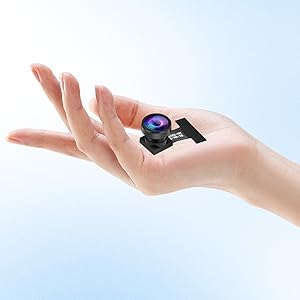
Image: Detailed pinout diagram for the camera module, indicating the function of each pin for connection to a development board.
Installation Video Guide
Video: This video demonstrates the physical installation process of a camera module onto an ESP32-CAM board, showing how to connect the camera's FPC to the board's connector.
5. Operating Instructions
5.1 Connecting to the Camera Feed
After physical installation and powering the development board, you can access the camera feed via a web interface. This typically involves connecting your device (e.g., smartphone) to the Wi-Fi network broadcast by the ESP32-CAM and then navigating to a specific IP address in a web browser.
Accessing Camera Feed Video Guide
Video: This video illustrates how to connect to the ESP32-CAM's Wi-Fi network and access the camera's live feed and settings through a web browser on a smartphone.
5.2 Adjusting Camera Settings
The web interface provides controls for various camera parameters, including resolution, quality, brightness, contrast, saturation, and special effects. Adjust these settings to optimize the image for your specific application.
5.3 Typical Applications
The GC2145 camera module is versatile and can be used in various projects:
- Home security and surveillance systems.
- Remote monitoring and IoT applications.
- Robotics and automation vision systems.
- Smart doorbells and access control.
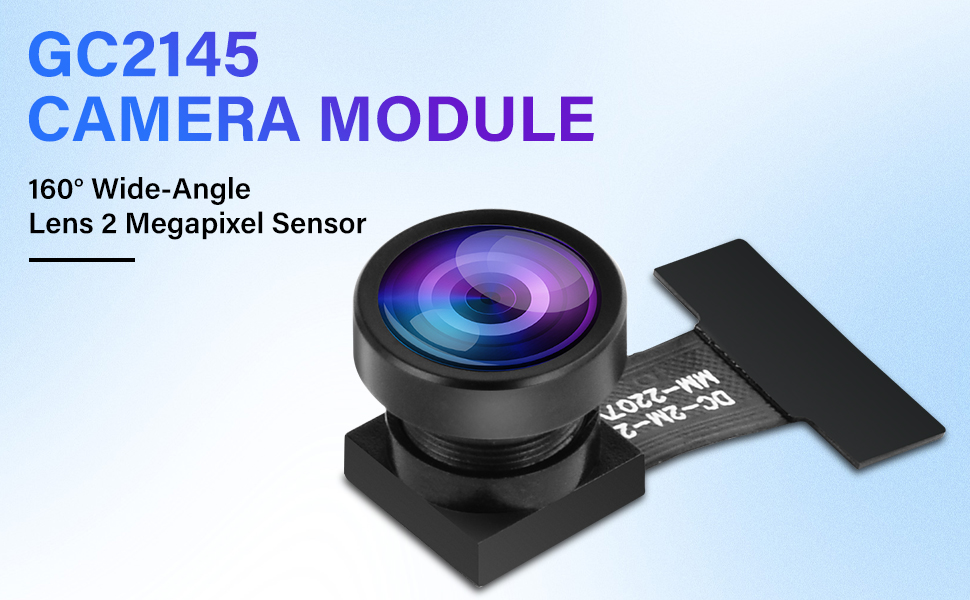
Image: Collage showing various practical applications of the camera module, such as integration with an ESP32-CAM board, use in an ATM, a smart doorbell, and a facial recognition system.
6. Maintenance
To ensure optimal performance and longevity of your GC2145 Camera Module, follow these maintenance guidelines:
- Cleaning the Lens: Gently clean the lens with a soft, lint-free cloth. For stubborn smudges, use a lens cleaning solution specifically designed for optical surfaces. Avoid abrasive materials or harsh chemicals.
- Environmental Protection: Operate and store the module within the specified ambient temperature range (-20°C to 70°C). Protect it from excessive moisture, dust, and direct sunlight.
- Handling: Handle the module by its edges to avoid touching the lens or the FPC. Static electricity can damage electronic components, so use anti-static precautions when handling.
- Firmware Updates: Regularly check the manufacturer's website or community forums for any available firmware updates for your development board, which may include improvements for camera compatibility and performance.
7. Troubleshooting
If you encounter issues with your GC2145 Camera Module, consider the following troubleshooting steps:
- No Image/Black Screen:
- Ensure the FPC is securely and correctly connected to the development board.
- Verify that the development board is powered on and functioning correctly.
- Check the camera's power supply voltage if applicable.
- Poor Image Quality:
- Clean the camera lens for any dust or smudges.
- Adjust the resolution, brightness, contrast, and other settings via the web interface.
- Ensure adequate lighting in the environment.
- Connection Issues (Wi-Fi):
- Confirm your device is connected to the correct Wi-Fi network broadcast by the ESP32-CAM.
- Verify the IP address entered in the web browser is correct.
- Restart both the development board and your viewing device.
- Module Not Detected:
- Re-seat the camera module's FPC connector.
- Ensure the development board's firmware supports the GC2145 module.
For further assistance, refer to the documentation of your specific development board or contact FORIOT customer support.
8. Important Safety Information
- Do not expose the camera module to extreme temperatures, humidity, or corrosive environments.
- Avoid physical shock or excessive force on the module, especially the lens and FPC.
- Ensure proper grounding and power supply to prevent electrical damage.
- Keep out of reach of children.
9. Warranty and Support
FORIOT products are designed for reliability and performance. For warranty information and technical support, please visit the official FORIOT website or contact our customer service team. Please have your product model (GC2145) and purchase details ready when seeking support.
Manufacturer: FORIOT
Date First Available: December 26, 2024


