Introduction
Thank you for choosing sixco Wireless Earbuds. These Bluetooth 5.4 headphones are designed to provide a superior audio experience with heavy bass, intelligent noise cancellation, and a long play time. This manual will guide you through the setup, operation, and maintenance of your new earbuds.
What's in the Box
- sixco Wireless Earbuds (Left and Right)
- Charging Case
- Charging Cable
- Ear Tips (various sizes)
- User Manual (this document)
Product Overview
The sixco Wireless Earbuds feature an ergonomic in-ear design for comfortable wear. The charging case includes a dual LED display showing battery levels for both earbuds and the case itself. The earbuds are equipped with touch controls for easy operation.

Image: sixco Wireless Earbuds in their charging case, displaying battery levels on the front LED screen.
Setup
1. Charging the Earbuds and Case
Before first use, fully charge the earbuds and the charging case. Place the earbuds into the charging case. Connect the provided USB charging cable to the charging port on the case and a power source. The LED display on the case will show the charging progress. A full charge for the case takes approximately 2 hours, and for the earbuds, about 1.5 hours.
Video: Demonstrates how to charge the earbuds and case, showing the LED battery display.

Image: Visual representation of the earbud and charging case battery life, indicating 72 hours total with the charging case and 5-6 hours for a single earbud charge.
2. Pairing with Your Device
The earbuds support Bluetooth 5.4 for a stable and low-latency connection. For initial pairing:
- Ensure the earbuds are charged.
- Open the charging case. The earbuds will automatically enter pairing mode.
- On your device (smartphone, tablet, etc.), go to Bluetooth settings and turn Bluetooth on.
- Look for "M83" in the list of available devices and select it to connect.
- Once connected, a voice prompt will confirm successful pairing.
After the initial pairing, the earbuds will automatically connect to the last paired device when removed from the charging case, provided Bluetooth is enabled on your device.
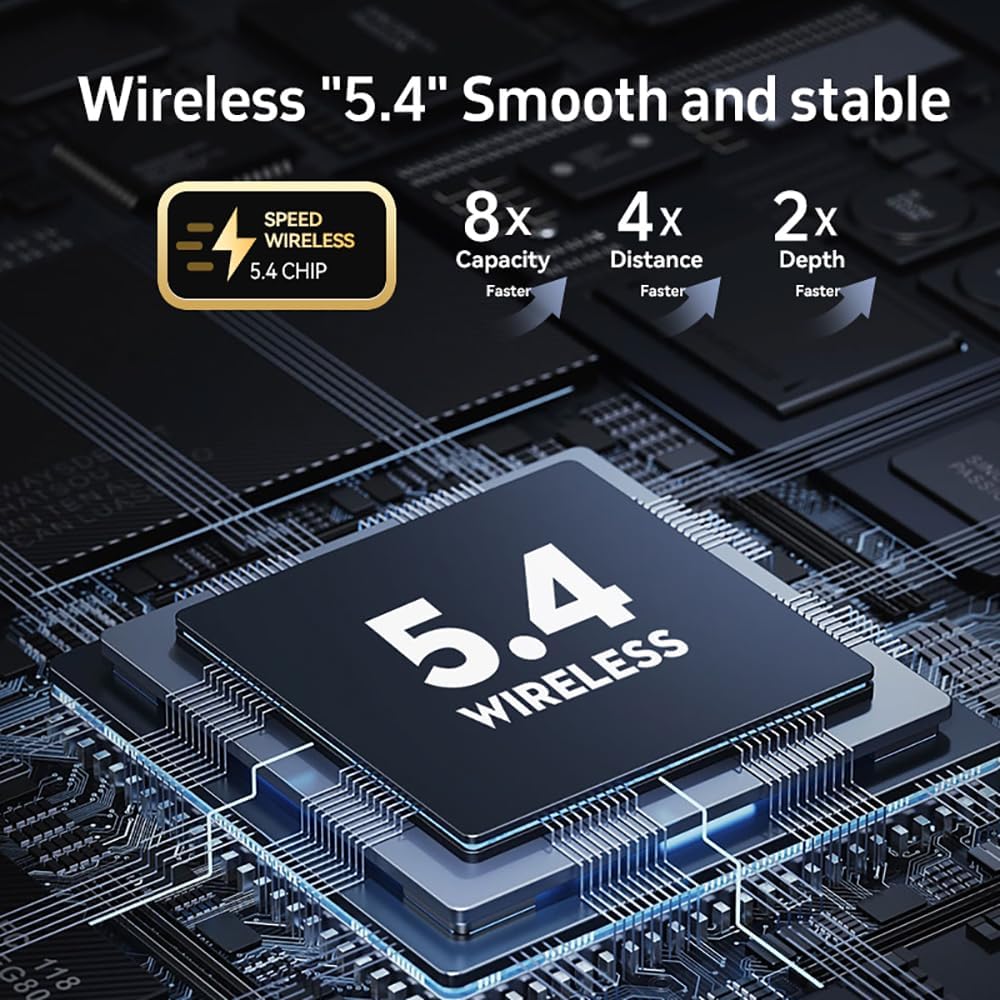
Image: Illustration highlighting the advanced Bluetooth 5.4 chip, emphasizing faster capacity, distance, and depth of connection.
Operating the Earbuds
Touch Controls
The sixco Wireless Earbuds feature intuitive touch controls on each earbud. Refer to the diagram below for specific functions:

Image: Detailed diagram illustrating the touch control functions on the earbuds, including actions for music playback, calls, and voice assistant activation.
- Play/Pause: Single touch on either earbud.
- Next Song: Double touch on the right earbud.
- Previous Song: Double touch on the left earbud.
- Volume Up: Long press (3 seconds) on the right earbud.
- Volume Down: Long press (3 seconds) on the left earbud.
- Answer/End Call: Single touch on either earbud.
- Reject Call: Long press on either earbud.
- Activate Voice Assistant: Triple touch on either earbud.
Sound Modes (Noise Cancellation)
The earbuds offer different sound modes to suit your environment:
- Noise Reduction Mode (Default): Ideal for noisy environments, effectively reducing ambient sound.
- Transparent Mode: Allows you to hear your surroundings while listening to audio, useful for awareness.
- Normal Mode: Standard audio playback without active noise cancellation or transparency.
To switch between modes, press and hold the left earbud for 2 seconds. The earbuds will cycle through the modes with a voice prompt for each change.

Image: Illustrates the noise reduction capabilities and key features like HiFi lossless audio and long battery life.

Image: Depicts the earbuds' low latency feature, ensuring sound and picture synchronization, ideal for gaming and video playback.
Wearing the Earbuds
For optimal sound quality and comfort, ensure the earbuds are properly seated in your ears. Experiment with the different sizes of ear tips provided to find the best fit. A snug fit helps with noise isolation and bass response.
Video: Shows a person inserting the earbud into their ear and adjusting it for a comfortable fit.
Maintenance
- Cleaning: Regularly clean the earbuds and charging case with a soft, dry, lint-free cloth. Do not use harsh chemicals or abrasive materials.
- Water Resistance: The earbuds are IP6 waterproof, meaning they are protected against powerful water jets. However, they are not designed for submersion. Avoid exposing them to excessive moisture or liquids.
- Storage: When not in use, store the earbuds in their charging case to protect them and keep them charged.
- Battery Care: To prolong battery life, avoid fully discharging the earbuds and case frequently. Charge them regularly.
Troubleshooting
| Problem | Solution |
|---|---|
| Earbuds not pairing/connecting. |
|
| No sound or low volume. |
|
| Earbuds speaking in a foreign language. | This can sometimes occur. Try resetting the earbuds by placing them in the charging case, closing the lid, and then opening it again. If the issue persists, consult the manufacturer's website for specific language change instructions or a full factory reset procedure. |
| One earbud not working. |
|
Specifications
- Model Name: M83
- Connectivity Technology: Wireless (Bluetooth 5.4)
- Charging Time (Earbuds): 1.5 Hours
- Charging Time (Carrying Case): 2 Hours
- Play Time (Single Charge): 5-6 Hours
- Total Play Time (with Case): Up to 72 Hours
- Control Type: Touch Control
- Ear Placement: In Ear
- Item Weight: 80 Grams (Earbuds + Case)
- Waterproof Rating: IP6
- Manufacturer: Ruige
Warranty and Support
For warranty information or technical support, please refer to the contact details provided on the product packaging or visit the official sixco website. Keep your purchase receipt as proof of purchase for any warranty claims.