
1. Product Overview
The JEDOUBAL Stylus Pen, Model 730SS, is designed to enhance your digital writing and drawing experience on compatible Apple iPad devices. It features magnetic wireless charging, advanced palm rejection technology, and tilt sensitivity for precise control and natural interaction.
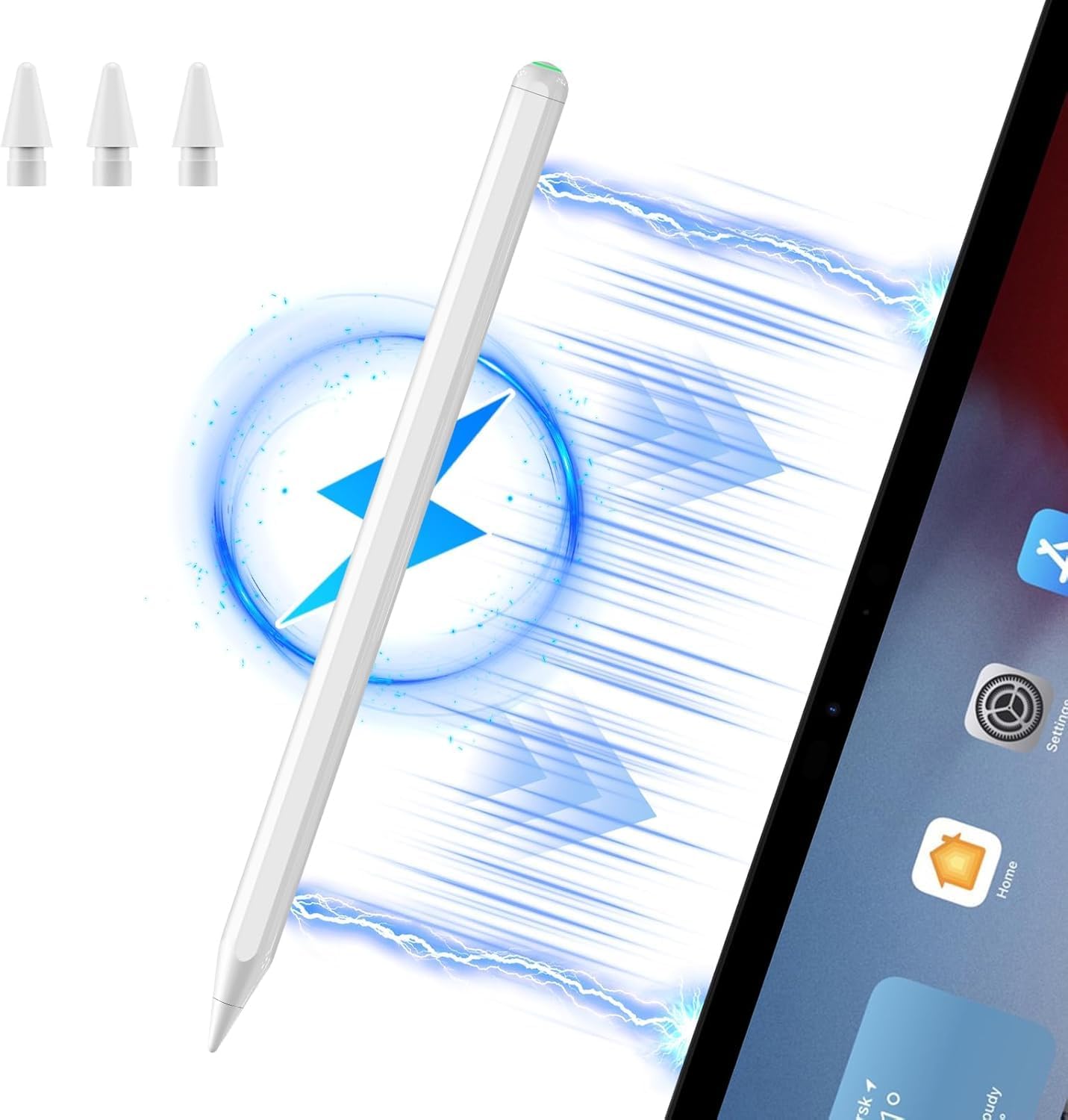
Image 1.1: JEDOUBAL Stylus Pen with magnetic charging indication and included replacement tips.
2. Compatibility
This stylus pen is specifically designed for magnetic wireless charging with the following Apple iPad models:
- iPad Pro 12.9-inch (3rd, 4th, 5th, 6th Generation)
- iPad Pro 11-inch (1st, 2nd, 3rd, 4th Generation)
- iPad Air (4th, 5th Generation)
- iPad mini (6th Generation)
Please verify your iPad model before use to ensure compatibility with the magnetic wireless charging feature. Other iPad models may not support this charging method.

Image 2.1: Visual guide to compatible iPad models for magnetic wireless charging.
3. Setup
3.1 Initial Pairing and Charging
The JEDOUBAL Stylus Pen utilizes magnetic wireless charging. To set up and charge your pen:
- Ensure your compatible iPad is powered on and has sufficient battery life.
- Attach the stylus pen magnetically to the side of your iPad that supports wireless charging. The pen will automatically begin charging.
- The stylus pen is designed to draw minimal power from the iPad for a full charge, allowing it to operate as long as the iPad has power.

Image 3.1: Magnetic attachment and charging process of the stylus pen on an iPad.
4. Operating Instructions
4.1 Palm Rejection Function
The stylus pen features an integrated palm rejection function. This allows you to rest your hand naturally on the iPad screen while writing or drawing without causing unintended marks or interactions. This function operates automatically.

Image 4.1: User demonstrating palm rejection while writing on an iPad with the stylus pen.
4.2 Tilt Sensitivity
The JEDOUBAL Stylus Pen supports tilt sensitivity, allowing for varied line thickness and shading effects. By changing the angle at which the pen tip touches the screen, you can achieve different artistic outcomes, similar to using a traditional pencil.

Image 4.2: Visual representation of how tilt angle affects line thickness and shading.
4.3 General Usage
The stylus provides a smooth and responsive writing and drawing experience with no noticeable lag or skips. It is designed for high precision and comfortable grip during extended use.
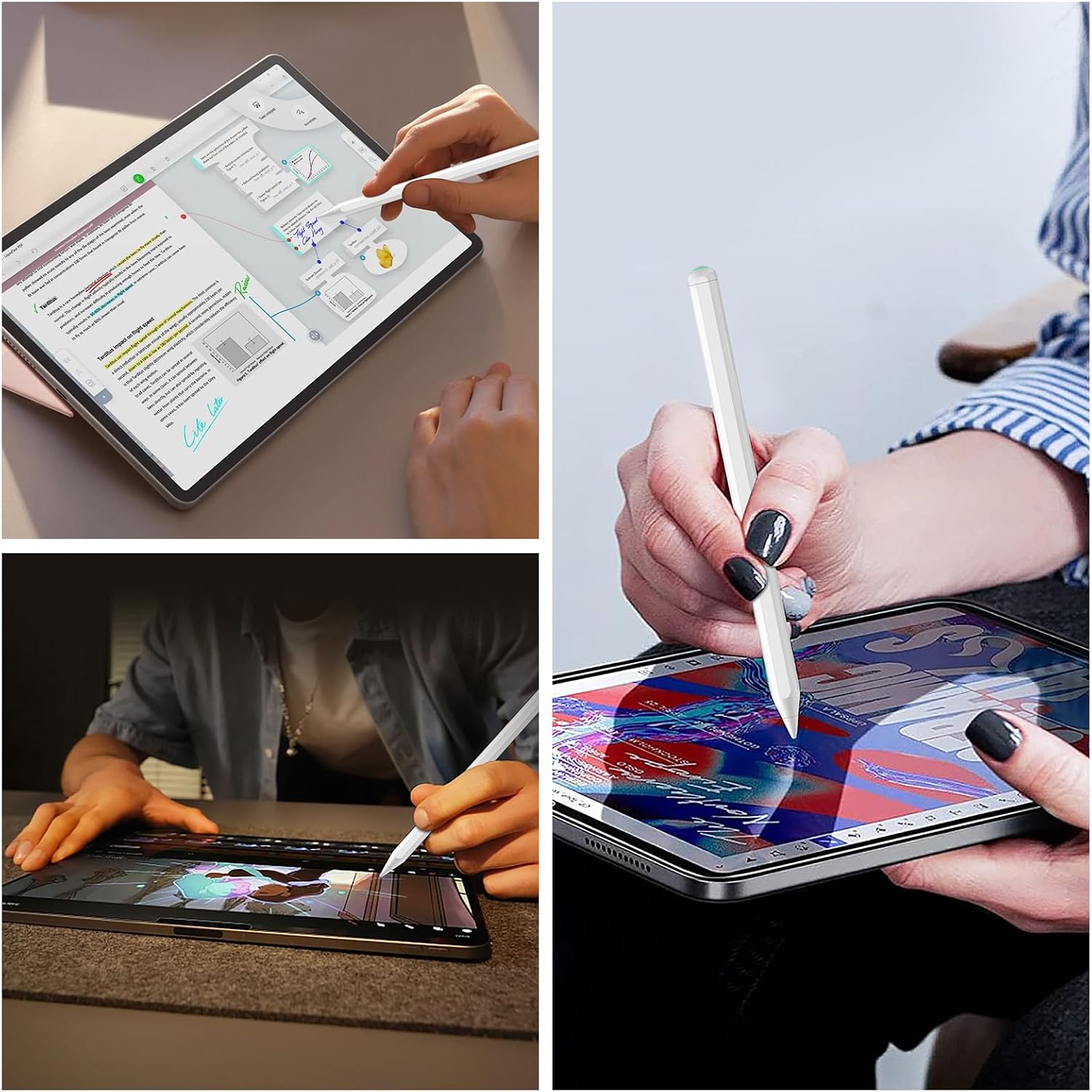
Image 4.3: Examples of the stylus pen in use for different tasks on an iPad.
5. Maintenance
5.1 Replacing Pen Tips
The stylus pen comes with multiple replacement tips to ensure a long lifespan and consistent performance. Replacing a tip is a simple process:
- Gently twist the existing pen tip counter-clockwise to remove it.
- Align a new replacement tip with the pen's end.
- Twist the new tip clockwise until it is securely fastened. No tools are required.

Image 5.1: Step-by-step guide for replacing the stylus pen tip.
6. Troubleshooting
If you encounter issues with your JEDOUBAL Stylus Pen, please refer to the following common troubleshooting steps:
| Problem | Possible Cause | Solution |
|---|---|---|
| Stylus not connecting or disconnecting frequently | Low battery, improper magnetic attachment, software glitch, or interference. |
|
| Stylus not writing or responding | Low battery, damaged pen tip, or incompatible application settings. |
|
| Palm rejection not working | Incompatible iPad model or specific app settings overriding the function. |
|
7. Specifications
| Feature | Detail |
|---|---|
| Model Number | 730SS |
| Brand | JEDOUBAL |
| Color | White |
| Material | Aluminum |
| Item Weight | 2.08 ounces |
| Package Dimensions | 7.4 x 2.44 x 0.75 inches |
| Battery Type | Lithium-Ion Polymer |
| Charging Method | Magnetic Wireless Charging (iPad dependent) |
| Key Features | Palm Rejection, Tilt Sensitivity |
| Compatible iPad Models | iPad Pro 12.9" (3rd, 4th, 5th, 6th Gen), iPad Pro 11" (1st, 2nd, 3rd, 4th Gen), iPad Air (4th, 5th Gen), iPad mini (6th Gen) |
8. Warranty and Support
Information regarding product warranty and direct customer support for the JEDOUBAL Stylus Pen (Model 730SS) is not available in the provided data. For warranty claims, technical assistance, or further inquiries, please refer to the product packaging or contact JEDOUBAL customer service directly through their official website or the retailer from whom the product was purchased.