
CHAIN PEAK C20 Omni
CHAIN PEAK C20 Omni Roller Brushes Instruction Manual
Compatible with Eufy C20 Omni Robot Vacuum
1. Product Overview
The CHAIN PEAK C20 Omni Roller Brushes are designed as high-quality replacement main brushes for the Eufy C20 Omni robot vacuum cleaner. These brushes are crafted from premium rubber and nylon materials, ensuring effective cleaning performance across various floor types.
Key Features:
- Perfect Compatibility: Specifically designed for the Eufy C20 Omni robot vacuum cleaner.
- Effective Cleaning: V-shaped design efficiently absorbs pet hair, dirt, dust, and debris.
- Multi-Surface Use: Suitable for various floor types including wood, tiles, marble, stone, and carpet.
- Durable Materials: Constructed with premium nylon bristles and soft rubber blades for longevity and gentle cleaning.

Image 1.1: Two CHAIN PEAK C20 Omni Roller Brushes. These brushes are designed to effectively clean various floor surfaces.
2. Package Contents
Upon opening your package, you should find the following items:
- 2 x CHAIN PEAK C20 Omni Roller Brushes

Image 2.1: A close-up view of the two roller brushes included in the package, highlighting their design.
3. Installation Guide
Follow these steps to replace the roller brush in your Eufy C20 Omni robot vacuum cleaner:
- Power Off: Ensure your Eufy C20 Omni robot vacuum is powered off and disconnected from its charging base before beginning any maintenance.
- Access Brush Compartment: Turn the robot vacuum upside down. Locate the brush guard or cover, usually secured by latches or screws.
- Remove Old Brush: Unlatch or unscrew the brush guard. Carefully lift out the old roller brush. Remove any accumulated hair or debris from the brush compartment.
- Insert New Brush: Align the ends of the new CHAIN PEAK C20 Omni Roller Brush with the corresponding slots in the vacuum's brush compartment. Ensure it sits securely.
- Secure Brush Guard: Replace the brush guard and secure it with the latches or screws.
- Power On: Turn your robot vacuum back on.

Image 3.1: The CHAIN PEAK C20 Omni Roller Brushes shown alongside the compatible Eufy C20 Omni Robot Vacuum, illustrating their intended use.
4. Operating Instructions
Once installed, the CHAIN PEAK C20 Omni Roller Brushes operate seamlessly with your Eufy C20 Omni robot vacuum. These brushes are designed for optimal performance across a variety of floor surfaces.
- The V-shaped design of the brush effectively gathers debris towards the center for efficient suction.
- The combination of durable nylon bristles and soft rubber blades ensures thorough cleaning without damaging delicate floor types.
- These brushes are suitable for daily cleaning routines on hardwood, tile, carpet, and other common household floor surfaces.
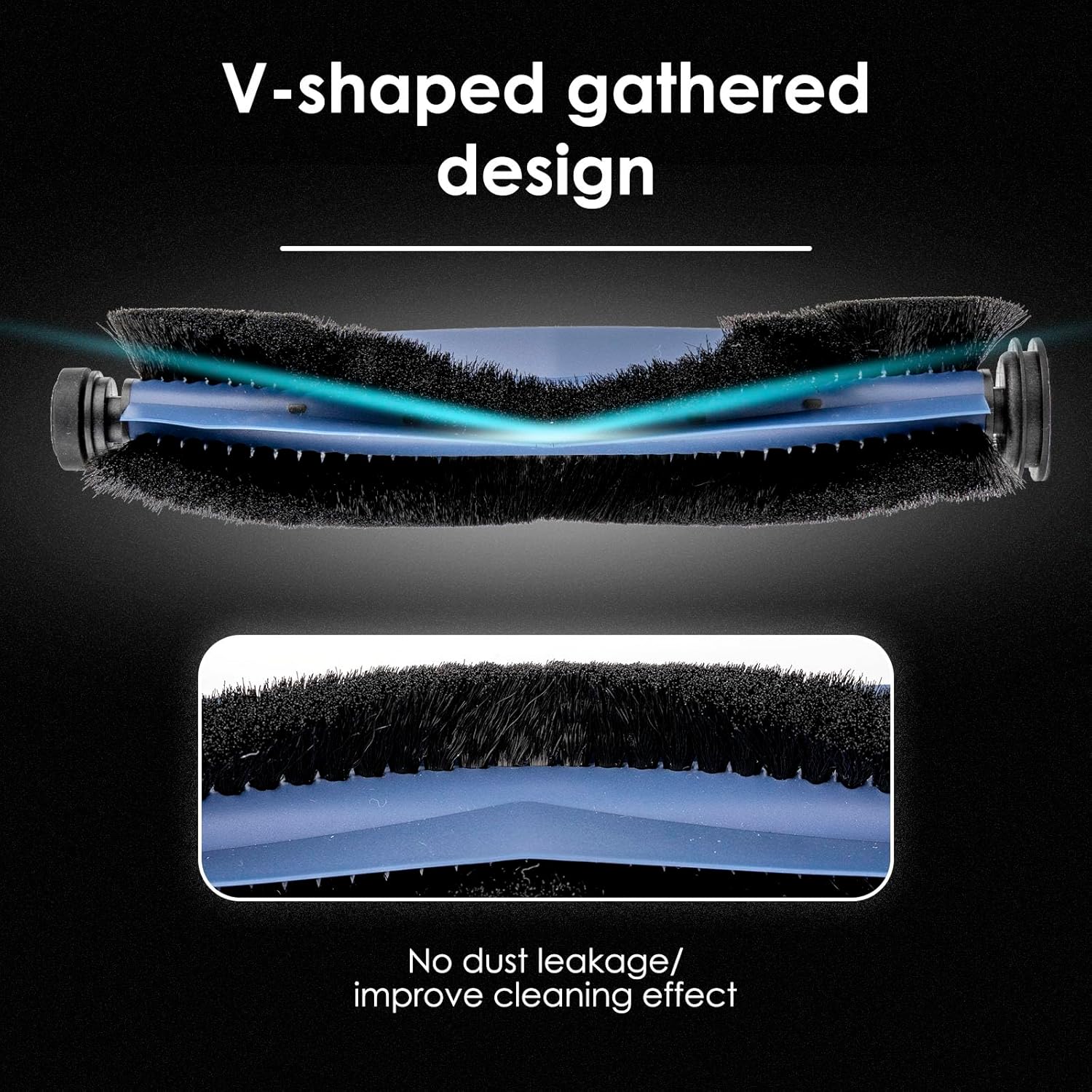
Image 4.1: An illustration demonstrating the roller brush's effectiveness on different floor types, including carpet, wood, and tile.
5. Maintenance
Regular maintenance of your roller brushes is crucial for maintaining the peak performance of your Eufy C20 Omni robot vacuum.
- Regular Cleaning: Periodically remove the roller brush (refer to Section 3: Installation Guide) and clean off any tangled hair, threads, or debris. A small cleaning tool or scissors can be used for this purpose.
- Replacement Frequency: To ensure optimal cleaning efficiency, it is recommended to replace the roller brush every 6-12 months. The exact frequency may vary depending on usage intensity and the presence of pet hair.
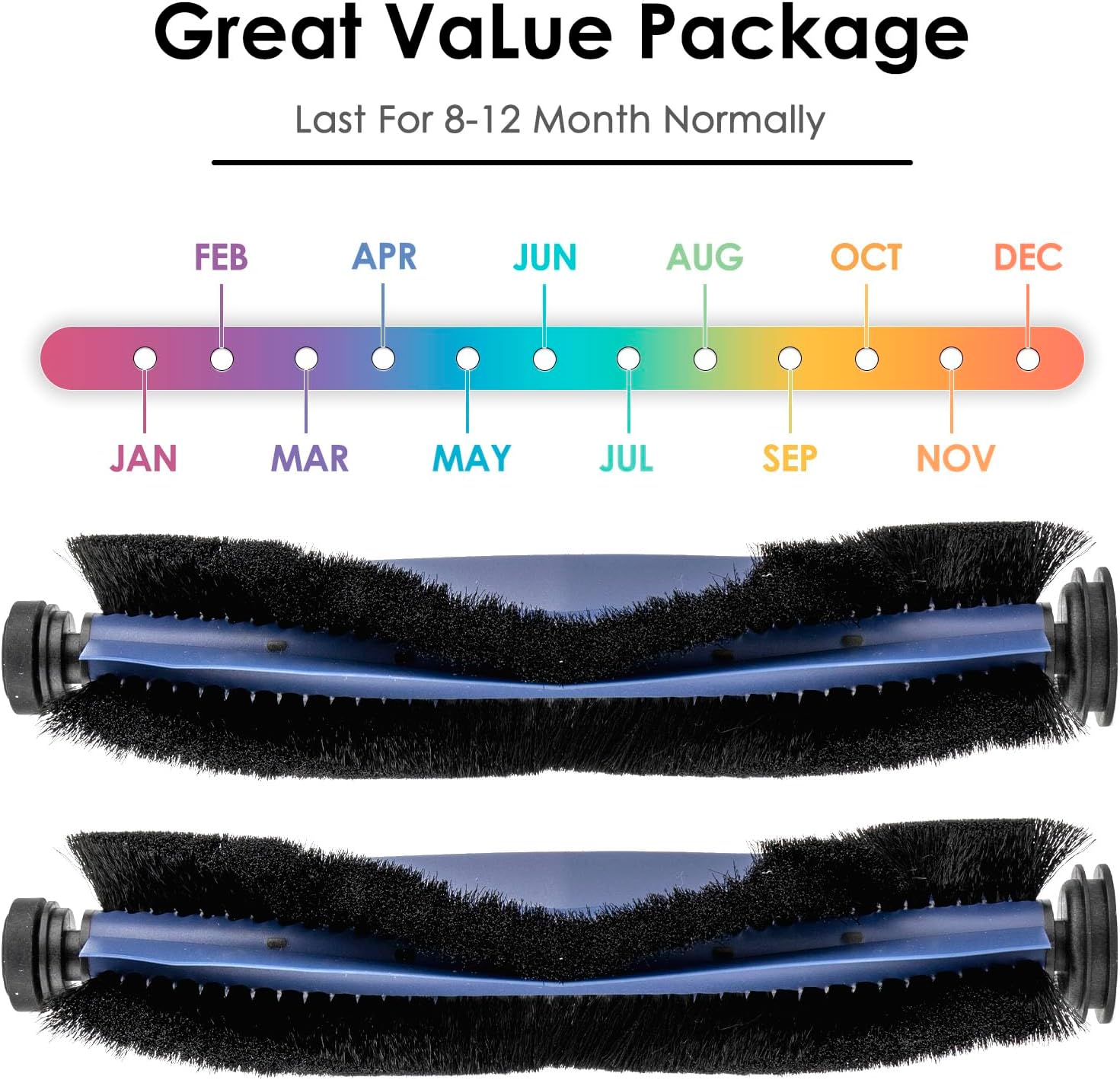
Image 5.1: A visual guide suggesting a typical replacement interval of 8-12 months for the roller brushes to maintain performance.
6. Troubleshooting
If you encounter issues with your robot vacuum's cleaning performance after installing the new roller brushes, consider the following:
- Reduced Cleaning Performance: Check the roller brush for any tangled hair or large debris that might be obstructing its rotation. Clean the brush thoroughly.
- Unusual Noises: Ensure the roller brush is correctly installed and seated in its compartment. Remove and re-install if necessary. Check for any foreign objects caught in the brush or its bearings.
- Brush Not Rotating: Verify that the brush guard is properly secured. If the issue persists after cleaning and re-installation, the brush might be worn out and require replacement.
7. Specifications
| Attribute | Detail |
|---|---|
| Brand | CHAIN PEAK |
| Model | Omni C20 |
| Compatible Device | Eufy C20 Omni Robot Vacuum |
| Material Type | Premium Rubber and Nylon |
| Number of Items | 2 |
| Item Weight | 4.2 ounces (for the package) |
| Product Dimensions | Approximately 1 x 1 x 1 inches (per brush, general reference) |

Image 7.1: Detailed view of a roller brush with approximate dimensions for reference.
8. Warranty and Support
CHAIN PEAK is committed to providing high-quality, cost-effective replacement parts. If you have any questions, concerns, or require assistance with your C20 Omni Roller Brushes, please do not hesitate to contact our customer support team. Our after-sales team is dedicated to providing satisfactory services to every customer.
For support, please refer to the contact information provided with your purchase or on the official CHAIN PEAK website.
Ask a question about this manual
Ask about setup, troubleshooting, compatibility, parts, safety, or missing instructions. Manuals+ will review the question and use this page’s manual context to help answer it.