
1. Product Overview
The Atcall V5 Cell Phone Booster is designed to significantly enhance cellular signal strength for RVs, trucks, trailers, campers, and travel vehicles. It supports 5G and 4G LTE signals across all major U.S. carriers, including Verizon, AT&T, T-Mobile, and Sprint. This booster provides improved voice quality, faster data speeds, and reduces dropped calls, ensuring reliable connectivity on the go.

Image: The Atcall V5 Cell Phone Booster system, showing the main booster unit, the omnidirectional outdoor antenna, and coiled cables.
2. Package Contents
Please verify that all items listed below are included in your package:
- V5 Signal Booster Unit
- Outside Omnidirectional Antenna
- Inside Patch Antenna
- 2 x 10ft 3D-FB Coaxial Cables
- Power Extension Cable
- AC/DC Power Adapter
- Mounting Kits

Image: A visual representation of all components included in the package, such as the booster, antennas, cables, and power adapters.
3. Setup and Installation
Follow these steps for proper installation of your Atcall V5 Cell Phone Booster. No technical experience or app is required for setup.
- Mount the Outside Omnidirectional Antenna: Install the omnidirectional antenna on the exterior of your RV or truck, preferably on the roof or a high point, ensuring it has a clear line of sight to cell towers. Use the provided mounting kits for secure attachment. This antenna receives signals from all directions.
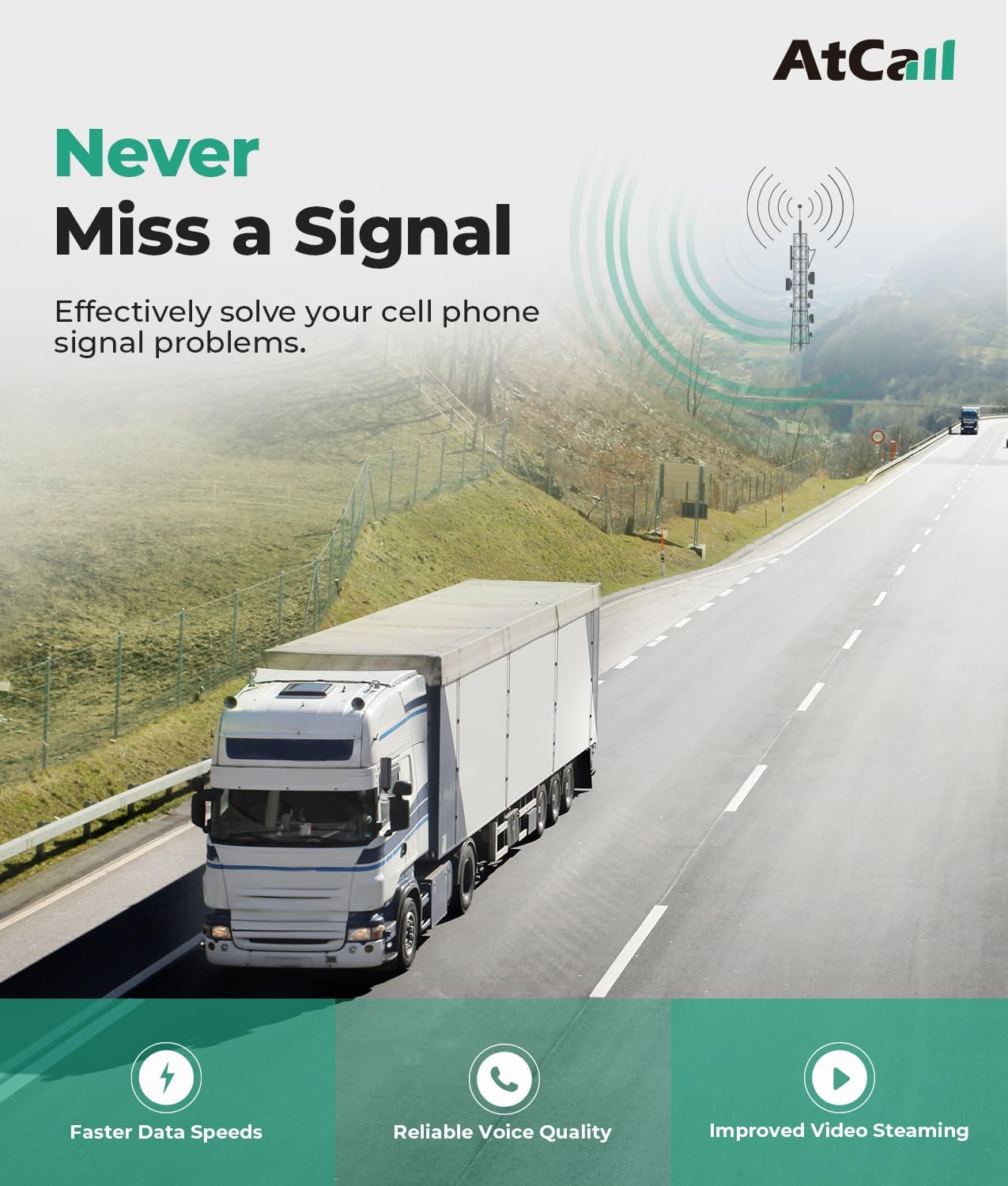
Image: An RV traveling on a road, with an illustration of how the external antenna receives signals from distant cell towers.
- Install the Inside Patch Antenna: Place the inside patch antenna within your vehicle where you need improved signal coverage, typically near your mobile devices. Ensure there is at least 4 feet vertical and 4 feet horizontal separation between the outside and inside antennas to prevent oscillation.
- Connect the Cables: Connect the outside omnidirectional antenna to the "OUTSIDE" port on the V5 Signal Booster unit using one of the 10ft coaxial cables. Connect the inside patch antenna to the "INSIDE" port on the V5 Signal Booster unit using the other 10ft coaxial cable.
- Power On the Booster: Connect the AC/DC Power Adapter to the V5 Signal Booster unit and then plug it into a power outlet in your RV or truck. The booster will power on, and the LED indicators will illuminate.
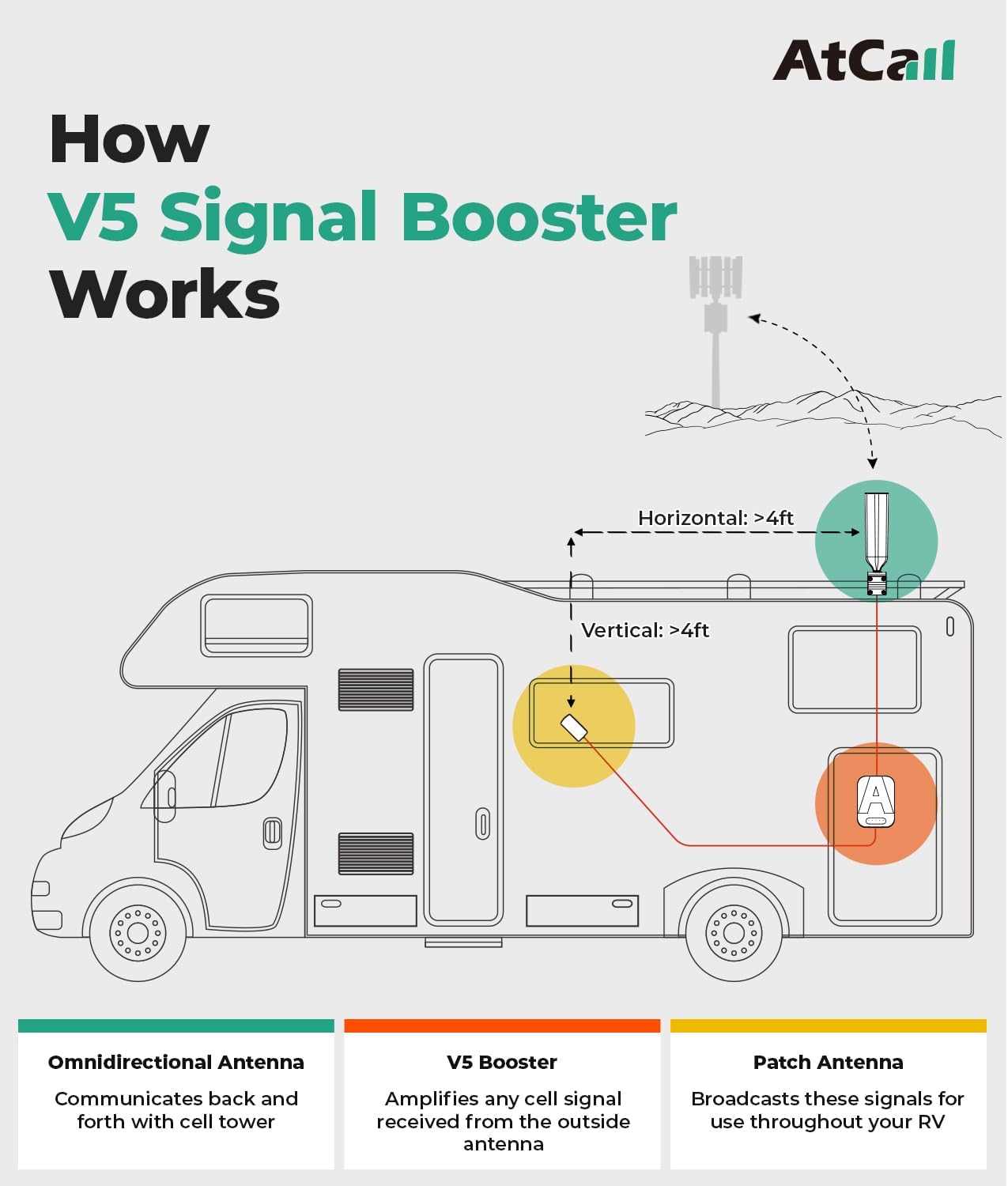
Image: A schematic diagram showing the optimal placement of the omnidirectional antenna on the RV roof, the booster unit inside, and the patch antenna for signal distribution.
Important Note:
The signal booster cannot generate signals. It amplifies existing signals. Therefore, you must ensure that the outdoor signal strength is not less than 1-2 bars (-110dBm) for the booster to function effectively. Check your phone's band and outdoor signal strength before ordering or installing.
Video: An animated explanation of how the RV cell signal booster works, from receiving external signals to distributing them inside the vehicle.
4. Operating the Booster
Once installed and powered on, the Atcall V5 Signal Booster operates automatically. It will detect and amplify available cellular signals.
LED Indicators:
The booster is equipped with intuitive LED indicators that display the operating status of each corresponding band. Refer to the table below for indicator meanings:
| LED Color | Status | Description |
|---|---|---|
| Green | Functional | The band is operating correctly and boosting signal. |
| Orange | Self-Test and Signal Interference | Indicates the booster is performing a self-test or experiencing signal interference (oscillation). Adjust antenna separation if interference persists. |
| Red | Abnormal | Indicates an issue with the band. Refer to the Troubleshooting section. |

Image: A detailed view of the booster's LED panel, explaining the meaning of different light colors for each frequency band.
The booster supports multiple users and devices simultaneously, providing enhanced signal coverage for all your cellular needs while traveling.
Video: A demonstration of the Atcall Cell Phone Booster in an RV setting, highlighting its benefits for staying connected.
5. Maintenance
The Atcall V5 Signal Booster is designed for low maintenance. Follow these general guidelines to ensure optimal performance and longevity:
- Keep Antennas Clear: Ensure both the outdoor and indoor antennas are free from obstructions (e.g., dirt, snow, debris) that could impede signal transmission or reception.
- Check Connections: Periodically inspect all cable connections to ensure they are secure and free from damage. Loose connections can degrade performance.
- Clean the Unit: Wipe the booster unit and antennas with a soft, dry cloth as needed to remove dust. Do not use harsh chemicals or abrasive cleaners.
- Environmental Protection: The carbon fiber omnidirectional antenna is designed to be waterproof and shockproof. However, avoid exposing the main booster unit to extreme temperatures or direct moisture.
6. Troubleshooting
If you experience issues with your Atcall V5 Signal Booster, consult the following troubleshooting tips:
| Problem | Possible Cause | Solution |
|---|---|---|
| No Signal Boost / Weak Signal |
|
|
| Orange LED Indicator | Self-test or signal interference. |
|
| Red LED Indicator | Abnormal operation on a specific band. |
|
| No Power | Power adapter issue or outlet problem. |
|
How to Check Your Phone's Frequency Band:
Understanding your phone's frequency band can help in diagnosing signal issues.
- For iPhone:
- Dial *3001#12345#* then press the call button.
- Choose "All Metrics," then "Serving Cell Info."
- Check "Band Info."
- For Android Phone:
- Download "Network Cell Info Lite" app.
- Choose "GAUGE."
- Check "BAND."
7. Specifications
| Feature | Detail |
|---|---|
| Model | V5 Signal Booster |
| Max Gain | 50dB |
| Supported Bands | Band 12/17, Band 2/25, Band 5, Band 13, Band 4/66 |
| Supported Carriers | All U.S. Carriers (AT&T, Verizon, T-Mobile, Sprint, U.S. Cellular, etc.) |
| Supported Technologies | 5G, 4G LTE |
| FCC ID | 2A34B-SFZN002 |
| Package Dimensions | 13.07 x 9.25 x 3.9 inches |
| Item Weight | 4.49 pounds |
| Color | Black |
| Manufacturer | Atcall |
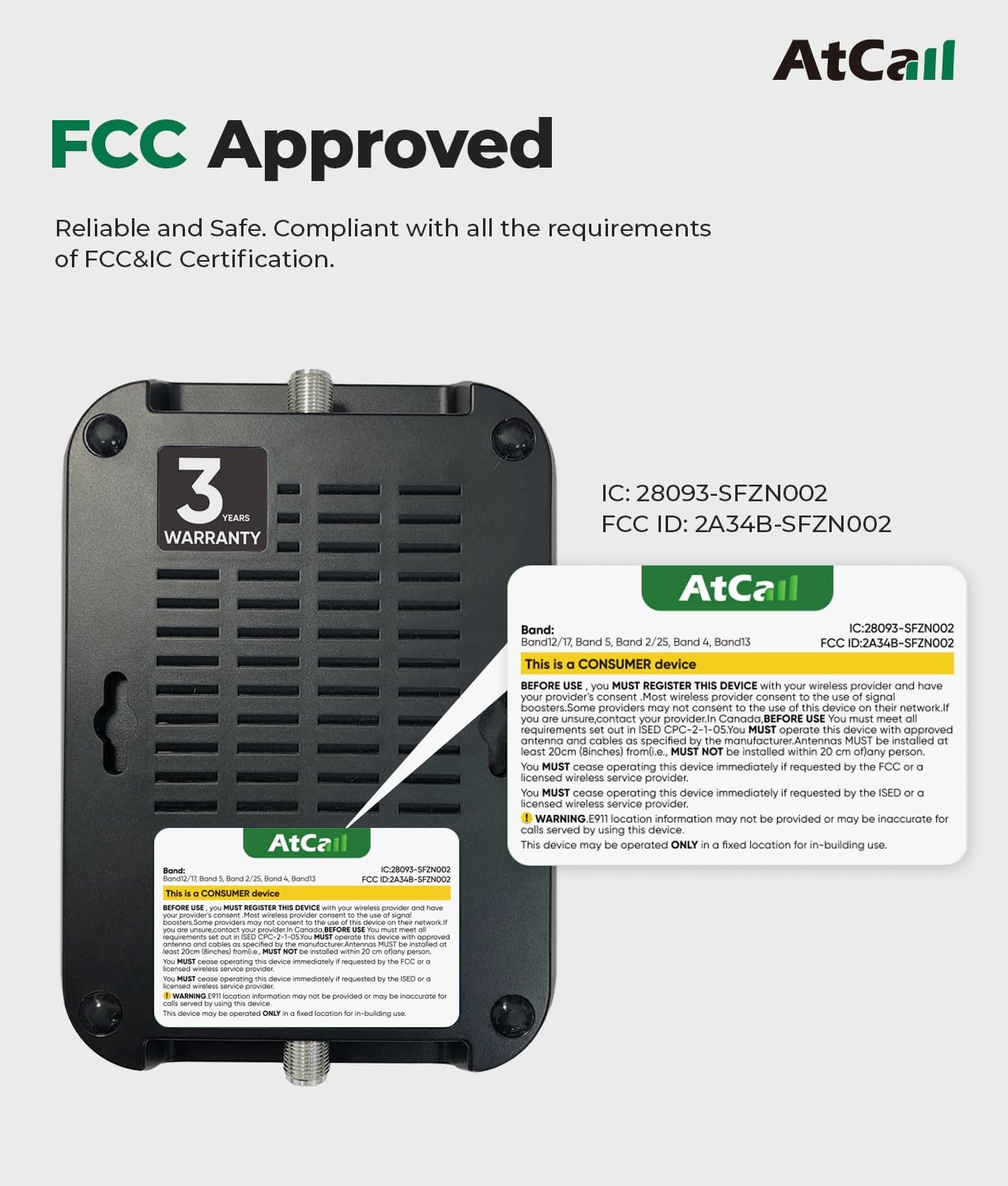
Image: The rear view of the booster unit, displaying its FCC ID and indicating compliance with regulatory standards.
8. Warranty and Support
Atcall provides a 3-year warranty for the V5 Signal Booster. This product is FCC Approved (FCC ID: 2A34B-SFZN002) and compliant with all applicable standards.
For professional technical support or any questions regarding your Atcall V5 Signal Booster, please feel free to contact us. Our team is ready to assist you.
Contact Information:
Please refer to the contact details provided on the product packaging or the official Atcall website for the most up-to-date support information.