
Introduction
Thank you for choosing the AsiaHorse AURORA Pro 24 Pin ARGB Mainboard & GPU Cover. This product is designed to enhance the aesthetic appeal of your PC build with vibrant, customizable lighting. Featuring 108 addressable LED beads and compatibility with ATX, MATX, and ITX motherboards, the AURORA Pro offers a unique visual experience. This manual provides detailed instructions for installation, operation, and maintenance to ensure optimal performance and longevity of your product.
What's in the Box
Please verify that all components are present in your package:
- Aurora 108 ARGB LED Cover for PSU 24Pin Cable (20.5 cm) x 1
- ARGB Hub x 1
- Remote Control x 1
- Instruction Manual x 1
- Cable Clips x 6

Image: All components included in the AsiaHorse AURORA Pro package, laid out clearly. This includes the ARGB LED cover, ARGB hub, remote control, instruction manual, and six cable clips.
Product Specifications
| Model Number | AURORA |
| Color | Black |
| Item Length | 20.5 cm |
| Number of Light Sources | 108 ARGB LED Beads |
| Light Color | Multicolor (ARGB) |
| Connection Protocol | 5V 3Pin ARGB |
| Power Source | Wired (SATA Power for Controller) |
| Special Feature | Heat Resistant, Modular Design |
| Compatibility | ATX/MATX/ITX Motherboards |
| Usage Environment | Indoor |
| Water Resistance | Not waterproof |

Image: A detailed view of the ARGB LED cover, emphasizing its 108 LED beads, adjustable brightness, enhanced color reproduction, and smooth lighting effects.
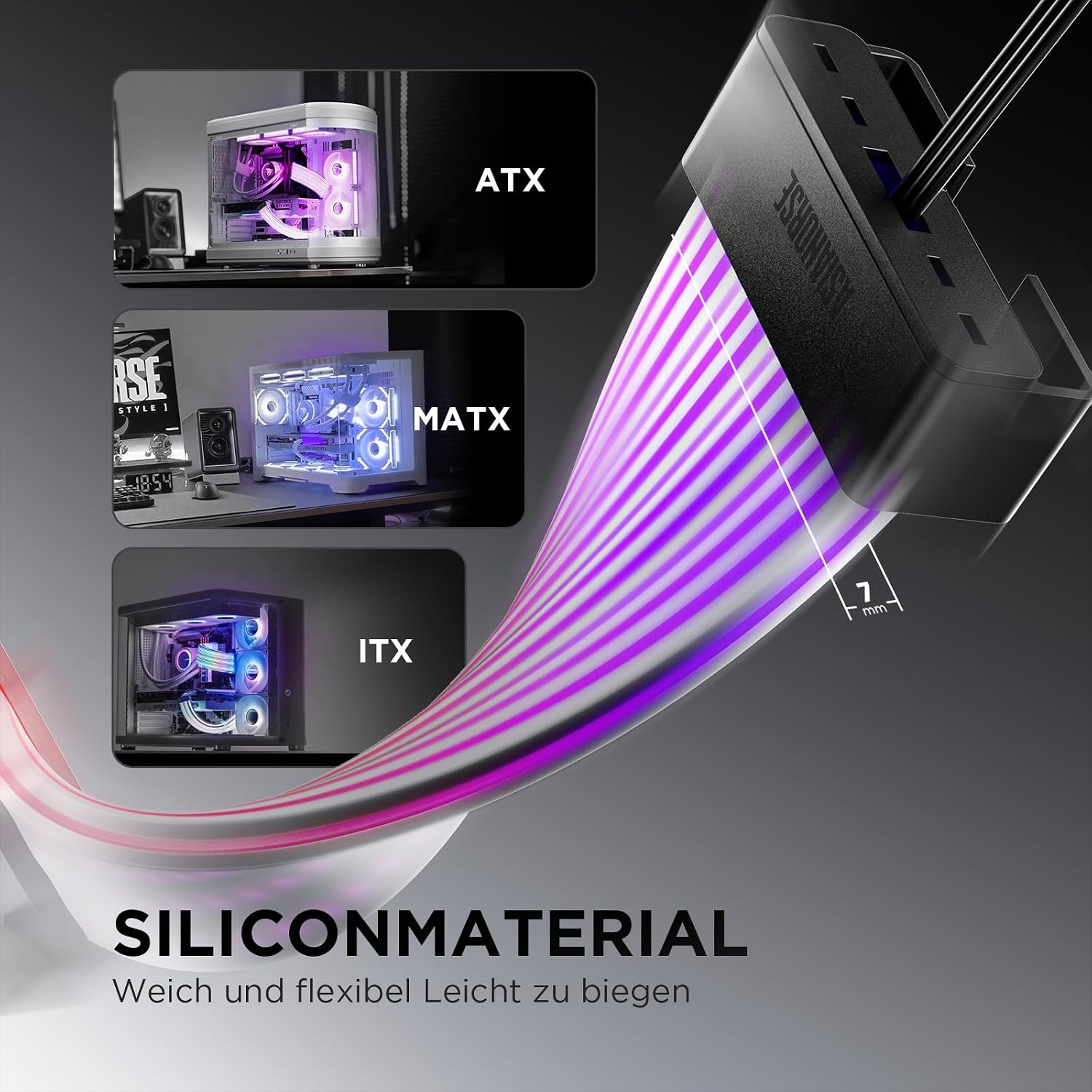
Image: The ARGB LED cover showcasing its soft and flexible silicone construction, designed for easy bending and installation, and its compatibility with various motherboard form factors including ATX, MATX, and ITX.
Safety Information
- Ensure your PC is powered off and unplugged before installation to prevent electrical shock or damage.
- Handle the ARGB cover and components with care to avoid bending or breaking delicate parts.
- Do not expose the product to moisture or extreme temperatures. This product is not waterproof.
- Only use the provided cables and controller. Using incompatible accessories may cause damage.
- Keep out of reach of children.
Setup Guide
The installation process is designed to be straightforward. Follow these steps for a successful setup:
1. Initial Considerations
The package includes an ARGB controller and a remote control. The controller features a 5V 3Pin ARGB interface and SATA power supply, both of which control the lighting effects. If you connect the ARGB strip using the included controller, the lighting effects cannot be controlled via your motherboard's software. The strip has 108 lamp beads and supports addressable control. Since most motherboards do not natively support 108 beads for independent addressing, an ARGB HUB (not included, unless specified in the package contents) is recommended for advanced control if you wish to bypass the included controller and use motherboard software.
2. Connect Cables to the Light Strip
Carefully connect the necessary cables to the ARGB light strip. Ensure a secure fit.
3. Secure the Strip with Clips
Use the transparent plastic clips provided to fix the ARGB strip in your desired position within the PC case. These clips help maintain the strip's shape and ensure a clean installation.

Image: A set of transparent plastic cable clips, available in three sizes (1.5-1.9mm, 2-4mm, 3-6mm), designed for easy installation and secure cable management.
4. Connect for Power and Control
You have two primary options for connecting the ARGB cover:
- Using the Included Controller: Connect the ARGB strip to the included ARGB hub, and then connect the hub to your power supply via a SATA power connector. This method allows control via the remote control.
- Motherboard Synchronization: Connect the ARGB 5V 3Pin interface directly to your motherboard's compatible ARGB header. This allows you to customize the ARGB lighting using your motherboard's software (e.g., ASUS Aura Sync, MSI Mystic Light Sync, GIGABYTE RGB Fusion, ASRock Polychrome Sync). Note: You must choose either the included controller or motherboard synchronization; both cannot be used simultaneously for control.

Image: A gaming PC setup featuring the AsiaHorse AURORA Pro ARGB cover, demonstrating its 5V 3Pin ARGB synchronization capability with the motherboard, allowing users to create personalized lighting effects.
Operating Instructions
Using the Included Controller and Remote
If you have connected the ARGB cover using the included controller and SATA power, you can control the lighting effects with the remote control. The remote offers 124 integrated lighting effects, allowing you to adjust the lighting mode, color, brightness, and speed of the effects. Experiment with different settings to match your PC build and personal preference.

Image: A computer case featuring the AsiaHorse AURORA Pro ARGB cover, accompanied by its remote control. The image highlights the product's 124 integrated ARGB lighting effects, along with options for adjusting brightness and light speed.
Motherboard Software Synchronization
If you have connected the ARGB 5V 3Pin interface directly to your motherboard, you can use your motherboard's proprietary software to control and synchronize the lighting effects with other ARGB components in your system. Refer to your motherboard's manual for specific instructions on using its ARGB control software.

Image: A graphic illustrating the diverse range of 124 integrated lighting effects offered by the AsiaHorse AURORA Pro ARGB cover, allowing users to switch between various visual experiences.
Maintenance
- Cleaning: Gently wipe the surface of the ARGB cover with a soft, dry, anti-static cloth. Do not use liquid cleaners or abrasive materials.
- Cable Management: Periodically check cable connections to ensure they are secure and not obstructing airflow within your PC case.
- Storage: If removing the ARGB cover for an extended period, store it in its original packaging or a protective container in a cool, dry place.
Troubleshooting
- No Lights or Incorrect Colors:
- Ensure all cables are securely connected, especially the 5V 3Pin ARGB connector and SATA power (if using the included controller).
- Verify that the 5V 3Pin ARGB connector is plugged into a compatible 5V ARGB header on your motherboard, not a 12V RGB header.
- If using the included controller, ensure the remote control has working batteries and is pointed correctly at the receiver.
- If using motherboard software, check the software settings to ensure the ARGB device is detected and configured correctly.
- Lighting Effects Not Synchronizing with Motherboard:
- If you are using the included ARGB controller, lighting effects cannot be controlled via the motherboard. Disconnect the controller and connect the ARGB strip directly to the motherboard's 5V 3Pin ARGB header.
- Ensure your motherboard's ARGB software is up-to-date.
- Some LEDs Not Lighting Up (108 beads):
- The ARGB strip has 108 addressable LED beads. Some motherboards may not fully support this high number of beads for independent addressing. An external ARGB HUB (not included) is recommended for independent addressing if your motherboard struggles to control all 108 beads directly.
- Ensure sufficient power is supplied to the ARGB strip. Using the included controller with SATA power is recommended for optimal performance.
Warranty Information
AsiaHorse products are manufactured to the highest quality standards. This product comes with a standard manufacturer's warranty against defects in materials and workmanship. The warranty period typically covers 14 days for returns/replacements from the date of purchase. Please retain your proof of purchase for any warranty claims. For specific warranty terms and conditions, refer to the product listing or contact AsiaHorse customer support.
Support
If you encounter any issues or have questions regarding your AsiaHorse AURORA Pro 24 Pin ARGB Mainboard & GPU Cover that are not addressed in this manual, please contact AsiaHorse customer support through the retailer's platform or visit the official AsiaHorse website for assistance. Our support team is dedicated to providing prompt and helpful solutions.
Online Resources: For additional information, FAQs, and driver downloads (if applicable), please visit the official AsiaHorse brand store on Amazon or their dedicated support page.


