Introduction
Thank you for choosing the NASTIMA 12V 5200mAh Lithium-ion Power Bank. This device is designed to provide portable power for a wide range of electronic devices, featuring multiple output ports for versatility. Please read this manual thoroughly before use to ensure proper operation and safety.
Safety Information
- Do not expose the power bank to extreme temperatures, direct sunlight, or fire.
- Avoid dropping, puncturing, or disassembling the device.
- Keep away from water and high humidity.
- Do not use if the power bank is damaged or swollen.
- Keep out of reach of children.
- Use only specified charging cables and adapters.
- Charge the battery upon receipt before initial use.
- Check and charge the battery every three months to maintain optimal performance.
Package Contents
Verify that all items are present in your package:
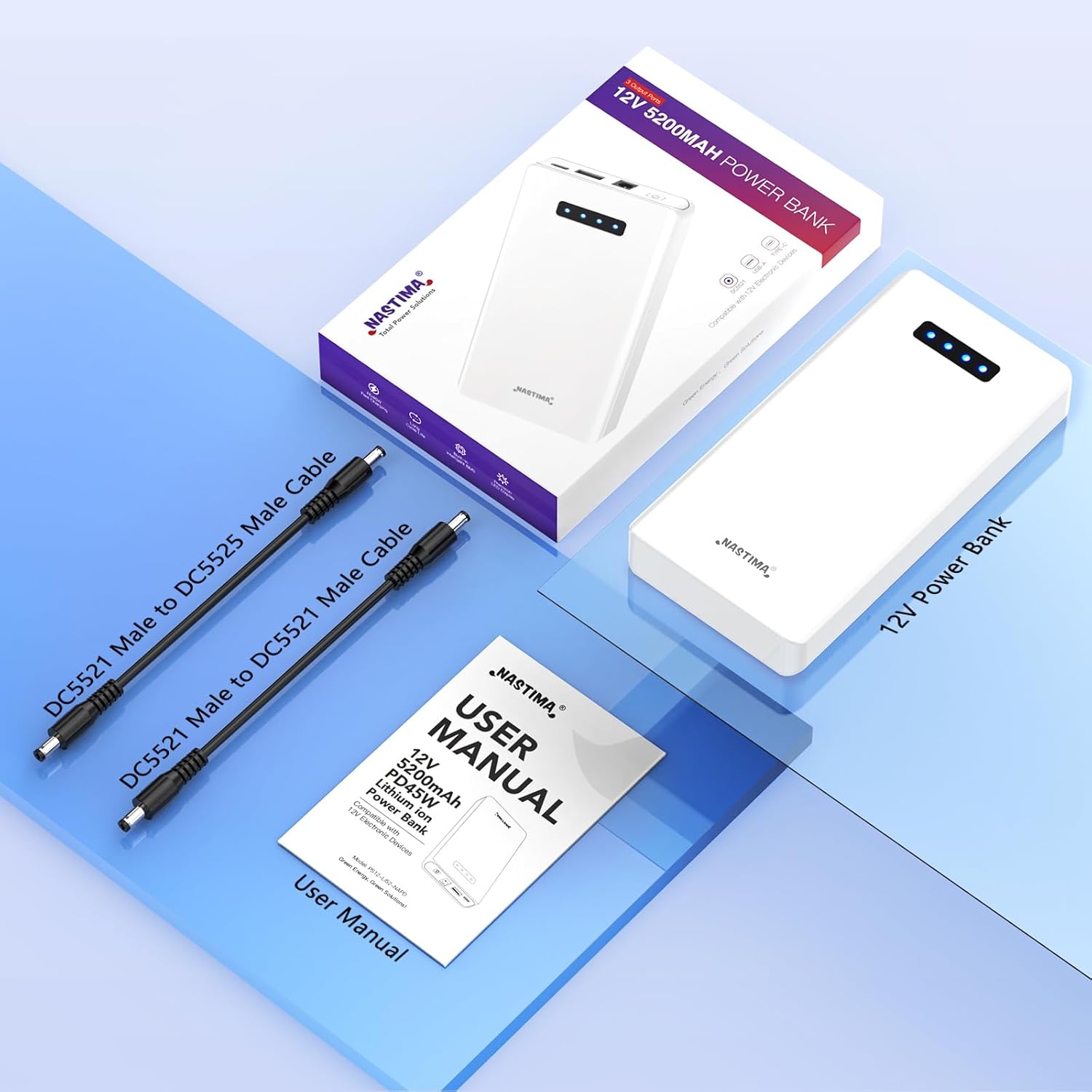
- 1 x NASTIMA 12V 5200mAh Lithium-ion Power Bank
- 1 x DC5521 to DC5521 Male Cable
- 1 x DC5521 to DC5525 Male Cable
- 1 x User Manual
Product Overview
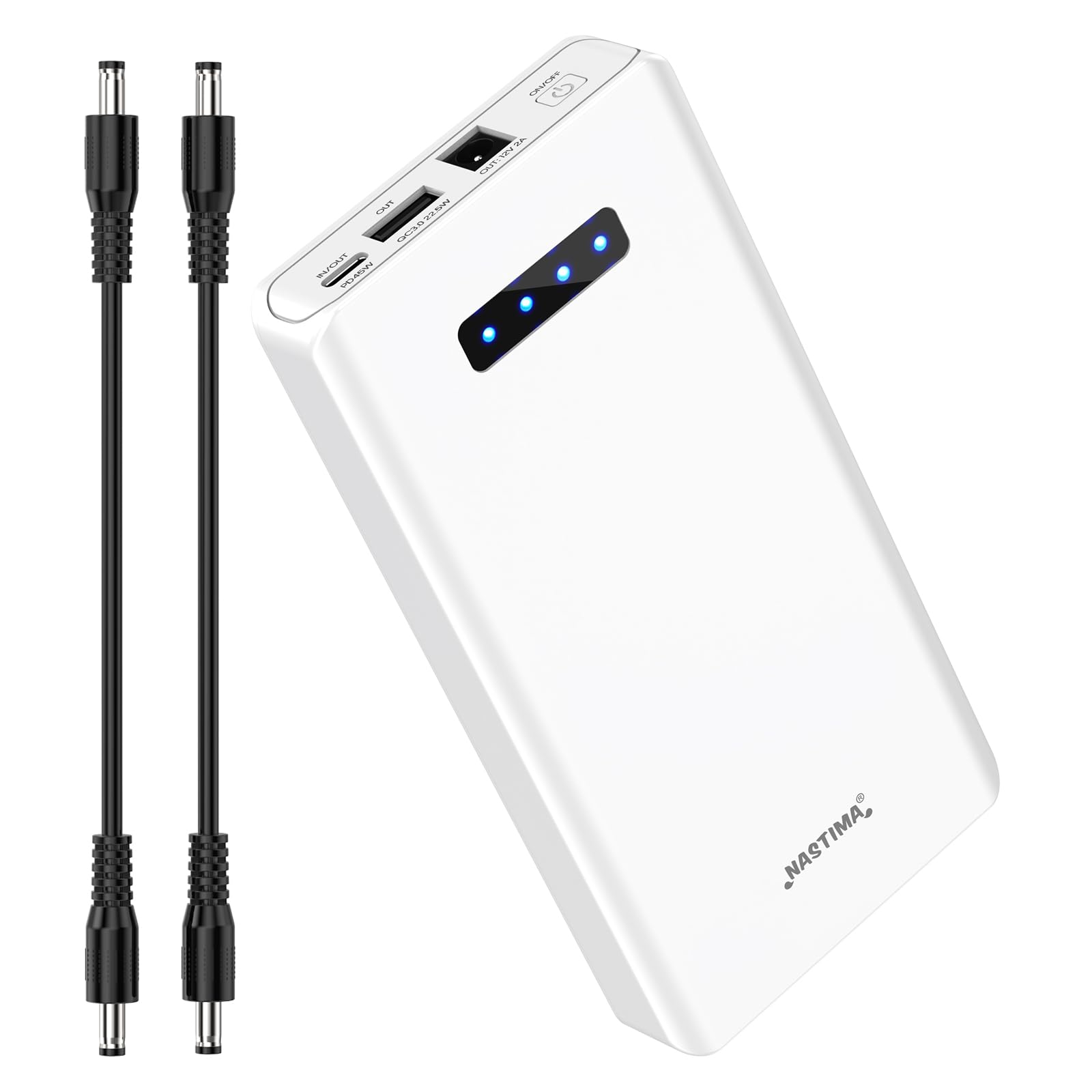
The NASTIMA Power Bank features multiple ports for charging and discharging:
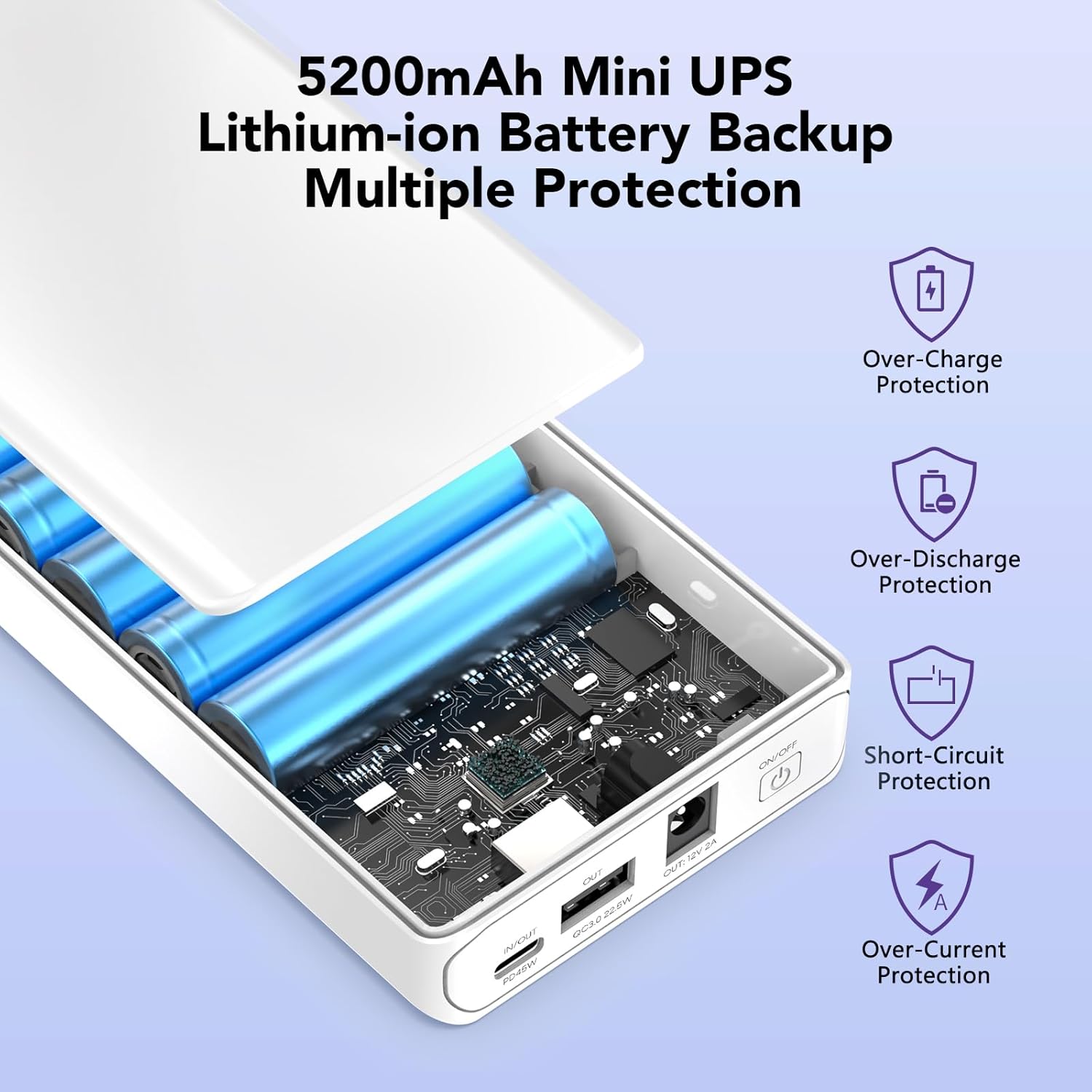
- Type-C IN/OUT: Max 45W Power Delivery (PD) for fast charging the power bank or compatible devices.
- USB-A OUT: Max 22.5W Quick Charge 3.0 (QC3.0) for fast charging compatible USB devices.
- 12V DC OUT: Max 12V 2A via DC5521 port for devices requiring a 12V DC input.
- ON/OFF Switch: Controls the power to the output ports.
- Battery Capacity Display Lamps: Four LED indicators show the remaining battery charge level.
Setup
Initial Charging
Before first use, fully charge the power bank.
- Connect a compatible USB-C charger (not included) to the Type-C IN/OUT port of the power bank.
- The battery capacity display lamps will illuminate, indicating the charging status. All four lamps will be solid when fully charged.
Connecting Devices
Ensure your device's voltage and current requirements match the power bank's output specifications.
Operating Instructions
Powering On/Off
- To turn on the power bank, press the ON/OFF power switch. The battery indicator lights will illuminate.
- To turn off the power bank, press and hold the ON/OFF power switch for a few seconds until the indicator lights turn off.
Charging External Devices
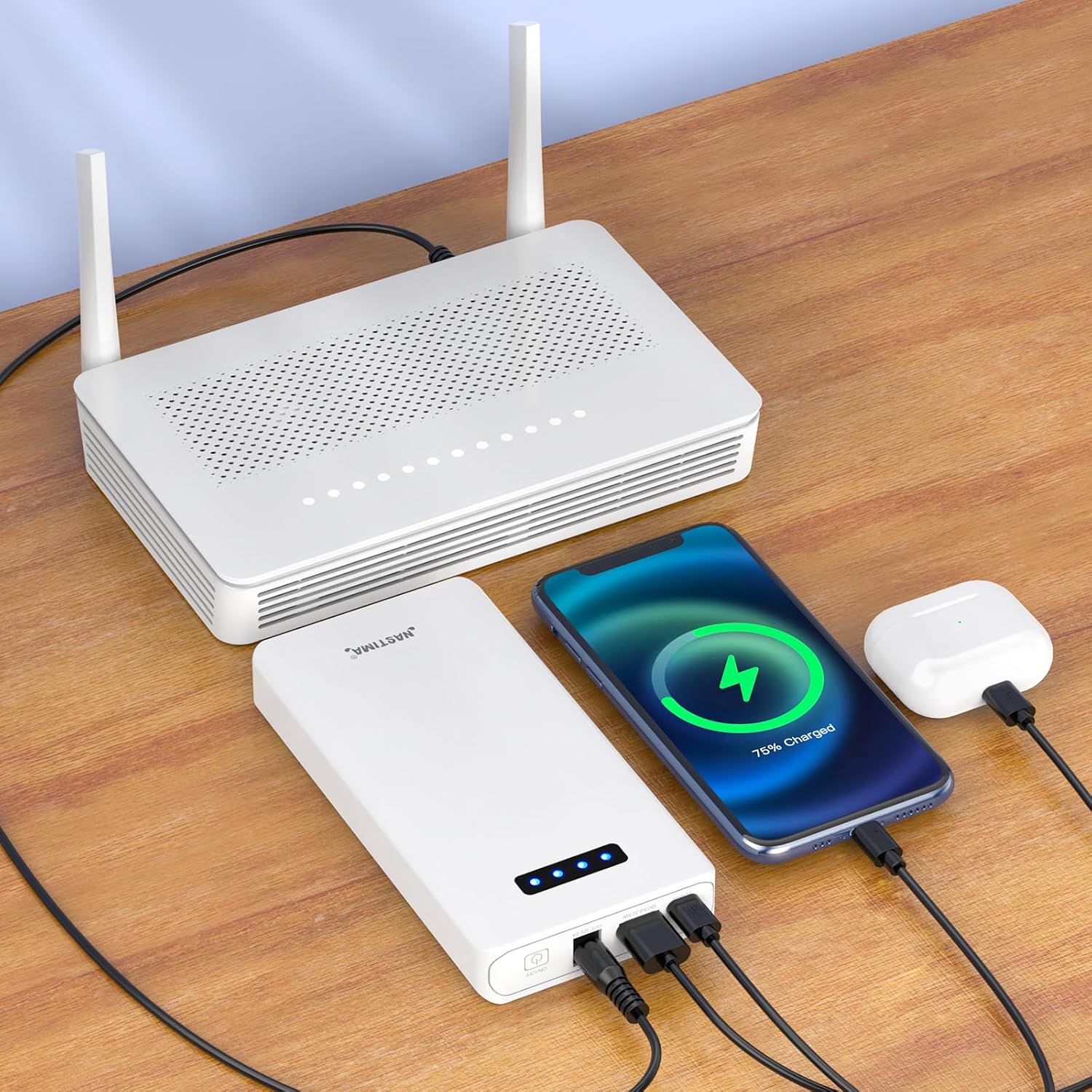
- Connect your device to the appropriate output port (Type-C, USB-A, or 12V DC) using a compatible cable.
- Press the ON/OFF switch to activate the output.
- The power bank will begin charging your device. Monitor your device's charging status.
- When charging is complete, disconnect your device and turn off the power bank.
Battery Level Indicator
The four LED lamps indicate the remaining battery capacity:
- 4 LEDs: 75-100% charge
- 3 LEDs: 50-75% charge
- 2 LEDs: 25-50% charge
- 1 LED: 0-25% charge (Recharge soon)
Maintenance
- Clean the power bank with a soft, dry cloth. Do not use harsh chemicals or abrasive materials.
- Store the power bank in a cool, dry place away from direct sunlight and extreme temperatures.
- To prolong battery life, fully charge the power bank at least once every three months, even if not in use.
- Avoid fully discharging the battery frequently.
Troubleshooting
| Problem | Possible Cause | Solution |
|---|---|---|
| Power bank not charging | Charger not connected properly; faulty charger/cable; power bank fully charged. | Ensure charger is securely connected. Try a different charger or cable. Check battery indicator lights. |
| Device not charging from power bank | Power bank is off; cable not connected properly; device not compatible; power bank battery depleted. | Press ON/OFF switch. Ensure cable is secure. Verify device compatibility. Recharge power bank. |
| Slow charging | Device does not support fast charging; cable is not fast-charge compatible; multiple devices charging simultaneously. | Ensure device and cable support fast charging (QC3.0/PD). Disconnect other devices. |
| Power bank gets warm during use | Normal operation during charging/discharging. | This is normal. If it becomes excessively hot, disconnect immediately and contact support. |
Specifications
| Model Number | PS12-LI52-NAPD |
| Battery Type | Lithium-ion |
| Typical Capacity | 5200 mAh |
| Energy Content | 56.16 Wh |
| Voltage Range | 8.4-12.6 V |
| DC5521 Output | Max 12V 2A |
| USB-A Output | 5V/3A, 9V/2.22A, 12V/1.67A (QC3.0) |
| Type-C Output | 5V, 9V, 12V, 15V, 20V (Max 45W PD) |
| Dimensions (L x W x H) | 162 x 80 x 23 mm (6.38 x 3.15 x 0.91 inches) |
| Weight | 395 g (0.87 lbs) |
| Integrated Protection | BMS (Overcharge, Over-discharge, Overcurrent, Short-circuit) |

Warranty and Support
NASTIMA products are designed for reliability and performance. For warranty information and technical support, please refer to the official NASTIMA website or contact your retailer.
Manufacturer: QUANZHOU MELASTA NEW ENERGY CO.,LTD
Applications
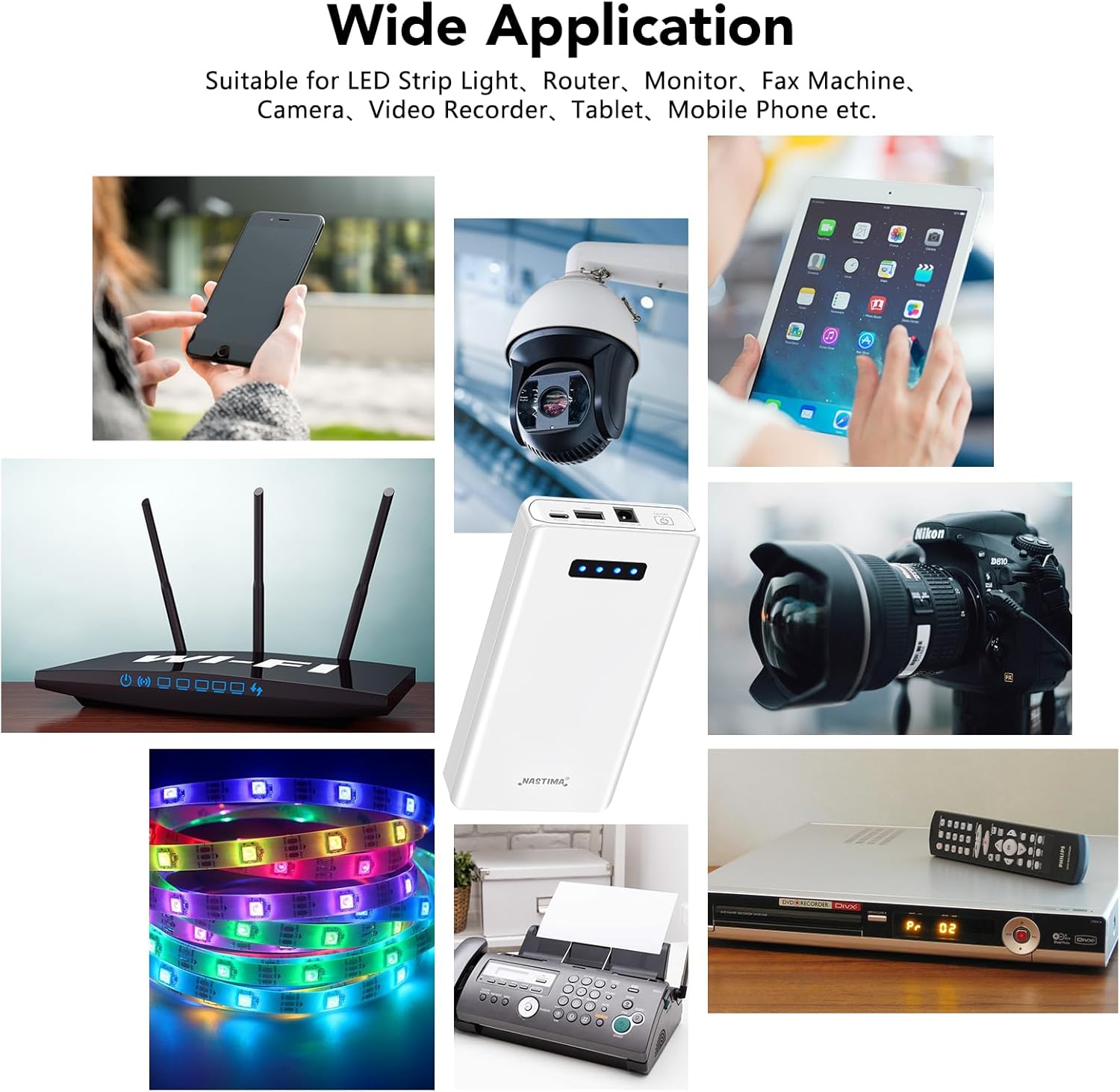
The NASTIMA 12V 5200mAh Power Bank is widely compatible with various devices, including but not limited to:
- LED strips
- Routers
- CCTV cameras
- Webcams
- LED panels
- Amplifiers
- Modems
- Fax machines
- Printers
- Fingerprint devices
- Mobile phones
- Tablets