
1. Introduction
This manual provides detailed instructions for the operation and maintenance of your Weochi 8162S Digital Video Camera Camcorder. Please read this manual thoroughly before using the device to ensure proper function and to maximize your user experience. Keep this manual for future reference.
2. Package Contents
Verify that all items listed below are included in your package:
- Camera body
- 1 x Rechargeable Battery
- 1 x USB Cable
- 1 x Storage Bag

Image: The Weochi 8162S camcorder displayed with its included accessories: a rechargeable battery, USB cable, and a storage bag.
3. Product Overview
The Weochi 8162S camcorder is designed for capturing Full HD 2.7K video at 30 frames per second and 36-megapixel still images. It features a 2.7-inch LCD screen with 270-degree rotation, 8X digital zoom, and an optical image stabilizer for clear recordings.

Image: The camcorder highlighting its 2.7K video resolution and 36MP image sensor capabilities.
4. Setup
4.1 Battery Installation and Charging
- Open the battery compartment cover.
- Insert the provided Li-ion battery (800mAh) according to the polarity indicators.
- Close the battery compartment cover.
- Connect the camcorder to a power source (e.g., USB adapter, PC, power bank) using the USB cable to charge. The camera supports recording while charging.
4.2 SD Card Installation and Formatting
The camcorder supports up to a 32GB SD/SDHC card (not included).
- Locate the SD card slot.
- Insert the SD card with the metal contacts facing the correct direction until it clicks into place.
- Important: Format the SD card before first use to ensure compatibility and optimal performance. Access the formatting option through the camera's menu settings.
5. Operating Instructions
5.1 Powering On/Off
- To power on, press and hold the Power button.
- To power off, press and hold the Power button again.
5.2 Recording Video
- Ensure the camcorder is in video recording mode.
- Press the Record button to start recording.
- Press the Record button again to stop recording.
5.3 Taking Photos
- Switch the camcorder to photo mode.
- Frame your shot using the LCD screen.
- Press the Shutter button to capture a photo.
5.4 Playback
- Enter playback mode via the menu or a dedicated button.
- Use the navigation buttons to browse through your recorded videos and photos.
- Press the OK/Play button to view a selected file.
5.5 Special Features
- 8X Digital Zoom: Use the zoom controls to magnify your subject.
- LED Fill Light: Activate the built-in LED light for improved visibility in low-light conditions.
- Anti-Shaking: This feature helps stabilize footage during recording.
- Pause Function: During video recording, press the Pause button to temporarily stop and then resume recording within the same file.
- Time-Lapse: Set the camera to capture images at specified intervals to create a time-lapse video.
- Motion Detection: The camera will automatically start recording when motion is detected.
- Smile Capture: The camera can automatically take a photo when it detects a smile.
- Self-Timer: Set a delay before a photo is taken.

Image: Demonstration of the 8X digital zoom capability and the effect of the LED fill light in different lighting conditions.

Image: Visual representation of the video pause function, allowing recording to be stopped and resumed into a single file, and the impact of the fill light.
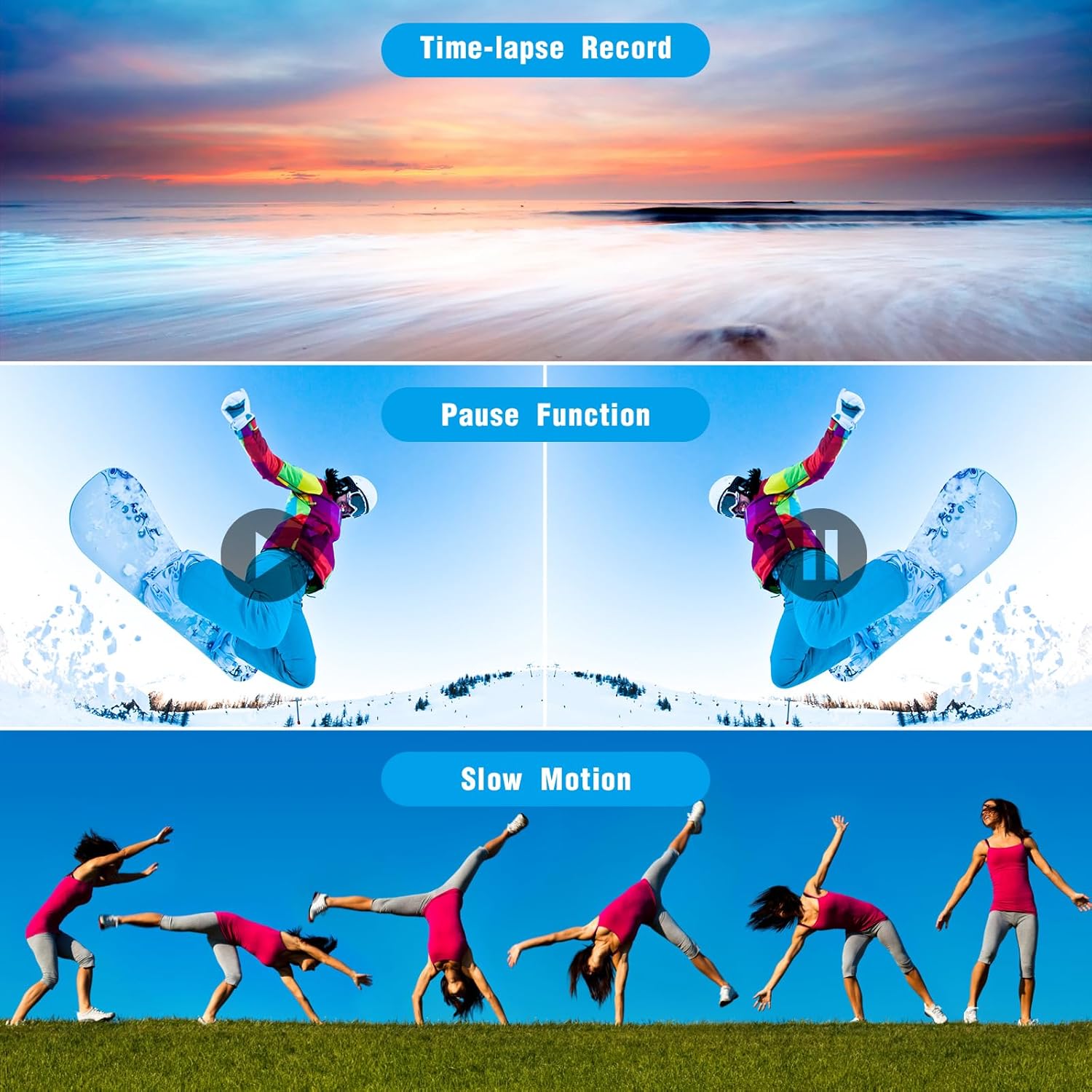
Image: Examples of creative shooting modes including time-lapse recording, the pause function during video capture, and slow-motion video.

Image: Various features of the camcorder, including the ability to record while charging, selfie function, suitability for travel, portability, and anti-shaking technology.
6. Connecting to a Computer
The camcorder can be connected to a PC via the USB cable for data transfer or to function as a webcam.
6.1 Data Transfer
- Connect the camcorder to your computer using the provided USB cable.
- The camcorder will appear as a removable disk drive on your computer.
- You can now transfer photos and videos to your computer.
6.2 Webcam Functionality
- Connect the camcorder to your computer via USB.
- Select 'Webcam Mode' from the options displayed on the camcorder screen (if prompted).
- Your computer should recognize the camcorder as a webcam, allowing its use for video calls or live streaming on platforms like YouTube, Facebook, or Instagram.
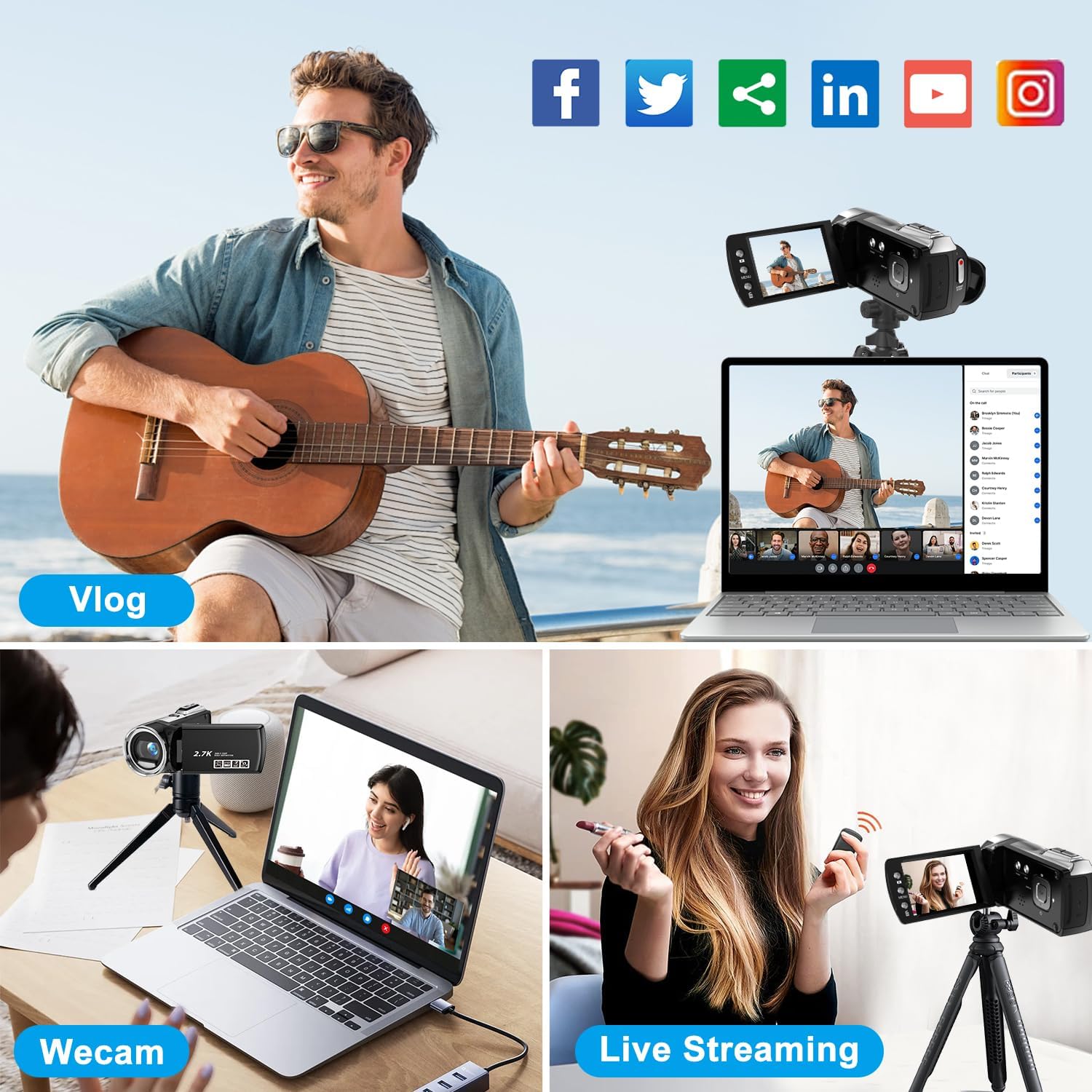
Image: The camcorder being used in various scenarios, including vlogging, as a webcam for video calls, and for live streaming to social media platforms.

Image: Illustrates the camcorder's webcam functionality when connected to a laptop and its ability to record video while simultaneously being charged.
7. Maintenance
7.1 Cleaning
- Use a soft, dry cloth to clean the camera body.
- For the lens and LCD screen, use a specialized lens cleaning cloth and solution to avoid scratches.
- Do not use harsh chemicals or abrasive materials.
7.2 Storage
- Store the camcorder in a cool, dry place away from direct sunlight and extreme temperatures.
- Remove the battery if the camera will not be used for an extended period.
- Use the provided storage bag to protect the camera from dust and scratches.
8. Troubleshooting
If you encounter issues with your camcorder, refer to the following common problems and solutions:
| Problem | Possible Cause | Solution |
|---|---|---|
| Camera does not power on | Low battery; Battery incorrectly installed | Charge the battery; Reinstall battery correctly |
| Cannot record video/take photos | No SD card; SD card full; SD card not formatted | Insert SD card; Delete files or use new card; Format SD card |
| Poor image/video quality | Low light; Lens dirty; Anti-shaking off | Use fill light; Clean lens; Enable anti-shaking |
| Computer does not recognize camera | USB cable issue; Driver issue; Incorrect mode | Try another USB port/cable; Check computer drivers; Ensure camera is in correct USB mode |
9. Specifications
| Feature | Detail |
|---|---|
| Brand | Weochi |
| Model Number | 8162S |
| Video Capture Resolution | 2.7K (2.7K/30fps) |
| Photo Resolution | 36 Megapixels |
| Screen Size | 2.7 Inches (270° Rotation LCD) |
| Digital Zoom | 8X |
| Storage Media | SD/SDHC Card (up to 32GB, not included) |
| Battery Type | 800mAh Li-ion Battery (1 AAA battery required, included) |
| Connectivity | USB |
| Special Features | Anti-Shake, Built-In Flash (LED Fill Light), Lightweight, Slow Motion, Pause Function, Time-Lapse, Motion Detection, Smile Capture, Self-Timer, Webcam Function |
| Item Weight | 10.8 ounces |
| Product Dimensions | 4 x 2 x 4 inches |
10. Warranty and Support
Weochi provides a 3-month free replacement or refund service for this product. For any problems or concerns, please contact customer support. We aim to reply within 24 hours.
Please refer to your purchase documentation for specific contact information.