
1. Introduction
The Kesguar B3 Portable Charger is a high-capacity 20000mAh power bank designed for super-fast charging of various mobile devices. Its robust metal case ensures durability and efficient heat dissipation, making it an ideal travel essential. This manual provides detailed instructions for setup, operation, maintenance, and troubleshooting to ensure optimal performance and longevity of your device.

Figure 1: Kesguar Portable Charger (Model B3)
2. Setup
2.1 Initial Charging of the Power Bank
Before first use, fully charge your Kesguar B3 Power Bank. Connect the included USB-C to USB-C cable to the "IN/OUT" port on the power bank and to a compatible USB wall adapter (not included). The LED indicators will illuminate to show charging progress. A full charge is indicated when all four blue LEDs are solid.
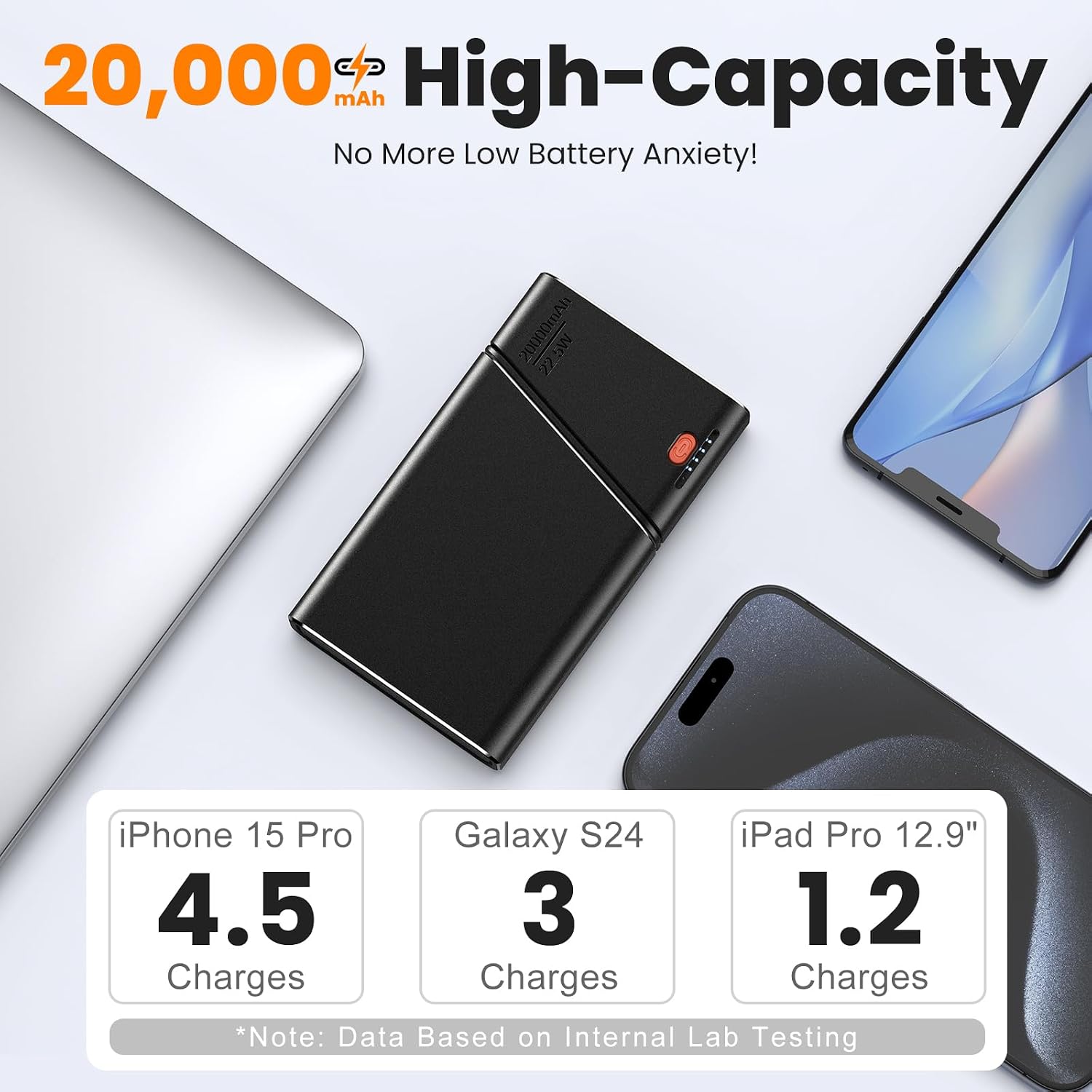
Figure 2: High-Capacity 20000mAh Power Bank
2.2 Connecting Devices for Charging
The power bank features both a built-in detachable USB-C cable and a USB-A output port for versatile charging. To charge your device:
- Using the Built-in USB-C Cable: Gently pull out the integrated USB-C cable from its slot. Connect the USB-C end to your compatible device (e.g., iPhone 15/16, iPad, Samsung S24, Google Pixel). The power bank will automatically begin charging.
- Using the USB-A Output Port: Connect your device's USB-A charging cable (not included) to the "OUT1" port on the power bank. Connect the other end of your cable to your device.
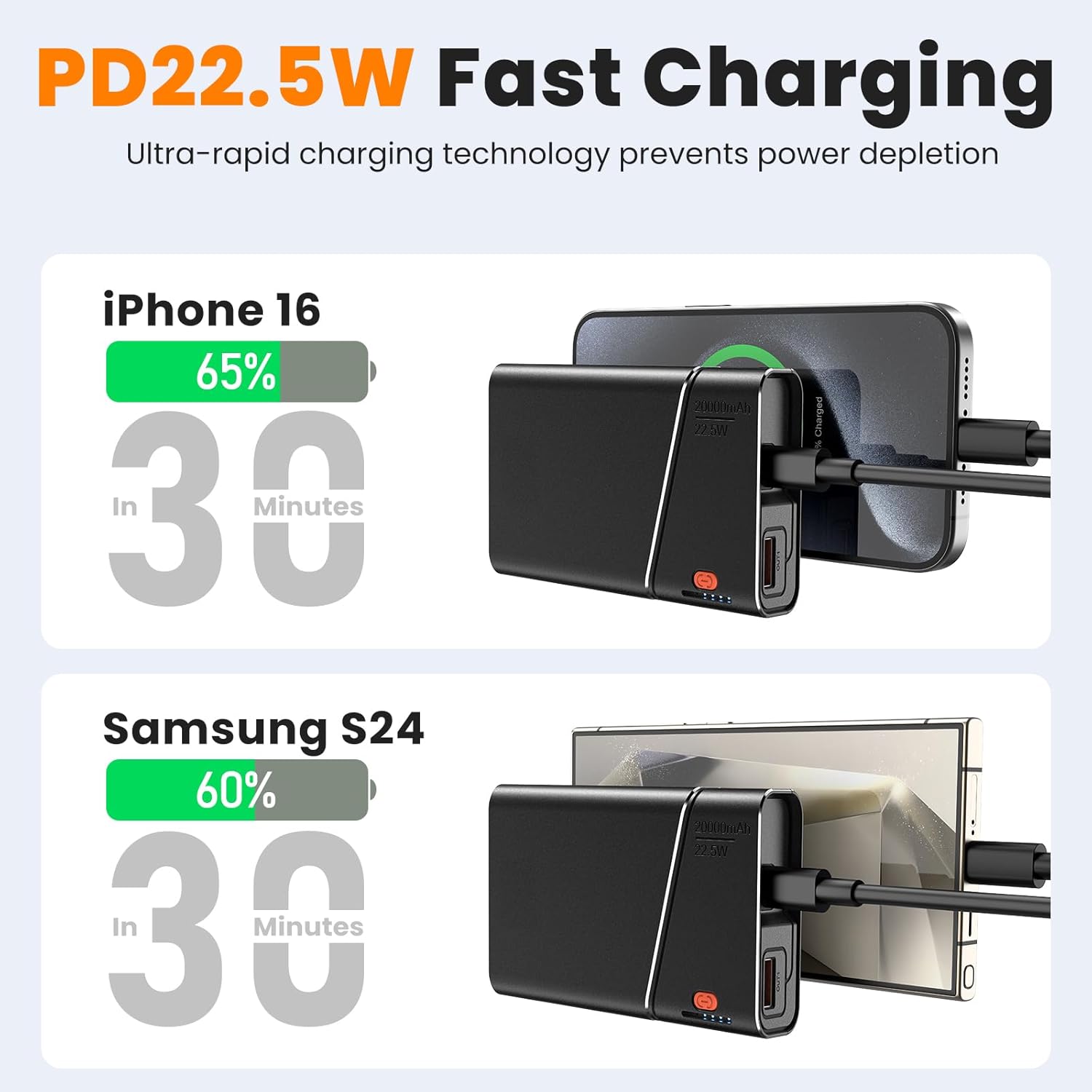
Figure 3: PD22.5W Fast Charging for Quick Power Delivery
Video 1: Overview of the Kesguar Portable Charger's design and features.
3. Operating Instructions
3.1 Charging Multiple Devices
The Kesguar B3 Power Bank can charge two devices simultaneously using its built-in USB-C cable and the USB-A output port. This allows for efficient charging of multiple gadgets on the go.
3.2 Power Indicator Lights
The power bank features LED indicator lights to display the remaining battery capacity. Press the power button once to check the current charge level. Each illuminated blue LED typically represents approximately 25% of the battery capacity.
- 1 LED: 0-25% remaining
- 2 LEDs: 25-50% remaining
- 3 LEDs: 50-75% remaining
- 4 LEDs: 75-100% remaining

Figure 4: Wide Compatibility with various devices including phones, tablets, and smartwatches.

Figure 5: The built-in USB-C cable can be detached for use or stored securely.
4. Maintenance
4.1 Care and Handling
The Kesguar B3 Power Bank features an aerospace metal case, which provides superior durability and heat dissipation compared to plastic alternatives. To maintain its condition:
- Avoid extreme temperatures and direct sunlight.
- Do not expose to water or excessive moisture.
- Clean the exterior with a soft, dry cloth. Avoid abrasive cleaners.
- Store in a cool, dry place when not in use.

Figure 6: Durable metal casing provides enhanced protection against drops and efficient heat dissipation, along with built-in safety features.
4.2 Safety Protections
The power bank is equipped with 5 protection features to ensure safe operation:
- Over-Charge Protection
- Over-Voltage Protection
- Over-Current Protection
- Discharge Protection
- Short-Circuit Protection
5. Troubleshooting
| Problem | Possible Cause | Solution |
|---|---|---|
| Device not charging. | Power bank battery is depleted. Cable is faulty or not properly connected. Device is incompatible. | Recharge the power bank. Check cable connections; try a different cable. Verify device compatibility (USB-C or USB-A input). |
| Slow charging. | Using a non-fast charging cable/adapter. Device does not support fast charging. Power bank is low on charge. | Use a PD (Power Delivery) compatible cable and adapter. Ensure your device supports 22.5W fast charging. Fully charge the power bank. |
| Power bank not charging. | Charging cable/adapter is faulty. Power bank port is damaged. | Try a different USB-C cable and wall adapter. Contact customer support if port is damaged. |
Video 2: Demonstration of the portable power bank's features and usage.
6. Specifications
| Feature | Detail |
|---|---|
| Brand | Kesguar |
| Model Number | B3 |
| Battery Capacity | 20000mAh |
| Output Power | 22.5W (Max) |
| Input Ports | USB Type-C (IN/OUT) |
| Output Ports | USB Type-C (IN/OUT), USB Type-A (OUT1) |
| Product Dimensions | 4.48 x 2.64 x 1.07 inches |
| Item Weight | 11.5 ounces |
| Case Material | Aerospace Metal |
| Special Features | Fast Charging, Lightweight, Metallic Case, Detachable Built-in USB-C Cable |
| Airline Approved | Yes (FAA-compliant) |
7. Warranty and Support
7.1 Product Warranty
The Kesguar B3 Portable Charger comes with a 3-year warranty. Free replacement is offered if the capacity drops below 70% within this period. Please retain your proof of purchase for warranty claims.
7.2 Customer Support
For any questions, technical assistance, or warranty claims, please contact Kesguar customer support through the retailer's platform or visit the official Kesguar Store on Amazon: Kesguar Store.
A detailed User Manual (PDF) is also available for download: Download User Manual (PDF).


