
Bruni Bruni Basics-Clear 4053664350116
Bruni Screen Protector User Manual
For akubela HyPanel Lite (KS41)
1. Introduction
This user manual provides comprehensive instructions for the installation, care, and maintenance of your Bruni Screen Protector, specifically designed for the akubela HyPanel Lite (KS41). This protective film is engineered to safeguard your device's display from scratches and impacts while maintaining optimal touch sensitivity and visual clarity.
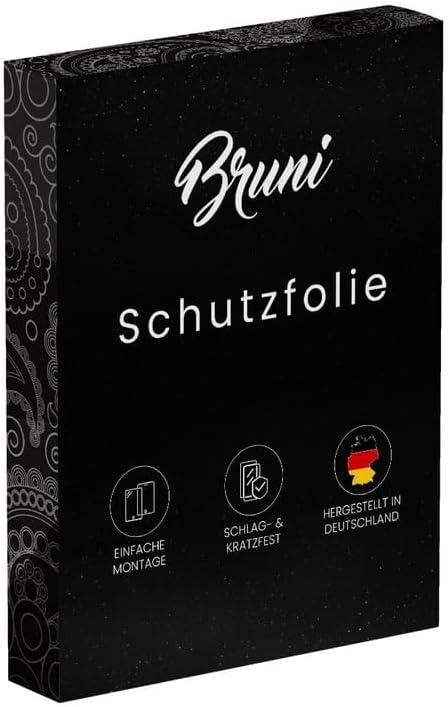
Image: Bruni Screen Protector product packaging. The black box features the Bruni logo and text "Schutzfolie" (protective film), along with icons indicating easy installation, impact/scratch resistance, and "Made in Germany".
2. Package Contents
Please verify that all items listed below are included in your package:
- Bruni Screen Protector (2X) for akubela HyPanel Lite (KS41)
- Mounting Aid
- Microfiber Cloth
- Installation Instructions (this manual)

Image: An illustration showing the typical contents of the Bruni screen protector package, including the screen protector film, a mounting aid, a microfiber cloth, and the instruction manual.
3. Preparation for Installation
Before applying the screen protector, ensure your device's screen is meticulously clean and free of dust, fingerprints, and smudges. Proper preparation is crucial for a bubble-free installation.
- Clean the Device Screen: Use the provided microfiber cloth to thoroughly wipe down the screen of your akubela HyPanel Lite (KS41). For stubborn smudges, a screen cleaning solution (not included) can be used sparingly. Ensure the screen is completely dry before proceeding.
- Remove Dust: Inspect the screen under good lighting for any remaining dust particles. Use a dust-absorber sticker (if provided) or adhesive tape to gently lift off any dust. Even a tiny dust particle can cause a bubble.
- Work in a Clean Environment: Choose a dust-free environment for installation, such as a bathroom after running a hot shower (steam helps settle dust).
4. Installation Guide
Follow these steps carefully for a successful, bubble-free application of your Bruni Screen Protector.
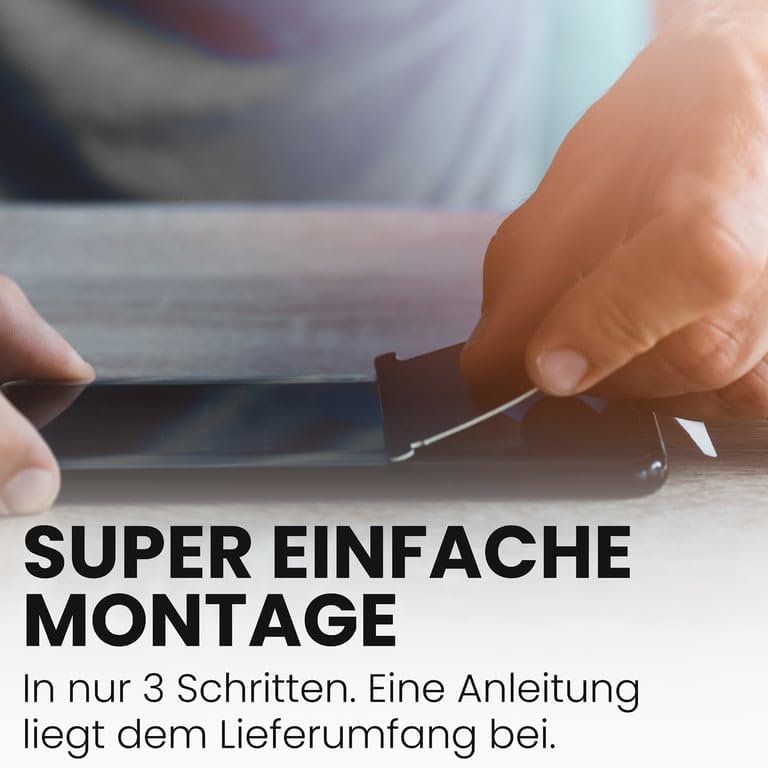
Image: A visual representation of the screen protector installation process, showing hands carefully aligning and applying the film to a device screen. The image emphasizes the simplicity of the 3-step installation.
- Peel Off Layer 1: Carefully peel back the protective layer labeled "1" (or similar indicator) from one end of the screen protector. Avoid touching the adhesive side.
- Align and Apply: Align the exposed adhesive edge of the screen protector with one edge of your device's screen. Once aligned, slowly and steadily lower the rest of the protector onto the screen, allowing it to adhere gradually. Use the provided mounting aid (squeegee) or a credit card wrapped in the microfiber cloth to gently push out any air bubbles as you go. Work from the applied edge towards the opposite end.
- Remove Layer 2: Once the screen protector is fully adhered and all major bubbles are pushed out, carefully peel off the top protective layer labeled "2" (or similar indicator).
- Final Smoothing: Use the microfiber cloth to gently smooth out any remaining small bubbles towards the edges. Minor bubbles may disappear on their own within 24-48 hours.
5. Care and Maintenance
To ensure the longevity and clarity of your Bruni Screen Protector, follow these simple care guidelines:
- Cleaning: Use the provided microfiber cloth to gently wipe the screen protector. For smudges, lightly dampen the cloth with water or a mild, screen-safe cleaning solution. Avoid harsh chemicals or abrasive materials.
- Avoid Sharp Objects: While the protector is scratch-resistant, extreme pressure or sharp objects can still damage it.
- Storage: If you remove the protector, store it flat and clean to prevent damage.

Image: A visual demonstrating the scratch-resistant properties of the Bruni screen protector, showing a key being dragged across the protected screen without causing damage.
6. Troubleshooting
Here are solutions to common issues you might encounter during or after installation:
| Issue | Possible Cause | Solution |
|---|---|---|
| Bubbles under the protector | Dust particles or trapped air | Gently lift the nearest edge of the protector and use a dust-absorber sticker to remove dust. Re-apply, pushing out air with the squeegee. Small bubbles may disappear over time. |
| Edges not adhering | Dust on edges or improper alignment | Ensure the screen is clean, especially at the edges. Re-align if necessary. Apply firm, consistent pressure to the edges. |
| Reduced touch sensitivity | Improper installation or protector not fully settled | Ensure the protector is fully adhered without air gaps. Allow 24 hours for the adhesive to fully cure. The Bruni protector is designed for optimal touch sensitivity. |
7. Specifications
- Product Name: Bruni Screen Protector
- Compatibility: akubela HyPanel Lite (KS41)
- Material: Highly transparent PET (Polyethylene terephthalate)
- Hardness: 4H
- Features: Scratch-resistant, crystal clear, bubble-free application, residue-free removal, optimized for touch displays.
- Origin: Made in Germany
- Model Number: Bruni Basics-Clear 4053664350116
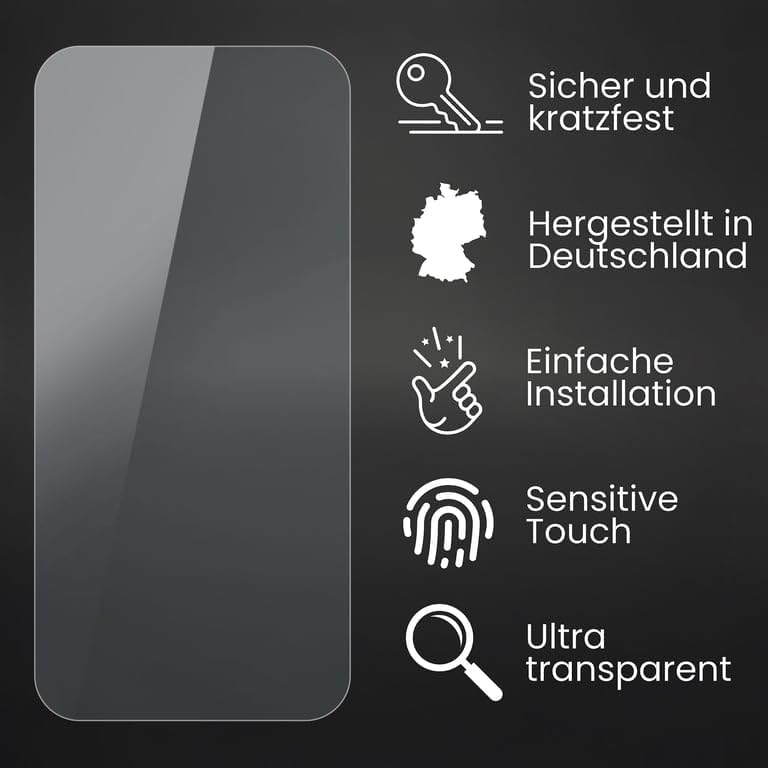
Image: An infographic highlighting key features of the Bruni screen protector: secure and scratch-resistant, Made in Germany, easy installation, sensitive touch, and ultra-transparent.
8. Warranty and Support
Bruni products are manufactured with high-quality standards. For any questions, concerns, or support regarding your screen protector, please refer to the contact information provided with your purchase or visit the official Bruni website.
This product is designed for durability and performance. Please retain your proof of purchase for any warranty claims.
Ask a question about this manual
Ask about setup, troubleshooting, compatibility, parts, safety, or missing instructions. Manuals+ will review the question and use this page’s manual context to help answer it.