Introduction
The SANOTO Bone Conduction Headphones (Model AS23) offer an innovative open-ear listening experience, transmitting sound through your cheekbones, allowing you to remain aware of your surroundings. Designed for comfort and durability, these headphones are ideal for various activities including working, cycling, and training. They feature advanced Bluetooth 5.3 connectivity, dual-microphone noise reduction, and a long-lasting battery.
Key features include:
- Fast Charging IC Technology: Charges to 70% in just 10 minutes, providing 3 hours of music playback. A full charge takes only 50 minutes for up to 8 hours of battery life.
- ENC Dual Microphone: Captures clear sound and minimizes background noise for calls.
- Dual Wireless Bluetooth Connection: Maintains stable connection with two devices simultaneously.
- IPX6 Waterproof: Sweat-proof and waterproof design, including the TYPE-C charging port. Note: Not suitable for swimming.
- Safe and Comfortable Open-Ear Design: Reduces ear pressure and allows situational awareness.
What's in the Box
Please check the package contents to ensure all items are present:
- Bone Conduction Headphones (1 unit)
- Charging Cable (1 unit)
- User Manual (1 unit)
Setup
1. Charging the Headphones
Before first use, fully charge your SANOTO Bone Conduction Headphones. Use the provided USB Type-C charging cable.
- Connect the Type-C end of the charging cable to the charging port on the headphones.
- Connect the USB-A end to a compatible USB power source (e.g., computer USB port, wall adapter).
- The indicator light will show charging status (refer to the headphone's LED indicator guide for specific colors/patterns).
- A full charge takes approximately 50 minutes, providing up to 8 hours of playback. A quick 10-minute charge can provide 3 hours of music.

Image: The SANOTO Bone Conduction Headphones connected to a laptop via a USB-C charging cable, illustrating the charging process.
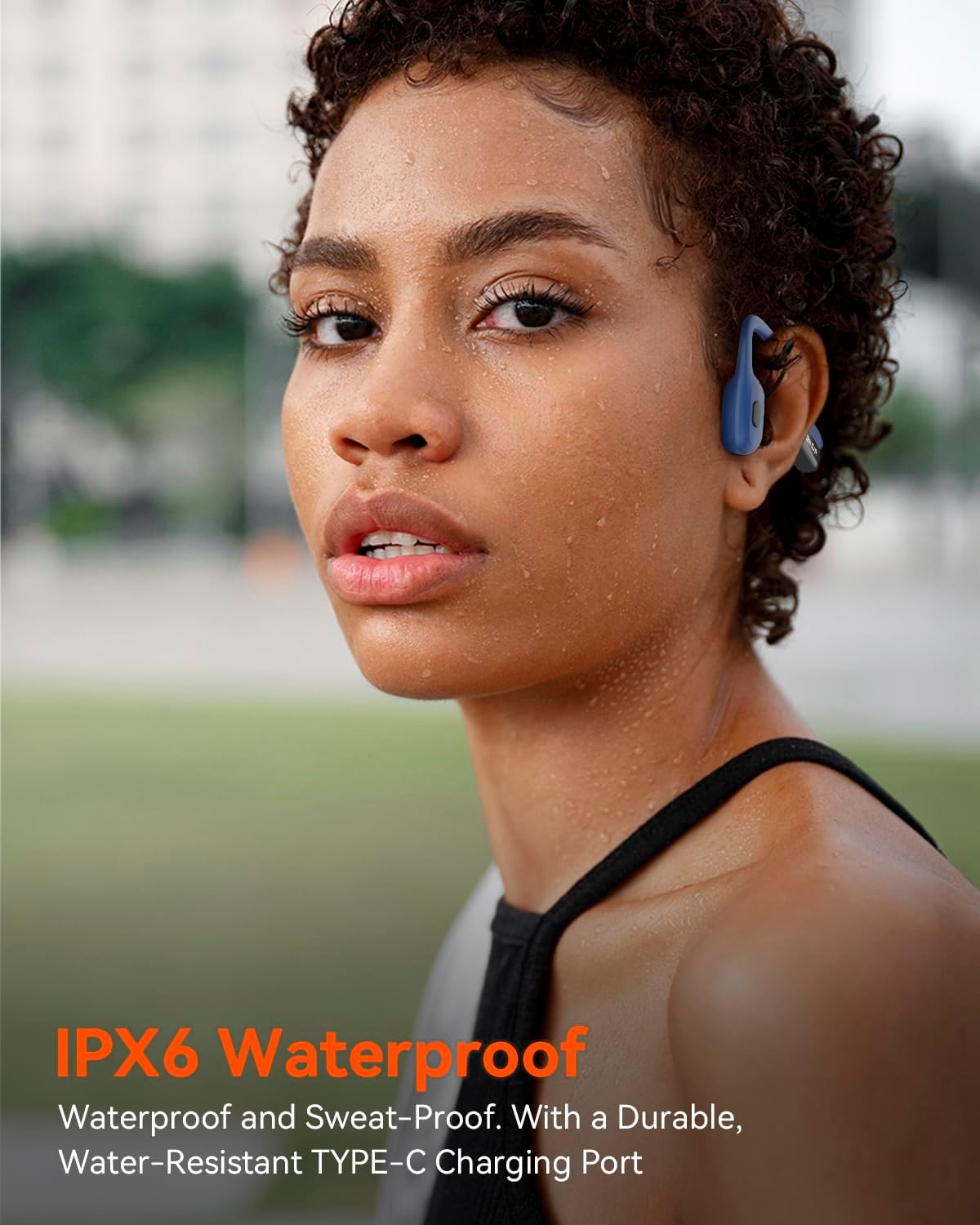
Image: A close-up diagram highlighting the Bluetooth 5.3 chip, emphasizing stable and fast wireless connectivity with a 10-meter range.
2. Pairing with Your Device
The headphones use Bluetooth 5.3 for a stable and fast connection up to 10 meters.
- Ensure the headphones are powered off.
- Press and hold the power button until the LED indicator flashes (usually blue and red alternately), indicating pairing mode.
- On your device (smartphone, tablet, computer), go to Bluetooth settings and turn Bluetooth on.
- Search for available devices and select "SANOTO AS23" (or similar name) from the list.
- Once connected, the LED indicator will typically show a solid blue light or turn off, and you will hear a confirmation tone.
Dual Wireless Bluetooth Connection: These headphones can connect to two devices simultaneously. After pairing with the first device, put the headphones back into pairing mode and connect to the second device. The headphones will intelligently switch between devices for audio and calls.
3. How to Wear
For optimal sound and comfort, position the bone conduction transducers correctly on your cheekbones, just in front of your ears.

Image: A visual guide demonstrating the correct placement of the bone conduction headphones on the cheekbones, with an incorrect placement shown for comparison.
Operating Instructions
Controls
The headphones feature intuitive button controls for easy management of audio and calls.
| Button/Action | Function |
|---|---|
| Power Button (Long Press) | Power On/Off, Enter Pairing Mode |
| Power Button (Single Press) | Play/Pause Music, Answer/End Call |
| Volume Up Button (+) | Increase Volume |
| Volume Down Button (-) | Decrease Volume |
| Volume Up Button (Long Press) | Next Track |
| Volume Down Button (Long Press) | Previous Track |
| Power Button (Double Press) | Activate Voice Assistant |
Making and Receiving Calls
The ENC Dual Microphone system ensures clear communication by reducing background noise.
- Answer Call: Press the Power Button once.
- End Call: Press the Power Button once during a call.
- Reject Call: Press and hold the Power Button for 2 seconds.

Image: A man wearing the SANOTO headphones, with an inset showing the internal dual microphone setup for noise cancellation.
Listening to Music
Enjoy high-fidelity lossless audio with your SANOTO headphones.
- Play/Pause: Press the Power Button once.
- Next Track: Long press the Volume Up (+) button.
- Previous Track: Long press the Volume Down (-) button.

Image: A woman wearing the SANOTO open-ear headphones, illustrating the comfortable fit and the ability to hear surroundings.
Video: An official product video demonstrating the features and benefits of the SANOTO Bone Conduction Headphones, including their design, charging, and audio quality.
Maintenance
Cleaning
To maintain the performance and longevity of your headphones:
- Wipe the headphones with a soft, damp cloth.
- Do not use abrasive cleaners or solvents.
- Ensure the charging port is dry before charging.
Water Resistance (IPX6)
The headphones are IPX6 waterproof, meaning they are protected against powerful water jets. This makes them suitable for use during sweaty workouts or in light rain.
- They are sweat-proof and resistant to splashes.
- The TYPE-C charging port is also designed to be water-resistant.
- Important: These headphones are not designed for swimming or submersion in water.

Image: The SANOTO Bone Conduction Headphones shown with water droplets, illustrating their IPX6 waterproof and sweat-proof capabilities.
Troubleshooting
If you encounter any issues with your SANOTO Bone Conduction Headphones, please refer to the following common solutions:
- No Power:
- Ensure the headphones are fully charged. Connect them to the charging cable and a power source.
- Check if the charging cable is securely connected and the power source is active.
- Cannot Pair:
- Make sure the headphones are in pairing mode (LED flashing red and blue).
- Turn off and on the Bluetooth on your device.
- Ensure the headphones are within the 10-meter Bluetooth range of your device.
- Forget the device from your phone's Bluetooth list and try pairing again.
- If connecting to a second device, ensure the first device's Bluetooth is temporarily off or disconnected.
- No Sound or Low Volume:
- Increase the volume on both the headphones and your connected device.
- Ensure the headphones are properly connected to your device.
- Check if the audio source is playing.
- Verify the headphones are positioned correctly on your cheekbones.
- Poor Call Quality:
- Ensure the microphone is not obstructed.
- Move to an area with less background noise.
- Check your device's network signal.
Specifications
| Feature | Detail |
|---|---|
| Model Name | AS23 |
| Brand | SANOTO |
| Connectivity Technology | Wireless (Bluetooth) |
| Bluetooth Version | 5.3 |
| Bluetooth Range | 10 Meters |
| Audio Driver Type | Bone Conduction Driver |
| Battery Life | Up to 8 Hours |
| Charging Time | Approx. 50 minutes (for full charge) |
| Water Resistance Level | IPX6 Waterproof |
| Control Type | Button Control |
| Ear Placement | Open Ear |
| Material | Plastic |
| Item Weight | 3.52 ounces |
| Recommended Uses | Cycling, Calling, Running, Exercising |
Warranty and Support
SANOTO products are manufactured to high quality standards. For any product-related inquiries, technical support, or warranty claims, please contact SANOTO customer service through the retailer where you purchased the product or visit the official SANOTO store page on Amazon:
Visit the SANOTO Store on Amazon
Please retain your proof of purchase for warranty purposes.


