
1. Introduction
This manual provides essential information for the proper installation, operation, and maintenance of your DIYmall GX3255BLS Digital Servo. Please read these instructions carefully before use to ensure optimal performance and longevity of the product. This servo is designed for use in 1/8 and 1/10 scale RC cars, including TRX6 and SCX10 RC crawlers, as well as robotic applications.
2. Product Overview
The DIYmall GX3255BLS is a high-performance digital servo featuring a brushless motor and full metal helical gears, designed for demanding applications requiring high torque and precision. Its IP68 waterproof rating ensures reliability in various environmental conditions.
Key Features:
- 55kg high performance high torque digital servo
- Full metal helical gear brushless motor
- IP68 waterproof rating
- High Precision Magnetic Position Sensor
- Equipped with 4 all-metal bearings
- Suitable for 1/10 and 1/8 scale RC vehicles (TRX6, SCX10 RC Crawler)
What's in the Box:
- 1 x GX3255BLS Digital Servo
- 1 x 25T Metal Servo Arm
- Assorted servo accessories (screws, grommets)
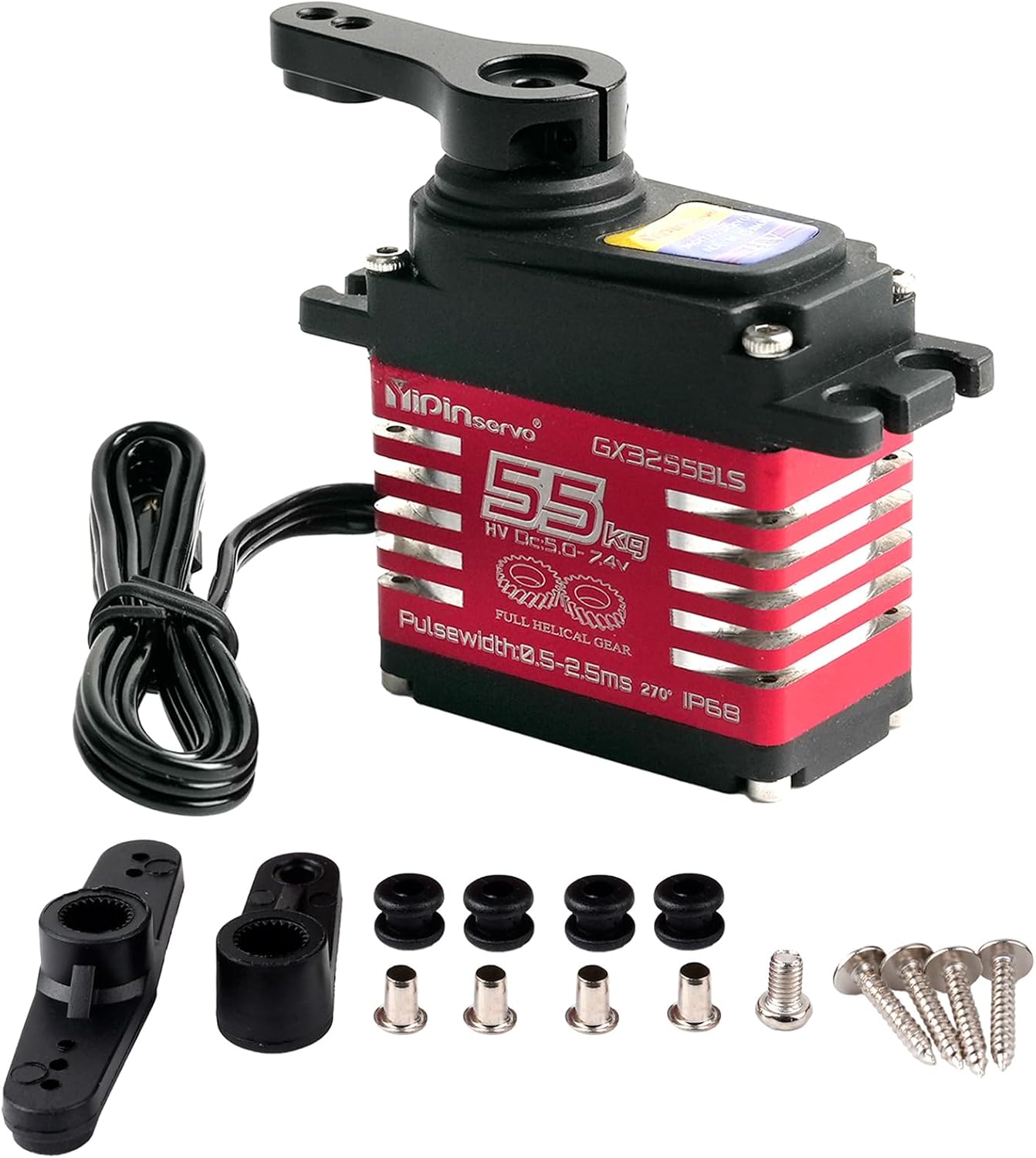
This image displays the DIYmall GX3255BLS Digital Servo, highlighting its robust features including IP68 waterproofing, a brushless motor, full steel helical gears, suitability for 1/8 and 1/10 RC crawlers, a high-precision magnetic position sensor, and four all-metal bearings.

This image illustrates the construction of the servo, pointing out the CNC integrated metal process used for the red heatsink casing and the durable plastic housing.

The image shows the servo unit alongside the included 25T metal servo arm, emphasizing the full metal gear construction for durability and precision.
3. Specifications
| Product Size | 40.5 x 21 x 41.7 mm |
| Net Weight | 90g |
| Operating Voltage | 5.0-7.4V DC |
| Standby Current | ≤ 20mA |
| Stall Current (5.0V) | ≤ 6A |
| Stall Current (6V) | ≤ 7A |
| Stall Current (7.4V) | ≤ 8A |
| No Load Speed (5.0V) | ≤ 0.1 sec/60° |
| No Load Speed (6V) | ≤ 0.09 sec/60° |
| No Load Speed (7.4V) | ≤ 0.08 sec/60° |
| Max. Torque (5.0V) | ≥ 45 kgf.cm |
| Max. Torque (6V) | ≥ 50 kgf.cm |
| Max. Torque (7.4V) | ≥ 55 kgf.cm |
| Rotating Direction | CCW (500~2500us) |
| Operating Travel Angle | 270° ± 10° (500~2500us) |
| Neutral Position | 1500us |
| Reduction Ratio | 1:299 |
| Dead Band Width | ≤ 2us |
| Operating Temperature Range | -20℃ ~ +80℃ |
| Waterproof Rating | IP68 |

This diagram provides detailed measurements of the servo, crucial for installation and fitment in various RC models. All dimensions are in millimeters.
4. Setup and Installation
Follow these general steps for installing the GX3255BLS Digital Servo into your RC vehicle or robotic project:
- Mounting the Servo: Secure the servo in the designated servo mount of your chassis using the provided screws and grommets. Ensure it is firmly seated to prevent movement during operation. Refer to the dimension diagram in Section 3 for precise fitment.
- Attaching the Servo Arm: Select the appropriate 25T metal servo arm for your application. Attach it to the servo output shaft. Ensure the arm is centered before tightening the retaining screw.
- Connecting to Receiver/Controller: Connect the servo's 3-wire cable (usually brown/black for ground, red for positive voltage, orange/yellow/white for signal) to the corresponding channel on your RC receiver or servo controller. Ensure correct polarity.
- Power Supply: Connect your receiver/controller to a suitable power source (5.0-7.4V DC). For high-torque servos like the GX3255BLS, a dedicated BEC (Battery Eliminator Circuit) or a robust power supply is recommended to provide stable current and voltage.
- Initial Calibration: With the power on, ensure the servo arm is at its neutral position (typically 1500us pulse width). Adjust linkages to your steering or control surface as needed.
5. Operating Instructions
The GX3255BLS Digital Servo operates based on standard PWM (Pulse Width Modulation) signals. The operating travel angle is 270° ± 10°, controlled by pulse widths typically ranging from 500us to 2500us, with a neutral position at 1500us.
- Pulse Width Range: The servo responds to pulse widths between 500us (minimum angle) and 2500us (maximum angle).
- Neutral Position: A pulse width of 1500us will command the servo to its center position.
- Operating Voltage: Ensure your power supply provides a stable voltage within the 5.0V to 7.4V DC range for optimal performance.
This video demonstrates the 270-degree operating travel angle of the DIYmall GX3255BLS Digital Servo, showing its movement range controlled by PWM signals from 1000us to 2000us and 500us to 2500us.
This video provides a detailed product showcase of the DIYmall GX3255BLS Digital Servo, highlighting its physical appearance and included accessories.
6. Maintenance
Proper maintenance ensures the longevity and reliable performance of your servo:
- Keep Clean: Regularly inspect the servo for dirt, dust, or debris. Clean the exterior with a soft, dry cloth. Avoid using harsh chemicals.
- Check Connections: Periodically verify that all electrical connections are secure and free from corrosion.
- Gear Inspection: While the servo features full metal helical gears, occasional inspection for wear or damage is recommended, especially after heavy use or impacts.
- Waterproof Rating: The IP68 rating means the servo is protected against dust and immersion in water. However, it is not designed for prolonged underwater operation or high-pressure water jets. After exposure to water, allow the servo to dry thoroughly.
- Avoid Overloading: Do not exceed the specified maximum torque. Excessive force can damage the internal gears or motor.
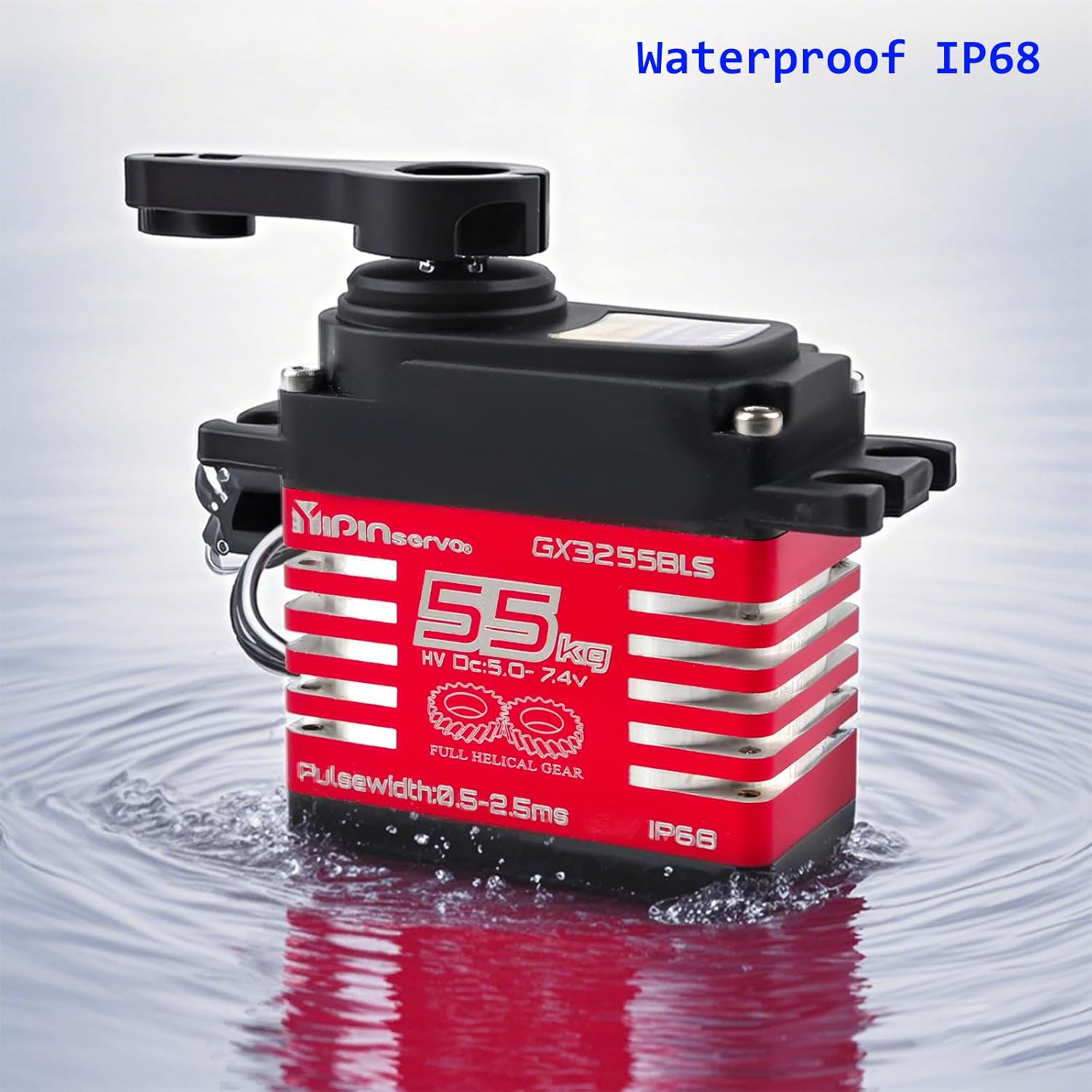
This image visually confirms the servo's IP68 waterproof capability, showing it operating reliably while partially immersed in water.
7. Troubleshooting
If you encounter issues with your GX3255BLS Digital Servo, consider the following:
- Servo Not Responding:
- Check all electrical connections to the receiver/controller and power supply.
- Verify the power supply voltage is within the 5.0-7.4V DC range and can provide sufficient current.
- Test with a different servo or receiver channel to isolate the problem.
- Erratic Movement or Jittering:
- Ensure the power supply is stable and free from voltage drops, especially under load.
- Check for interference from other electronic components.
- Verify the pulse width signal from your controller is clean and within the specified range (500-2500us).
- Excessive Noise:
- Some gear noise is normal for high-torque servos. However, excessive or grinding noise may indicate gear wear or damage.
- Ensure the servo is not binding or under constant strain.
- Reduced Torque or Speed:
- Confirm the operating voltage is at the higher end of the recommended range (e.g., 7.4V) for maximum performance.
- Check for mechanical binding in your RC model's linkages.
8. Warranty and Support
For warranty information, technical support, or service inquiries regarding your DIYmall GX3255BLS Digital Servo, please contact DIYmall customer service directly through their official channels or the retailer from whom the product was purchased. Please retain your proof of purchase for any warranty claims.