1. Introduction
Thank you for choosing the UGREEN Vertical Ergonomic Wireless Mouse. This mouse is designed to provide superior comfort and precision for extended use, reducing wrist and arm fatigue. It offers versatile connectivity options and adjustable sensitivity to suit various tasks and preferences.
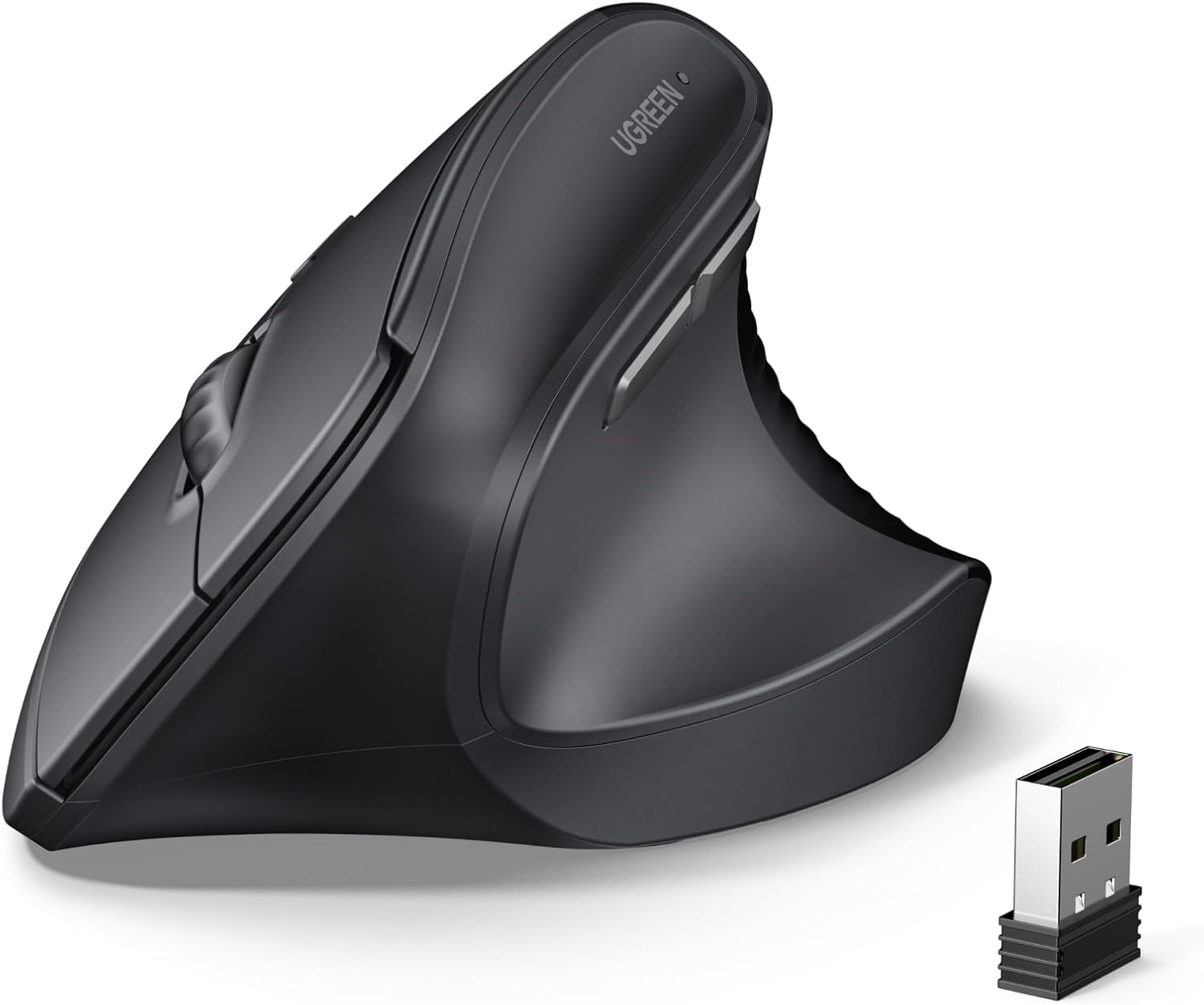
The UGREEN Vertical Ergonomic Wireless Mouse, showcasing its unique design and included USB receiver.
2. Key Features
- Ergonomic Design: A natural 57° vertical angle for the arm and wrist to prevent fatigue, ideal for long-term computer users.
- Precise Control: 4 adjustable DPI levels (1000/1600/2000/4000) for accurate cursor control.
- Wireless Freedom: Connects via 2.4G USB receiver or Bluetooth 5.4 with a maximum working distance of 10 meters.
- Wide Compatibility: Supports Windows (7/8.1/10/11), macOS (10.15 and above), iOS (13.4 and above), iPadOS (14.0 and above), Android (5.0 and above), Chrome OS, and Linux.
- Comfortable Fit: Measures 119.8*85.8*73 mm and weighs 105g, suitable for medium to large hands (17 cm and above).
- Silent Operation: 99% silent click for a quiet working environment.
- Long Battery Life: Up to 12 months of battery life with automatic sleep mode.
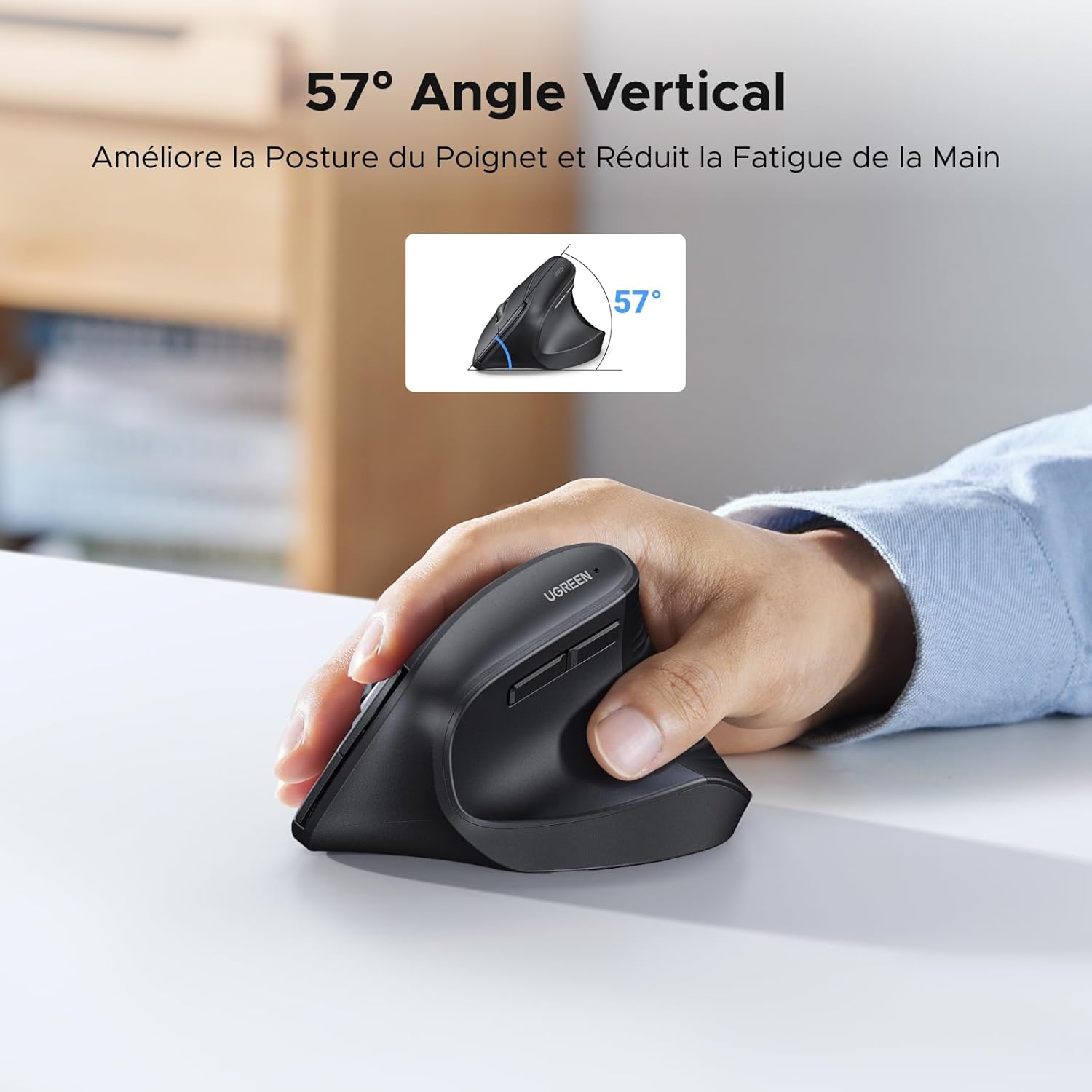
The 57° vertical angle of the mouse is designed to improve wrist posture and reduce hand fatigue.
3. Setup and Connection
3.1 Battery Installation
The mouse is powered by 1x AA battery (not included). Open the battery compartment on the underside of the mouse and insert the AA battery, ensuring correct polarity.
3.2 Connecting via 2.4G Wireless
- Take out the USB receiver from the battery compartment of the mouse.
- Plug the USB receiver into an available USB port on your computer.
- Turn on the mouse using the ON/OFF switch located on the underside.
- The mouse should automatically connect to your computer.

The mouse offers a stable 2.4 GHz connection with a transmission range of up to 10 meters.
3.3 Connecting via Bluetooth 5.4
- Turn on the mouse using the ON/OFF switch.
- Press and hold the Bluetooth pairing button (refer to the diagram in Section 4.1 for location) until the indicator light starts blinking, indicating it's in pairing mode.
- On your device (computer, tablet, smartphone), go to Bluetooth settings and search for available devices.
- Select "UGREEN Mouse" or a similar name from the list to pair.
- Once connected, the indicator light will stop blinking and remain solid.
Note: Bluetooth 5.0 mode is not compatible with MacBook Air/Pro/Mac mini/iMac with M4/M4 Pro/M4 Max chip and iPad with M3/M3 Pro/M3 Max chip.
4. Operating Instructions
4.1 Mouse Layout and Functions

Detailed view of the mouse buttons and their functions, including the USB receiver storage.
- Left Button: Standard click function.
- Right Button: Standard right-click function.
- Scroller: Scroll up/down, middle-click. Features a silent, mechanically refined construction for smooth scrolling.
- DPI Switch Button: Cycles through DPI settings (1000/1600/2000/4000).
- Forward Button (Side): Navigates forward in web browsers or file explorers.
- Back Button (Side): Navigates backward in web browsers or file explorers.
- ON/OFF Switch: Powers the mouse on or off.
- Indicator Light: Shows connection status and low battery.
- USB Receiver: Stores the 2.4G wireless receiver.
Note for Mac Users: In Mac mode, the front side button is used to switch to the next application (Command+]), and the rear side button is used to switch to the previous application (Command+[).
4.2 Adjusting DPI Sensitivity
Press the DPI Switch Button located on the top of the mouse to cycle through the available DPI settings: 1000, 1600, 2000, and 4000 DPI. Choose the setting that best suits your task, whether it's precise graphic design work, general office tasks, or gaming.

The mouse offers 4 adjustable DPI levels for high precision control.

Examples of DPI usage scenarios: 4000 DPI for professional applications, 2400 DPI for gaming scenarios, 1600 DPI for graphic design, and 1000 DPI for office tasks.
5. Maintenance
5.1 Battery Life and Sleep Mode
The mouse is designed for extra-long standby battery life, offering up to 12 months of use on a single AA battery. To conserve power, the mouse enters automatic sleep mode after 10 minutes of inactivity. Simply move the mouse to wake it up.

Features include 10 minutes automatic sleep, 12 months battery life, and a low battery reminder.
5.2 Cleaning
To clean the mouse, gently wipe its surface with a soft, dry cloth. Avoid using harsh chemicals or abrasive materials, as these may damage the finish. Ensure no liquids enter the mouse.

The textured surface and frosted finish provide an anti-slip and anti-perspiration grip.
6. Troubleshooting
- Mouse not responding: Ensure the mouse is turned on and the battery is not depleted. For 2.4G connection, check if the USB receiver is securely plugged in. For Bluetooth, ensure the mouse is paired correctly and your device's Bluetooth is enabled.
- Lag or intermittent connection: Move the mouse closer to the receiver/device. Ensure there are no strong interferences (e.g., other wireless devices, large metal objects) nearby.
- DPI not changing: Press the DPI button firmly. If it still doesn't change, try restarting the mouse.
- Side buttons not working on Mac: Remember that in Mac mode, the side buttons function as Command+[ and Command+] for application switching. Ensure your macOS version is 10.15 or above.
- Bluetooth 5.0 compatibility: Note that Bluetooth 5.0 mode is not compatible with MacBook Air/Pro/Mac mini/iMac with M4/M4 Pro/M4 Max chip and iPad with M3/M3 Pro/M3 Max chip.
7. Specifications
| Brand | UGREEN |
| Model Number | 65042 |
| Color | Black |
| Connectivity Technology | 2.4G Wireless, Bluetooth 5.4 |
| Operating Systems | Windows (7/8.1/10/11), macOS (10.15+), iOS (13.4+), iPadOS (14.0+), Android (5.0+), Chrome OS, Linux |
| DPI Levels | 1000, 1600, 2000, 4000 |
| Number of Buttons | 6 |
| Motion Sensing Technology | Optical, Laser |
| Wireless Range | 10 meters |
| Dimensions (L*W*H) | 119.8 x 85.8 x 73 mm |
| Weight | 105 g |
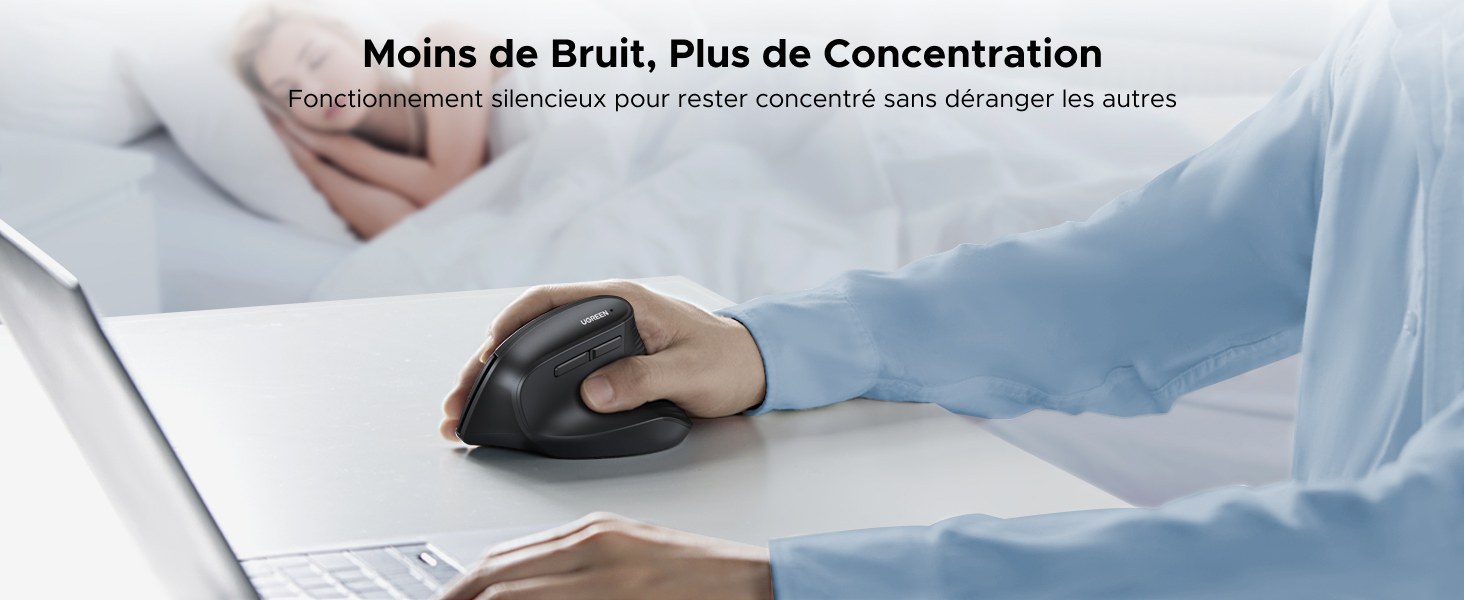
The mouse is compatible with a wide range of operating systems.
8. Warranty and Support
8.1 Warranty Information
This UGREEN product comes with a 24-month manufacturer's warranty. Please retain your proof of purchase for warranty claims.
8.2 Customer Support
For any questions, technical support, or warranty inquiries, please visit the official UGREEN website or contact UGREEN customer service through the retailer where you purchased the product. You can also visit the UGREEN Brand Store on Amazon for more information and support resources.


