
Introduction
The Cardinal Classics Automatic Card Shuffler is designed to streamline your card games by quickly and efficiently shuffling one or two decks of playing cards. This manual provides essential information for the proper setup, operation, and care of your device, ensuring a smooth and enjoyable gaming experience.
What's in the Box
Verify that all components are present before proceeding with setup.
- 1 x Automatic Card Shuffler Unit
Note: Playing cards and 4 AA batteries are not included and must be purchased separately.

Image: The product packaging for the Cardinal Classics Automatic Card Shuffler.
Setup Instructions
Follow these steps to prepare your Automatic Card Shuffler for use:
- Unpack the Shuffler: Carefully remove the card shuffler from its packaging.
- Install Batteries: Locate the battery compartment (usually on the underside or back of the unit). Insert 4 AA batteries, ensuring correct polarity.
- Prepare Cards: Place one or two decks of standard playing cards into the designated card trays on top of the shuffler.
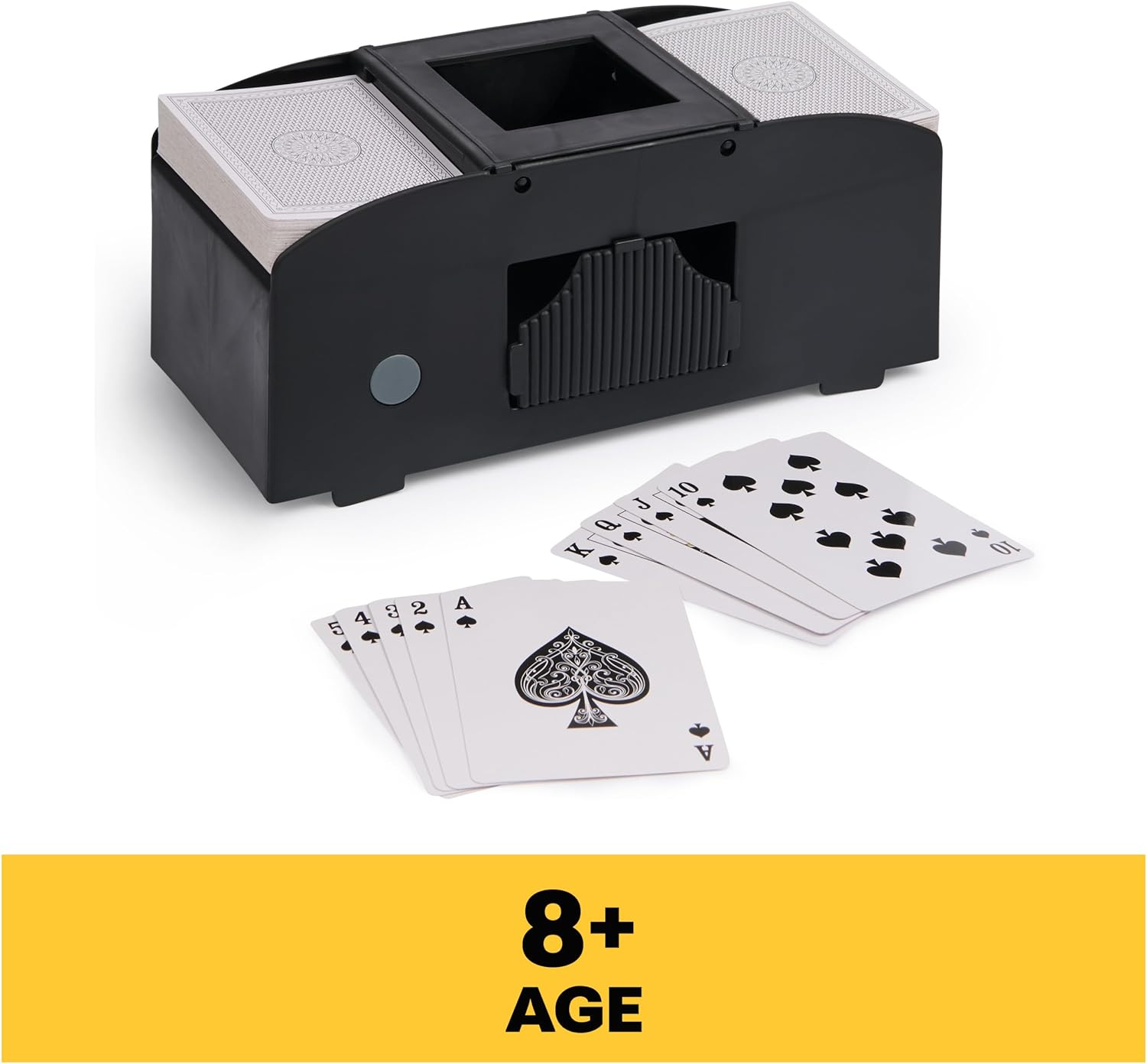
Image: The Automatic Card Shuffler ready for use with cards placed in the trays. Suitable for ages 8 and up.
Operating Instructions
Operating the Automatic Card Shuffler is simple and efficient:
- Load Cards: Ensure one or two decks of playing cards are properly seated in the input trays.
- Initiate Shuffling: Press the designated button on the side of the unit to begin the shuffling process. The shuffler will automatically interleave the cards.
- Retrieve Cards: Once the shuffling is complete, the cards will be collected in the central output tray. Remove the shuffled deck(s) to begin your game.

Image: A hand pressing the button to activate the shuffler, which can shuffle 1-2 card decks in seconds.

Image: Cards are shown being shuffled and collected in the central output tray, allowing more time for playing and less time for manual shuffling.
Maintenance
To ensure the longevity and optimal performance of your card shuffler, follow these maintenance guidelines:
- Cleaning: Periodically wipe the exterior of the shuffler with a soft, dry cloth. Avoid using abrasive cleaners or solvents.
- Battery Replacement: Replace batteries when the shuffling mechanism slows down or stops functioning. Always use fresh AA batteries.
- Storage: Store the shuffler in a dry, cool place away from direct sunlight and extreme temperatures.
Troubleshooting
If you encounter issues with your Automatic Card Shuffler, refer to the following common problems and solutions:
| Problem | Possible Cause | Solution |
|---|---|---|
| Shuffler does not turn on or operate. | Dead or incorrectly installed batteries. | Check battery polarity and replace with new AA batteries. |
| Cards jam during shuffling. | Overloaded trays, worn cards, or foreign object. | Ensure trays are not overloaded. Use new or good condition cards. Remove any obstructions. |
| Shuffling is slow or weak. | Low battery power. | Replace all 4 AA batteries with fresh ones. |
| Excessive noise during operation. | Normal operation sound or minor card misalignment. | Some operational noise is normal. Ensure cards are properly aligned in trays. If noise is unusual or excessive, contact customer support. |
Specifications
- Brand: Spin Master Games
- Model Number: 6072408
- Material: Plastic
- Operation Mode: Automatic
- Power Source: Battery
- Batteries Required: 4 x AA (not included)
- Item Dimensions (L x W x H): 8.5 x 3.75 x 4.25 inches
- Recommended Age: 8 years and up
Warranty and Support
For warranty information or technical support, please refer to the contact details provided on the product packaging or visit the official Spin Master Games website. Keep your purchase receipt as proof of purchase.