
Walfront THP10-Z-X
Walfront Smart Wired Gateway THP10-Z-X User Manual
Model: THP10-Z-X | Brand: Walfront
1. Introduction
The Walfront THP10-Z-X Smart Wired Gateway serves as a central control hub for your intelligent home system. Designed to support multiple protocols, including Matter and Thread, this gateway enables seamless communication between various smart devices, allowing for unified control and enhanced automation within your home environment.
It acts as a bridge, connecting your smart devices and facilitating their interaction with certified smart home platforms like Apple HomeKit. This gateway simplifies your smart home experience by consolidating control into a single application and enabling voice control capabilities.
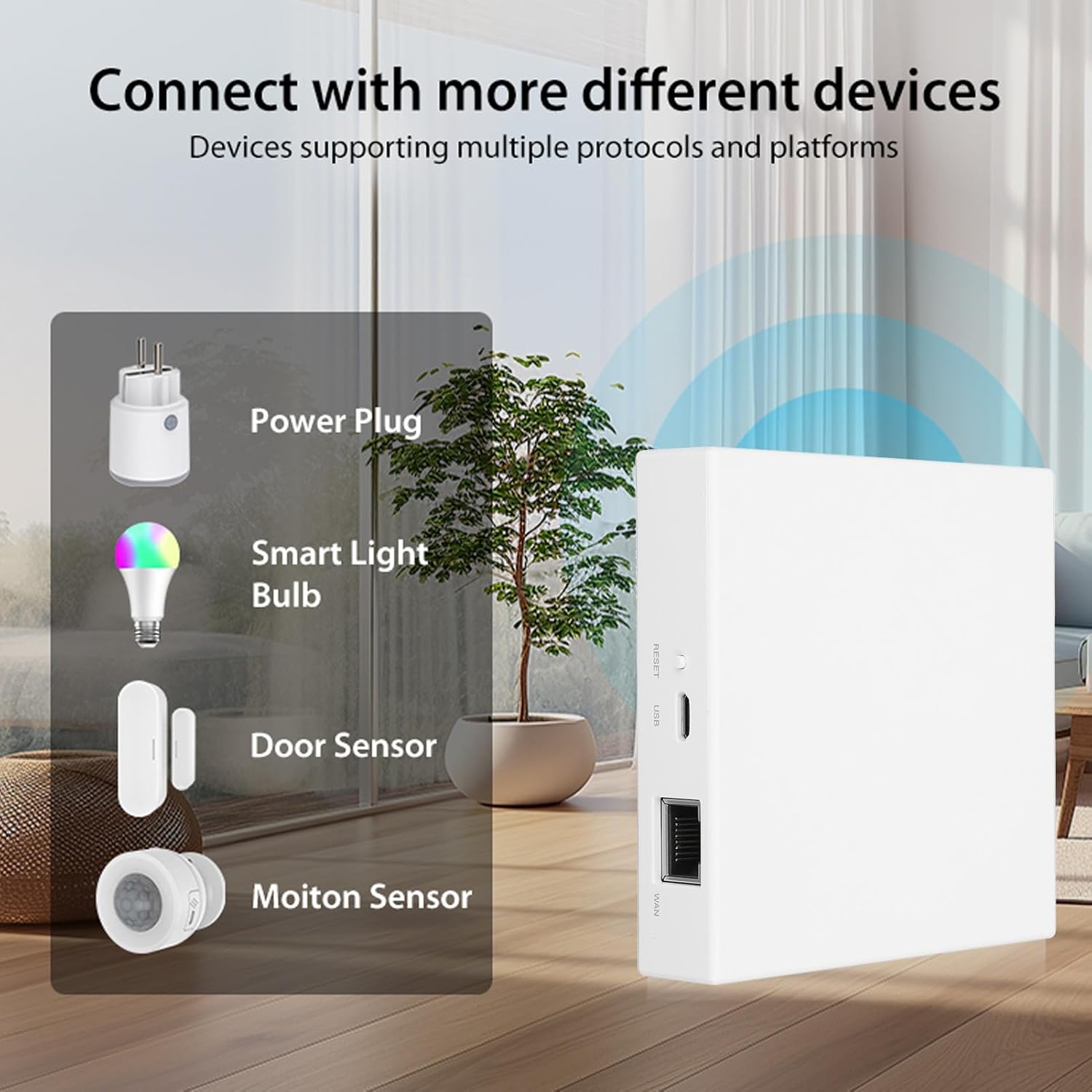
Figure 1: The Walfront Smart Wired Gateway as a central device for smart living, connecting various smart home elements.
2. Specifications
Below are the technical specifications for the Walfront THP10-Z-X Smart Wired Gateway:
| Feature | Description |
|---|---|
| Model | THP10-Z-X |
| Material | ABS |
| Control Center For | Matter and Tuya |
| USB Power Supply | 5V 1A |
| Operating Temperature | -10℃ to +45℃ |
| Operating Humidity | 10%-90% RH (non-condensing) |
| Storage Temperature | -10℃ to +55℃ |
| Storage Humidity | 10%-90% RH (non-condensing) |
| Protocols Supported | Matter, Thread |
| Network Range | 45M |
| Dimensions (L x W x H) | Approx. 90 x 90 x 22mm / 3.54 x 3.54 x 0.87in |
| Item Weight | Approx. 4.9 ounces |

Figure 2: Dimensions of the THP10-Z-X Gateway.
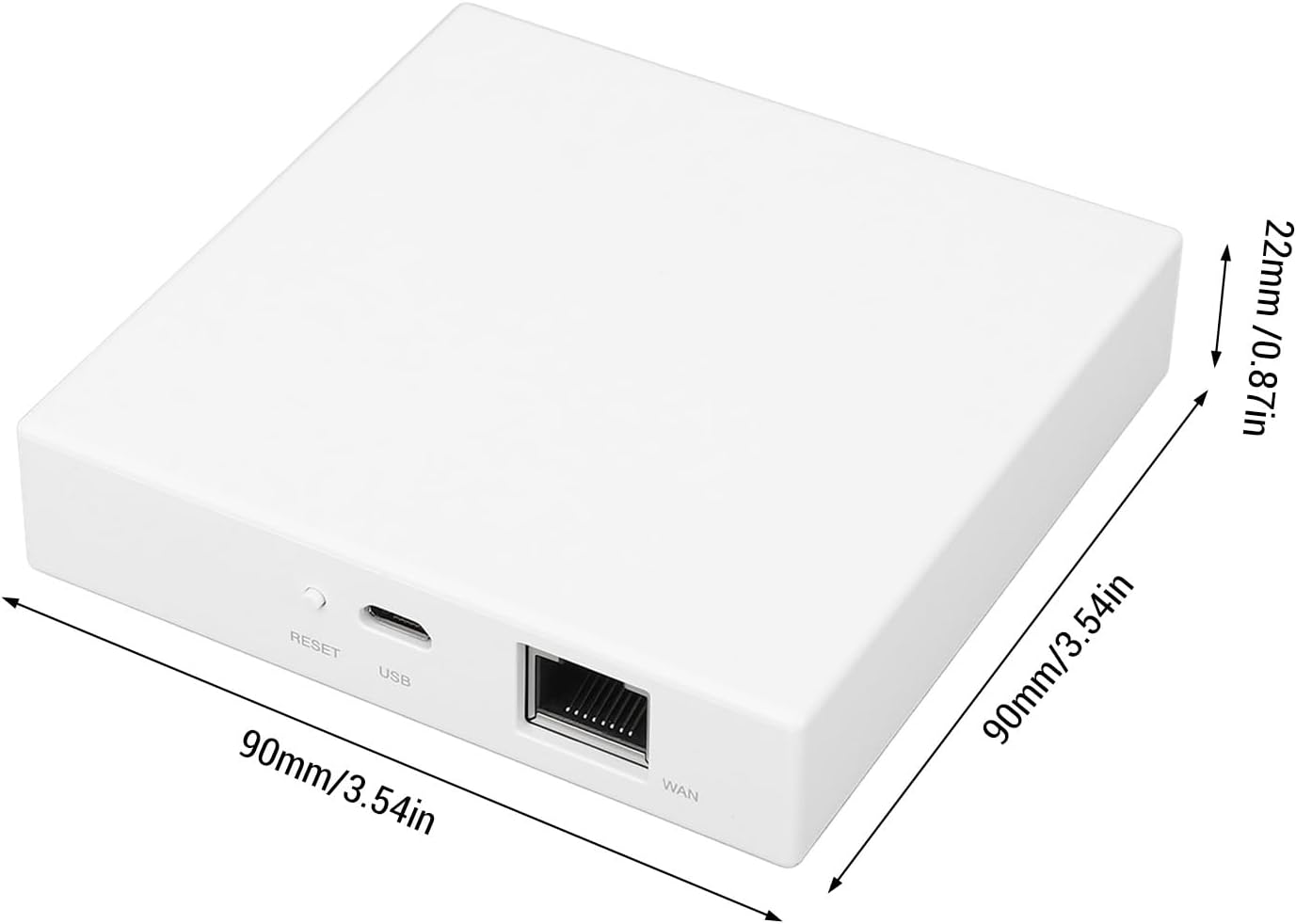
Figure 3: Product information label on the bottom of the gateway.
3. Package Contents
Please verify that all items listed below are included in your package:
- 1 x Walfront Smart Wired Gateway (THP10-Z-X)
- 1 x Ethernet Cable
- 1 x USB Power Supply Cable
- 1 x User Manual (this document)

Figure 4: Included components: Gateway, Ethernet cable, and USB power cable.
4. Setup Instructions
The Walfront THP10-Z-X Gateway is designed for straightforward installation. Follow these steps to set up your device:
- Connect to Power: Connect the provided USB power supply cable to the gateway's USB port and plug the other end into a 5V 1A USB power adapter (not included) or a compatible USB power source.
- Connect to Network: Use the provided Ethernet cable to connect the gateway's WAN port to your Matter-compatible router. Ensure a stable internet connection is available.
- Power On: Once connected to power and network, the gateway will automatically power on. There is no manual power button.
- Initial Configuration: The gateway is designed for plug-and-play operation. For initial setup and adding sub-devices, refer to the specific instructions within your chosen smart home platform application (e.g., Tuya Smart app, Apple Home app).
Note: The Matter system requires a compatible Matter router for full functionality. Ensure your network infrastructure supports Matter protocol for optimal performance.
5. Operating Instructions
The Walfront THP10-Z-X Gateway enhances your smart home experience through multi-protocol support, remote control, voice commands, and smart device linkage.
5.1 Multi-Protocol Support
This gateway supports Matter and Thread 3.0 protocols, allowing it to integrate with a wide range of Tuya standard and Thread devices. This enables more devices to operate within a Matter certified system, expanding your smart home ecosystem.
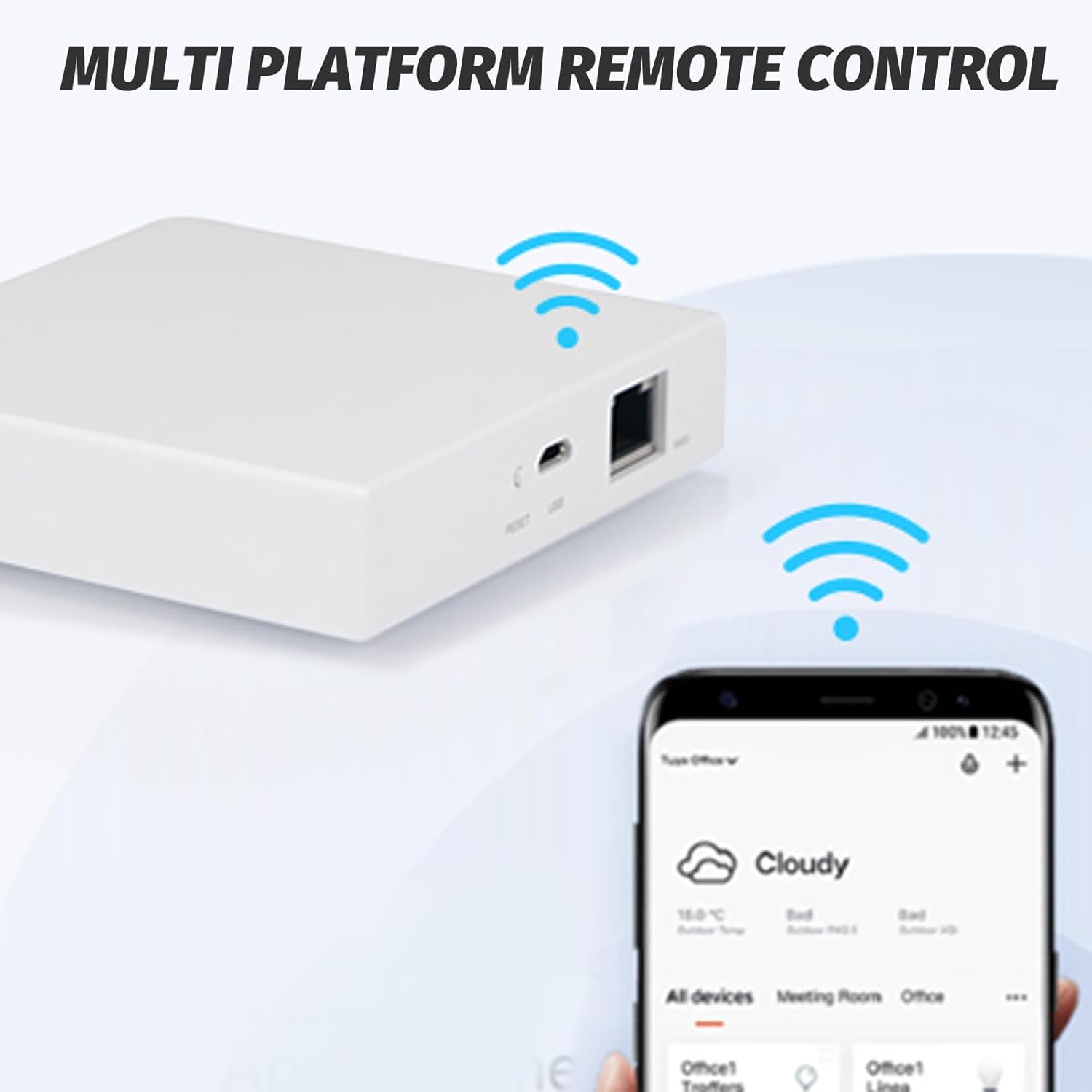
Figure 5: Gateway connecting with different smart devices.
5.2 Multi-Platform Remote Control
The Matter protocol allows your Tuya and Thread devices to work seamlessly with certified smart home platforms, including Apple HomeKit. You can control all your connected smart home devices from a single application, eliminating the need for multiple apps and enabling cross-platform control.

Figure 6: Remote control via smart home application.
5.3 Voice Control
By connecting your Thread and Tuya devices to the Matter Gateway, you can enable voice control through compatible platforms such as Apple HomeKit. This provides a convenient and hands-free way to manage your smart home devices.

Figure 7: Voice control and compatibility with various smart devices.
5.4 Smart Linkage
The gateway acts as a crucial bridge for various devices, utilizing the Matter Thread 3.0 protocol. It can serve as a trigger condition to interact with other devices, enabling complex smart device linkages and automation scenarios within your home.

Figure 8: Smart linkage capabilities within a home environment.
6. Maintenance
To ensure the longevity and optimal performance of your Walfront THP10-Z-X Smart Wired Gateway, please follow these maintenance guidelines:
- Cleaning: Gently wipe the exterior of the device with a soft, dry cloth. Do not use liquid cleaners, aerosols, or abrasive materials, as these can damage the casing or internal components.
- Placement: Place the gateway in a well-ventilated area, away from direct sunlight, heat sources, and excessive moisture. Ensure there is adequate airflow around the device to prevent overheating.
- Firmware Updates: Regularly check for and install any available firmware updates through your smart home application. Updates often include performance improvements, bug fixes, and security enhancements.
- Cable Management: Ensure all connected cables (Ethernet, USB power) are securely plugged in and not kinked or strained.
7. Troubleshooting
If you encounter issues with your Walfront THP10-Z-X Smart Wired Gateway, refer to the following common troubleshooting steps:
- Device Not Powering On:
- Ensure the USB power cable is securely connected to both the gateway and a functional 5V 1A USB power source.
- Try a different USB power adapter or USB port.
- No Network Connection:
- Verify that the Ethernet cable is firmly connected to both the gateway's WAN port and your router.
- Check if your router has an active internet connection.
- Restart your router and the gateway.
- Cannot Add Sub-Devices:
- Ensure the sub-devices are compatible with Matter or Tuya protocols and are within the gateway's network range (45M).
- Follow the specific pairing instructions for each sub-device within your smart home application.
- Confirm that your Matter system is matched with a Matter router.
- Voice Control Not Working:
- Ensure the gateway and connected devices are properly linked to your voice assistant platform (e.g., Apple HomeKit).
- Check your voice assistant's settings and device list for proper recognition.
- Gateway Unresponsive:
- Disconnect the power cable, wait 10 seconds, and then reconnect it to restart the gateway.
- If issues persist, consider performing a factory reset (refer to the device's physical reset button, if available, or app instructions).
8. Warranty and Support
For warranty information and technical support, please refer to the documentation provided with your purchase or visit the official Walfront website. You may also contact the seller directly for assistance with product-related inquiries.
Seller: Gytibedv-US
Amazon Product Page: https://www.amazon.com/dp/B0DQQV5CQP
Ask a question about this manual
Ask about setup, troubleshooting, compatibility, parts, safety, or missing instructions. Manuals+ will review the question and use this page’s manual context to help answer it.