
1. Introduction
Thank you for choosing the Inkbird C236T Thermostat Plug. This device is designed to provide precise temperature control for various heating and cooling applications. With its integrated Wi-Fi connectivity, you can monitor and adjust settings remotely via a dedicated mobile application. This manual provides detailed instructions for setup, operation, and maintenance to ensure optimal performance and safety.

2. Safety Information
Please read all safety warnings and instructions carefully before using this product. Failure to follow these instructions may result in electric shock, fire, or serious injury.
- Ensure the device is connected to a grounded power outlet.
- Do not exceed the maximum load capacity of 3680 Watts (230V/16A).
- Keep the device and its probe away from water or excessive moisture.
- Do not disassemble or modify the device. Contact qualified personnel for repairs.
- Unplug the device from the power outlet before cleaning or when not in use for extended periods.
- This device is intended for indoor use only.
- Keep out of reach of children.
3. Product Overview
3.1 Components
- Inkbird C236T Thermostat Plug unit
- Temperature Probe
- User Manual (this document)
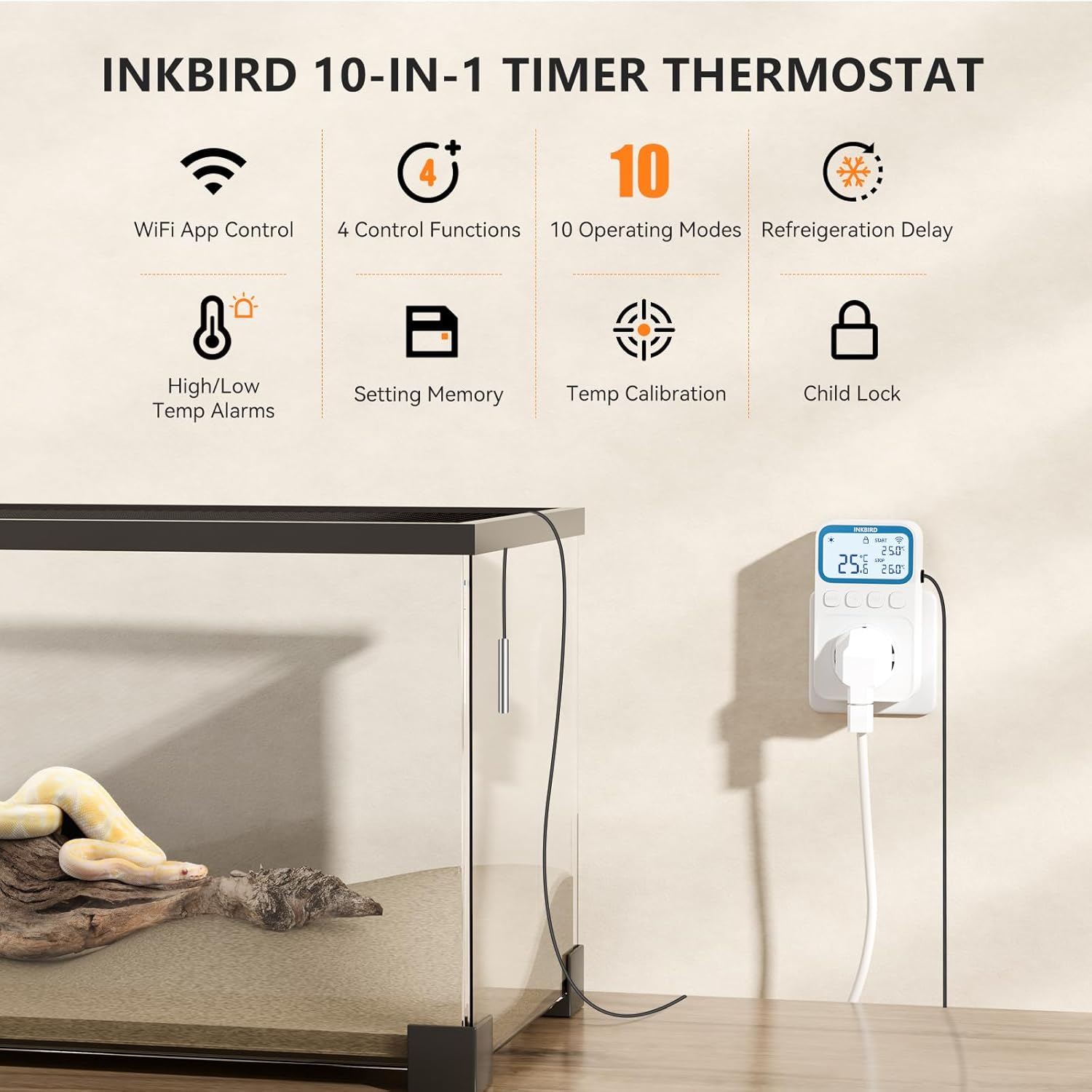
3.2 Key Features
- Wi-Fi App Control: Remote monitoring and control via smartphone.
- 4 Control Functions: Temperature Mode, Time Mode, Temp Time Mode, Manual Mode.
- 10 Operating Modes: Various timer and temperature control combinations.
- Heating/Cooling Control: Automatic switching between heating and cooling based on set temperature.
- High/Low Temp Alarms: Receive notifications for temperature deviations.
- Refrigeration Delay: Protects compressors in cooling applications.
- Setting Memory: Retains settings after power loss.
- Temp Calibration: Allows for fine-tuning temperature readings.
- Child Lock: Prevents accidental changes to settings.
4. Setup
4.1 Physical Connection
- Insert the temperature probe into the designated port on the side of the Inkbird C236T unit.
- Plug the Inkbird C236T Thermostat Plug into a standard 230V AC power outlet.
- Connect your heating or cooling device (e.g., heater, fan, incubator) into the power socket on the front of the Inkbird C236T.
- Position the temperature probe in the area where you wish to measure and control the temperature.
4.2 App Download and Wi-Fi Connection
- Download the "InkbirdPro" app from your smartphone's app store (iOS or Android).
- Register an account or log in if you already have one.
- Follow the in-app instructions to add the Inkbird C236T device. This typically involves putting the device into pairing mode (refer to the device's display or quick start guide for specific button presses) and connecting it to your 2.4GHz Wi-Fi network.
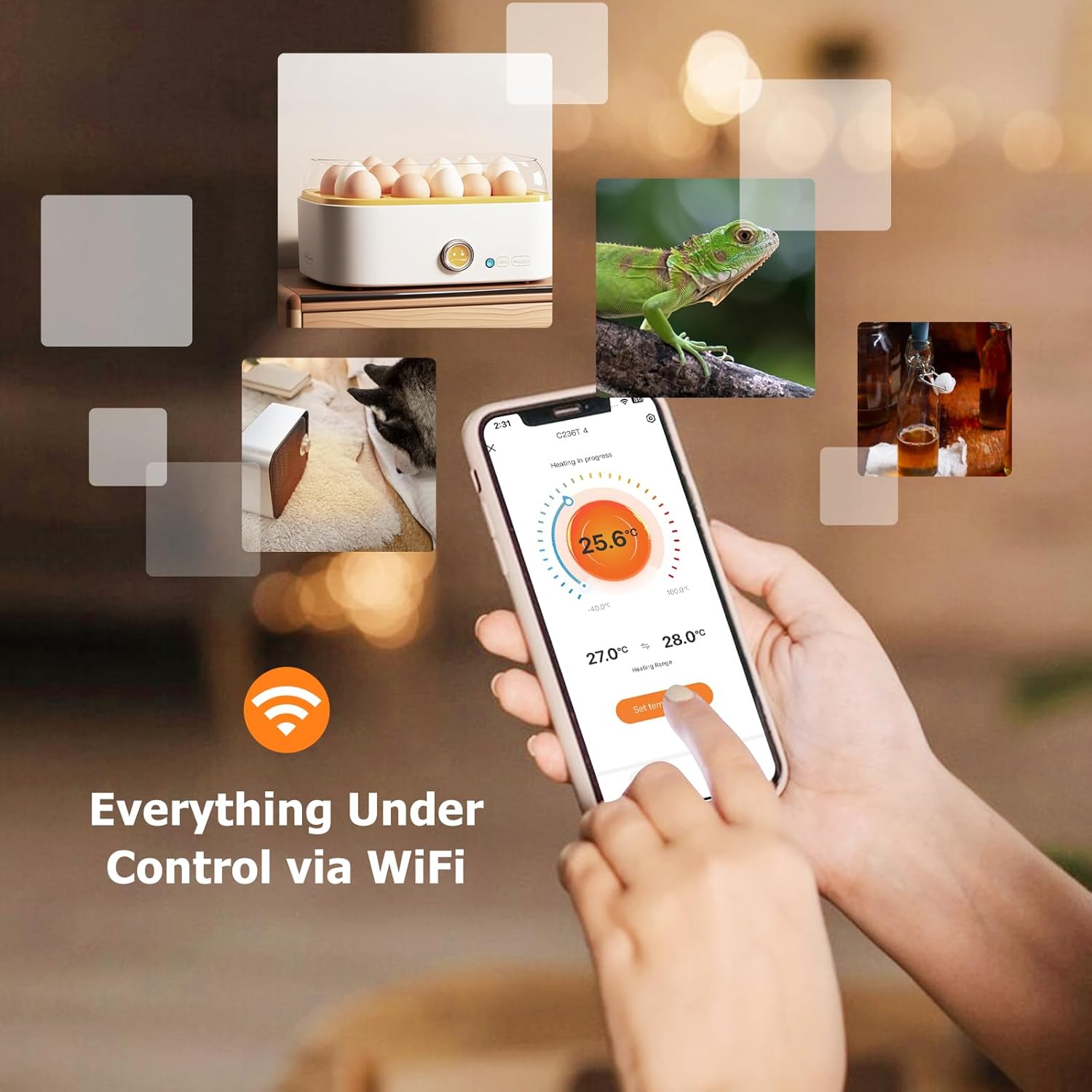
- Once connected, you can control and monitor the device remotely.
5. Operating Instructions
5.1 Control Functions
The Inkbird C236T offers four primary control functions, accessible via the device or the mobile app:
- Temperature Mode: Controls your heating or cooling device based solely on the set temperature.
- Time Mode: Turns the device on or off at specific times you set.
- Temp Time Mode: Combines temperature and time control, activating your device based on both parameters.
- Manual Mode: Allows you to manually turn your device on or off remotely.

5.2 Operating Modes
The device supports 10 operating modes, offering flexibility for various applications. These modes combine temperature control with different timer functionalities. Examples include:
- Cycle Time (P01): Repeats an ON/OFF cycle.
- Countdown ON (P02): Turns on after a set countdown.
- Countdown OFF (P03): Turns off after a set countdown.
- Countdown ON&OFF (P04): Turns on and then off after set countdowns.
- Cycle Time + Temp Control (P05): Combines cyclic timing with temperature regulation.
- Countdown ON + Temp Control (P06): Turns on after a countdown, then controls by temperature.
- Countdown OFF + Temp Control (P07): Controls by temperature, then turns off after a countdown.
- Countdown ON&OFF + Temp Control (P08): Combines countdown ON/OFF with temperature control.
- And other variations for precise control.

5.3 Heating and Cooling Control
The Inkbird C236T can automatically switch between heating and cooling functions to maintain your desired temperature range.
- Set your desired temperature range (e.g., 27.0°C to 28.0°C).
- If the temperature drops below the lower limit, the device will activate the connected heating appliance.
- If the temperature rises above the upper limit, the device will activate the connected cooling appliance (if configured for cooling).

5.4 Temperature Alarms
Configure high and low-temperature alarms within the app to receive instant notifications if the temperature deviates from your set thresholds. This feature helps in preventing critical temperature fluctuations for sensitive applications.

6. Maintenance
- Cleaning: Disconnect the device from power before cleaning. Wipe the unit with a soft, dry cloth. Do not use abrasive cleaners or immerse the device in water.
- Probe Care: Handle the temperature probe carefully. Avoid bending or damaging the cable. Clean the probe as needed, ensuring it is dry before re-use.
- Storage: Store the device in a cool, dry place when not in use.
7. Troubleshooting
| Problem | Possible Cause | Solution |
|---|---|---|
| Device not powering on | No power from outlet; device not properly plugged in. | Check power outlet with another device; ensure the plug is fully inserted. |
| Cannot connect to Wi-Fi | Incorrect Wi-Fi password; 5GHz network used; device too far from router. | Verify Wi-Fi password; ensure you are using a 2.4GHz network; move device closer to router. Reset device and try pairing again. |
| Temperature reading inaccurate | Probe not properly inserted; probe damaged; need for calibration. | Ensure probe is fully inserted. If damaged, replace probe. Use the temperature calibration feature in the app. |
| Connected appliance not turning on/off | Incorrect mode settings; appliance not working; exceeding max load. | Review operating mode and temperature settings in the app. Test the appliance directly. Ensure total wattage does not exceed 3680W. |
8. Specifications
| Parameter | Value |
|---|---|
| Brand | Inkbird |
| Model Number | ITC-C236T-DE |
| Color | White |
| Dimensions (L x W x H) | 3.3 x 6.5 x 11.4 cm |
| Weight | 260 Grams |
| Power | 3680 Watts (Max) |
| Voltage | 230 Volts (AC) |
| Material | Acrylonitrile Butadiene Styrene (ABS) |
| Connectivity Technology | Wi-Fi |
| Temperature Control Type | Smart/Remote (via mobile application) |
| Temperature Range (Probe) | -40°C to 100°C |
9. Warranty and Support
For warranty information and technical support, please refer to the official Inkbird website or contact Inkbird customer service directly. Keep your purchase receipt as proof of purchase.
Inkbird Tech. is the seller for this product.