
1. Introduction
Thank you for choosing the BIAT 230° Wide Beam Rechargeable LED Headlamp. This manual provides essential information for the safe and efficient operation of your headlamp. Please read it thoroughly before use and retain it for future reference.

Image 1.1: BIAT 230° Wide Beam Rechargeable LED Headlamp.
2. Safety Guidelines
- Do not look directly into the LED light.
- Keep out of reach of children.
- Do not disassemble the headlamp; this may void the warranty and cause damage.
- Use only the provided or certified compatible charging cables.
- Avoid exposing the headlamp to extreme temperatures or direct sunlight for prolonged periods.
- Although IPX4 water-resistant, do not submerge the headlamp in water.
3. Package Contents
- BIAT LED Headlamp (1 unit)
- USB-C Charging Cable (1 unit)
- User Manual (1 unit)
4. Product Components
Familiarize yourself with the different parts of your BIAT LED Headlamp:
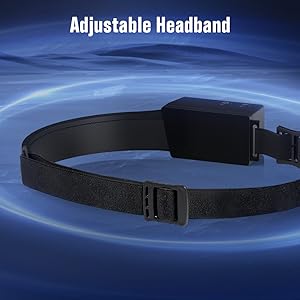
Image 4.1: Detailed view of the headlamp components.
- Power Button: Controls power and cycles through light modes.
- Sensor Switch: Activates/deactivates motion sensor mode.
- Power Display: Shows remaining battery percentage.
- Sensor Reception: Receives hand gestures for motion sensor.
- Sensor Emission: Emits signal for motion sensor.
- XPE LED: Spotlight for focused illumination.
- COB LED: Wide beam floodlight for broad illumination.
- Angle Adjustment: Allows 90° rotation of the spotlight.
5. Setup
5.1 Initial Charging
Before first use, fully charge the headlamp. Connect the provided USB-C cable to the headlamp's charging port and a suitable USB power source. The power display will indicate charging progress. A full charge typically takes approximately 3 hours.
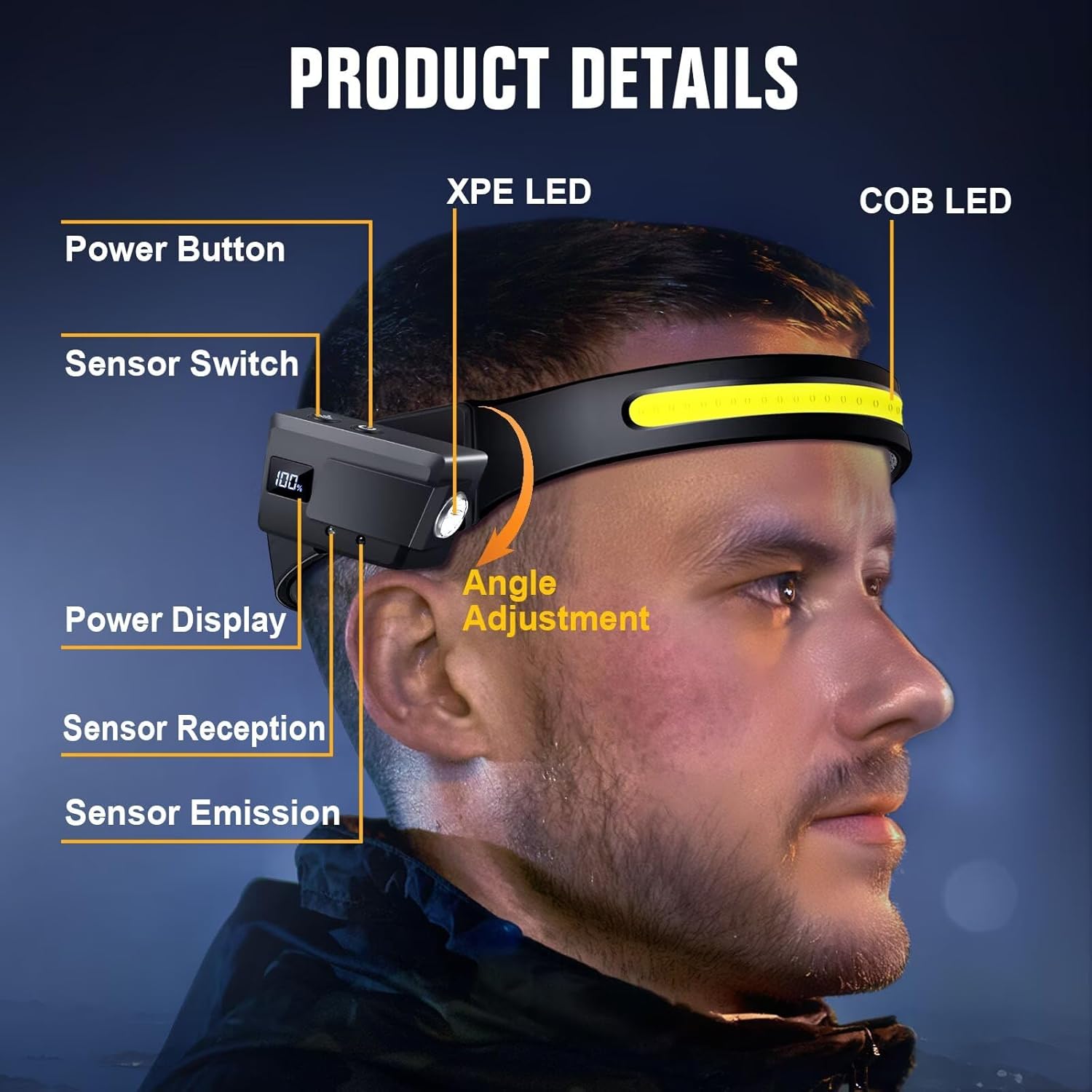
Image 5.1: Charging the headlamp via USB-C.
5.2 Adjusting the Headband
The elastic headband is adjustable to fit various head sizes, including adults and children. Adjust the straps to ensure a snug yet comfortable fit, preventing wobbling during activity.
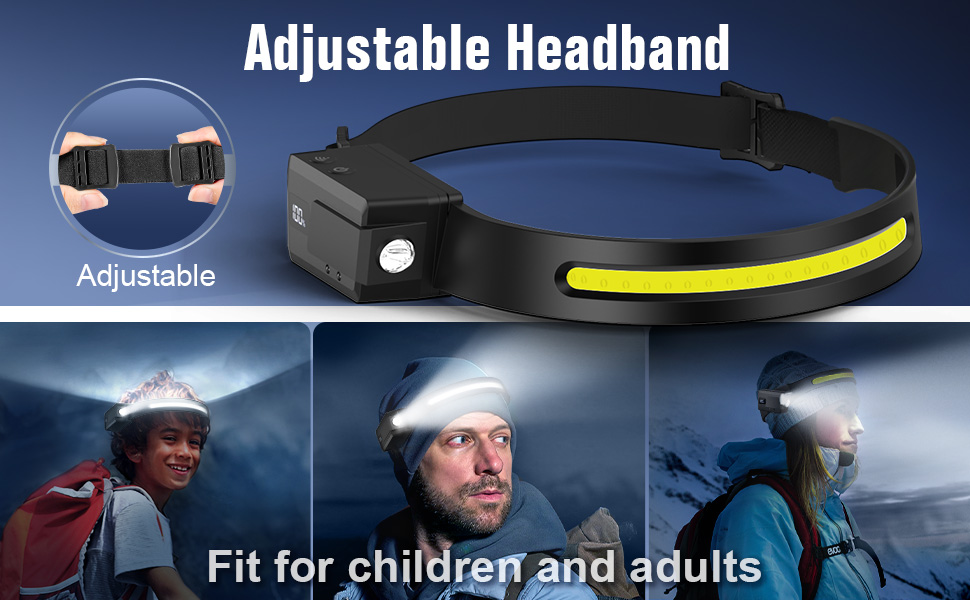
Image 5.2: Adjusting the headlamp headband for a comfortable fit.
6. Operation
6.1 Power and Light Modes
Press the Power Button to cycle through the 5 available light modes:
- COB Light High: Maximum brightness for wide area illumination.
- COB Light Low: Reduced brightness for extended battery life and closer tasks.
- XPE Light High: Maximum brightness for focused spotlight illumination.
- XPE Light Low: Reduced brightness for focused spotlight.
- Strobe Mode: Flashing light for emergency signaling.
Press and hold the Power Button to turn the headlamp off.
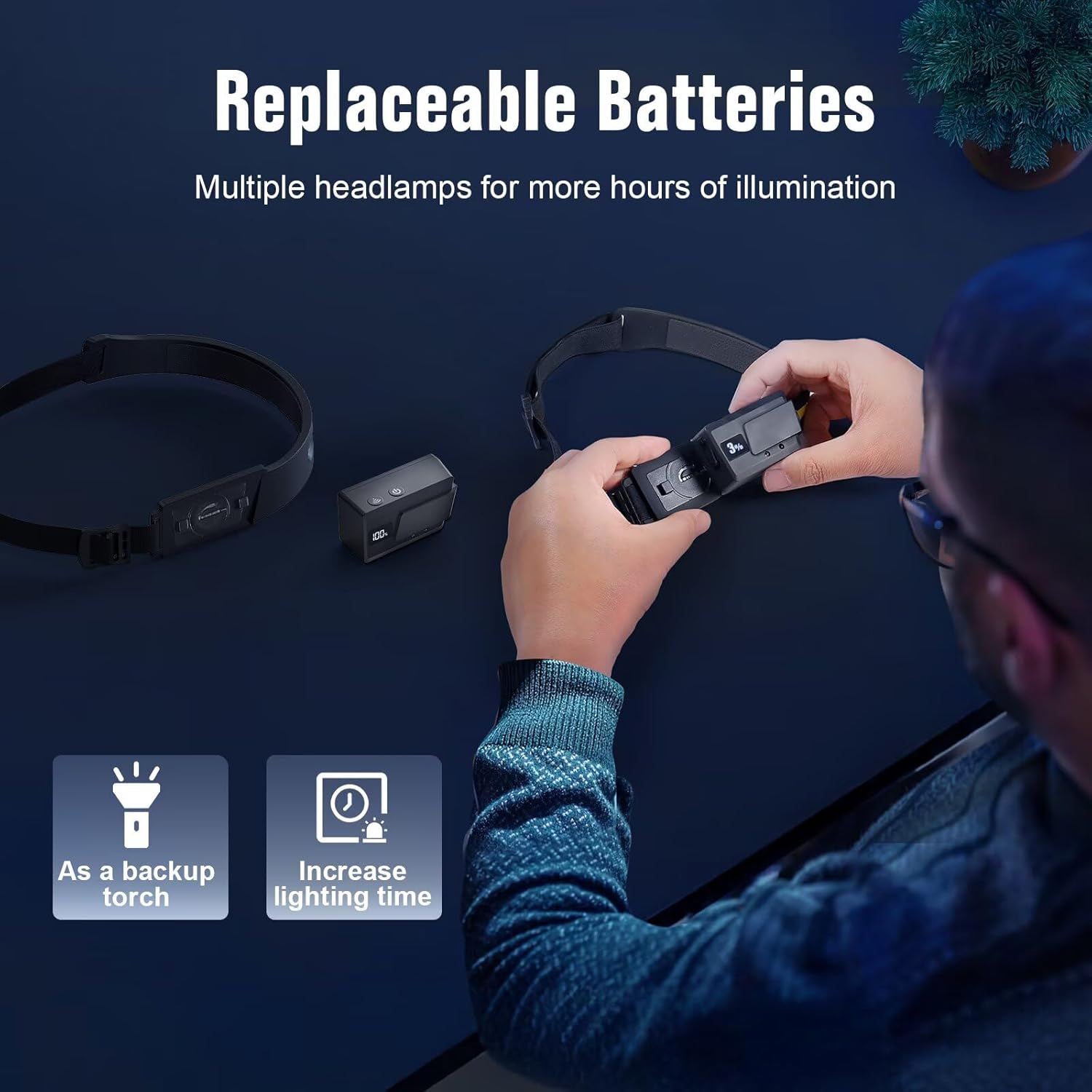
Image 6.1: Light Mode Introduction.
6.2 Motion Sensor Function
The headlamp features a motion sensor for hands-free operation:
- Press the Sensor Switch (Button A in Image 6.2) to activate motion sensor mode.
- Once activated, wave your hand within 10cm of the sensor to turn the light on or off.
- Press the Sensor Switch again to deactivate motion sensor mode.

Image 6.2: Using the motion sensor function.
6.3 Removable and Rotatable Spotlight
The side spotlight can be rotated 90° to direct light precisely where needed. It can also be detached from the headband for use as a handheld torch, providing versatility for various tasks.

Image 6.3: 90° Rotatable Spotlight.

Image 6.4: Removable Side Lamp applications.
7. Charging
To charge the headlamp, connect the USB-C cable to the charging port on the device and to a standard USB power adapter (not included). The battery indicator will show the charging status. A full charge takes approximately 3 hours and provides up to 8 hours of illumination on low brightness.
Image 7.1: USB Rechargeable feature and specifications.
8. Maintenance
8.1 Cleaning
Wipe the headlamp with a soft, damp cloth. Do not use abrasive cleaners or solvents. Ensure the charging port cover is securely closed before cleaning or exposure to moisture.
8.2 Storage
Store the headlamp in a cool, dry place away from direct sunlight. For long-term storage, charge the battery every 3-6 months to maintain battery health.
9. Troubleshooting
| Problem | Possible Cause | Solution |
|---|---|---|
| Headlamp does not turn on. | Low battery. | Charge the headlamp fully. |
| Light is dim. | Low battery or incorrect mode. | Charge the headlamp. Cycle through modes to select a brighter setting. |
| Motion sensor not working. | Sensor mode not activated or obstruction. | Ensure the Sensor Switch is pressed. Clear any obstructions from the sensor area. |
| Side light not working when detached. | Not designed to operate independently. | The side light functions as a spotlight when attached and can be used as an emergency torch when detached, but its primary power source is the main unit. Ensure the main unit is charged. |
10. Specifications
| Feature | Detail |
|---|---|
| Model Number | SJTDAWG01 |
| Light Source Type | LED (COB & XPE) |
| Brightness | Up to 350 Lumens |
| Beam Angle | 230° Wide Beam |
| Light Modes | 5 Modes (COB High/Low, XPE High/Low, Strobe) |
| Special Features | Motion Sensing, 90° Rotatable Spotlight, Removable Side Light |
| Power Source | Battery Powered (Rechargeable Lithium Polymer) |
| Charging Port | USB-C |
| Charging Time | Approx. 3 hours |
| Battery Life (Low Brightness) | Up to 8 hours |
| Water Resistance | IPX4 (Water Resistant) |
| Material | Silicone |
| Item Weight | 2.96 Ounces |
| Product Dimensions | 1.33"D x 11.57"W x 1.1"H |
11. Warranty and Support
BIAT products are designed for reliability and performance. For warranty information or technical support, please refer to the product packaging or contact BIAT customer service through the retailer where the product was purchased. Please have your model number (SJTDAWG01) and purchase date available.