
Myscenetang KM20
User Manual for Myscenetang Karaoke Machine
Model: KM20
1. Introduction
Thank you for choosing the Myscenetang Karaoke Machine. This portable Bluetooth karaoke system is designed to provide high-quality audio and an immersive entertainment experience for adults and kids. Featuring advanced DSP chip technology, dual wireless microphones, and vibrant LED lights, it's perfect for parties, gatherings, or personal enjoyment. Please read this manual carefully to ensure proper operation and maintenance of your device.
2. What's in the Box
- 1 x Karaoke Machine (KM-20 Karaoke Speaker)
- 2 x Wireless Microphones
- 1 x Type-C Charging Cable
- 1 x AUX Cable
- 1 x Carrying Strap
- 1 x User Manual
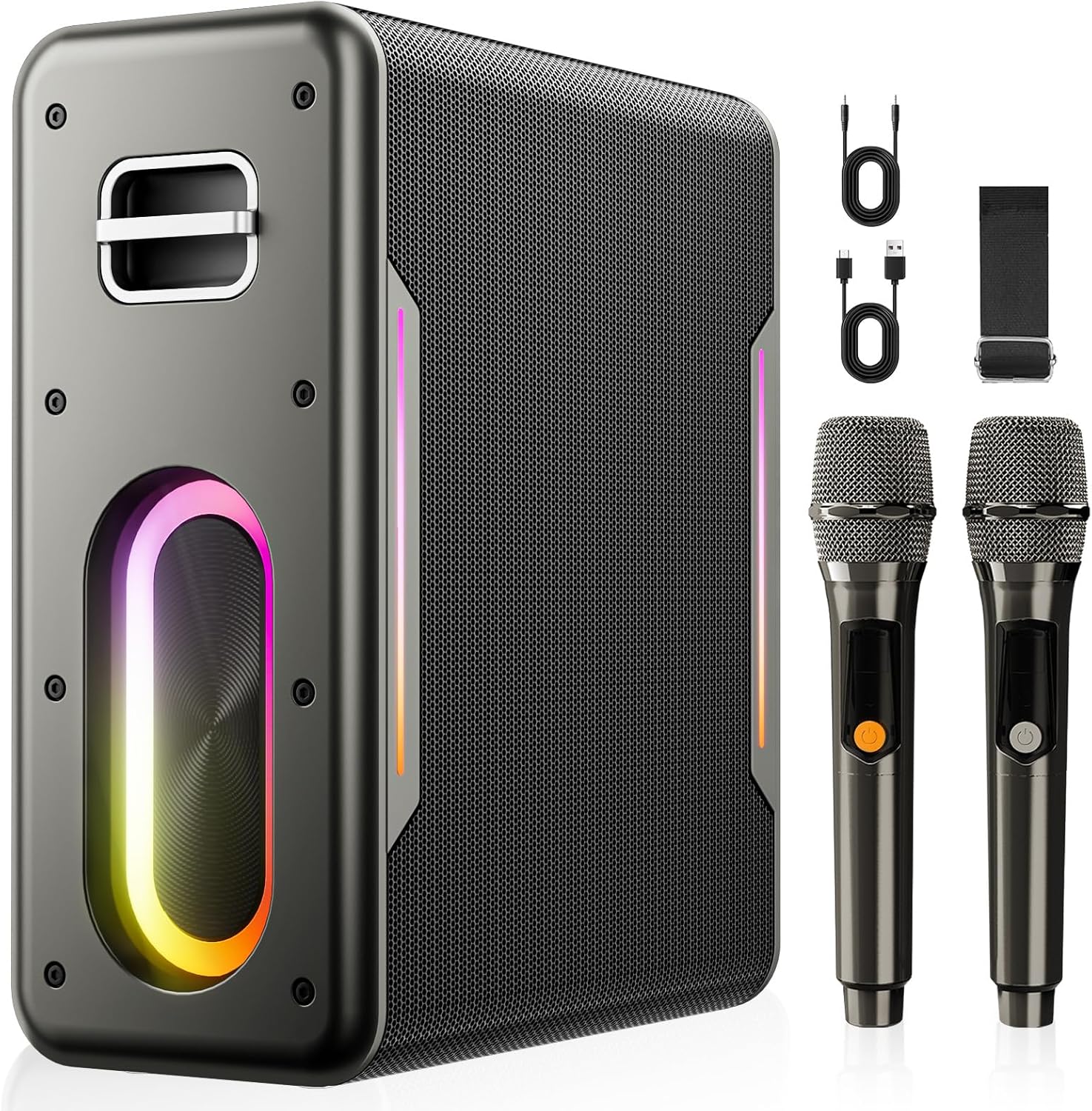
Image: Contents of the Myscenetang Karaoke Machine package, including the main speaker unit, two wireless microphones, charging cables, and a carrying strap.
3. Product Features
- Superior Sound Quality: Equipped with 60W power and 3 speaker units (dual 2.2''x2.0'' tweeters + 5''x5'' subwoofer) for clear sound, strong bass, and moderate volume. Features a built-in DSP chip for precise and realistic audio.

Image: An exploded view diagram illustrating the three speaker units (two tweeters and one subwoofer) within the karaoke machine, emphasizing its sound capabilities.

Image: A detailed view of a DSP (Digital Signal Processor) chip integrated into a circuit board, representing the advanced audio processing capabilities of the device.
- Portable Design & Long Playtime: Built-in 6000mAh high-capacity battery provides 6-8 hours of continuous music playback. Includes a carrying strap for easy transport.
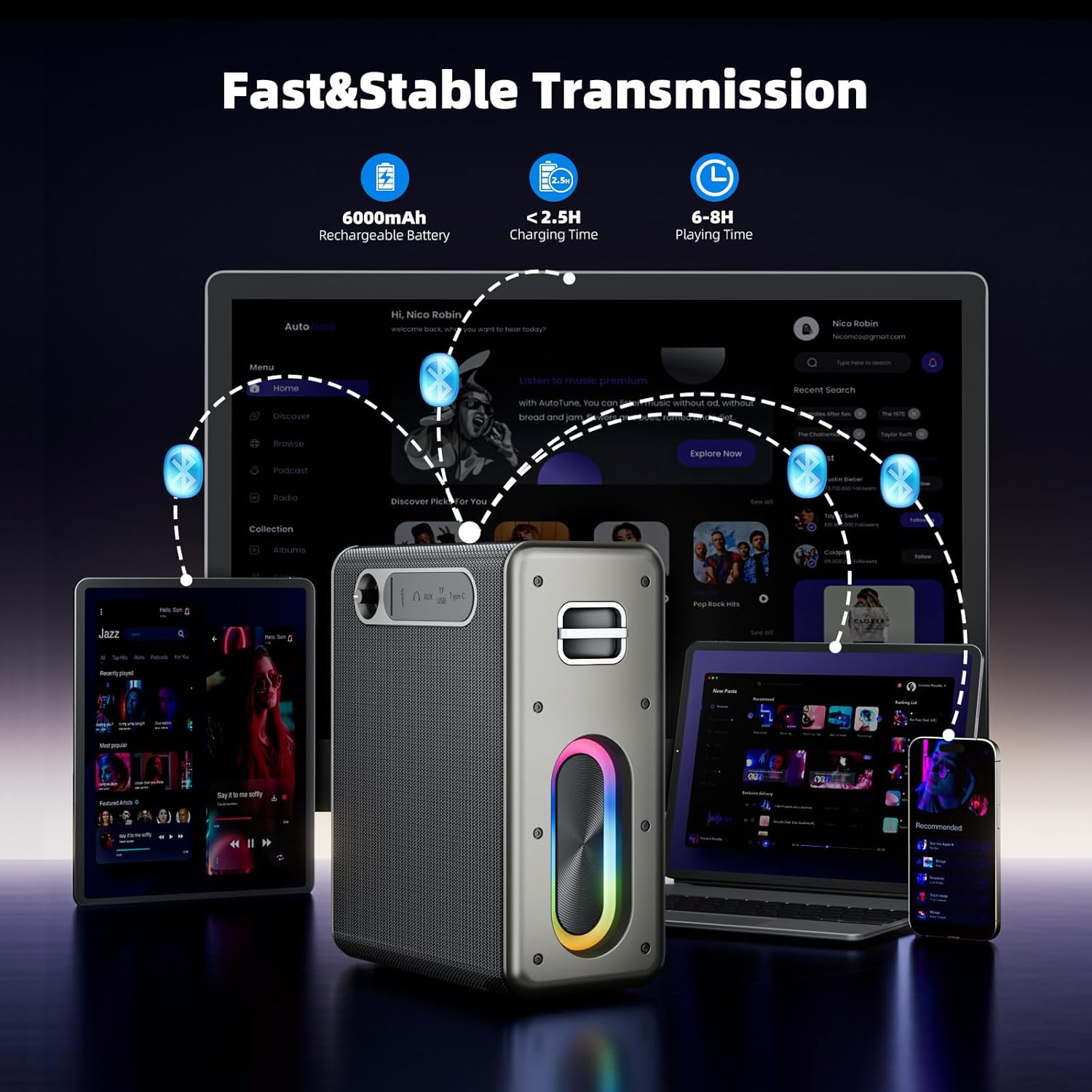
Image: The karaoke machine wirelessly connected to multiple devices, illustrating its fast and stable Bluetooth transmission and portability for various uses.
- True Wireless Stereo (TWS) Mode: Connect two Myscenetang karaoke machines wirelessly for a powerful dual-speaker stereo system, creating an immersive sound experience.
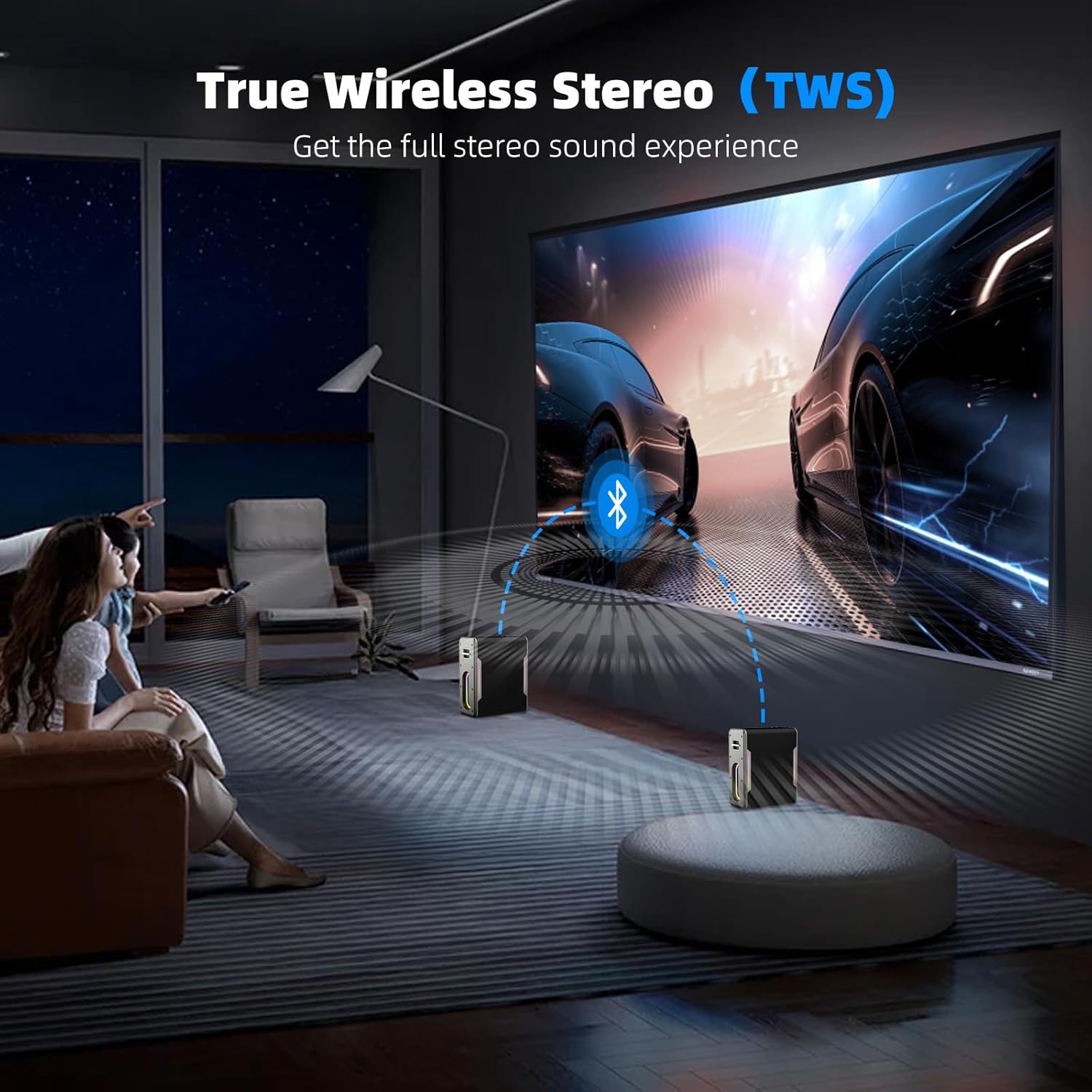
Image: Two Myscenetang karaoke machines set up to demonstrate True Wireless Stereo (TWS) functionality, providing a wider soundstage for an enhanced audio experience.
- Multiple Connectivity Options: Connect wirelessly via Bluetooth 5.0. Also supports TF card, USB, and AUX-in connections. Compatible with mobile phones, iPads, tablets, PCs, and more.
- Sound Modes & LED Lights: Features two sound modes: Balanced Mode for general listening and Outdoor Mode for increased volume and wider sound spread. Vibrant LED lights sync with the music rhythm to enhance the atmosphere.

Image: The karaoke machine displaying its dynamic LED light effects, which can synchronize with music to create a party atmosphere.
4. Setup Guide
4.1 Charging the Karaoke Machine
- Connect the provided Type-C charging cable to the charging port on the karaoke machine.
- Plug the other end of the cable into a compatible USB power adapter (not included) or a USB port on a computer.
- The charging indicator light will illuminate. Allow approximately 2.5 hours for a full charge.
- Once fully charged, the indicator light may change or turn off, depending on the model. Disconnect the charging cable.
4.2 Pairing Wireless Microphones
- Ensure the karaoke machine is powered on.
- Turn on each wireless microphone by pressing and holding its power button.
- The microphones should automatically pair with the karaoke machine. A confirmation sound or indicator light on the microphone will confirm successful pairing.
- If pairing fails, turn off both the microphone and the karaoke machine, then repeat the steps.
4.3 Initial Bluetooth Connection
- Power on the karaoke machine. It will automatically enter Bluetooth pairing mode.
- On your mobile device (smartphone, tablet, PC), enable Bluetooth and search for available devices.
- Select "KM20" (or similar name) from the list of devices.
- Once connected, you will hear a confirmation sound from the karaoke machine.
5. Operating Instructions
5.1 Power On/Off
- Press and hold the power button on the karaoke machine to turn it on or off.
5.2 Volume Control
- Use the volume knobs or buttons on the karaoke machine to adjust the master volume.
- Adjust microphone volume using the controls on the microphones themselves.
5.3 Playing Music
- Bluetooth Mode: After successful pairing, play music from your connected device.
- AUX-in Mode: Connect an external audio device using the provided AUX cable. The machine will automatically switch to AUX mode.
- USB/TF Card Mode: Insert a USB drive or TF card into the respective slot. The machine will automatically detect and play audio files.
5.4 TWS (True Wireless Stereo) Function
To use TWS mode, you need two Myscenetang KM20 karaoke machines.
- Ensure both karaoke machines are powered on and not connected to any Bluetooth device.
- On one of the machines (this will be the primary unit), press and hold the TWS button (if available) or a designated pairing button.
- The two machines will attempt to pair with each other. A confirmation sound will indicate successful TWS connection.
- Once TWS is established, connect your mobile device to the primary unit via Bluetooth. Audio will now play through both speakers in stereo.
5.5 Sound Modes
The karaoke machine offers two sound modes:
- Balanced Mode: Provides a well-rounded audio experience suitable for general music listening indoors.
- Outdoor Mode: Increases volume and optimizes audio for wider sound spread, ideal for noisy outdoor environments.
Switch between modes using the dedicated button on the control panel.
5.6 LED Lights Control
The LED lights can be controlled via a dedicated button. Press the button to cycle through different light modes or turn them off.
6. Maintenance
- Cleaning: Use a soft, dry cloth to clean the surface of the karaoke machine and microphones. Do not use abrasive cleaners or solvents.
- Storage: Store the device in a cool, dry place away from direct sunlight and extreme temperatures.
- Battery Care: To prolong battery life, avoid fully discharging the battery frequently. Charge the device regularly, even if not in use for extended periods.
- Water Exposure: This device is not waterproof. Avoid exposure to water or excessive moisture.
7. Troubleshooting
| Problem | Possible Cause | Solution |
|---|---|---|
| No power | Battery is low or dead. | Charge the karaoke machine fully. |
| No sound from speaker | Volume is too low; Incorrect input mode; Device not connected. | Increase volume; Switch to correct input mode (Bluetooth, AUX, USB/TF); Ensure device is properly connected. |
| Microphone not working | Microphone is off; Microphone battery is low; Microphone not paired. | Turn on microphone; Charge microphone (if applicable); Re-pair microphone with the karaoke machine. |
| Bluetooth connection unstable | Device is too far from the speaker; Interference from other devices. | Move the connected device closer to the speaker; Avoid placing the speaker near other wireless devices. |
| TWS pairing failed | One or both units are already connected to another device; Incorrect pairing procedure. | Disconnect both units from any Bluetooth devices; Ensure both units are in TWS pairing mode and follow the instructions carefully. |
8. Specifications
| Feature | Detail |
|---|---|
| Brand | Myscenetang |
| Model Number | KM20 |
| Output Wattage | 60 Watts |
| Power Source | Battery Powered |
| Battery Capacity | 6000mAh (built-in) |
| Playtime | 6-8 hours (approx.) |
| Charging Time | ~2.5 hours |
| Connectivity Technology | Bluetooth 5.0, TF Card, USB, AUX-in |
| Number of Channels | 2 |
| Product Dimensions | 7.4 x 3.7 x 8.7 inches |
| Item Weight | 6.12 pounds |
9. Warranty and Support
For warranty information and technical support, please refer to the contact details provided on the product packaging or visit the official Myscenetang website. Keep your purchase receipt for warranty claims.
For further assistance, please contact our customer support team:
- Email: support@myscenetang.com
- Website: www.myscenetang.com
Ask a question about this manual
Ask about setup, troubleshooting, compatibility, parts, safety, or missing instructions. Manuals+ will review the question and use this page’s manual context to help answer it.