
POWTREE BL1830 8.0AH
POWTREE 18V 8.0Ah LXT Lithium-ion Replacement Battery Manual
Model: BL1830 8.0AH
Product Overview
This manual provides essential information for the safe and efficient use of your POWTREE 18V 8.0Ah LXT Lithium-ion Replacement Battery. Please read this manual thoroughly before use and retain it for future reference.
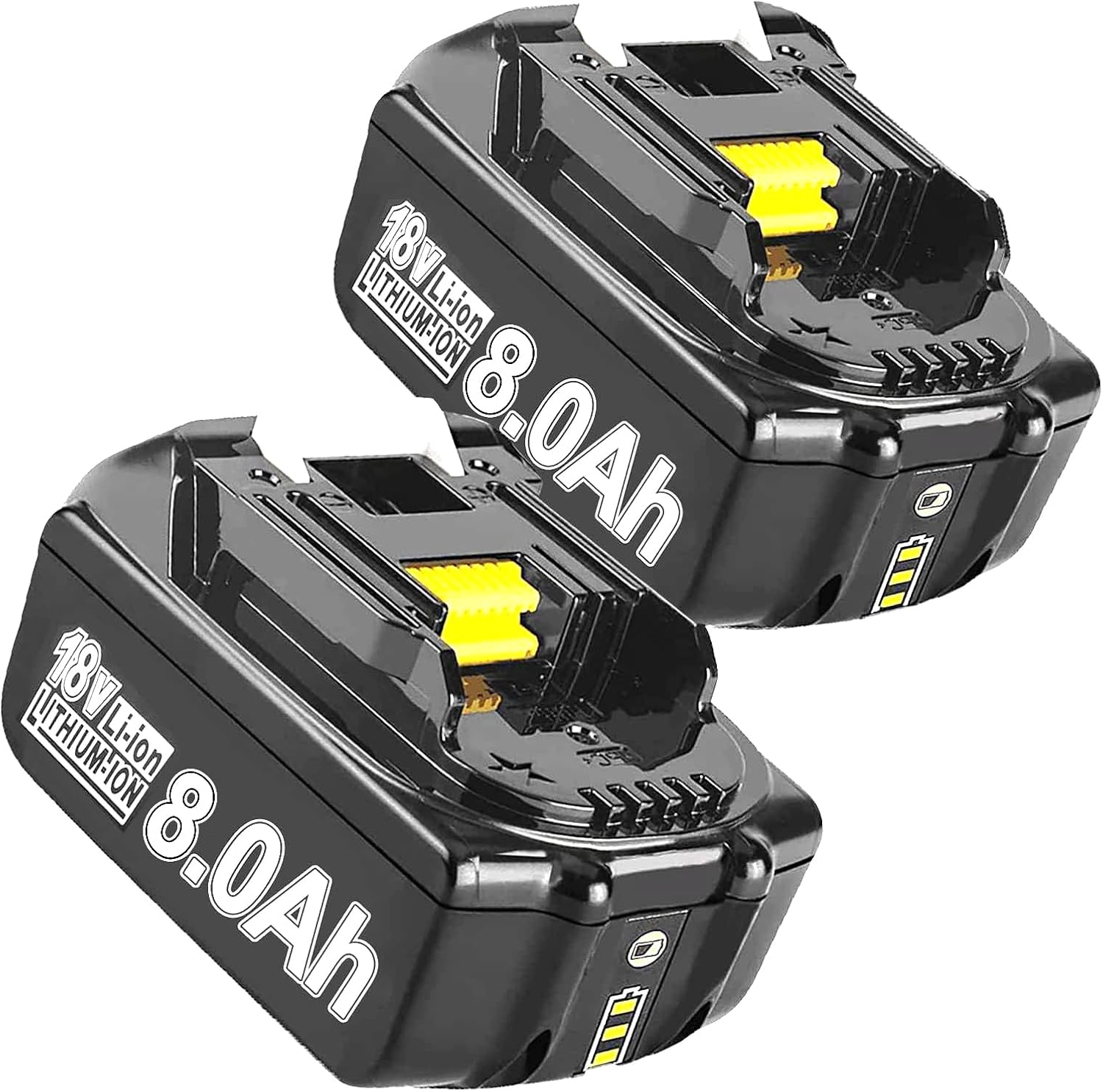
Image: Two POWTREE 18V 8.0Ah LXT Lithium-ion Replacement Batteries, showcasing their design and 8.0Ah capacity.
Setup
Initial Charging
Before first use, it is recommended to fully charge the battery. Use a compatible 18V LXT charger. The battery features an LED indicator to display the charging status.
Compatibility
The POWTREE 18V 8.0Ah LXT Lithium-ion Replacement Battery is 100% compatible with all 18-volt LXT tools and chargers. This includes models such as BL1830, BL1840, BL1850, BL1860, BL1815, BL1845, BL1835, 194205-3, 194309-1, 194204-5, bcl180, bcl180fbcl180w, bcl180z, bcl180zw, and LXT400 series tools.

Image: A POWTREE battery highlighting its LED charge indicators, which show the remaining power in three stages (80-100%, 40-80%, 10-40%).

Image: Visual representation of the battery's key specifications: 8000mAh capacity, 18V voltage, Lithium-ion type, and new condition.
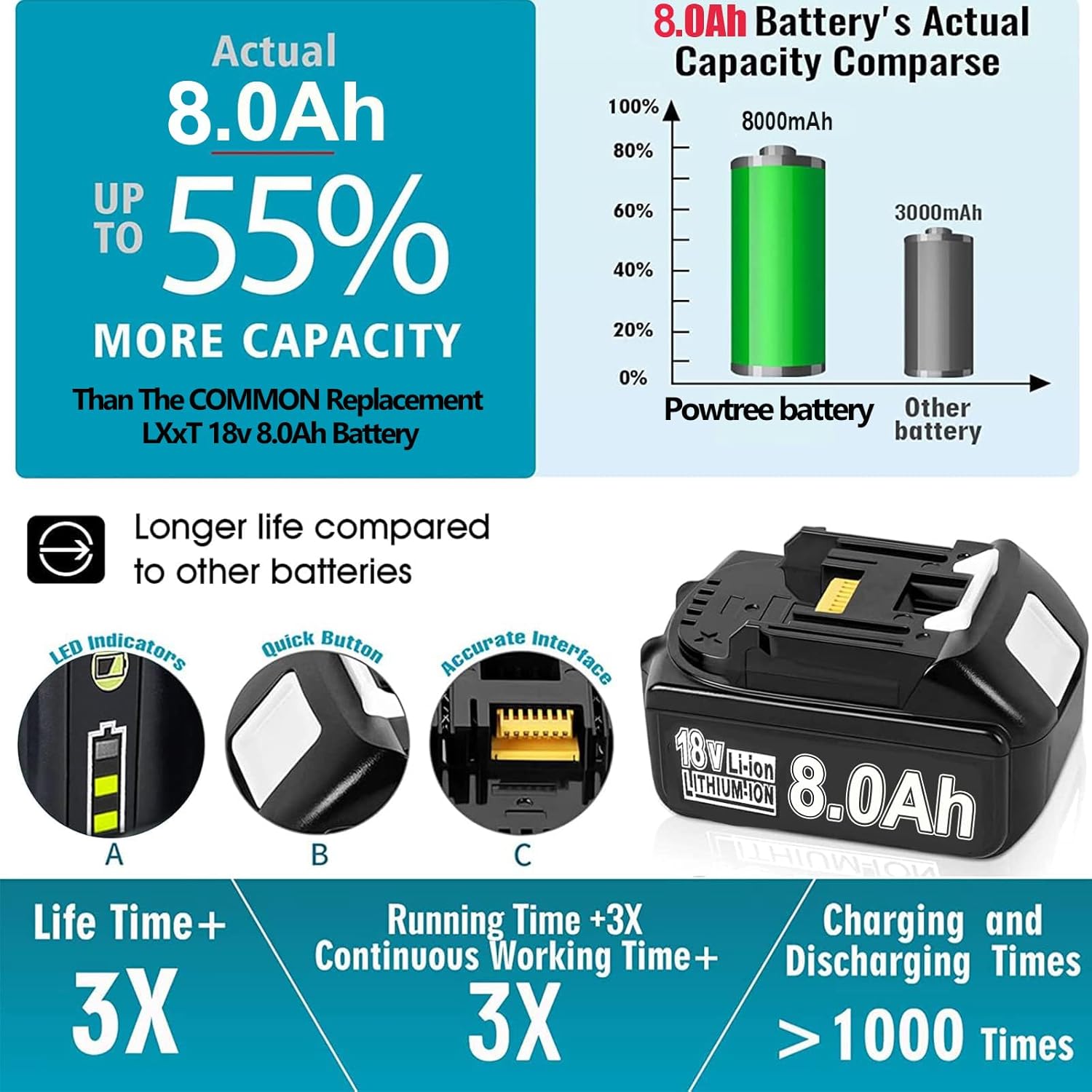
Image: Features of the POWTREE battery including LED indicators, a quick button for checking charge, an accurate interface for tool connection, and claims of extended life and running time, along with over 1000 charging cycles.
Operating Instructions
Inserting and Removing the Battery
Align the battery with the battery slot on your compatible 18V LXT power tool. Slide the battery firmly until it clicks into place. To remove, press the release button (if applicable on your tool) and slide the battery out.
General Usage
This Lithium-ion battery has no memory effect, allowing it to be charged or discharged as needed without loss of capacity. It also features low self-discharge, retaining its charge for longer periods when not in use.
LED Charge Level Indicator
The battery is equipped with an LED indicator to show the remaining power. Press the confirmation button on the battery to display the three stages of remaining capacity:
- 80%-100%: Full to near-full charge.
- 40%-80%: Moderate charge.
- 10%-40%: Low charge, consider recharging soon.
If no lights flash, it may indicate a "Failure Diagnosis." In such cases, please refer to the Troubleshooting section or contact customer support.

Image: The POWTREE battery integrated into various 18V power tools, demonstrating its versatility and high-efficiency performance in different applications.

Image: Diagram illustrating the intelligent MCU chip protection features of the POWTREE battery, including safeguards against overload, over-discharge, and overheating to enhance battery life and safety.
Maintenance
Charging Practices
To maximize battery lifespan, avoid consistently over-charging or completely over-discharging the battery. The battery's rapid-charge technology and built-in protections help prevent these issues, but good charging habits are still recommended.
Storage
Store the battery in a cool, dry place away from direct sunlight and extreme temperatures. For long-term storage, it is advisable to store the battery with a partial charge (around 50%).
Cleaning
Keep the battery contacts clean and free from dust and debris. Use a dry cloth to wipe the battery exterior as needed.
Safety Features
The battery incorporates several safeguard features to ensure safe operation:
- Overload Protection: Allows the battery and tools to communicate to prevent overload.
- Over-Discharge Protection: Extends battery life by stopping tools when battery capacity is low.
- Overheat Protection: Monitors battery temperature, stopping tools before the battery is damaged.
Troubleshooting
Common Issues and Solutions
| Problem | Possible Cause | Solution |
|---|---|---|
| Battery not charging. | Charger not connected, battery too hot/cold, charger malfunction, battery fault. | Ensure charger is properly connected. Allow battery to reach room temperature. Try a different charger. If no LED lights flash, contact support. |
| Battery not powering tool. | Battery discharged, poor connection, tool malfunction, battery fault. | Check LED indicator for charge level and recharge if necessary. Ensure battery is fully seated in the tool. Test with another battery or tool. If issues persist, contact support. |
| LED indicator shows "Failure Diagnosis" (no lights flash). | Internal battery fault. | Discontinue use immediately. Do not attempt to repair. Contact customer support for assistance. |
Specifications
| Feature | Detail |
|---|---|
| Battery Type | Li-ion |
| Voltage | 18V |
| Capacity | 8000mAh (8.0Ah) |
| Color | Black |
| Dimensions (L x W x H) | 5.98 x 5.24 x 3.98 inches |
| Item Weight | 12.3 ounces |
| Manufacturer | POWTREE |
| Model Number | BL1830 (Compatible with BL1815, etc.) |
| Cycle Life | >1000 times |
Warranty and Support
Warranty Information
POWTREE provides the following warranty for this product:
- 30 Days: Full refund and return policy.
- 365 Days: Limited warranty from the date of purchase.
Customer Support
If you have any concerns about this item or require assistance, please feel free to contact POWTREE customer service. We aim to provide 24-hour service to ensure an enjoyable shopping experience.
For support, please visit the POWTREE store on Amazon or use the contact methods provided with your purchase documentation.
Related documentsBL1830 8.0AH

Ask a question about this manual
Ask about setup, troubleshooting, compatibility, parts, safety, or missing instructions. Manuals+ will review the question and use this page’s manual context to help answer it.