
1. Introduction
The Ulumac Aroma AMT-560 is a versatile 3-in-1 device designed for musicians. It integrates a digital metronome, a chromatic tuner, and a tone generator into a single, compact unit. This manual provides detailed instructions for setting up, operating, and maintaining your device to ensure optimal performance for various musical instruments.
2. What's in the Box
- 1x Ulumac Aroma AMT-560 Combo Tuner-Metronome
- 1x INPUT cable with Clamp
- 2x AAA Batteries
3. Product Overview
Familiarize yourself with the components and controls of your AMT-560 device.

Figure 1: Front Panel Overview of the AMT-560

Figure 2: Side and Back Panel Overview of the AMT-560
4. Key Features
- Compact 3-in-1 Design: Combines a digital metronome, chromatic tuner, and tone generator in one pocket-sized unit. Ideal for daily practice, music lessons, and performances.
- Versatile Digital Metronome: Adjustable tempo from 30–260 BPM, 10 beat patterns (0–9), and 8 rhythm styles to enhance timing across various musical genres.
- Fast, Precise Tuning for Multiple Instruments: Supports A0–C8 tuning range, A4 calibration (430–450Hz), and ±0.5 cent accuracy. Suitable for guitar, bass, violin, ukulele, mandolin, flute, trumpet, and other string or wind instruments. (Note: This AMT-560 tuner is not suitable for piano tuning.)
- Clear Backlit Display & Multi-Sense Feedback: Large LCD screen with a 45° angled design for perfect readability. Bright LED lights and clear sounds provide intuitive visual and auditory rhythm cues. Adjustable volume and headphone jack allow for silent or loud practice.
- Practical Tone Generator for Ear Training: Quickly switch modes to generate precise reference tones. An essential tool for developing intonation and perfect pitch.
- Dual Pickup Pattern: Features a built-in microphone for sound pickup and an external pickup clip for vibration sensing, allowing accurate tuning in various environments.
- Two Output Modes: Supports both speaker and headphone dual output for flexible practice options.
- Intelligent Power Saving Function: Automatically saves current parameters and shuts down if no valid signal input is detected within 5 minutes, conserving battery life.
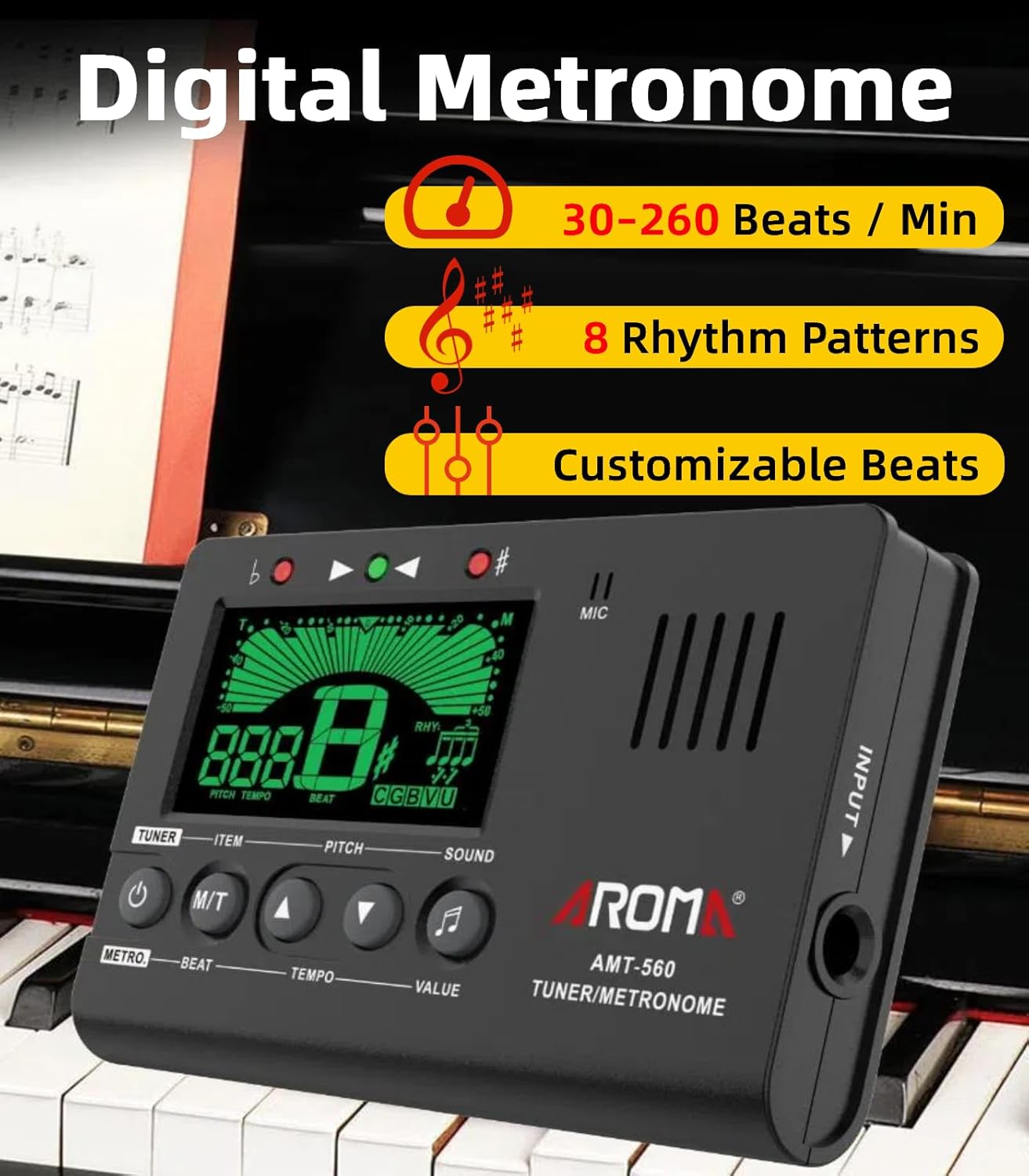
Image: Digital Metronome Functionality

Image: Tuner Functionality Display

Image: Wide Instrument Compatibility

Image: Dual Pickup Options
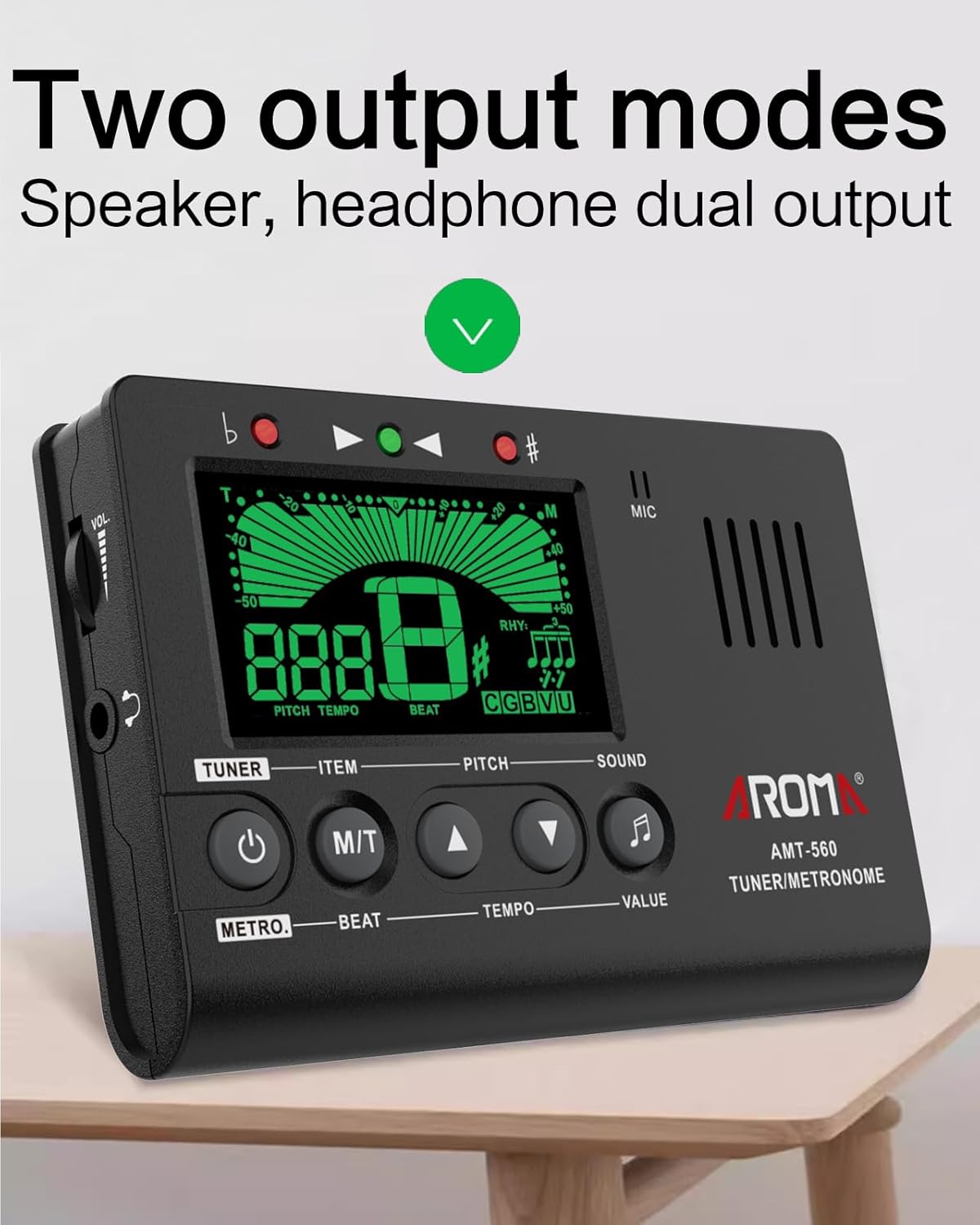
Image: Speaker and Headphone Output
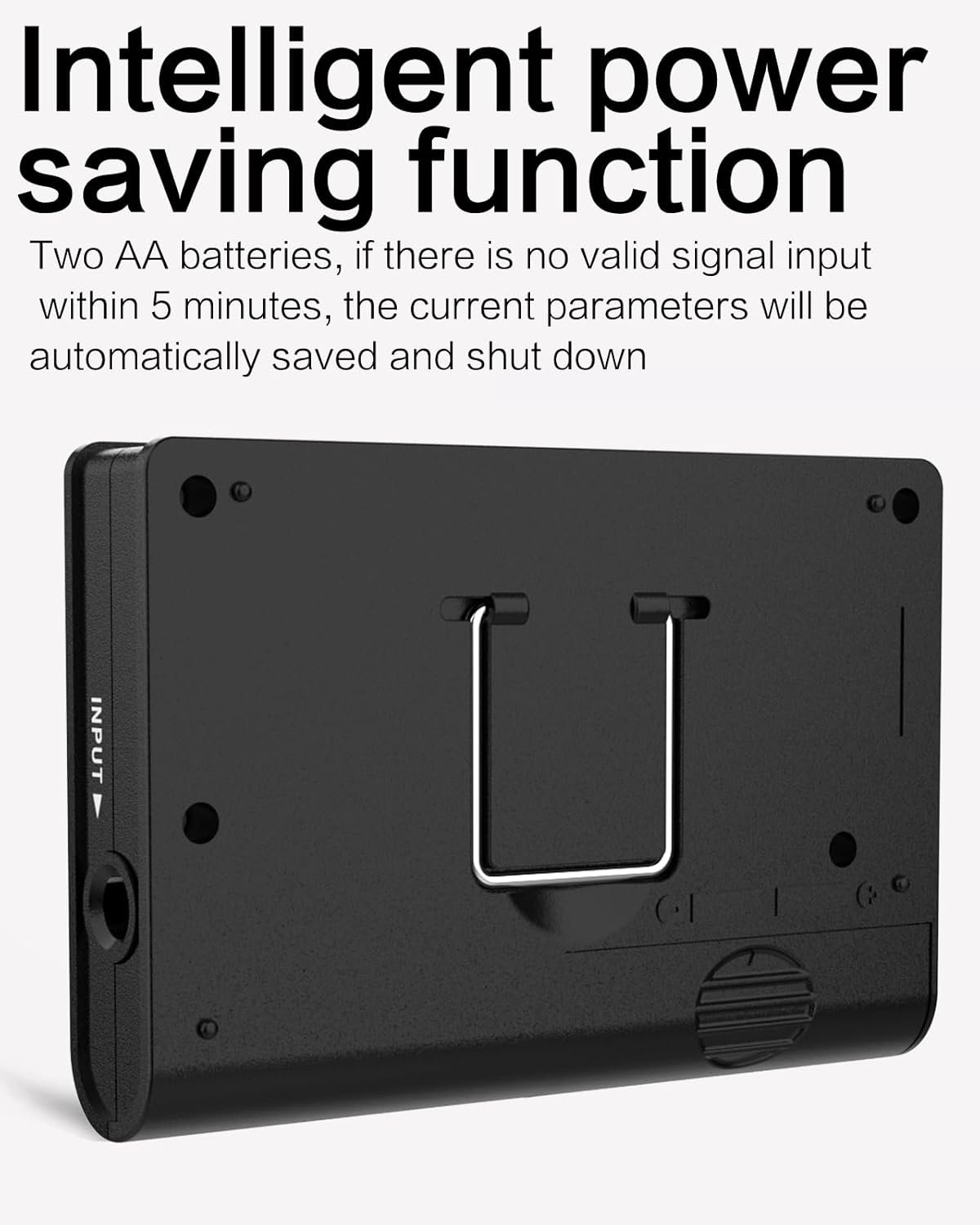
Image: Power Saving and Battery Compartment
5. Setup
5.1 Battery Installation
The AMT-560 requires 2 AAA batteries (included). To install or replace batteries:
- Locate the battery compartment on the back of the device.
- Slide open the battery compartment cover.
- Insert the 2 AAA batteries, ensuring correct polarity (+/-).
- Close the battery compartment cover securely.
5.2 Connecting the Pickup Clamp
For vibration-based tuning, connect the provided INPUT cable with the clamp:
- Insert the 1/4 inch (6.35mm) audio jack of the cable into the INPUT port on the side of the AMT-560.
- Attach the clamp to the headstock of your string instrument or the bell of a wind instrument.
6. Operating Instructions
6.1 Power On/Off
- Press and hold the POWER button (labeled 'TUNER' and 'METRO') for 2 seconds to turn the device on or off.
6.2 Tuner Mode
The device defaults to Metronome Mode. To switch to Tuner Mode:
- Short press the M/T button (Mode/Type) to cycle between Metronome and Tuner modes.
- In Tuner Mode, short press the ITEM button to select the instrument type: C (Chromatic), G (Guitar), B (Bass), V (Violin), U (Ukulele).
- Use the PITCH up/down buttons to adjust the A4 calibration frequency (430-450Hz).
- Play a single note on your instrument. The display will show the note name and a meter indicating if the pitch is flat, sharp, or in tune. The indicator light will turn green when in tune.

Figure 3: Tuner Mode Controls
6.3 Metronome Mode
To use the metronome function:
- Ensure the device is in Metronome Mode (short press M/T if necessary).
- Use the BEAT up/down buttons to select the beat pattern (0-9).
- Use the TEMPO up/down buttons to adjust the tempo (30-260 BPM).
- Use the VALUE button to cycle through 8 rhythm styles.
- Press the POWER button to start or stop the metronome.

Figure 4: Metronome Mode Controls
6.4 Tone Generator Mode
To generate reference tones for ear training:
- In Tuner Mode, press the SOUND button to activate the tone generator.
- Use the PITCH up/down buttons to select the desired note.
- Adjust the volume using the volume wheel on the side of the device.
7. Maintenance
- Keep the device clean by wiping it with a soft, dry cloth. Avoid using harsh chemicals or abrasive materials.
- Remove batteries if the device will not be used for an extended period to prevent leakage.
- Store the device in a cool, dry place away from direct sunlight and extreme temperatures.
8. Troubleshooting
- Device does not power on: Check if the batteries are installed correctly and are not depleted. Replace with fresh batteries if necessary.
- Tuner is inaccurate: Ensure the correct instrument mode (C, G, B, V, U) is selected. If using the pickup clamp, ensure it is securely attached to the instrument. If using the built-in mic, ensure there is no excessive background noise.
- No sound from metronome/tone generator: Check the volume level using the side wheel. Ensure headphones are not plugged in if you expect sound from the built-in speaker.
- Display is dim or flickering: This may indicate low battery power. Replace the batteries.
9. Specifications
| Feature | Specification |
|---|---|
| Item Weight | 3.84 ounces |
| Product Dimensions | 3.94 x 2.56 x 0.67 inches |
| Item Model Number | AMT-560 |
| Batteries | 1 AAA batteries required (included) |
| Body Material | Plastic |
| Color Name | Black |
| Connector Type | 1/4 inch (6.35mm) audio jack |
| Material Type | Plastic |
| Battery Type | Alkaline |
10. Official Product Video
Watch this official product video from Ulumac US for a demonstration of the Digital Metronome Tuner for various instruments.
Video: Digital Metronome Tuner for Guitar Piano and All Instruments by Ulumac US
11. Warranty and Support
Ulumac is committed to customer satisfaction. For any inquiries or support needs:
- Customer Service: Enjoy 24/7 quick-response customer support.
- Returns & Exchanges: Benefit from hassle-free returns and exchanges within 365 days of purchase.