
flexman flexmanemnz1u7tch-11
flexman coreless Translator Earbuds User Manual
Model: flexmanemnz1u7tch-11
Introduction
The flexman coreless Translator Earbuds are designed to provide seamless, real-time language translation and high-quality audio. Featuring BT5.3 connectivity and an ergonomic design, these earbuds support 144 languages and accents with high accuracy, making global communication more accessible. This manual provides essential information for setting up, operating, and maintaining your translator earbuds.
Package Contents
Please check the package for the following items:
- 2 x Translator Earbuds
- 1 x Charging Case
- 1 x Charging Cable
- 4 x Replacement Earplugs (2 pairs)
- 1 x User Manual (this document)
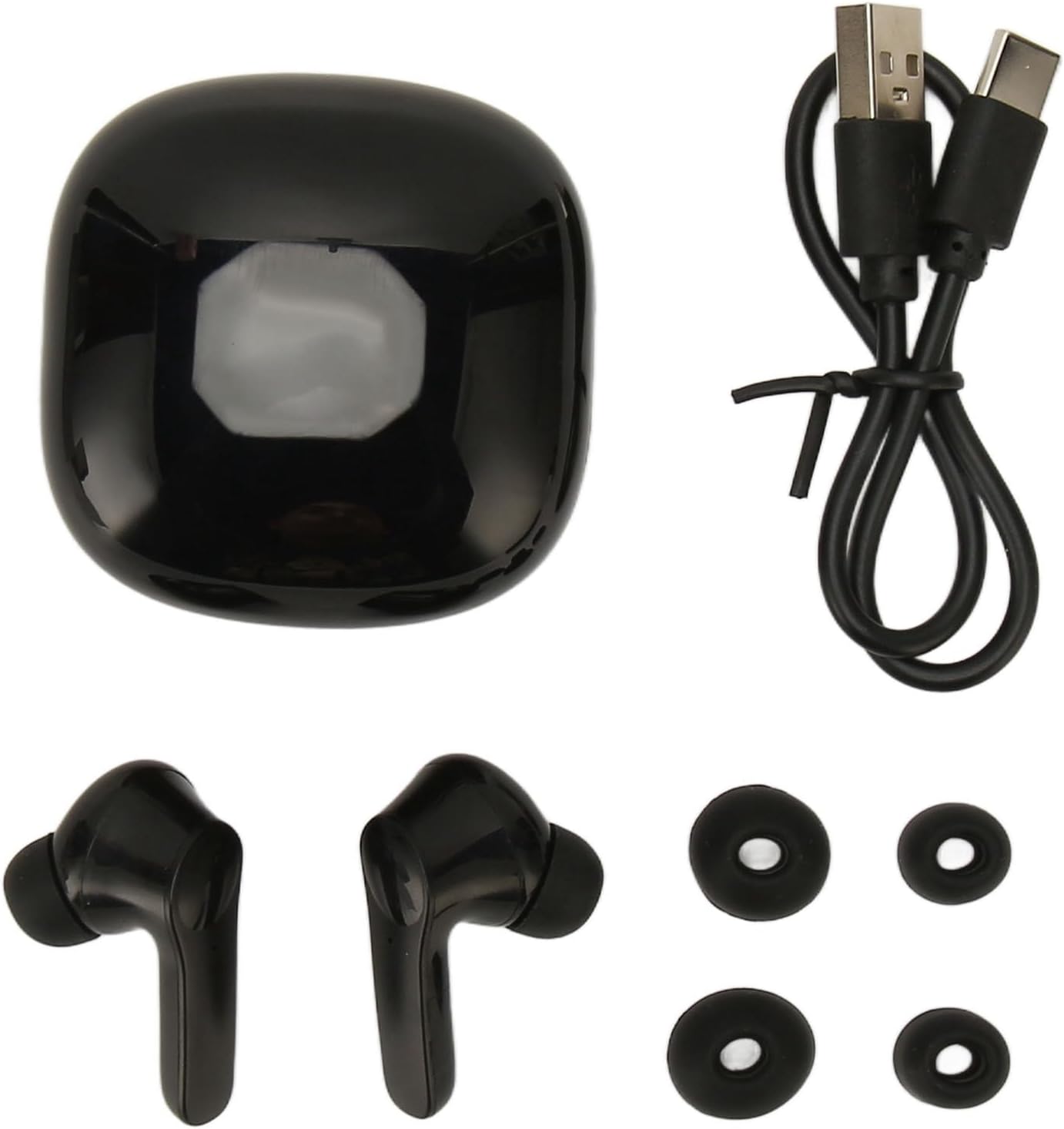
Figure 1: Contents of the flexman coreless Translator Earbuds package.
Specifications
| Item Type | coreless Translator Earbuds |
| Material | ABS |
| Earbuds Battery Type | Built-in 40mAh Lithium-ion Battery (x2) |
| Charging Case Battery Type | Built-in 300mAh Lithium-ion Battery |
| Bluetooth Version | V5.3 |
| Transmission Distance | Up to 32.8 feet (10 meters) |
| Supported Languages | 144 (74 languages and 70 accents) |
| Continuous Working Time | Approximately 4 hours (earbuds) |
| Standby Time | Approximately 120 hours |
| Product Dimensions | 4.72 x 3.54 x 1.57 inches |
| Item Weight | 3.46 ounces |
| Model Number | flexmanemnz1u7tch-11 |
Setup
1. Charging the Earbuds and Case
Before first use, fully charge the earbuds and the charging case. Place the earbuds into the charging case and connect the charging cable to the case and a USB power source. The indicator lights on the case will show the charging status.

Figure 2: Earbuds in charging case, illustrating battery performance.
2. Pairing with Your Device
- Ensure the earbuds are charged and in the charging case.
- Open the charging case. The earbuds will automatically enter pairing mode.
- On your smartphone or tablet, go to Bluetooth settings and turn on Bluetooth.
- Search for available devices and select "flexman Translator Earbuds" (or similar name) from the list.
- Once connected, you will hear a confirmation tone, and the earbuds will be ready for use.
3. Installing the Translation Application
To utilize the translation features, you will need to download and install the dedicated translation application on your smartphone. Refer to the QR code or link provided in the quick start guide (if included) or search for "flexman Translator" in your device's app store. Follow the in-app instructions for initial setup and language selection.
Operating Instructions
Wearing the Earbuds
Insert the earbuds into your ears, ensuring a comfortable and secure fit. The ergonomic design is intended for extended wear without discomfort.

Figure 3: Proper wearing of the ergonomic earbud.
Audio Playback and Calls
- Play/Pause: Tap either earbud once.
- Next Track: Double-tap the right earbud.
- Previous Track: Double-tap the left earbud.
- Answer/End Call: Tap either earbud once.
- Reject Call: Press and hold either earbud for 2 seconds.
- Activate Voice Assistant: Triple-tap either earbud.

Figure 4: Earbud illustrating HIFI stereo audio capabilities.
Translation Modes
The earbuds support four primary translation modes, accessible via the dedicated translation application:
- Touch Mode: Tap an earbud to speak, and the translation will be played through the other earbud or your phone's speaker. Ideal for one-on-one conversations.
- External Mode: One person wears an earbud, and the other speaks into the phone's microphone. The translation is played through the earbud and the phone's speaker.
- Speak Mode: Both users speak into their respective earbuds, and the translation is played in real-time through the other person's earbud.
- Offline Mode: For translation without an internet connection. Requires pre-downloading language packs within the application.
Ensure your device has an active internet connection for online translation modes to function optimally. The system utilizes four top-tier translation engines for up to 97% accuracy and low latency (approximately 0.5 seconds).

Figure 5: User interacting with the translation earbuds and mobile application.
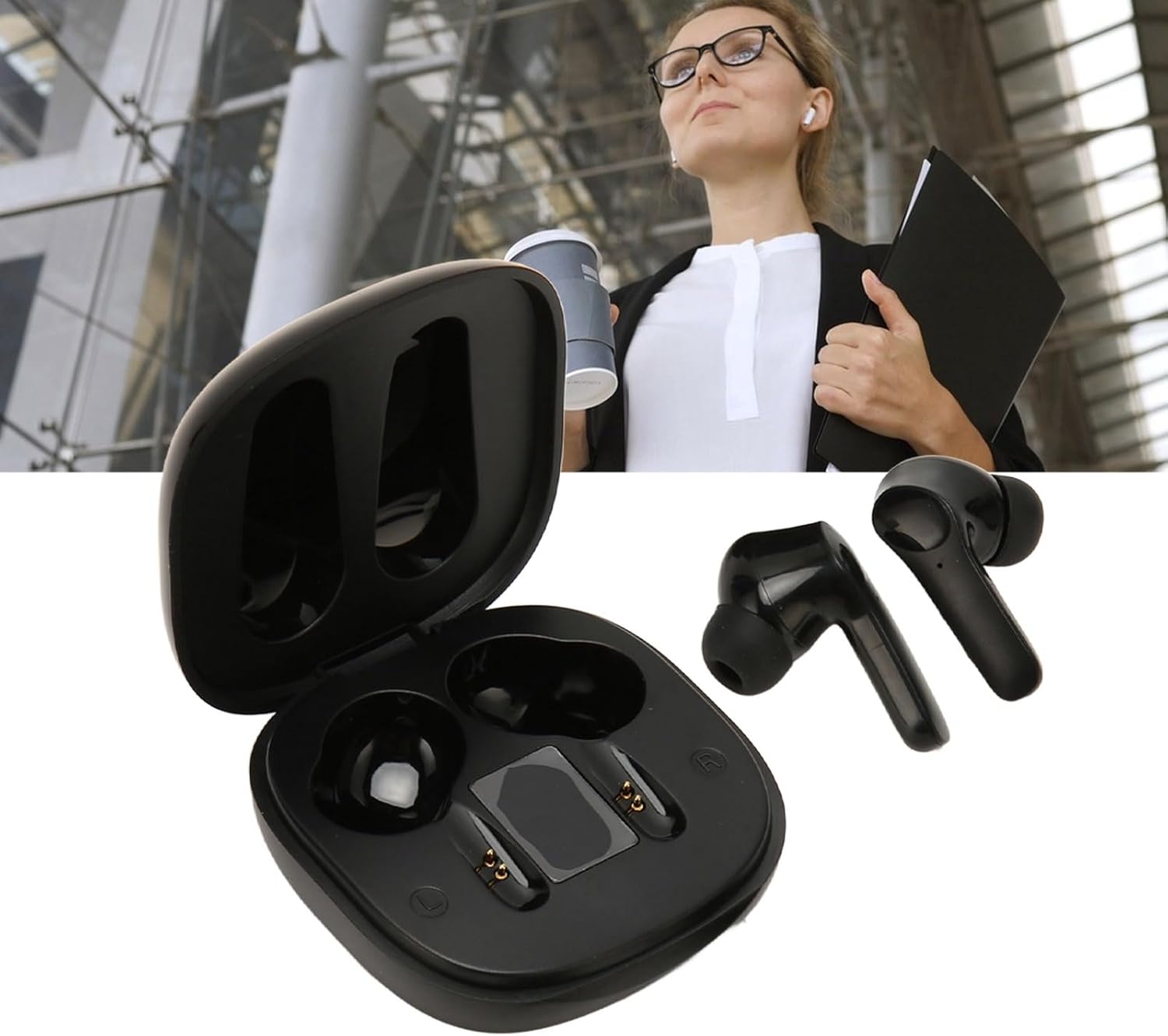
Figure 6: Earbuds in a professional context, highlighting versatility.
Maintenance
- Cleaning: Regularly clean the earbuds and charging case with a soft, dry, lint-free cloth. Do not use harsh chemicals or abrasive materials.
- Earplugs: Remove and clean the earplugs periodically. Replace them with the provided spares if they become worn or damaged.
- Storage: When not in use, store the earbuds in their charging case to protect them and keep them charged.
- Avoid Water: The earbuds are not waterproof. Avoid exposure to water, moisture, or extreme temperatures.
- Charging: Use only the provided charging cable and a compatible USB power adapter.
Troubleshooting
| Problem | Possible Solution |
|---|---|
| Earbuds not pairing |
|
| No sound or poor sound quality |
|
| Translation not working or inaccurate |
|
| Charging issues |
|
Important Information
Translation Software Service Period: Please note that the service period for the translation software is limited to one year from activation. After this period, you will need to renew the service to continue using the translation features. Details on renewal can be found within the translation application or by contacting flexman customer support.
Disclaimer: While the flexman coreless Translator Earbuds offer high accuracy, translation quality may vary based on speech clarity, accent, background noise, and the complexity of the language used. It is not intended for critical communication where absolute precision is required.
Ask a question about this manual
Ask about setup, troubleshooting, compatibility, parts, safety, or missing instructions. Manuals+ will review the question and use this page’s manual context to help answer it.