
Introduction
Welcome to the user manual for your new OnePlus 13 smartphone. This guide provides essential information to help you get started, understand its features, and maintain your device. The OnePlus 13 combines advanced technology with user-friendly design, offering a premium mobile experience.
Key features include:
- Powerful Performance: Equipped with the Qualcomm Snapdragon 8 Elite Mobile Platform, featuring a faster Neural Engine, improved CPU and GPU, and enhanced memory bandwidth for superior performance and AI capabilities.
- OxygenOS 15 with AI: Experience the latest OxygenOS 15, designed for smarter searching, enhanced creativity, and improved productivity through integrated OnePlus AI features.
- Advanced Camera System: A 5th-Gen Hasselblad Camera for Mobile, featuring a flagship 50MP triple camera system including a Wide 50MP Sony LYT-808 with OIS, a 3X Triprism Telephoto 50MP, and an Ultra-wide 50MP sensor (120° FoV, 1/2.75" sensor size).
- Stunning Display: An all-new, record-breaking 2K ProXDR Display with an industry-first DisplayMate A++ certification, offering exceptional color accuracy, brightness, and depth.
- Robust Durability: IP69 and IP68 ratings ensure high levels of water and dust resistance.
- Long-lasting Battery: An ultra-slim OnePlus Silicon NanoStack Battery with 6000 mAh capacity, supporting 100W wired fast charging (100% in 36 minutes) and 50W wireless fast charging (50% in 34 minutes).
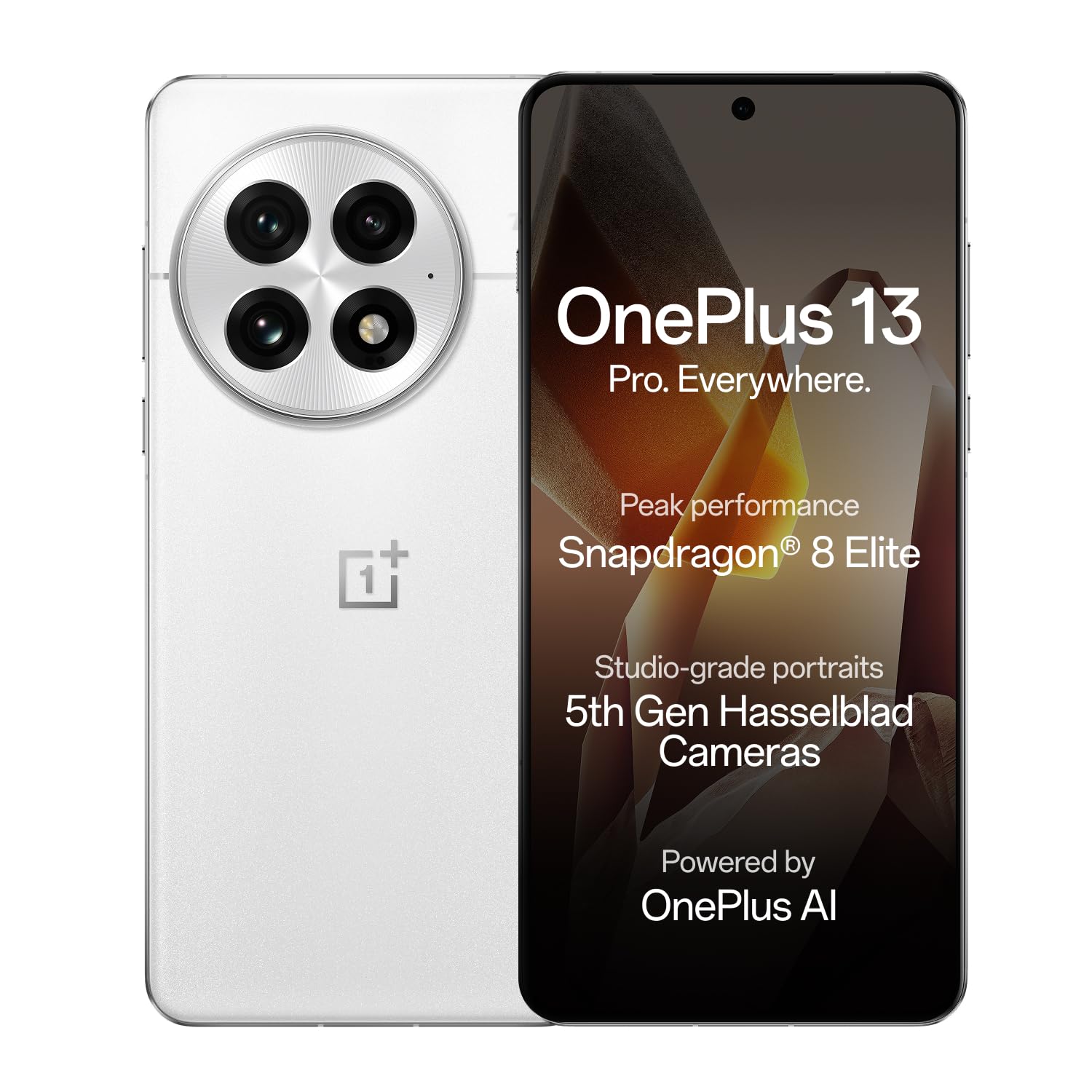
Image: The OnePlus 13 smartphone, showcasing its sleek design and camera module.
1. Device Setup
1.1. What's in the Box
Your OnePlus 13 package includes the following items:
- OnePlus 13 Smartphone
- Power Adapter
- SIM Tray Ejector
- Phone Case
- USB Cable
- Screen Protector (pre-applied or in box)
1.2. Inserting the SIM Card
- Locate the SIM card tray on the side of your device.
- Insert the SIM Tray Ejector tool into the small hole next to the tray and press gently until the tray pops out.
- Place your Nano SIM card(s) into the tray with the gold contacts facing down. The OnePlus 13 supports Dual SIM functionality.
- Carefully reinsert the SIM tray into the device.

Image: Side view of the OnePlus 13, illustrating the location of the SIM card tray and physical buttons.
1.3. Initial Power On and Configuration
- Press and hold the Power button (located on the right side) until the OnePlus logo appears.
- Follow the on-screen instructions to select your language, connect to a Wi-Fi network, and set up your Google account.
- Configure security features such as fingerprint recognition and a screen lock (PIN, pattern, or password).
2. Operating Your Device
2.1. Basic Navigation
The OnePlus 13 runs on OxygenOS 15, offering an intuitive user experience. Use touch gestures for navigation:
- Tap: Select an item or open an app.
- Swipe: Scroll through screens or lists.
- Pinch: Zoom in or out on photos and web pages.
- Long Press: Access contextual menus or move app icons.
2.2. OnePlus AI Features
Leverage the integrated AI capabilities for enhanced productivity and convenience:
- Intelligent Search: Quickly find information on your device or the web. Simply type your query, and the AI will provide relevant answers and suggestions.
- AI Imaging Power: Utilize features like AI Reflection Eraser, AI Unblur, and AI Detail Boost to enhance your photos.
- Gemini AI Assistant: Access Google's AI assistant for various tasks, from planning schedules to answering questions.

Image: The OnePlus 13 display demonstrating the Intelligent Search function, providing quick answers.
2.3. Camera Usage
The OnePlus 13 features a versatile 5th-Gen Hasselblad triple camera system. To open the camera, tap the Camera app icon.
2.3.1. Camera Modes
Switch between various shooting modes:
- Automatic: Standard mode for everyday photos.
- Portrait: Creates a depth-of-field effect for subjects.
- Landscape: Optimized for wide scenic shots.
- Night Mode: Enhances photos taken in low-light conditions.
- Macro: For close-up photography of small objects.
- Telephoto: Utilizes the 3X optical zoom lens for distant subjects.
2.3.2. Clear Burst
Capture split-second moments with the Clear Burst feature, ensuring you don't miss any action.
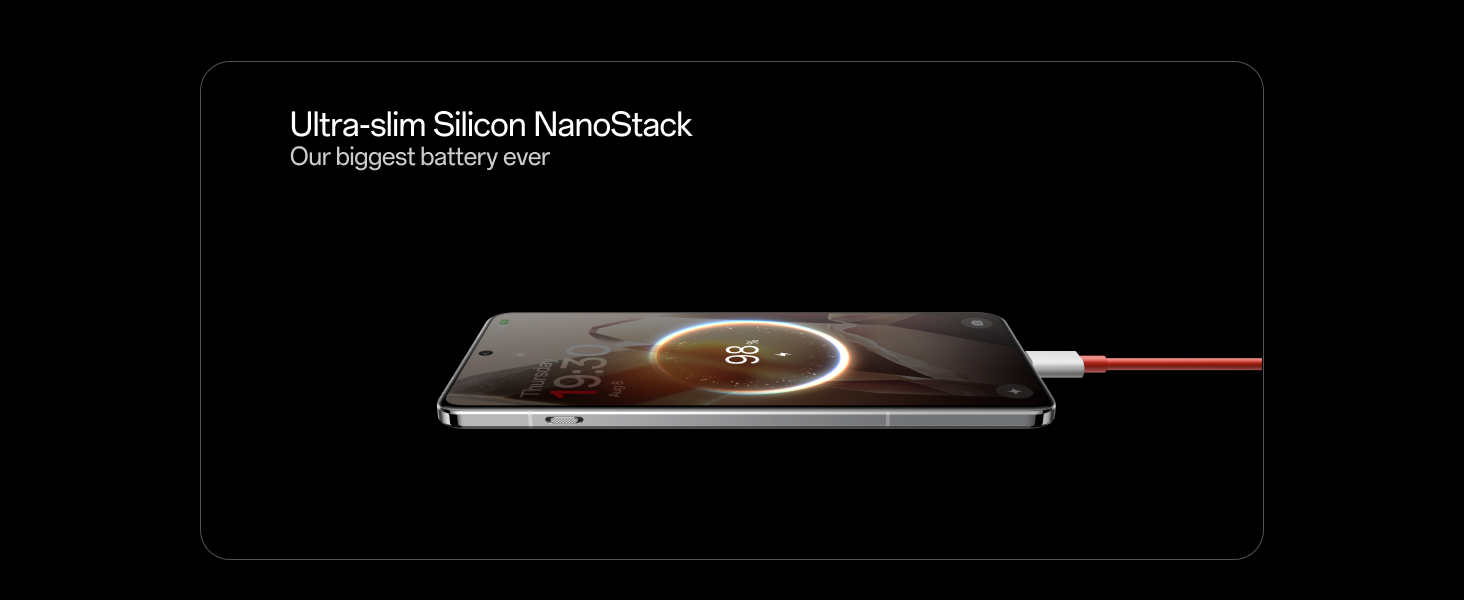
Image: The OnePlus 13 camera interface demonstrating the Clear Burst feature, capturing a dynamic scene.
2.4. Charging Your Device
The OnePlus 13 supports both wired and wireless fast charging.
- Wired Charging: Use the provided USB Cable and Power Adapter for 100W wired fast charging. A full charge can be achieved in approximately 36 minutes.
- Wireless Charging: The device supports 50W wireless fast charging, reaching 50% charge in about 34 minutes with a compatible wireless charger (sold separately).
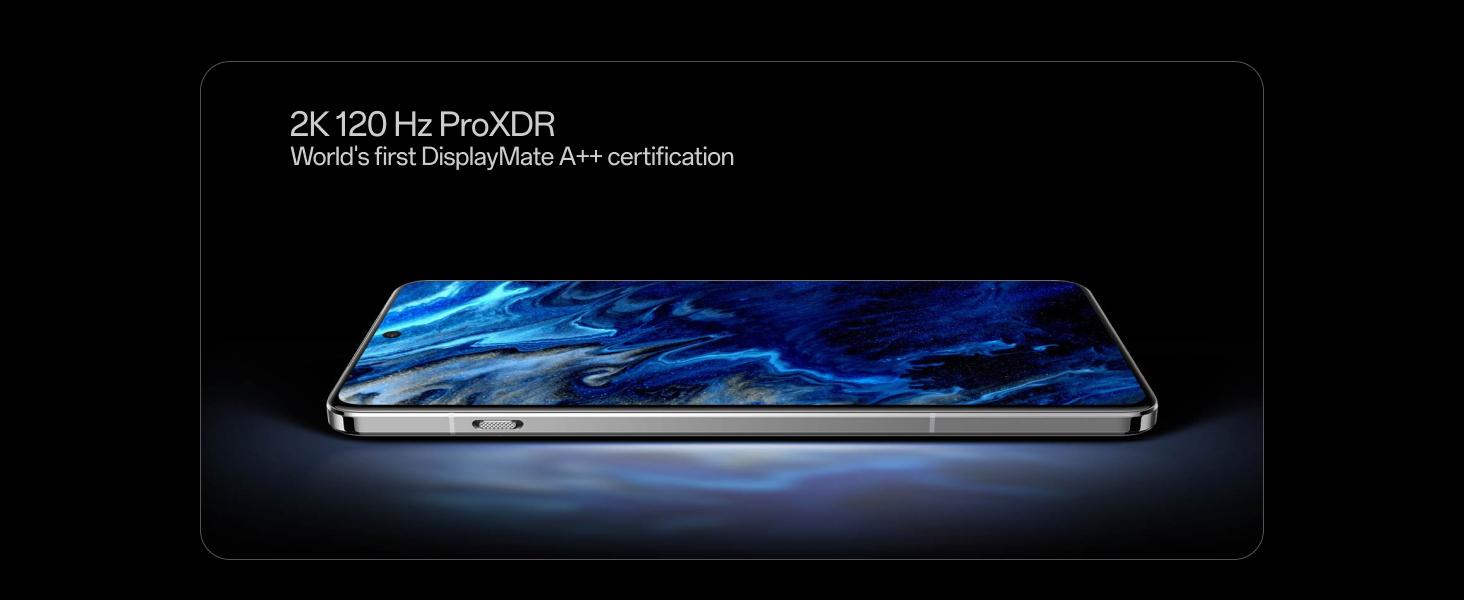
Image: The OnePlus 13 connected to its charger via a red USB-C cable, illustrating the fast charging capability.
3. Device Maintenance
3.1. Battery Care
To maximize the lifespan and performance of your 6000 mAh Silicon NanoStack battery:
- Avoid extreme temperatures.
- Do not frequently drain the battery completely or keep it at 100% for extended periods.
- Use only official OnePlus charging accessories.
3.2. Water and Dust Resistance
Your OnePlus 13 is rated IP69 and IP68 for water and dust resistance. This means it can withstand immersion in water up to a certain depth and duration, and is protected against dust ingress. However, resistance is not permanent and may decrease over time with normal wear. Avoid intentional submersion and exposure to high-pressure water.
Image: Two OnePlus 13 smartphones partially submerged in water, demonstrating their IP68/IP69 water and dust resistance ratings.
3.3. Cleaning Your Device
Use a soft, lint-free cloth to clean your phone. Avoid abrasive materials or harsh chemicals. For stubborn smudges, slightly dampen the cloth with water.
3.4. Software Updates
Regularly check for and install software updates to ensure your device has the latest features, security patches, and performance improvements. You can usually find this option in your phone's Settings menu under "About phone" or "System updates."
4. Troubleshooting Common Issues
If you encounter issues with your OnePlus 13, try the following steps:
4.1. Device Not Responding
- Restart: Press and hold the Power button for about 10 seconds to force a restart.
- Charge: Ensure the device has sufficient battery. Connect it to the charger for at least 30 minutes.
4.2. App Crashes or Freezes
- Force Close: Go to Settings > Apps > [App Name] > Force Stop.
- Clear Cache: In the same App settings, select "Storage & cache" and then "Clear cache."
- Update App: Ensure the app is updated to its latest version from the Google Play Store.
4.3. Network Connectivity Issues
- Restart Wi-Fi/Bluetooth: Toggle Wi-Fi or Bluetooth off and on from the Quick Settings panel.
- Restart Device: A simple restart can often resolve connectivity problems.
- Check SIM Card: Ensure your SIM card is correctly inserted and activated.
4.4. Fingerprint Sensor Not Working
- Clean Sensor: Ensure the fingerprint sensor and your finger are clean and dry.
- Re-register Fingerprint: Delete existing fingerprints and re-register them in Settings > Security & privacy > Device unlock > Fingerprint.
For more complex issues, refer to the official OnePlus support resources or contact customer service.
5. Technical Specifications
Below are the detailed specifications for the OnePlus 13 smartphone:
| Feature | Specification |
|---|---|
| Brand | OnePlus |
| Model Series | OnePlus 13 |
| Operating System | Android 15, OxygenOS |
| Processor | Qualcomm Snapdragon 8 Elite (4.32 GHz) |
| RAM | 16 GB |
| Internal Storage | 512 GB (Maximum Flash Memory Supported) |
| Display Type | AMOLED |
| Screen Size | 6.82 Inches |
| Resolution | 3168 x 1440 Pixels (2K ProXDR) |
| Refresh Rate | 120 Hz |
| Rear Camera | Triple 50MP (Wide Sony LYT-808 OIS, 3X Telephoto, Ultra-wide) |
| Front Camera | 32 MP |
| Battery Capacity | 6000 mAh (Silicon NanoStack Battery) |
| Charging | 100W Wired Fast Charging, 50W Wireless Fast Charging |
| Water Resistance | IP69 and IP68 Rated |
| SIM Card Slot | Dual SIM (Nano) |
| Connectivity | 5G, Bluetooth, NFC, USB Type C, Wi-Fi |
| Biometric Security | Fingerprint Recognition |
| Dimensions | 16.3 x 7.7 x 0.9 Centimeters |
| Weight | 213 Grams |
6. Warranty and Support
6.1. Warranty Information
The OnePlus 13 comes with a 1-year manufacturer warranty for the device itself and a 1-year manufacturer warranty for in-box accessories, including batteries, from the date of purchase.
Additionally, OnePlus offers a Lifetime Display Warranty for industry-wide greenline issues. Please refer to the official OnePlus website or your purchase documentation for full terms and conditions.
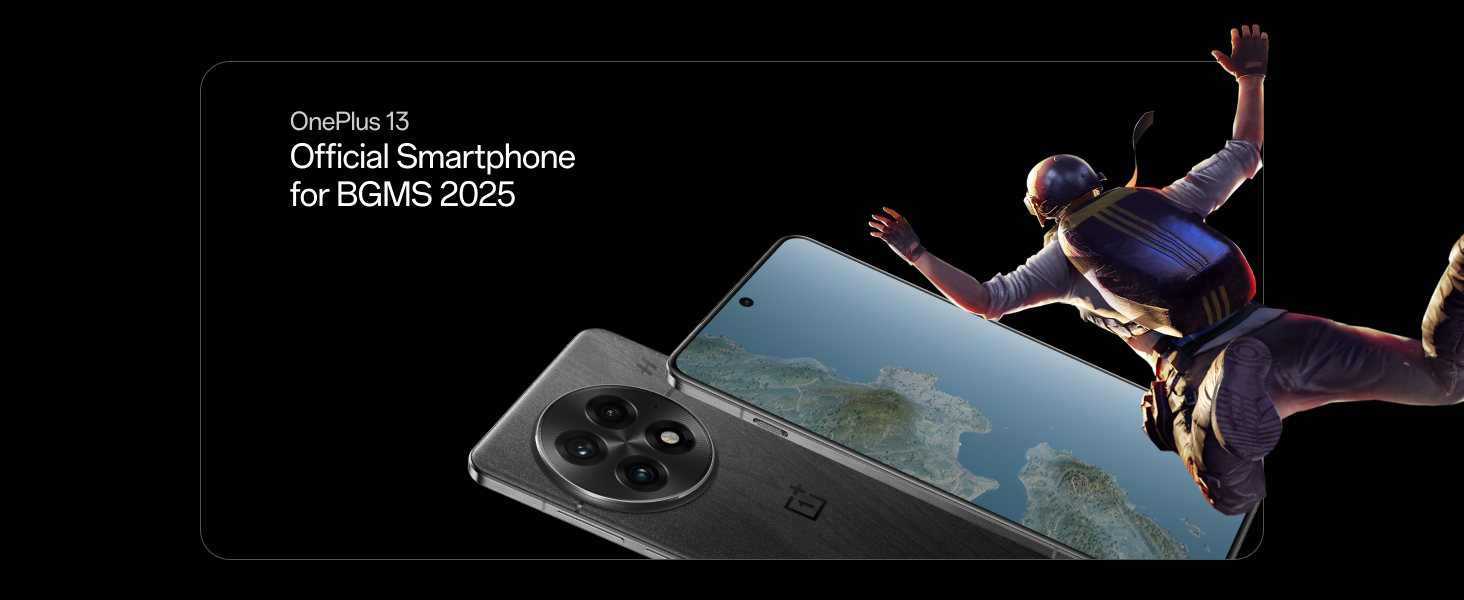
Image: The OnePlus Lifetime Display Warranty logo, indicating extended display coverage.
6.2. Customer Support
For technical assistance, service requests, or further inquiries, please contact OnePlus customer service:
- Contact Number: 1800 102 8411
- WhatsApp: +91-9289606888
- Manufacturer: OPPO Mobiles India Private Limited, PLOT-NO.1, SECTOR ECOTECH-VII, GREATER, NOIDA, UTTAR PRADESH, India-201306
Important Note on Videos
No official product videos from the seller were available in the provided data to embed in this manual. For product videos, please refer to the official OnePlus website or authorized channels.


