
Introduction
Thank you for choosing the Fossil Rhett BQ2894 Men's Watch. This timepiece combines classic design with modern functionality, featuring a robust 43mm case, a sophisticated black sunray dial, and a comfortable brown leather strap. This manual will guide you through the proper setup, operation, and care to ensure the longevity and optimal performance of your watch.
Components Overview
Familiarize yourself with the key components of your Fossil Rhett BQ2894 watch:
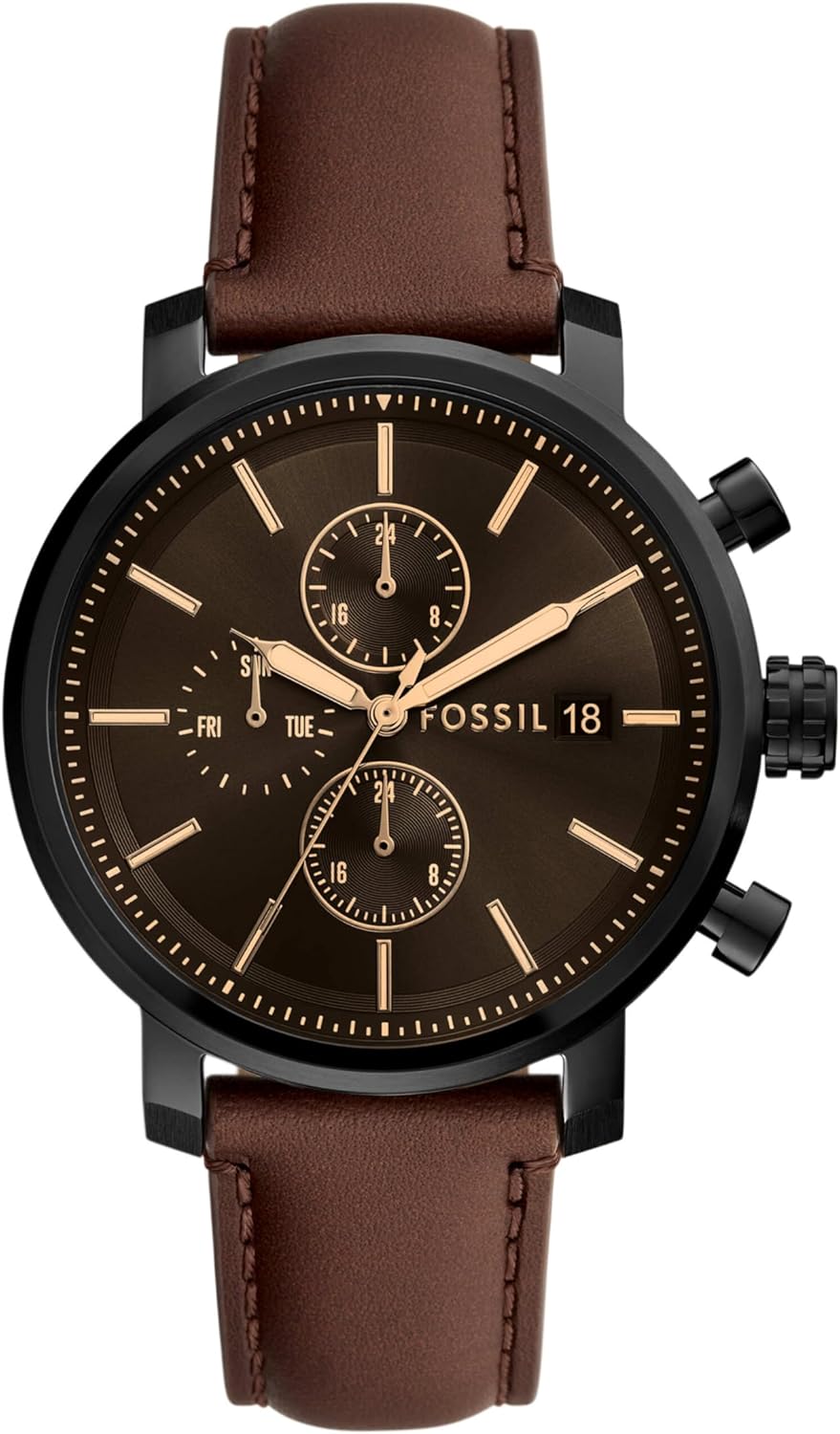
Front View: This image displays the watch face, including the black sunray dial, gold-tone hour markers and hands, and the three functional sub-dials. The black case and brown leather strap are also prominently featured.
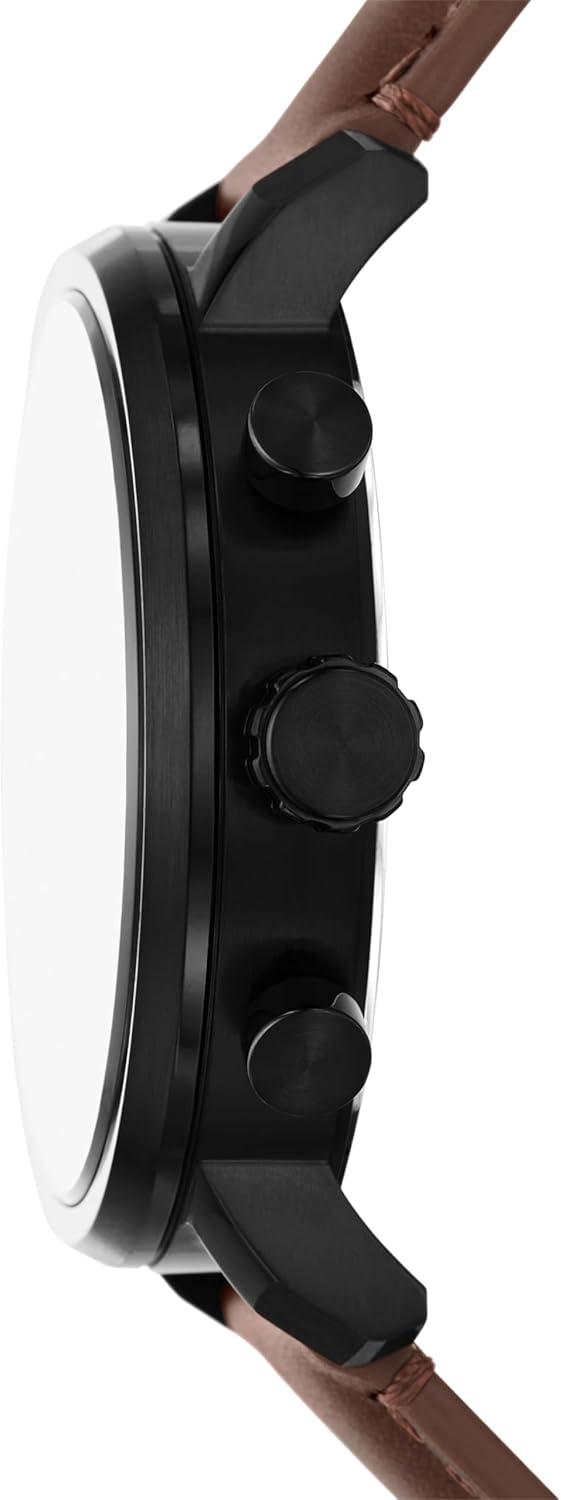
Side View: This perspective highlights the watch's black case thickness, the main crown located at the 3 o'clock position for time and date adjustments, and the two pushers (buttons) typically used for chronograph or sub-dial functions.
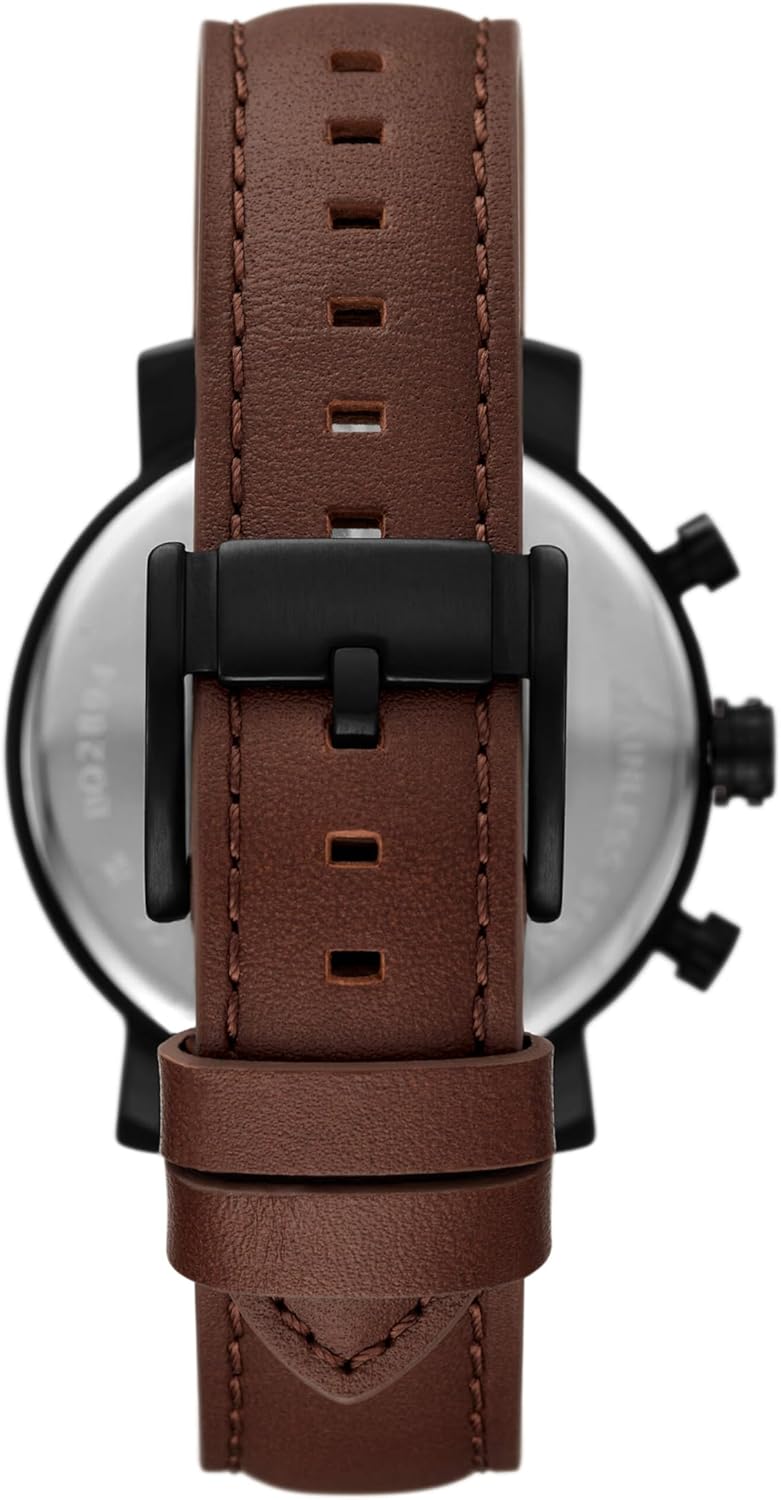
Rear View: This image focuses on the brown leather strap, showcasing its texture and stitching details, along with the black buckle. The stainless steel case back is partially visible, often engraved with model information.

Lifestyle View: This image provides a real-world perspective of the Fossil Rhett BQ2894 watch on a wrist, illustrating its size and aesthetic appeal when worn as an accessory.
Setup
Setting the Time and Date
- Pull out the crown: Gently pull the crown (the knob on the side of the watch) to position 2 (first click) for date adjustment, or position 3 (second click) for time adjustment.
- Adjust the time: Rotate the crown to move the hour and minute hands clockwise until the desired time is set. Ensure you account for AM/PM if your watch has a 24-hour indicator or date function.
- Adjust the date: If applicable, rotate the crown in position 2 to set the correct date.
- Push in the crown: Once the time and date are set, push the crown back into position 1 (normal position) to start the watch movement.
Strap Adjustment
The brown leather strap is designed for comfort. If the strap is too loose or too tight, you can adjust it by selecting a different hole on the strap to fit your wrist size. Ensure the watch is snug but not uncomfortably tight to allow for proper blood circulation.
Operating the Watch
Basic Timekeeping
Your Fossil Rhett BQ2894 watch is a quartz timepiece, providing accurate timekeeping. The main hands indicate hours, minutes, and seconds.
Multifunction Dials
The watch features a multifunctional movement with three sub-dials. These typically indicate:
- Day of the Week: One sub-dial displays the current day (e.g., MON, TUE).
- 24-Hour Time: Another sub-dial shows the time in a 24-hour format, useful for distinguishing AM/PM.
- Date: A third sub-dial or window displays the current date.
These functions are usually synchronized with the main time setting. Refer to the 'Setting the Time and Date' section for adjustments.
Maintenance
Cleaning
To maintain the appearance of your watch, wipe the case and crystal with a soft, dry cloth. For the leather strap, avoid excessive moisture and harsh chemicals. If the strap gets wet, allow it to air dry naturally.
Water Resistance
Your watch has a specific water resistance rating. While it can withstand splashes or brief immersion, it is not suitable for swimming or diving unless explicitly stated otherwise. Avoid operating the crown or pushers when the watch is wet to prevent water ingress.
Battery Replacement
The Fossil Rhett BQ2894 watch uses 1 LR44 battery. When the watch stops or the second hand begins to skip, it indicates a low battery. Battery replacement should ideally be performed by a qualified watch technician to ensure proper sealing and functionality.
Strap Care
Leather straps can wear over time. To prolong their life, avoid prolonged exposure to direct sunlight, extreme temperatures, and harsh chemicals. If the strap becomes stiff or discolored, consider replacing it with an authentic Fossil strap.
Troubleshooting
- Watch not running: Check if the crown is fully pushed in. If it is, the battery may need replacement.
- Date changes at noon: This indicates the AM/PM setting is incorrect. Advance the time by 12 hours.
- Condensation under crystal: This suggests moisture has entered the watch. Seek professional service immediately to prevent damage to the movement.
- Hands not moving smoothly: This could indicate a low battery or a need for servicing.
Specifications
| Feature | Detail |
|---|---|
| Model Number | BQ2894 |
| Movement Type | Quartz, Multifunction |
| Case Diameter | 43mm |
| Dial Color | Black Sunray |
| Strap Material | Brown Leather |
| Battery Type | 1 LR44 (included) |
| Package Dimensions | 9.5 x 9 x 7.4 cm |
| Item Weight | 220 g |
| Manufacturer | FOSSIL |
Warranty and Support
Fossil watches typically come with a limited warranty covering manufacturing defects. Please refer to the warranty card included with your purchase for specific terms and conditions, including the warranty period and coverage details. For service, repairs, or further assistance, please contact Fossil customer support or visit an authorized Fossil service center. Keep your proof of purchase for warranty claims.
