
1. Introduction
Welcome to the OnePlus 13 user manual. This guide provides detailed instructions on how to set up, operate, and maintain your new smartphone. Please read this manual thoroughly to ensure optimal performance and longevity of your device.

Image: Front and back view of the OnePlus 13 smartphone.
2. Setup
2.1 What's in the Box
- OnePlus 13 Smartphone
- Power Adapter
- USB Cable
- SIM Tray Ejector
- Phone Case
- Screen Protector (pre-applied or in box)

Image: OnePlus 13 smartphone and its standard accessories.
2.2 SIM Card Installation
- Locate the SIM card tray on the side of your device.
- Insert the SIM tray ejector tool into the small hole next to the tray and press gently until the tray pops out.
- Place your Nano-SIM card(s) into the tray with the gold contacts facing down. Ensure proper orientation. The OnePlus 13 supports Dual SIM.
- Carefully reinsert the SIM tray into the device.
2.3 Initial Power On and Setup
- Press and hold the Power button until the OnePlus logo appears.
- Follow the on-screen instructions to select your language, connect to Wi-Fi, and set up your Google account.
- Configure security features such as fingerprint recognition.
2.4 Charging the Device
Connect the USB cable to the power adapter and then to the USB Type-C port on your phone. Plug the power adapter into a wall outlet. The device supports 100W wired fast charging and 50W wireless fast charging.
3. Operating Instructions
3.1 Basic Navigation
The OnePlus 13 runs on Android 15 with OxygenOS 15, offering a smooth and intuitive user experience. Navigate using gestures or on-screen buttons, configurable in Settings.
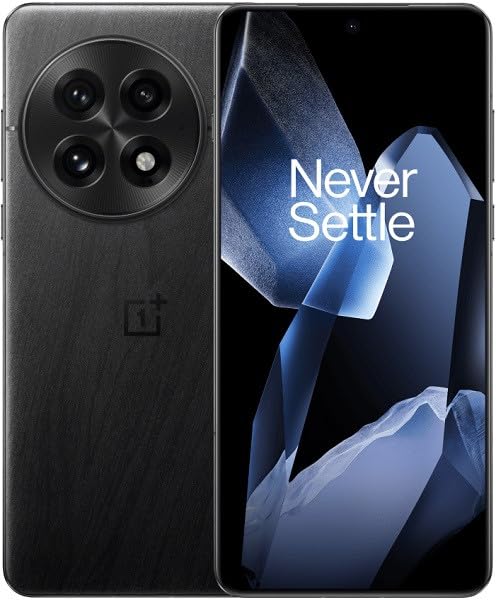
Image: The OnePlus 13 display with its signature 'Never Settle' message.
3.2 OnePlus AI and Intelligent Search
Leverage the power of OnePlus AI for enhanced functionality. The Intelligent Search feature allows you to quickly find information on your device or the web.

Image: Intelligent Search interface on the OnePlus 13.
The device also integrates with Google's Gemini AI Assistant for various tasks and queries.

Image: Gemini AI Assistant on the OnePlus 13.
3.3 Security Features
Unlock your device securely using the in-display fingerprint recognition sensor.
3.4 Connectivity
The OnePlus 13 supports 5G cellular technology, Wi-Fi, Bluetooth, and NFC for seamless connectivity.
4. Camera Features
The OnePlus 13 features a 5th-Gen Hasselblad Camera for Mobile, equipped with a flagship 50MP triple camera system.

Image: The Hasselblad camera module on the OnePlus 13.
4.1 Triple Camera System
- Wide Camera: 50MP Sony LYT-808 sensor with Optical Image Stabilization (OIS).
- Telephoto Camera: 3X Triprism 50MP sensor.
- Ultra-wide Camera: 50MP sensor with 120° Field of View.

Image: Internal view of the triple 50MP camera setup.
4.2 Shooting Modes
The camera offers various shooting modes including Automatic, Landscape, Macro, Night Mode, Portrait, and Telephoto.

Image: OnePlus 13 camera interface showing the Clear Burst feature.
4.3 AI Imaging Enhancements
Utilize AI features such as AI Reflection Eraser, AI Unblur, and AI Detail Boost to improve your photos.
5. Performance and Display
5.1 Processor
The OnePlus 13 is powered by the Qualcomm Snapdragon 8 Elite Mobile Platform, featuring a faster Neural Engine, improved CPU and GPU, and increased memory bandwidth for enhanced performance and AI capabilities.

Image: Snapdragon 8 Elite Mobile Platform.
5.2 Display
Experience visuals on the 2K ProXDR AMOLED Display with a 120Hz refresh rate. This display has achieved an industry-first DisplayMate A++ certification, offering exceptional color accuracy, brightness, and depth.

Image: The 2K 120Hz ProXDR Display.
6. Battery and Charging
The OnePlus 13 is equipped with an Ultra-slim Silicon NanoStack Battery, offering a capacity of 6000 mAh. This is designed for extended usage.

Image: OnePlus 13 with its Ultra-slim Silicon NanoStack Battery.
6.1 Fast Charging
- Wired Charging: Supports 100W fast charging, achieving up to 100% charge in approximately 36 minutes.
- Wireless Charging: Supports 50W wireless fast charging, reaching up to 50% charge in approximately 34 minutes.
7. Maintenance
7.1 Cleaning Your Device
Use a soft, lint-free cloth to clean the screen and body of your OnePlus 13. Avoid harsh chemicals or abrasive materials.
7.2 Water and Dust Resistance
The device features an IP69 and IP68 rating for water and dust resistance. While designed to withstand splashes and dust, avoid intentional submersion in water.
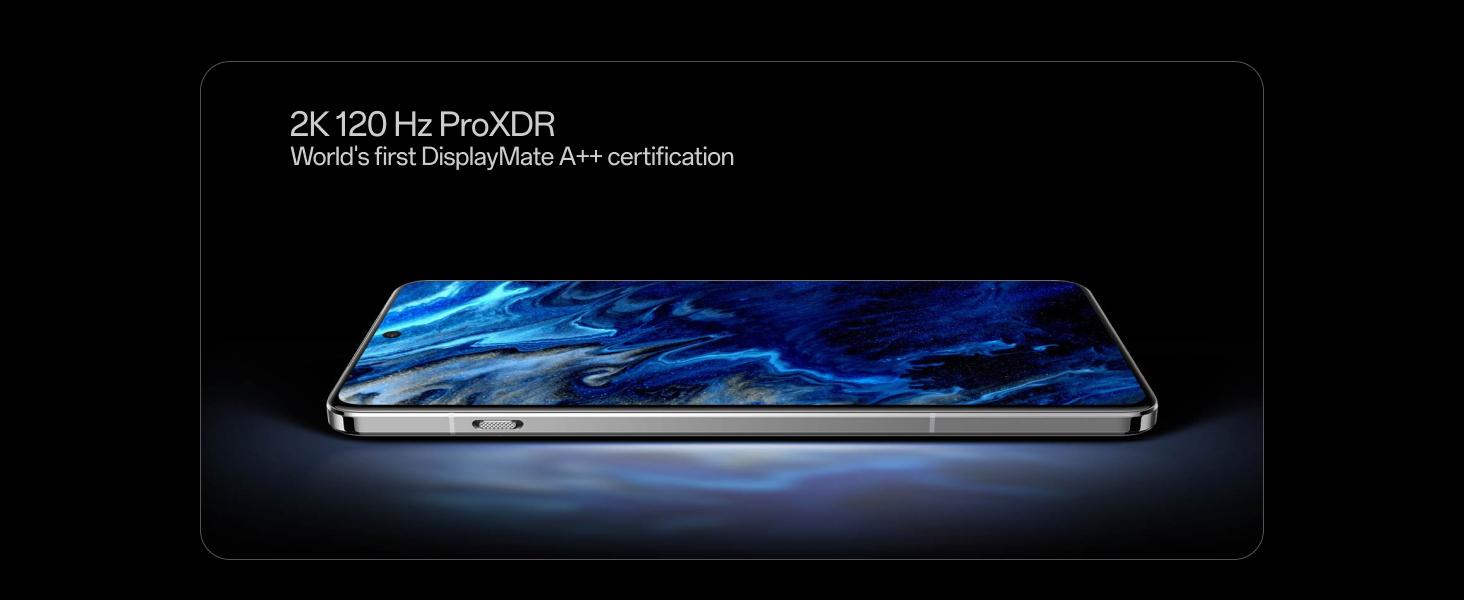
Image: OnePlus 13 demonstrating its IP68/69 water and dust resistance.
7.3 Software Updates
Regularly check for and install software updates to ensure your device has the latest features, security patches, and performance improvements. Go to Settings > About device > OxygenOS to check for updates.
8. Troubleshooting
This section addresses common issues you might encounter with your OnePlus 13.
8.1 Device Not Powering On
- Ensure the battery is charged. Connect the device to the charger for at least 15 minutes before attempting to power it on.
- Press and hold the Power button for 10-15 seconds to force a restart.
8.2 Charging Issues
- Verify that the charging cable and adapter are securely connected and undamaged.
- Try using a different power outlet or charging accessory.
- Clean the USB Type-C port on your phone for any debris.
8.3 Network Connectivity Problems
- Check if your SIM card is properly inserted and activated.
- Toggle Airplane Mode on and off.
- Reset network settings: Settings > System settings > Reset phone > Reset Wi-Fi, mobile & Bluetooth.
8.4 Performance Lag
- Close unnecessary background applications.
- Clear cache for apps that are frequently used or causing issues.
- Ensure your device software is up to date.
For more complex issues, please refer to the official OnePlus support website or contact customer service.
9. Specifications
| Brand | OnePlus |
| Model | OnePlus 13 |
| Operating System | Android 15, OxygenOS |
| Processor | Qualcomm Snapdragon 8 Elite Mobile Platform (4.32 GHz) |
| RAM | 16 GB |
| Internal Storage | 512 GB (Maximum Flash Memory Supported) |
| Display Type | AMOLED |
| Display Resolution | 3168 x 1440 Pixels (2K ProXDR) |
| Refresh Rate | 120 Hz |
| Rear Camera | Triple 50MP (Wide, Telephoto, Ultra-wide) |
| Front Camera | 32 MP |
| Battery Capacity | 6000 mAh (Silicon NanoStack) |
| Charging | 100W Wired, 50W Wireless |
| Water Resistance | IP69 and IP68 Rated |
| Dimensions | 16.3 x 7.7 x 0.9 Centimeters |
| Weight | 213 Grams |
| Connectivity | 5G, Wi-Fi, Bluetooth, NFC, USB Type-C |
10. Warranty and Support
10.1 Warranty Information
The OnePlus 13 comes with a 1-year manufacturer warranty for the device and a 1-year manufacturer warranty for in-box accessories, including batteries, from the date of purchase.
OnePlus also provides a Lifetime Display Warranty for industry-wide greenline issues.
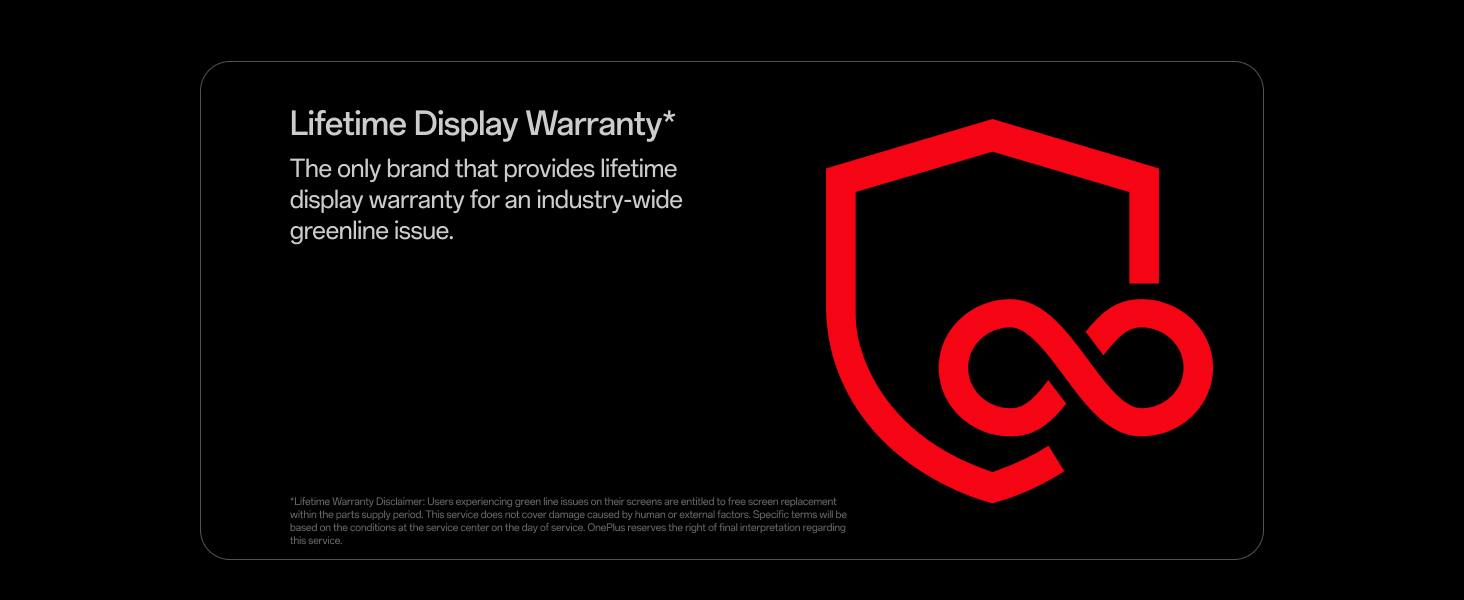
Image: Lifetime Display Warranty information.
10.2 Customer Support
For technical assistance, warranty claims, or other inquiries, please contact OnePlus Customer Service:
- Contact Number: 1800 102 8411
- WhatsApp Support: +91-9289606888
- Manufacturer: OPPO Mobiles India Private Limited
You can also visit the official OnePlus website for additional support resources and FAQs.


