
iSingo MR7566
iSingo MR7566 Replacement Filter User Manual
Compatible with MORENTO MR7566 Air Purifier
1. Product Overview
The iSingo MR7566 Replacement Filter is designed for seamless compatibility with the MORENTO MR7566 Air Purifier. This high-efficiency filter system is engineered to provide superior air purification for your home, capturing a wide range of airborne particles and odors.

Image: The iSingo MR7566 filter shown alongside the compatible MORENTO MR7566 air purifier, highlighting its perfect fit and design for maintaining optimal air quality.
1.1. 4-in-1 Filtration System
This replacement filter features an advanced 4-stage filtration system to ensure comprehensive air purification:
- Pre-Filter: Captures larger particles such as dust, lint, hair, and pet fur.
- HEPA Mesh: Traps fine particles including PM2.5, pollen, and pet dander.
- Activated Carbon: Effectively neutralizes various odors from pets, cooking, smoke, and volatile organic compounds (VOCs).
- Filter Paper: Further purifies the air by addressing smoke and kitchen fumes.
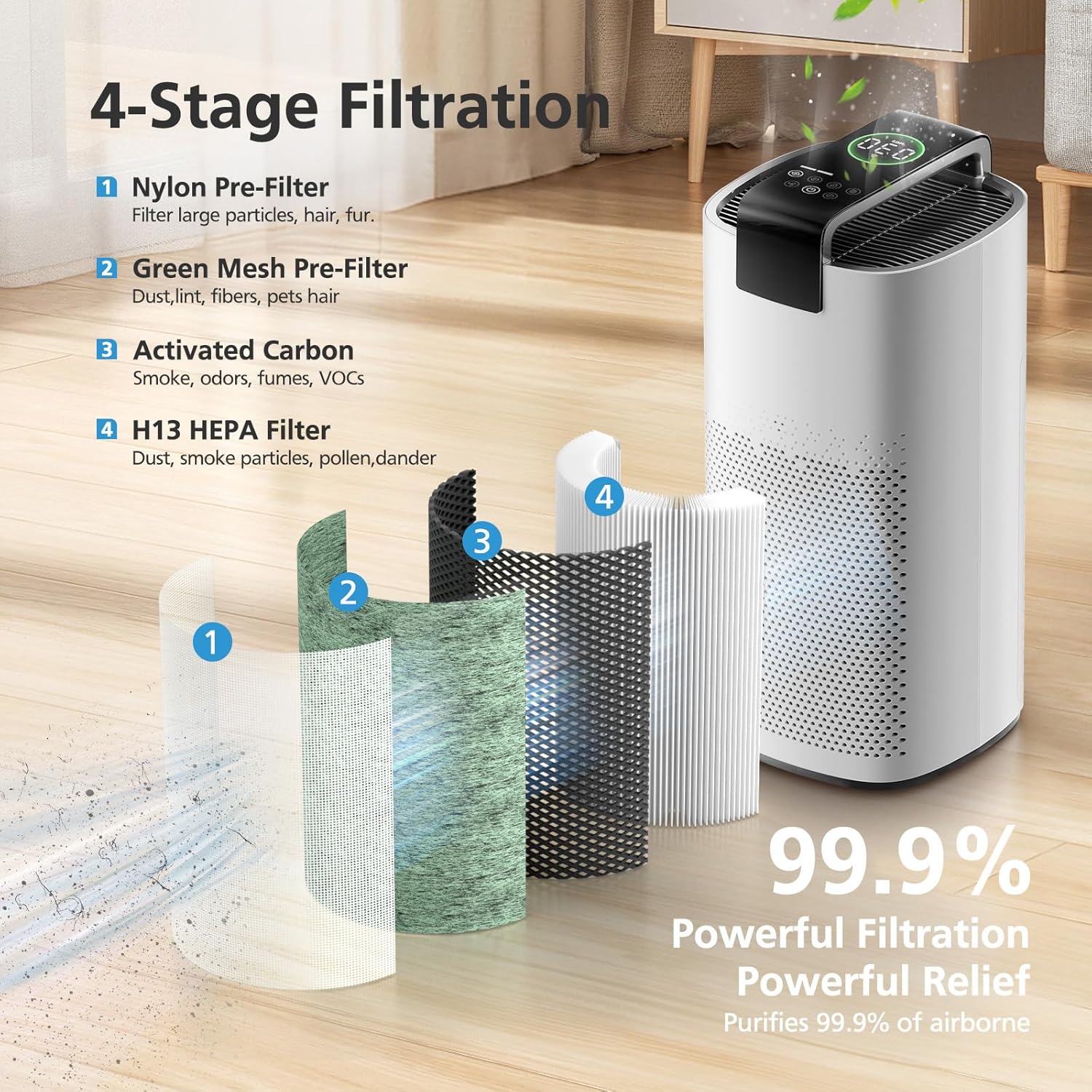
Image: A visual breakdown of the filter's four layers, demonstrating how each stage contributes to capturing different types of airborne pollutants.
This multi-layer system works synergistically to absorb 99.97% of airborne particles as small as 0.1 microns, providing a cleaner and healthier breathing environment.
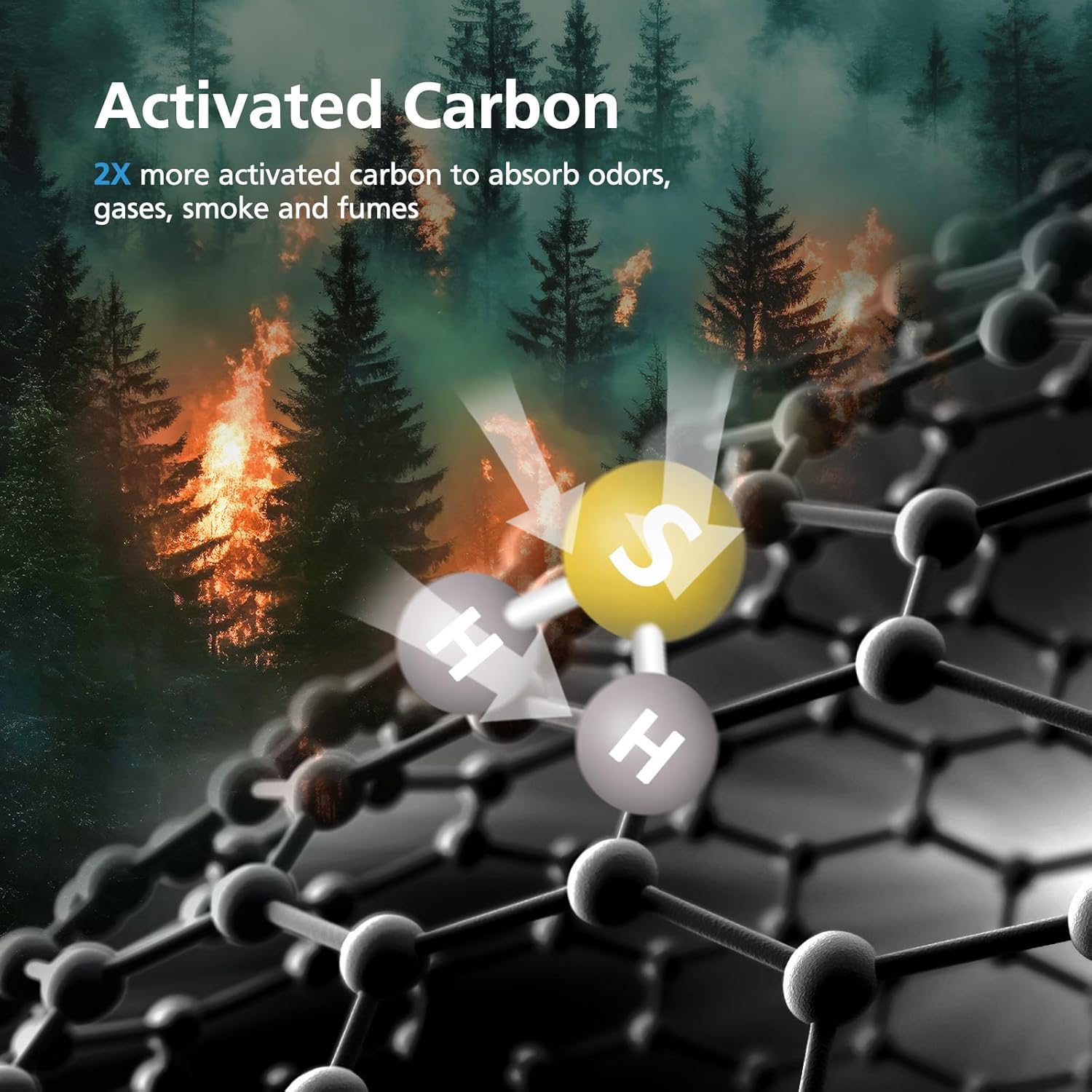
Image: An illustration depicting the molecular absorption process of activated carbon, highlighting its effectiveness against odors, gases, smoke, and fumes.
2. Setup (Filter Installation)
Follow these steps to replace the filter in your MORENTO MR7566 Air Purifier:
- Ensure the air purifier is turned off and unplugged from the power outlet.
- Locate the filter compartment, typically at the base or back of the air purifier. Refer to your air purifier's manual for specific instructions on opening the compartment.
- Carefully remove the old filter. The MR7566 filter is designed with cloth tabs to assist in removal. Pull on these tabs to extract the used filter.
- Unpack the new iSingo MR7566 Replacement Filter.
- Insert the new filter into the compartment, ensuring the cloth tabs are facing outwards. This will facilitate easier removal during the next replacement.
- Close the filter compartment securely.
- Plug the air purifier back into the power outlet and turn it on. Reset the filter life indicator on your air purifier, if applicable, according to its specific instructions.
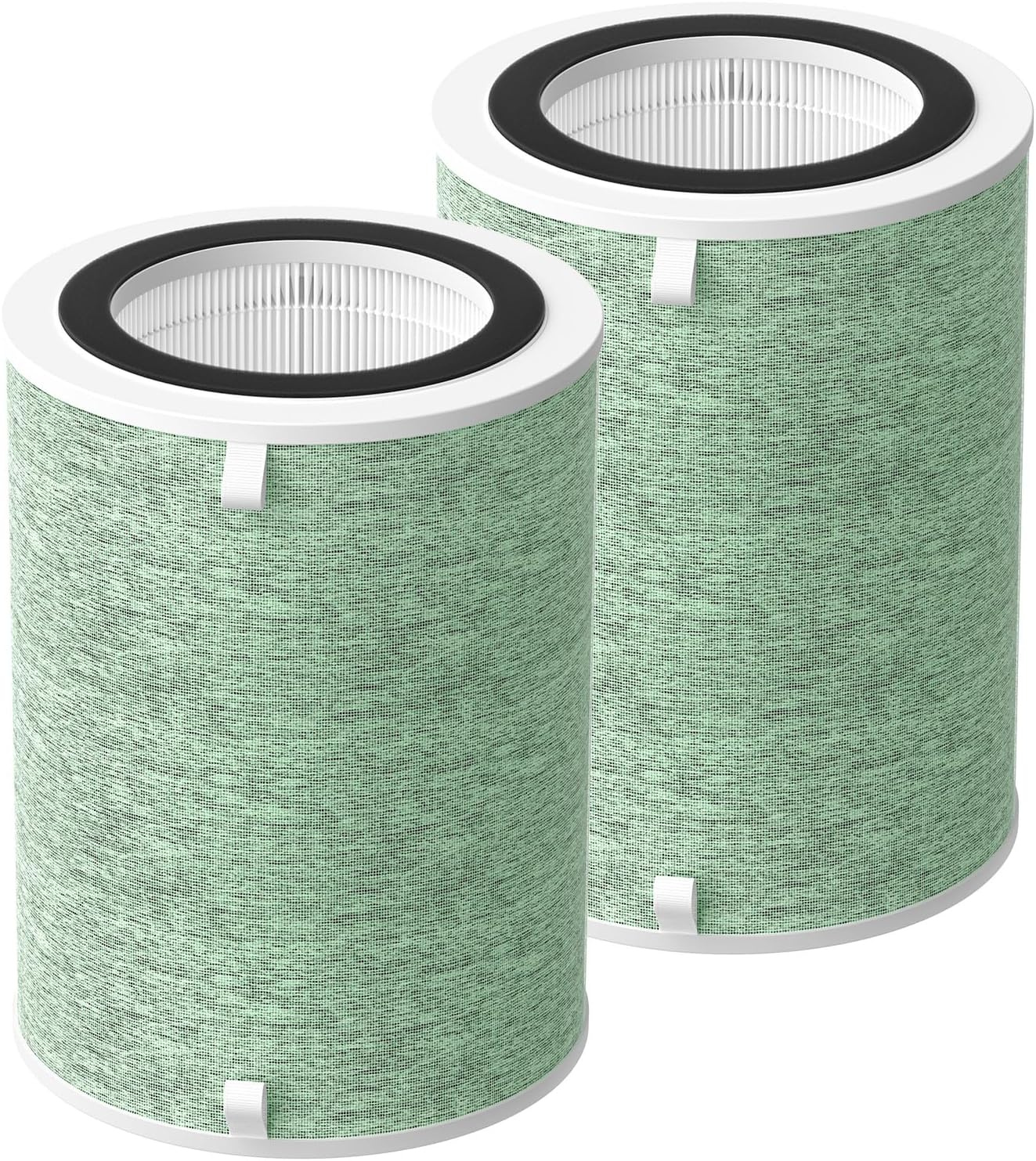
Image: A pair of iSingo MR7566 replacement filters, clearly displaying the integrated cloth tabs designed to simplify the installation and removal process.
3. Operating Considerations
While the filter itself does not have operational controls, its performance is directly linked to the air purifier's operation. For optimal air purification, ensure your MORENTO MR7566 Air Purifier is used according to its manufacturer's guidelines.
The iSingo MR7566 filter is designed for high airflow resistance and large dust-holding capacity, ensuring consistent performance throughout its lifespan.
4. Maintenance
Regular filter replacement is crucial for maintaining the efficiency and effectiveness of your air purifier.
4.1. Filter Replacement Schedule
It is recommended to change your iSingo MR7566 HEPA air purifier filter every 6 months if the air purifier is used approximately 12 hours a day. This schedule ensures the unit operates in optimal condition and continues to provide consistently fresh air.
4.2. Pre-Filter Cleaning (Optional)
To extend the life of your filter, particularly in environments with high dust loads, the outer pre-filter layer can be carefully cleaned. This is an advanced maintenance step and should be performed with caution:
- Carefully cut the nylon outside pre-filter off the main filter unit.
- Wash this pre-filter once a week in a kitchen sink with water.
- Alternatively, use a mini battery-powered air duster to blow dust off the outside of the filter on a breezy day.
- Ensure the pre-filter is completely dry before reattaching it or placing it back into the air purifier.
Note: This pre-filter cleaning method is an advanced user practice and may not be suitable for all users. Always prioritize safety and refer to your air purifier's manual for recommended maintenance.
5. Troubleshooting
If you experience issues with your air purifier's performance after replacing the filter, consider the following:
- Reduced Airflow: Ensure the filter is installed correctly and the compartment door is fully closed. Check for any obstructions around the air intake or outlet of the purifier.
- Persistent Odors: If odors return shortly after replacement, verify that the new filter is genuine and undamaged. Ensure the filter replacement schedule is being followed.
- Filter Indicator Light: If the filter replacement indicator remains on after installing a new filter, consult your air purifier's manual for instructions on how to reset the filter life counter.
- Unusual Noises: Ensure the filter is seated properly and not causing any vibration or obstruction within the air purifier.
For issues not resolved by these steps, refer to the troubleshooting section of your MORENTO MR7566 Air Purifier manual or contact customer support.
6. Specifications
| Brand | iSingo |
| Model Info | MR7566 |
| Compatible Device | MORENTO MR7566-WF Air Purifier |
| Material Type | H13 True HEPA Filter & Activated Carbon Filter |
| Item Weight | 1.2 pounds |
| Product Dimensions | 9.04 x 9.06 x 12.48 inches |
| Included Components | 2 Pack MR7566 Filter Replacements |
7. Warranty and Support
iSingo is dedicated to delivering high-quality products and an exceptional shopping experience. We stand by the quality of our MR7566 replacement filters.
For any quality issues with your MR7566 filter, we offer hassle-free replacements. If you have any questions or require assistance, please feel free to email us. Our support team is ready to help.
Ask a question about this manual
Ask about setup, troubleshooting, compatibility, parts, safety, or missing instructions. Manuals+ will review the question and use this page’s manual context to help answer it.