
Introduction
This manual provides comprehensive instructions for the OSALO Scientific Calculator OS-82ES-2. Designed for secondary students, this calculator features 252 functions, a 2-line written display, and dual power sources for reliable performance.

Image: Front view of the OSALO Scientific Calculator OS-82ES-2.
Setup
Power Supply
The OSALO OS-82ES-2 calculator operates on dual power: solar and battery.
- Solar Power: The solar panel located at the top of the calculator provides power in well-lit environments.
- Battery Power: For low-light conditions or when solar power is insufficient, the calculator uses a single LR44 battery (included).

Image: Illustration showing the dual power supply (solar and battery) of the calculator.
Initial Use
Before first use, ensure the protective slide cover is removed. The calculator is ready for use once powered on.

Image: Detailed view of the calculator's components, including the solar panel, display, and various keys.
Operating Instructions
Basic Operations
The calculator features a 2-line written display that mimics textbook expressions, showing both input and calculation results.
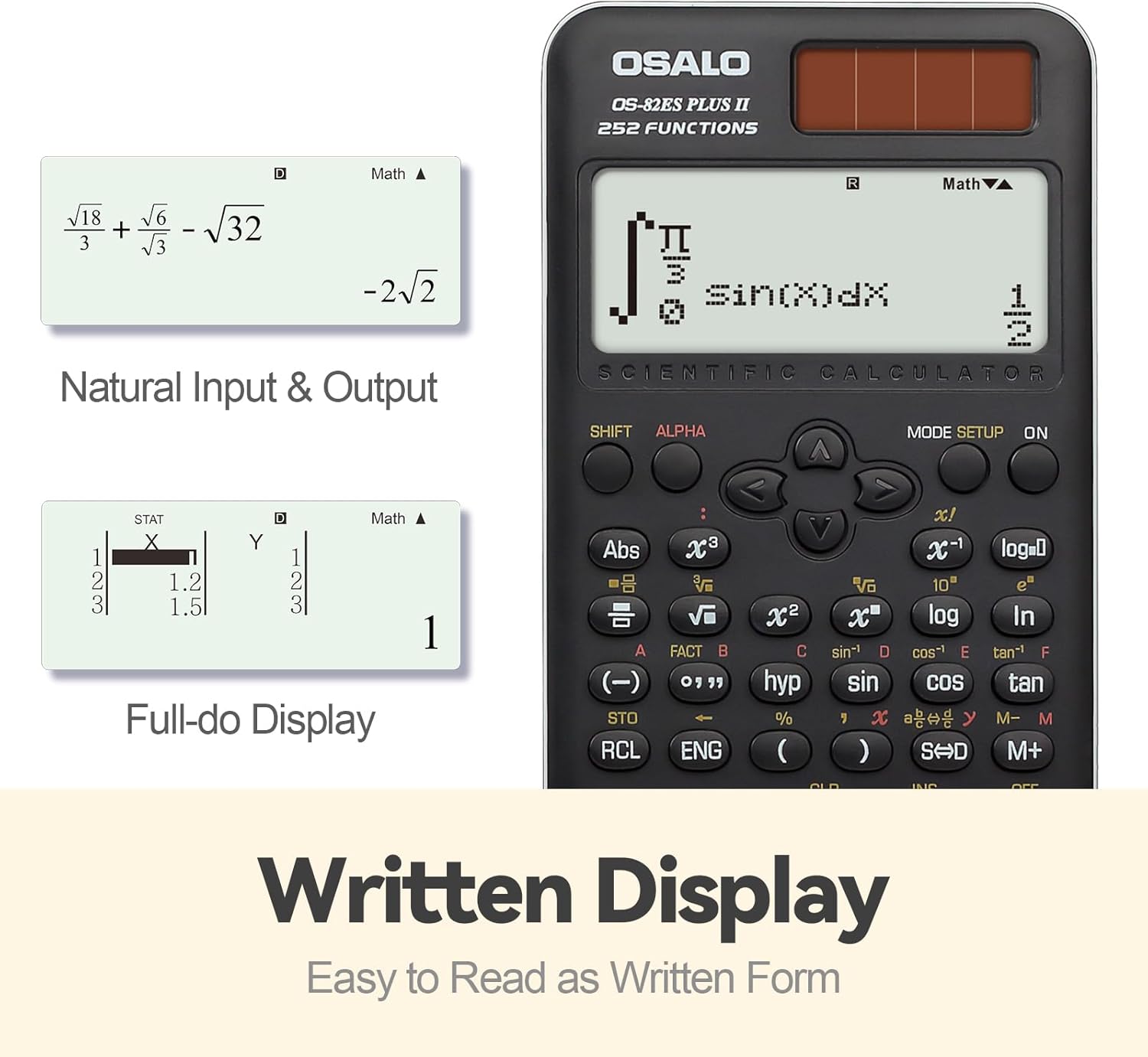
Image: Example of the calculator's natural input and output display, showing mathematical expressions as they appear in textbooks.
Function Overview
The OS-82ES-2 offers 252 functions, covering a wide range of scientific calculations.
- Basic calculations
- Variable statistics
- Prime factorization
- Differentiation calculation
- Integration calculation
- Multi-replay function
- Combination and Permutation
- Fraction Calculation
- 9 variable memories
- Fraction-decimal conversion (using SD keys)

Image: Visual representation highlighting the 252 functions of the scientific calculator, including statistical and fractional capabilities.
Smart History and Recall
Utilize the smart history feature to quickly retrieve, reuse, or edit previous formulas. This streamlines complex calculations and reduces repetitive input.
Adjusting Display Contrast
To adjust the display contrast for optimal readability:
- Press the MODE SETUP button.
- Navigate to CONTRAST (usually option 5).
- Use the arrow keys to adjust between LIGHT and DARK settings.
- Press AC to exit the settings.

Image: Comparison of the calculator's display in dark and bright contrast settings, demonstrating the brightness adjustment function.
Official Product Video
Video: An official product video demonstrating the features and usage of the OSALO Scientific Calculator, including its 252 functions, 2-line display, and dual power capabilities. Duration: 34 seconds.
Maintenance
Cleaning
To clean the calculator, wipe it gently with a soft, dry cloth. Do not use abrasive cleaners or solvents, as these may damage the surface or internal components.
Storage
When not in use, store the calculator in a cool, dry place, away from direct sunlight and extreme temperatures. The included slide-on hard case provides protection against dust and physical damage.
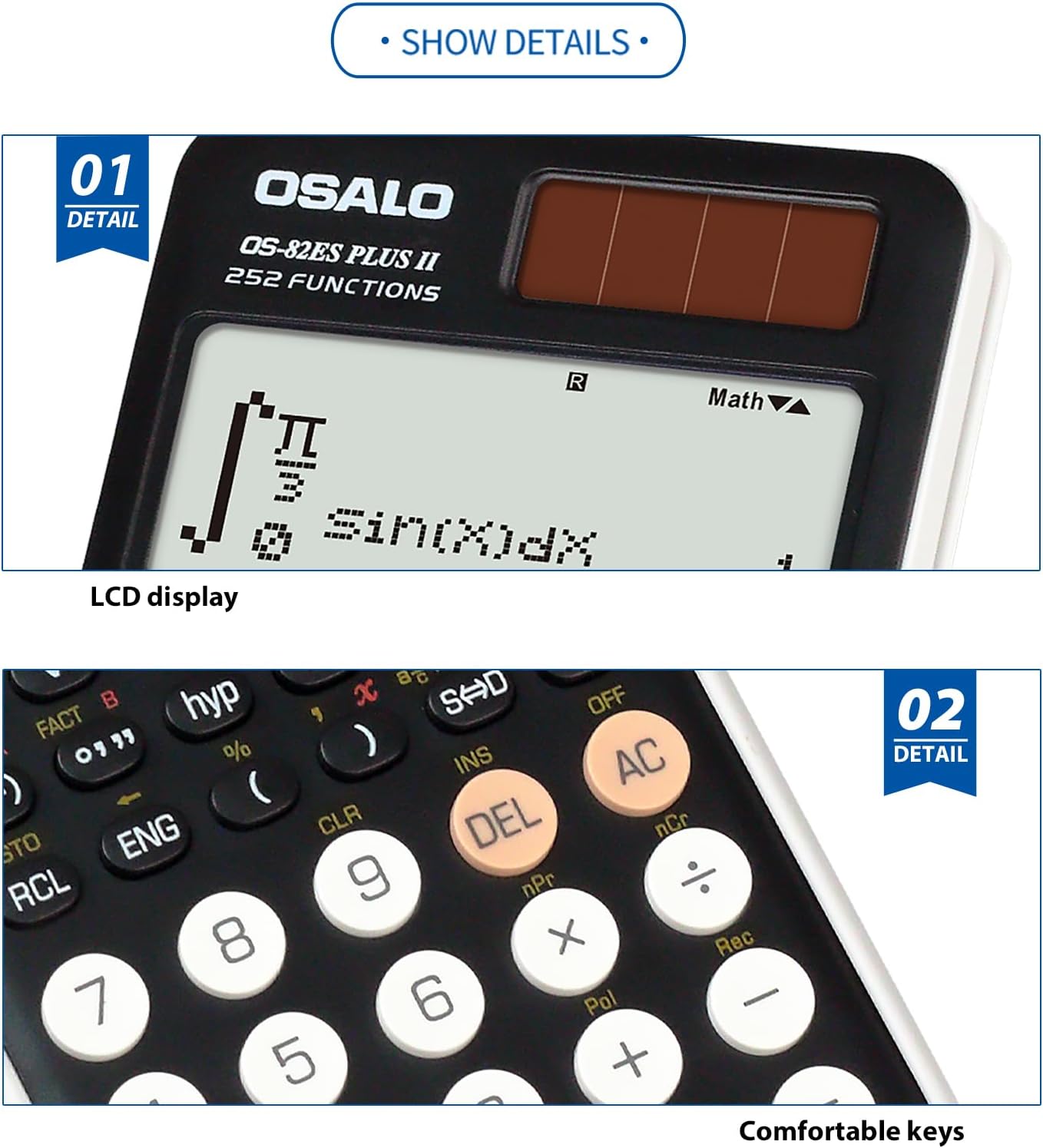
Image: Close-up view highlighting the clear LCD display and the comfortable, responsive keys of the calculator.
Troubleshooting
Display is blank or dim
- Ensure the calculator is in a well-lit area to activate solar power.
- Check the battery. If the display remains dim or blank, the LR44 battery may need replacement.
- Adjust the display contrast using the MODE SETUP function as described in the Operating Instructions.
Calculator does not respond
- Press the ON button.
- If unresponsive, try pressing the RESET button (if available, usually a small recessed button requiring a thin object like a paperclip).
- Ensure sufficient power from either solar or battery sources.
Specifications
| Feature | Detail |
|---|---|
| Model Number | OS-82ES-2 |
| Functions | 252 |
| Display Type | 2-line Written Display |
| Power Source | Battery (1 LR44 included) & Solar |
| Dimensions (L x W x H) | 6.46 x 3.15 x 0.1 inches (164 x 80 x 2.5 mm approx) |
| Weight | 4.9 ounces (140g approx) |
| Color | Black |
| Calculator Type | Engineering/Scientific |
| Screen Size | 2.4 Inches |

Image: Visual representation of the calculator's thin profile and lightweight design, along with its precise dimensions.
Warranty and Support
For warranty information and customer support, please refer to the official OSALO website or contact your retailer. Keep your purchase receipt as proof of purchase.
Note: Specific warranty terms may vary by region and retailer.
