
GOLDENMATE UPS 1500VA/1000W
GOLDENMATE 1500VA/1000W Lithium UPS User Manual
Model: UPS 1500VA/1000W | Brand: GOLDENMATE
1. Introduction
This manual provides essential information for the safe and efficient operation of your GOLDENMATE 1500VA/1000W Lithium Uninterruptible Power Supply (UPS). Please read these instructions thoroughly before installation and use, and retain them for future reference.
Important Safety Information
- Do not open the UPS casing. There are no user-serviceable parts inside.
- Ensure the UPS is connected to a grounded power outlet.
- Avoid placing the UPS in direct sunlight, near heat sources, or in areas with excessive moisture.
- Do not block ventilation openings. Proper airflow is crucial for cooling.
- In case of emergency, immediately disconnect the UPS from the power source and connected devices.
2. Package Contents
Verify that all items listed below are included in your package:
- GOLDENMATE 1500VA/1000W Lithium UPS Unit
- AC Power Cord
- USB Communication Cable
- User Manual (this document)
3. Product Overview
The GOLDENMATE 1500VA/1000W Lithium UPS is designed to provide reliable backup power and surge protection for your electronic devices. It features advanced LiFePO4 battery technology for extended lifespan and enhanced safety.
Key Features:
- LiFePO4 Battery: Offers over 3,000 charge cycles and a lifespan exceeding 10 years, reducing total cost of ownership.
- Line-Interactive Pure Sine Wave: Provides stable, clean power output suitable for sensitive electronics, with Automatic Voltage Regulation (AVR) to mitigate power fluctuations.
- Multiple Outlets: Equipped with eight NEMA 5-15P outlets for both surge protection and battery backup, designed with wider spacing.
- Intelligent LCD Display: Real-time monitoring of battery and power status, with integrated mute and LCD on/off functions.
- Communication & Charging Ports: Includes a USB communication port for PC auto-shutdown and front-panel USB-A and USB-C charging ports (10W total).
- Comprehensive Protection: Built-in Battery Management System (BMS) and dual anomaly protection for short circuit, overcurrent, overvoltage, and overheating.
Front Panel

The front panel features the main LCD display, power button, mute/LCD control button, and two USB charging ports (Type-A and Type-C).
Rear Panel

The rear panel provides eight NEMA 5-15P outlets for connected devices, a cooling fan, the AC power input, and a USB communication port for data transfer and auto-shutdown features.
4. Setup
Initial Charging
Before initial use, connect the UPS to a standard wall outlet using the provided AC power cord. Allow the unit to charge for at least 8-12 hours to ensure the internal LiFePO4 battery is fully charged. The LCD display will indicate charging status.
Connecting Devices
- Ensure the UPS is turned off before connecting any devices.
- Plug your computer, monitor, network devices, and other critical electronics into the NEMA 5-15P outlets on the rear panel.
- For automatic shutdown features, connect the provided USB communication cable from the UPS to your computer (Windows PC, Mac, or NAS).
- Once all devices are connected, press the power button on the front panel to turn on the UPS.

Example setup showing the UPS connected to a computer and printer.
5. Operating Instructions
Powering On/Off
- To Power On: Press and hold the power button on the front panel until the LCD screen illuminates.
- To Power Off: Press and hold the power button until the LCD screen turns off.
LCD Display & Controls
The intelligent LCD display provides real-time information on input/output voltage, battery level, load capacity, and operational status. The integrated button next to the power button allows you to:
- Mute Alarm: Briefly press the button to silence audible alarms.
- Toggle LCD: Press and hold the button to turn the LCD display on or off.
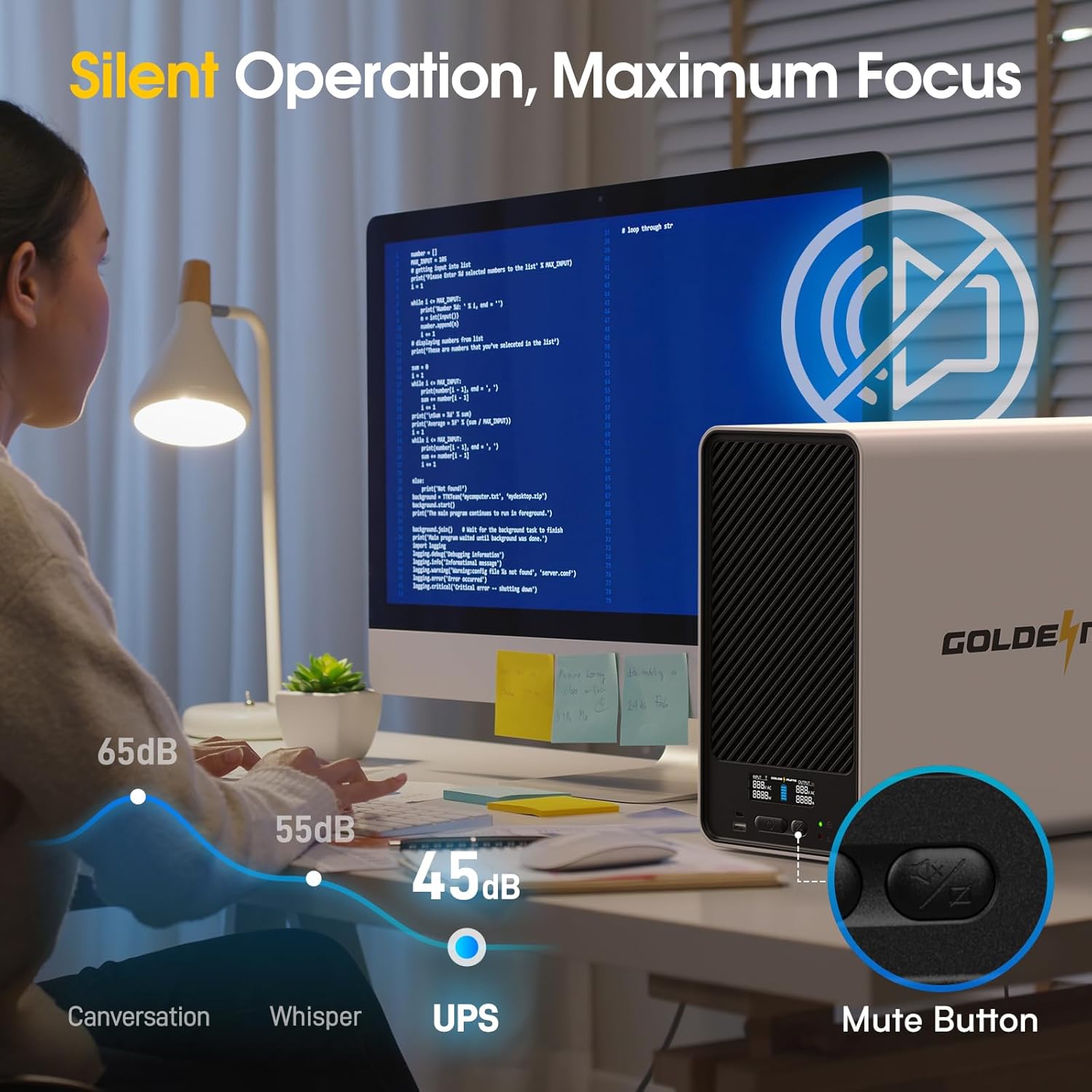
The LCD display and integrated control buttons for mute and screen on/off.
USB Charging Ports
The front panel includes one USB-A and one USB-C port, providing a total of 10W charging power for mobile devices such as smartphones, tablets, and smartwatches.
Front USB-A and USB-C ports for convenient device charging.
6. Advanced Features
Automatic Voltage Regulation (AVR) & Pure Sine Wave
The Line-Interactive design with AVR automatically corrects minor power fluctuations (sags and surges) without switching to battery power, preserving battery life. The Pure Sine Wave output ensures compatibility and optimal performance for sensitive electronic equipment.
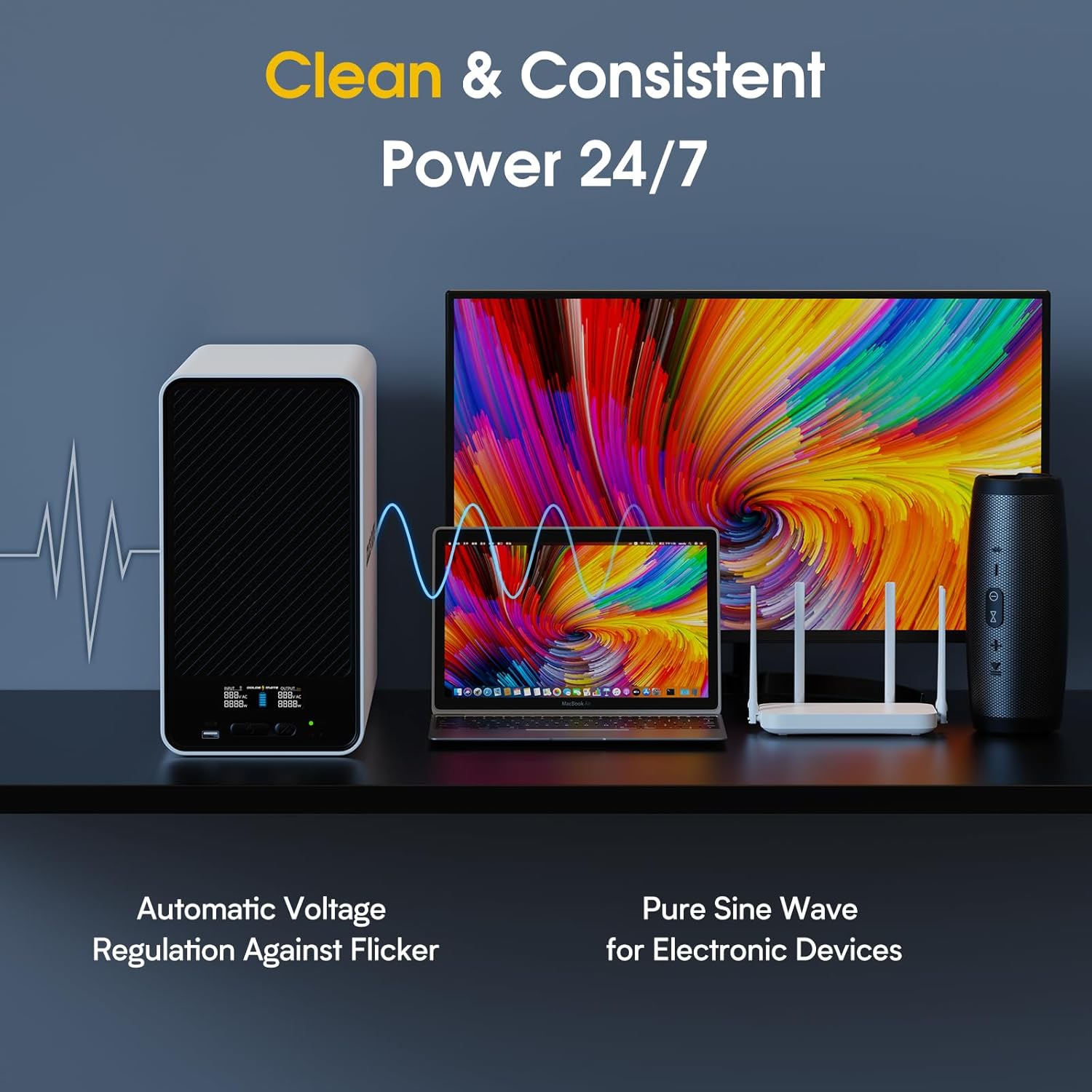
The UPS provides stable power through AVR and Pure Sine Wave technology.
Communication Port & Auto-Shutdown
The USB communication port allows the UPS to communicate with your computer or NAS, enabling automatic system shutdown during extended power outages to prevent data loss.
Windows Auto-Shutdown Settings Guide
Video guide on configuring Windows for automatic shutdown when connected to the GOLDENMATE UPS.
Mac OS Auto-Shutdown Settings Guide
Video guide on configuring Mac OS for automatic shutdown when connected to the GOLDENMATE UPS.
NAS Auto-Shutdown Settings Guide
Video guide on configuring your NAS for automatic shutdown when connected to the GOLDENMATE UPS.

The UPS ensures your Network Attached Storage (NAS) is always protected.
7. Maintenance
LiFePO4 Battery Care
The GOLDENMATE UPS utilizes a Lithium Iron Phosphate (LiFePO4) battery, which is designed for long-term, maintenance-free operation for up to 10 years. Unlike traditional lead-acid batteries, LiFePO4 batteries do not require frequent replacement or specific maintenance routines.
- Ensure the UPS is operated within its specified temperature range to maximize battery life.
- Avoid fully discharging the battery frequently, though LiFePO4 batteries tolerate deep cycles well.
- Keep ventilation areas clear to prevent overheating.
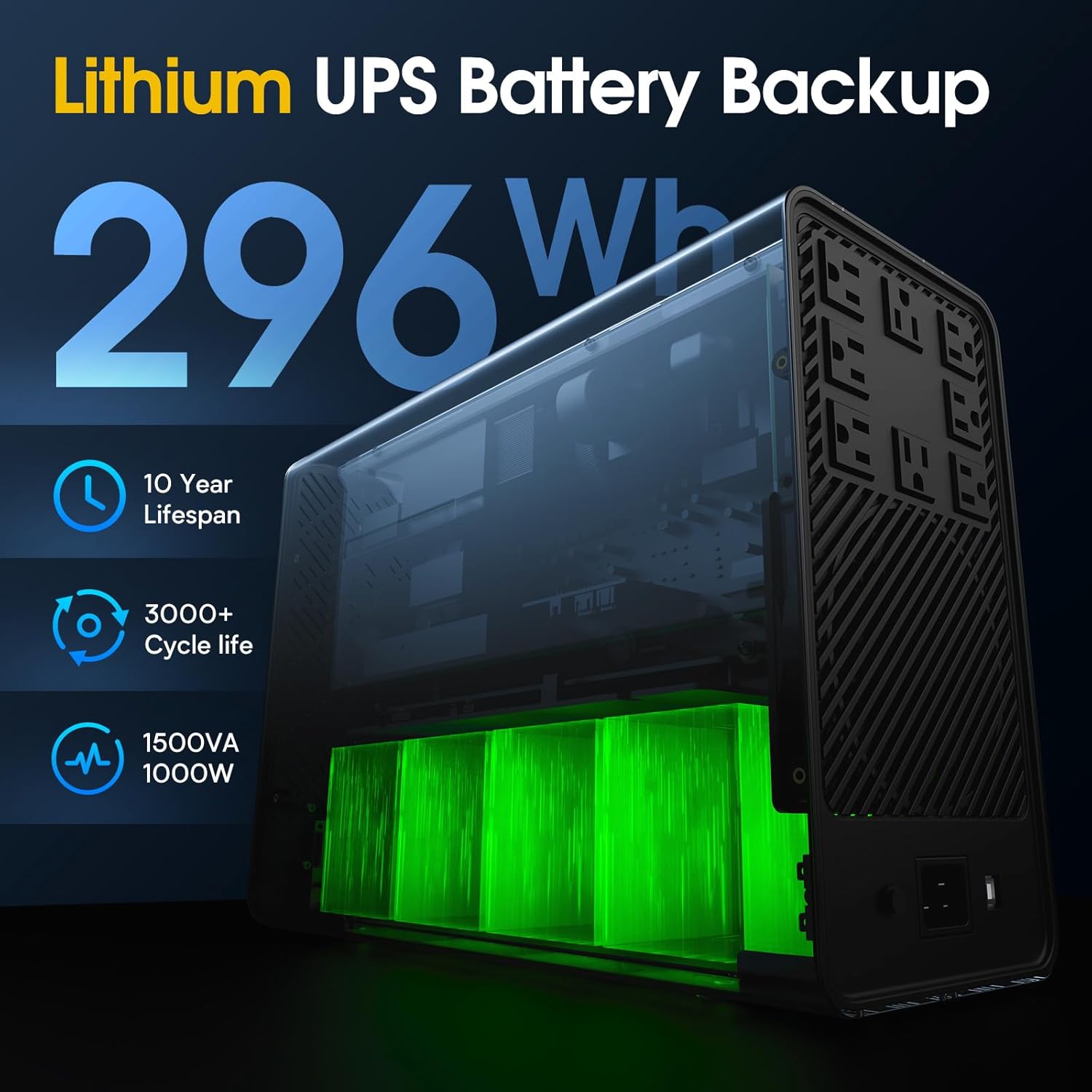
The LiFePO4 battery offers a 10-year lifespan and over 3000 charge cycles.
Cleaning
To clean the exterior of the UPS, use a soft, dry cloth. Do not use liquid or aerosol cleaners, as they may damage the unit.
8. Troubleshooting
If you encounter issues with your GOLDENMATE UPS, refer to the following common problems and solutions:
| Problem | Possible Cause | Solution |
|---|---|---|
| UPS does not turn on | No power from wall outlet; Battery fully discharged | Check wall outlet; Allow UPS to charge for 8-12 hours. |
| Short backup time | Battery not fully charged; Overloaded UPS | Charge UPS fully; Reduce connected load. |
| Continuous alarm sound | Overload; Battery low | Reduce connected load; Allow UPS to recharge. |
| Connected devices not receiving power | UPS is off; Cables loose | Turn on UPS; Secure all power connections. |
If the problem persists after attempting these solutions, please contact GOLDENMATE customer support.
9. Specifications
| Feature | Detail |
|---|---|
| Model Number | UPS 1500VA/1000W |
| Capacity | 1500VA / 1000W |
| Battery Type | LiFePO4 (Lithium Iron Phosphate) |
| Battery Capacity | 51.2V, 5.8Ah (296Wh) |
| Input Voltage | 120 Volts |
| Output Waveform | Pure Sine Wave |
| Outlets | 8 x NEMA 5-15P (Battery Backup & Surge Protected) |
| USB Charging Ports | 1 x USB-A, 1 x USB-C (10W total) |
| Communication Port | USB (Type-B) |
| Product Dimensions | 16.73 x 6.3 x 11.81 inches |
| Item Weight | 33 pounds |
| Color | White |
10. Warranty and Support
Warranty Information
The GOLDENMATE 1500VA/1000W Lithium UPS is designed for maintenance-free operation for up to 10 years, reflecting the durability and longevity of its LiFePO4 battery technology. Please refer to your purchase documentation for specific warranty terms and conditions.
Customer Support
For any questions, technical assistance, or support needs, please contact GOLDENMATE customer service. Our US Local Warehouse Technical Aftersales Service is committed to responding within 24 hours with professional and friendly support.
Contact information can typically be found on our official website or your product packaging.
Related Documents - UPS 1500VA/1000W
 |
GOLDENMATE UPS User Manual: UPS1000VA Pro Comprehensive user manual for the GOLDENMATE UPS1000VA Pro, detailing safety precautions, product description, installation, technical parameters, maintenance, and after-sales service. |
 |
GOLDENMATE Thunder 280 Portable Power Station User Manual Comprehensive user manual for the GOLDENMATE Thunder 280 portable power station, covering operation, maintenance, safety warnings, technical specifications, troubleshooting, and after-sales support. |
 |
APC Smart-UPS Operation Manual: Installation, Safety, and Troubleshooting Guide Official operation manual for APC Smart-UPS Uninterruptible Power Supply (UPS) units. Covers installation, safety, operation, configuration, and troubleshooting for models like SMT series. Provides essential power protection guidance. |
 |
Epyc TETRYS UPS User Manual: 650 VA / 850 VA Line Interactive UPS Guide This user manual provides comprehensive information on the Epyc TETRYS line interactive UPS, available in 650 VA and 850 VA models. It covers essential safety instructions, installation procedures, basic functionalities, LED indicator definitions, technical specifications, troubleshooting common issues, software management, maintenance, warranty, and environmental disposal guidelines. |
 |
Amazon Basics Line-Interactive UPS 1500VA 900W User Manual and Guide Comprehensive guide for the Amazon Basics Line-Interactive UPS 1500VA 900W, covering setup, operation, safety, troubleshooting, and specifications. Protects against power outages and surges. |
 |
Prolink PRO1250SFC/SFCU User Guide: Line Interactive UPS with Super Fast Charging Comprehensive user guide for the Prolink PRO1250SFC and PRO1250SFCU line interactive UPS systems, covering installation, operation, maintenance, troubleshooting, and specifications. Features super fast charging. |