
1. Introduction
Thank you for choosing the HJX M62 Open Ear Earbuds. This manual provides essential information for setting up, operating, maintaining, and troubleshooting your new earbuds. Please read it thoroughly to ensure optimal performance and longevity of your device.
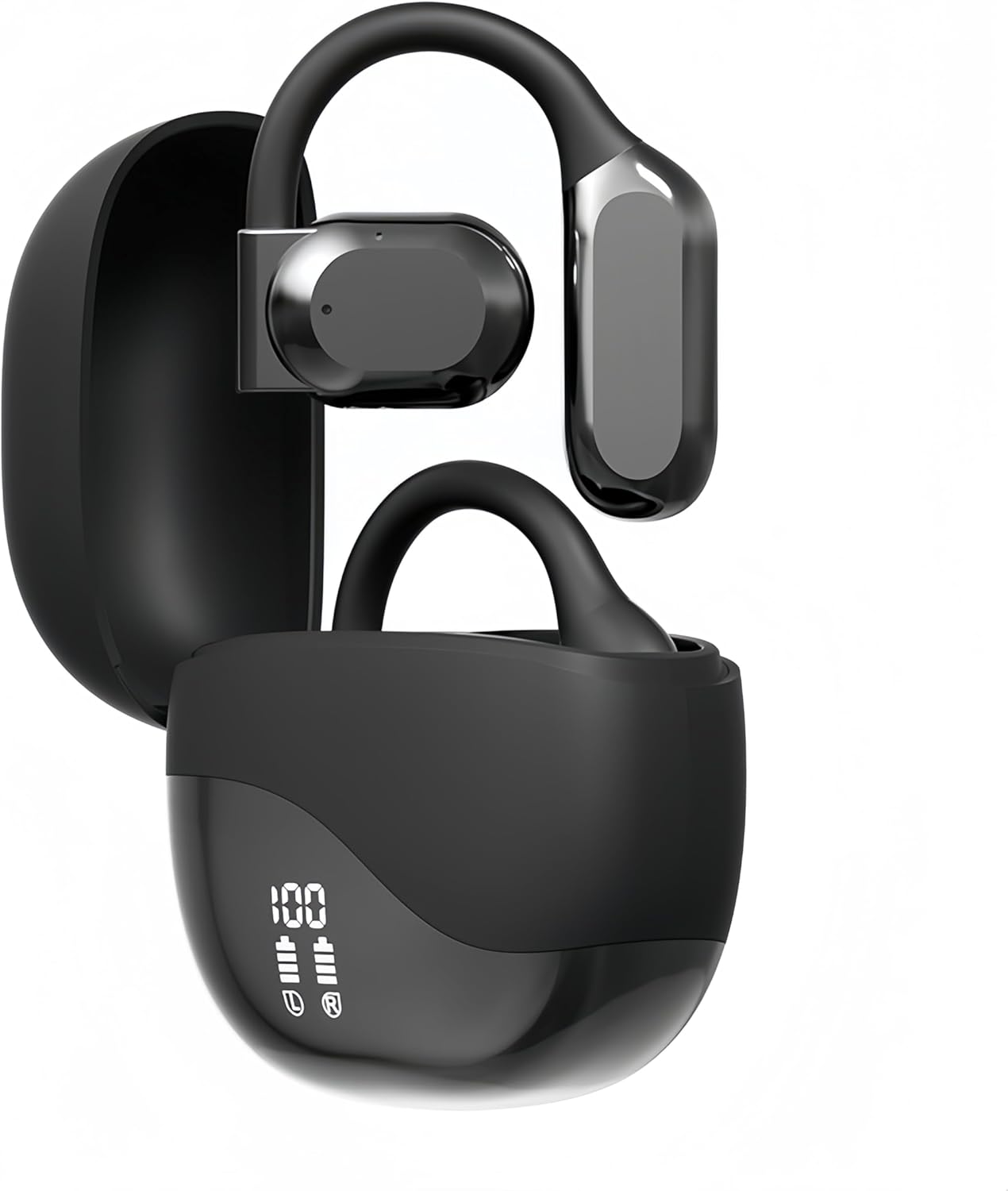
Image 1.1: HJX M62 Open Ear Earbuds in their charging case.
2. Product Overview
The HJX M62 earbuds feature an open-ear design for comfort and situational awareness, utilizing Bluetooth 5.3 for stable wireless connectivity. They are designed for sports and daily use, offering IPX7 waterproofing and a long battery life.

Image 2.1: Illustration comparing the open-ear design of the M62 earbuds with traditional in-ear designs, highlighting comfort.

Image 2.2: Visual representation of the advantages of open-ear earbuds, including comfort and awareness of surroundings.
3. Getting Started
3.1. What's in the Box
- HJX M62 Open Ear Earbuds (Left and Right)
- Charging Case
- USB-C Charging Cable
- User Manual
3.2. Charging the Earbuds and Case
Before first use, fully charge the earbuds and charging case. Connect the provided USB-C cable to the charging port on the case and a compatible USB power source. The LED display on the charging case will indicate the battery level and charging status.
- Charging Time: Approximately 1.5 hours for a full charge.
- Battery Life: Up to 6 hours of continuous use for earbuds, and up to 50 hours total playtime with the charging case.
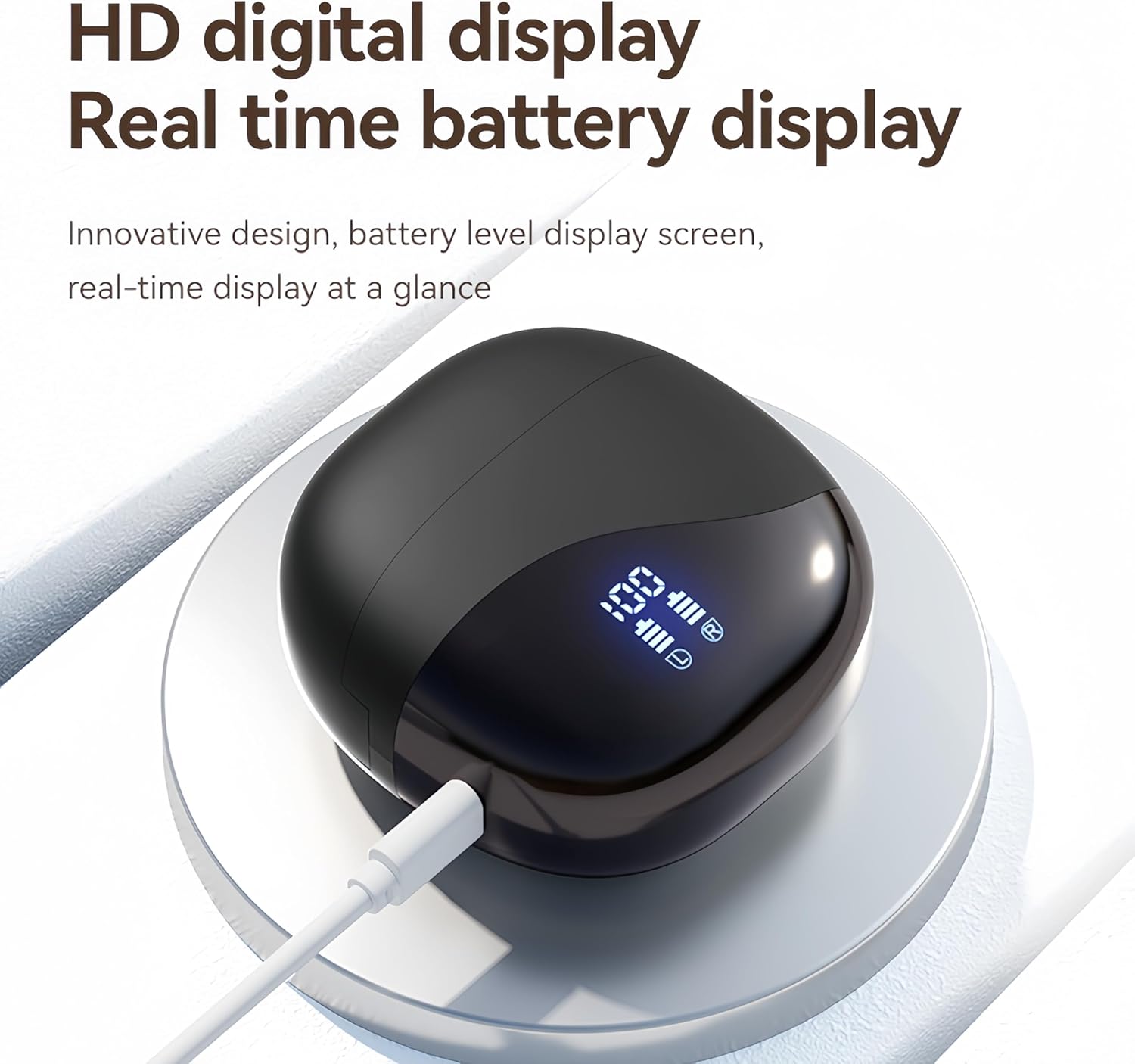
Image 3.1: The charging case connected via USB-C, displaying battery levels on its LED screen.

Image 3.2: Graphic illustrating the usage duration (6h), total playtime with charging case (58h), and charging duration (1.5h).
3.3. Powering On/Off
- Power On: The earbuds will automatically power on when removed from the charging case.
- Power Off: Place the earbuds back into the charging case to automatically power them off and begin charging.
4. Pairing
4.1. Initial Pairing
- Ensure the earbuds are fully charged.
- Open the charging case and remove both earbuds. They will automatically enter pairing mode.
- On your device (smartphone, tablet, laptop), enable Bluetooth.
- Search for available Bluetooth devices and select "HJX M62" from the list.
- Once connected, you will hear a confirmation tone, and the earbuds' indicator lights will change.
The HJX M62 earbuds utilize Bluetooth 5.3 technology for quick and stable connections up to 10 meters (33 feet).
4.2. Reconnecting
After initial pairing, the earbuds will automatically connect to the last paired device when removed from the charging case, provided Bluetooth is enabled on the device and it is within range.
5. Operating the Earbuds
5.1. Wearing the Earbuds
Gently place the ear hooks over your ears and adjust the earbuds for a comfortable and secure fit. The open-ear design ensures comfort during extended wear and allows you to remain aware of your surroundings.

Image 5.1: A person demonstrating the correct way to wear the HJX M62 open-ear earbuds.
5.2. Touch Controls
The HJX M62 earbuds feature intuitive touch controls on each earbud for managing music playback, calls, and voice assistant functions without needing to access your phone.

Image 5.2: Detailed diagram showing the touch control functions for the HJX M62 earbuds.
| Action | Function |
|---|---|
| Single Tap (L/R) | Play/Pause Music |
| Double Tap (L) | Volume Down |
| Double Tap (R) | Volume Up |
| Triple Tap (L) | Previous Track |
| Triple Tap (R) | Next Track |
| Double Tap (L/R) during call | Answer/End Call |
| Long Press (L/R) for 2 seconds | Reject Call |
| Long Press (L/R) for 2 seconds (not on call) | Activate Voice Assistant |
6. Maintenance
6.1. Cleaning
Regularly clean your earbuds and charging case to ensure optimal performance and hygiene.
- Use a soft, dry, lint-free cloth to wipe the earbuds and charging case.
- Do not use abrasive cleaners, solvents, or aerosol sprays.
- Avoid getting moisture into any openings.
6.2. Storage
When not in use, store the earbuds in their charging case to protect them from dust and damage.
6.3. Water Resistance (IPX7)
The HJX M62 earbuds are rated IPX7 waterproof, meaning they can withstand immersion in water up to 1 meter for 30 minutes. This makes them suitable for workouts and outdoor activities. However, they are not designed for swimming or prolonged submersion. Ensure the earbuds are dry before placing them back in the charging case to prevent damage.
7. Troubleshooting
If you encounter any issues with your HJX M62 earbuds, please refer to the following common solutions:
- No Sound:
- Ensure earbuds are charged and powered on.
- Check Bluetooth connection on your device.
- Adjust volume on both your device and the earbuds.
- Try re-pairing the earbuds with your device.
- Pairing Failure:
- Ensure earbuds are in pairing mode.
- Turn off Bluetooth on other nearby devices to avoid interference.
- Restart your device and try pairing again.
- Ensure earbuds are within 1 meter of your device during pairing.
- Charging Issues:
- Verify the USB-C cable is securely connected to both the case and the power source.
- Check if the charging port is clean and free of debris.
- Try a different USB-C cable or power adapter.
- Ensure earbuds are correctly seated in the charging case.
- Earbuds Not Connecting to Each Other:
- Place both earbuds back into the charging case, close the lid, wait a few seconds, then remove them again. This often resets their connection.
8. Specifications
| Feature | Detail |
|---|---|
| Model Name | M62 |
| Connectivity Technology | Wireless (Bluetooth) |
| Bluetooth Version | 5.3 |
| Bluetooth Range | Up to 10 meters (33 feet) |
| Audio Driver Type | Dynamic Driver |
| Frequency Range | 20 Hz to 20,000 Hz |
| Noise Control | Passive Noise Cancellation |
| Microphone | Included (ENC noise reduction) |
| Control Method | Touch |
| Water Resistance Level | IPX7 Waterproof |
| Earbud Battery Life | Up to 6 hours |
| Total Playtime (with case) | Up to 50 hours |
| Charging Time | Approx. 1.5 hours |
| Carrying Case Battery Capacity | 300 mAh |
| Audio Latency | 30 Milliseconds |
| Earpiece Shape | Hook |
| Material | Plastic |
| Item Weight (Earbuds) | 2.29 ounces |
| Product Dimensions (Case) | 2.64 x 2.56 x 1.38 inches |
9. Warranty and Support
HJX is committed to providing reliable products and customer satisfaction. Your HJX M62 Open Ear Earbuds come with:
- 30-Day Return Window: For any issues or dissatisfaction, you may return the product within 30 days of purchase.
- 2-Year Protection Plan: A 2-year protection plan covers manufacturing defects and ensures product reliability.
- Dedicated Product Support: For technical assistance, troubleshooting, or warranty claims, please contact HJX customer support through the retailer's platform or the official HJX website.
Please retain your proof of purchase for warranty purposes.