
1. Introduction
The Kello Mini U3 Wireless CarPlay & Android Auto Adapter is designed to convert your vehicle's existing wired CarPlay or Android Auto system into a wireless connection. This allows for seamless integration of your smartphone's features with your car's infotainment system without the need for physical cables.
Enjoy navigation, music, calls, and voice control directly on your car's display with enhanced convenience and a clutter-free environment.
2. Product Overview
The Kello Mini U3 adapter is a compact device that plugs into your car's USB port. It includes both a USB-A and a USB-C connector to ensure compatibility with various vehicle types.
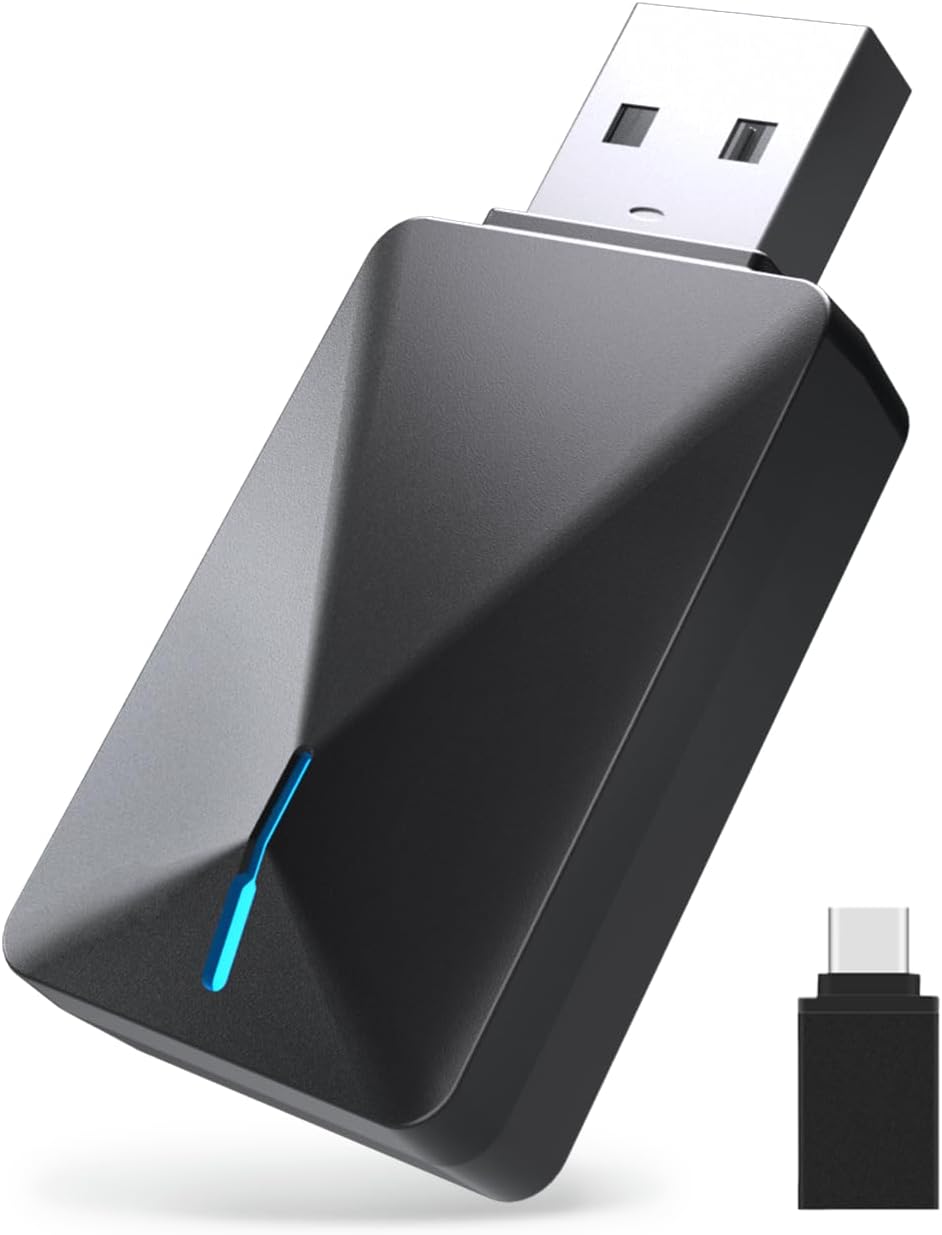
Figure 1: Kello Mini U3 Wireless CarPlay & Android Auto Adapter with USB-C adapter.

Figure 2: Components of the Kello Mini U3 adapter, including the main unit and the USB-C converter.
3. Setup Guide
Follow these steps for a quick and easy setup:
- Power On the Adapter: Insert the Kello Mini U3 adapter into your car's USB port. Use the provided USB-C adapter if your car only has a Type-C port. The adapter's LED indicator will light up.
- Activate Bluetooth: On your iPhone (iOS 10+), or Android device (Android 11+), go to 'Settings' and ensure both Wi-Fi and Bluetooth are turned on.
- Pair with 'SmartBox': In your phone's Bluetooth settings, locate and select the device named "[Kello-U3]" or "SmartBox-XXXX" (where XXXX is a unique identifier). Confirm any pairing requests on your phone and car display.
- Connect to CarPlay/Android Auto: Once paired, your car's display will prompt you to connect to Apple CarPlay or Android Auto. Select 'Connect' to initiate the wireless connection.
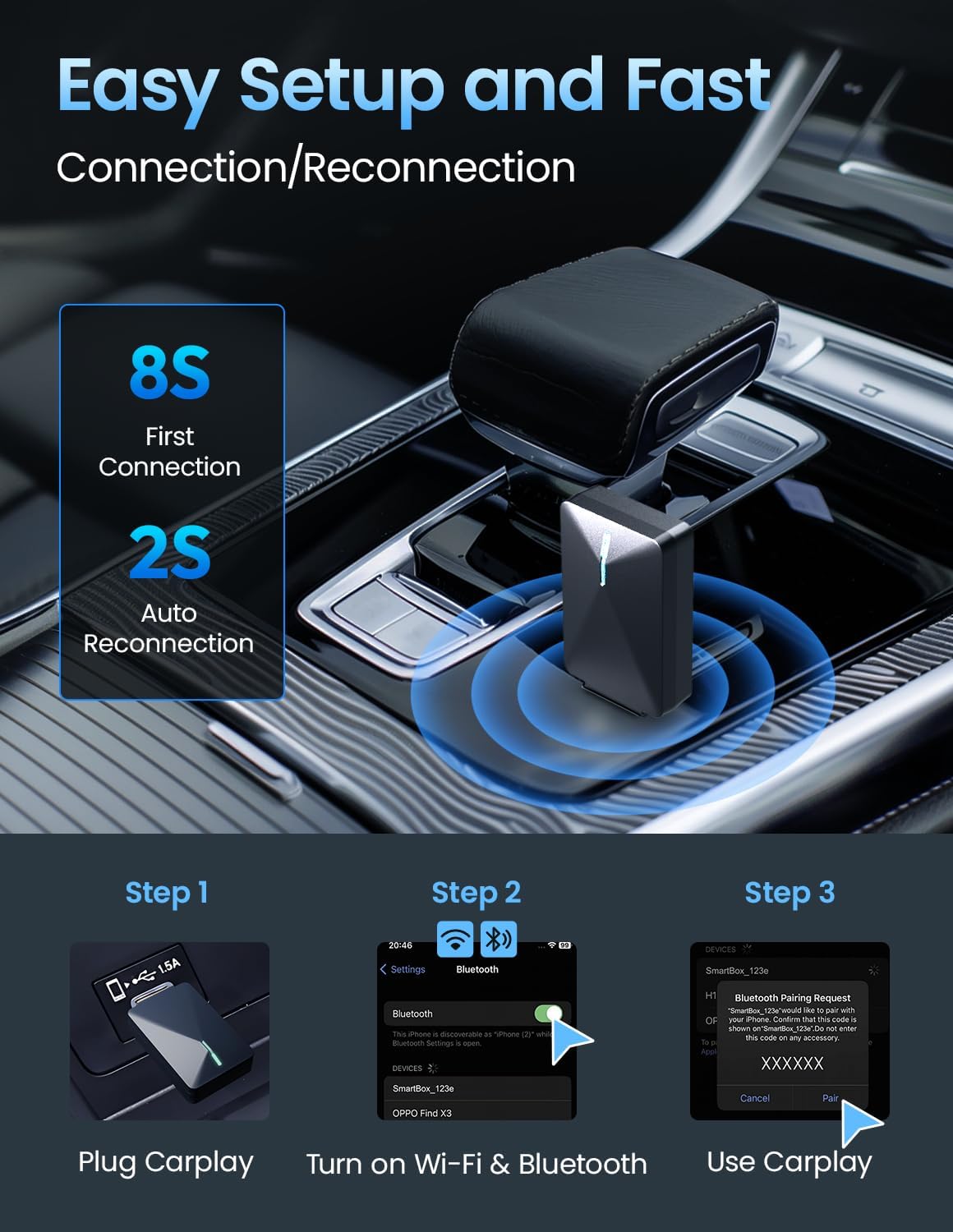
Figure 3: Visual guide for the 3-step connection process.
Video 1: Demonstrates the process of connecting the Kello Mini U3 Wireless CarPlay Adapter to a car's infotainment system and a smartphone.
Video 2: An unboxing video showing the contents of the Kello Mini U3 Wireless CarPlay Adapter package.
4. Operating Instructions
Once connected, your smartphone's interface will appear on your car's display. You can interact with it using the car's touchscreen, steering wheel controls, or rotary knob, just as you would with a wired connection.
- Navigation: Use your preferred navigation apps (e.g., Apple Maps, Google Maps) for real-time directions.
- Music & Audio: Stream music, podcasts, and audiobooks from your favorite apps.
- Calls & Messages: Make and receive calls, and send/read messages using voice commands or the car's interface.
- Voice Control: Utilize Siri or Google Assistant for hands-free operation.

Figure 4: Seamless integration of smartphone features on the car display.
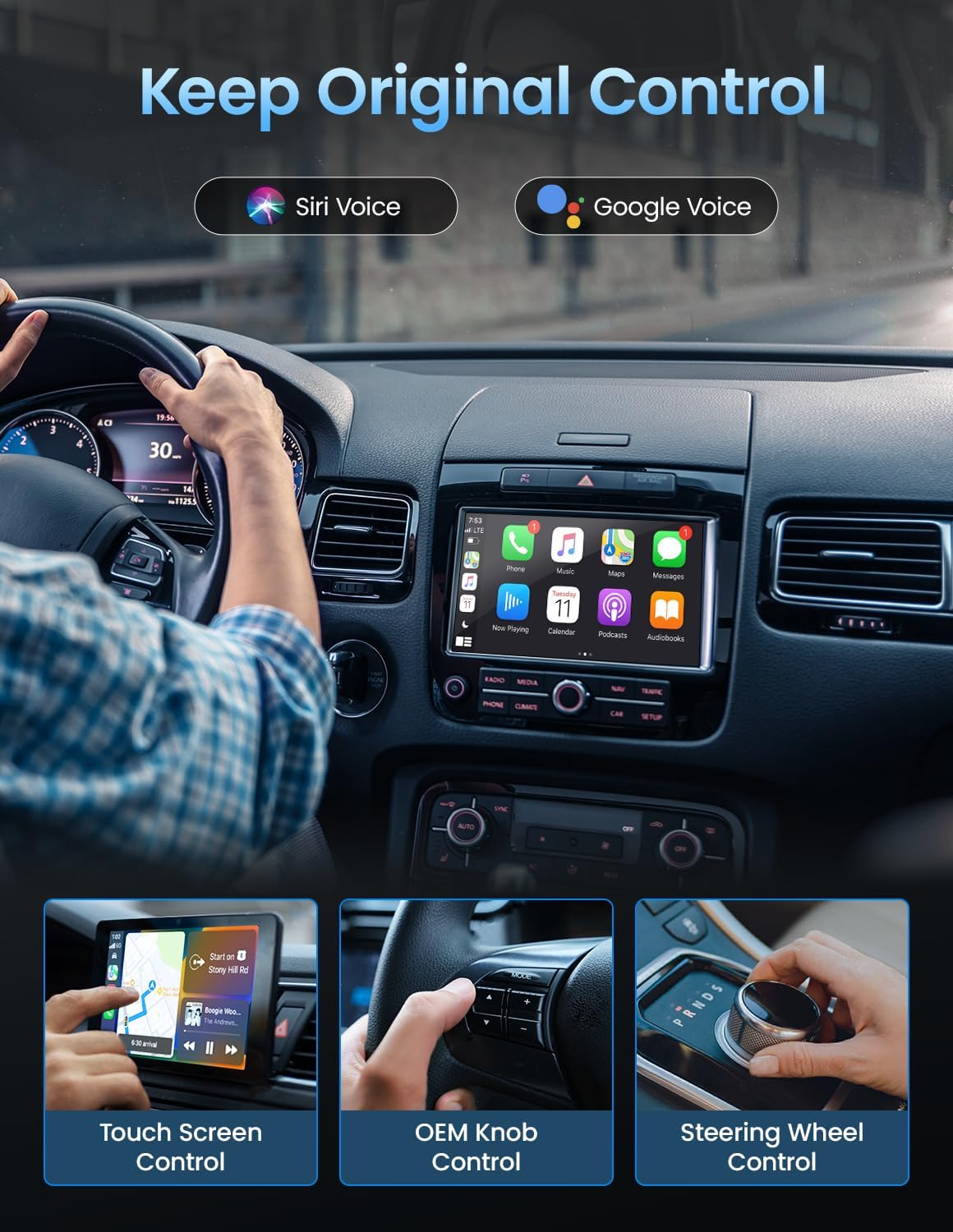
Figure 5: The adapter supports original car controls for a familiar user experience.
5. Compatibility
The Kello Mini U3 Wireless CarPlay & Android Auto Adapter is compatible with a wide range of vehicles and smartphones:
- Vehicle Compatibility: Works with 2018-2024 cars featuring factory wired CarPlay, including models from Ford (e.g., F-150), Chevy (e.g., Silverado), RAM, Toyota, and Honda.
- Smartphone Compatibility: Compatible with iPhone 6 and up (iOS 10 and up) and Android 11 and up.
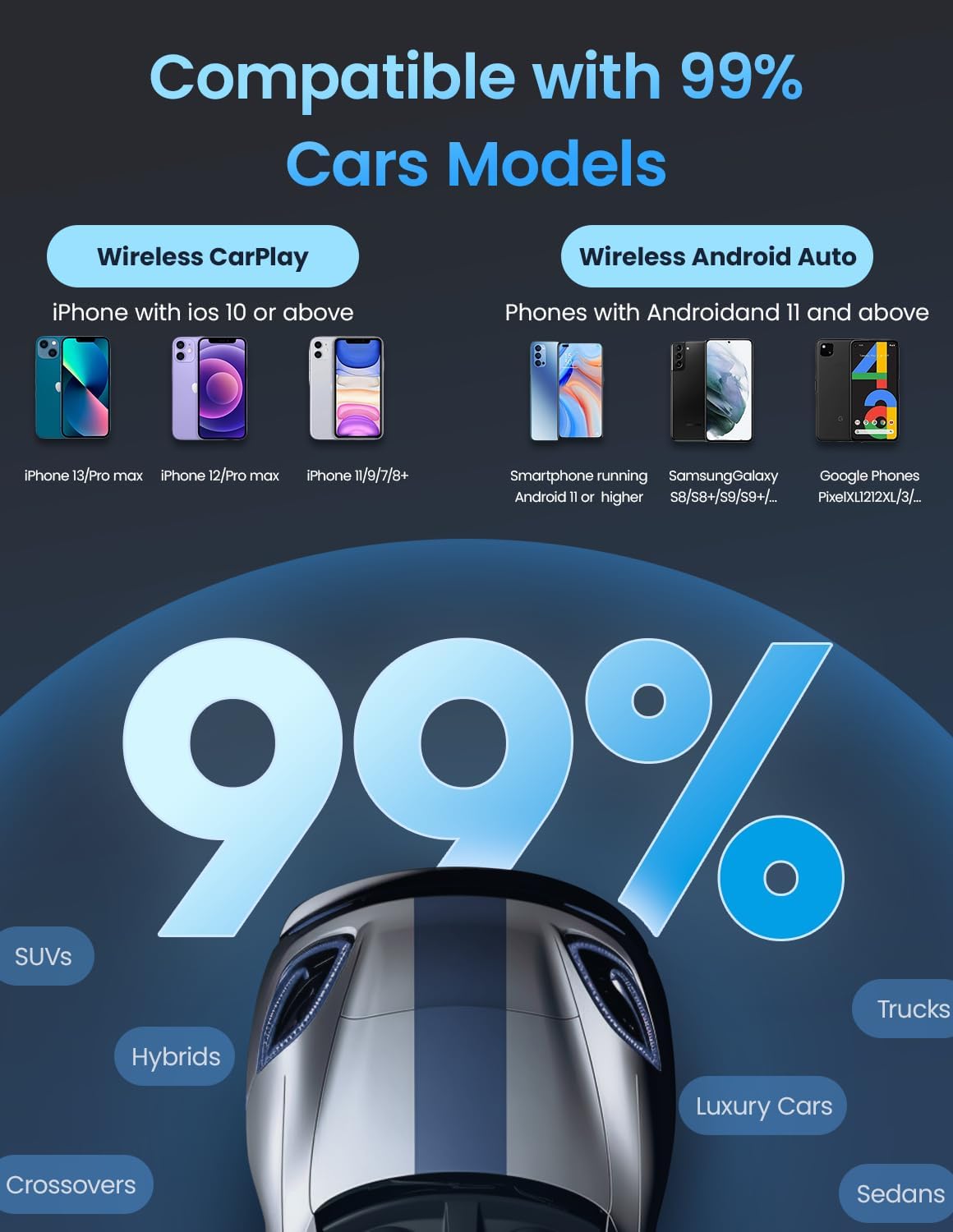
Figure 6: Broad compatibility with various car models and smartphone operating systems.
6. Maintenance
To ensure optimal performance and longevity of your Kello Mini U3 adapter, consider the following:
- Keep Clean and Dry: Avoid exposing the adapter to moisture or extreme temperatures. Clean with a soft, dry cloth if necessary.
- OTA Updates: The adapter supports Over-The-Air (OTA) updates. Regularly check for and install updates to ensure the latest features, bug fixes, and compatibility improvements. Updates can often be initiated by accessing a specific IP address in your web browser (e.g., 192.168.1.101) when connected to the adapter's Wi-Fi.
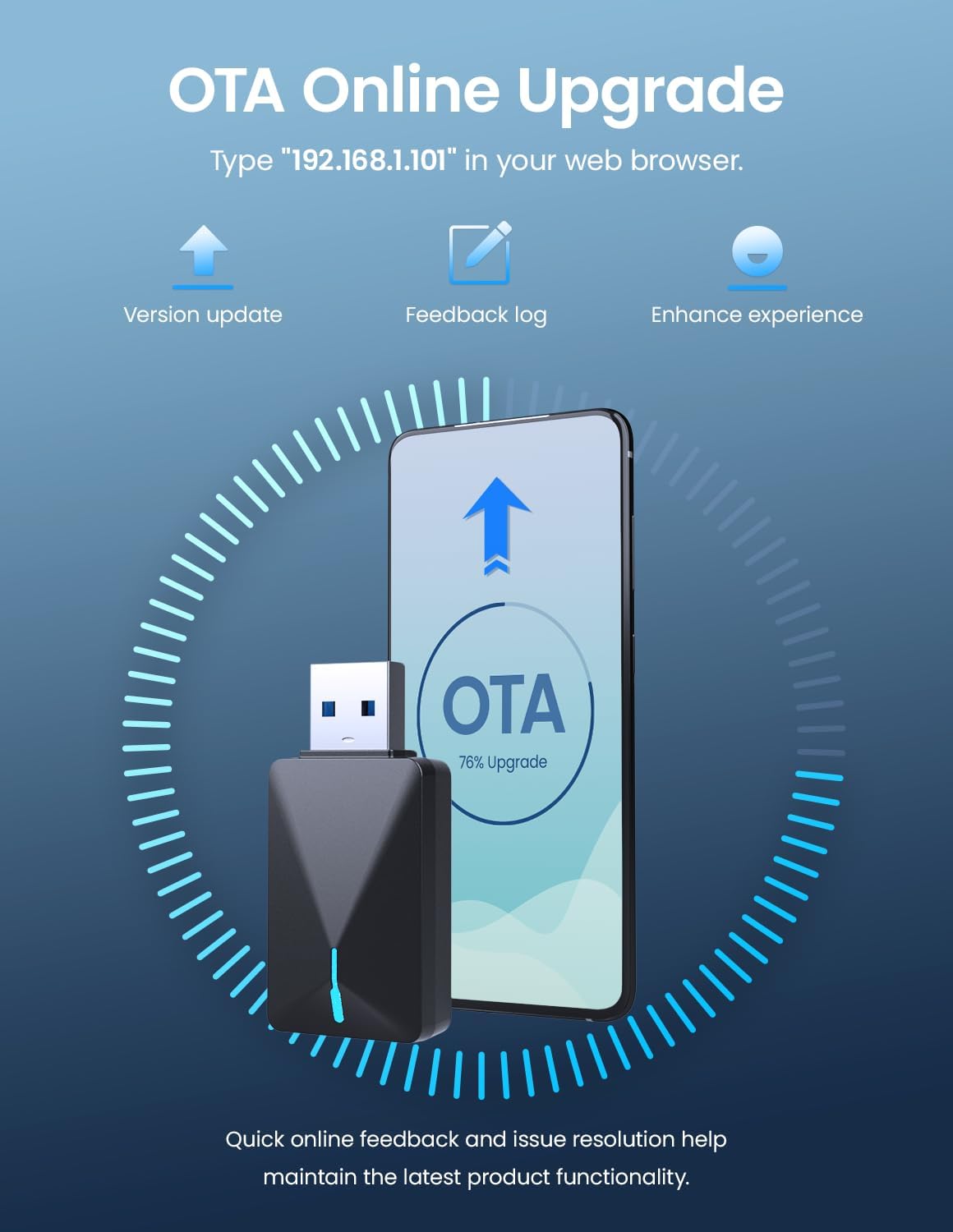
Figure 7: The Kello Mini U3 supports OTA updates for continuous improvement.
7. Troubleshooting
If you encounter issues, try the following solutions:
- Connection Failure: Ensure your car has factory wired CarPlay/Android Auto. Verify Wi-Fi and Bluetooth are enabled on your phone. Try restarting both your phone and the car's infotainment system.
- Slow Connection/Lag: Ensure the adapter is firmly plugged in. Check for and install any available OTA updates for the adapter.
- Intermittent Disconnections: This adapter features a shock-absorbing structure to reduce fluctuations. If issues persist, ensure no other devices are interfering with the Bluetooth or Wi-Fi signal.
- No Audio: Check your car's audio source settings to ensure it's set to CarPlay/Android Auto.
For persistent issues, refer to the OTA update section for potential software solutions or contact customer support.
8. Specifications
| Feature | Detail |
|---|---|
| Product Dimensions | 2.99 x 1.69 x 0.48 inches |
| Item Weight | 1.44 ounces (0.04 Kilograms) |
| Model Number | Mini U3 |
| Connectivity | Dual-band Wi-Fi (2.4/5GHz), Bluetooth 5.0 |
| Compatibility | Factory wired CarPlay (2018-2024 models), iPhone iOS 10+, Android 11+ |
| Power Input | USB-A, USB-C (adapter included) |
| Special Features | OTA Updates, Dynamic Audio Compensation, Shock-absorbing structure |
9. Warranty and Support
Kello provides a 1-year warranty for the Mini U3 Wireless CarPlay & Android Auto Adapter. If you have any questions, concerns, or require technical assistance, please contact our professional service team. Contact details can typically be found on the product packaging or the official Kello website.
We are committed to quality and are ready to help you resolve any issues promptly.