Introduction
Thank you for choosing the Blaupunkt 24WGC5500S 24-inch HD Ready Google Smart TV. This manual provides essential information for the safe and efficient use of your new television. Please read these instructions thoroughly before operating the device and retain them for future reference.
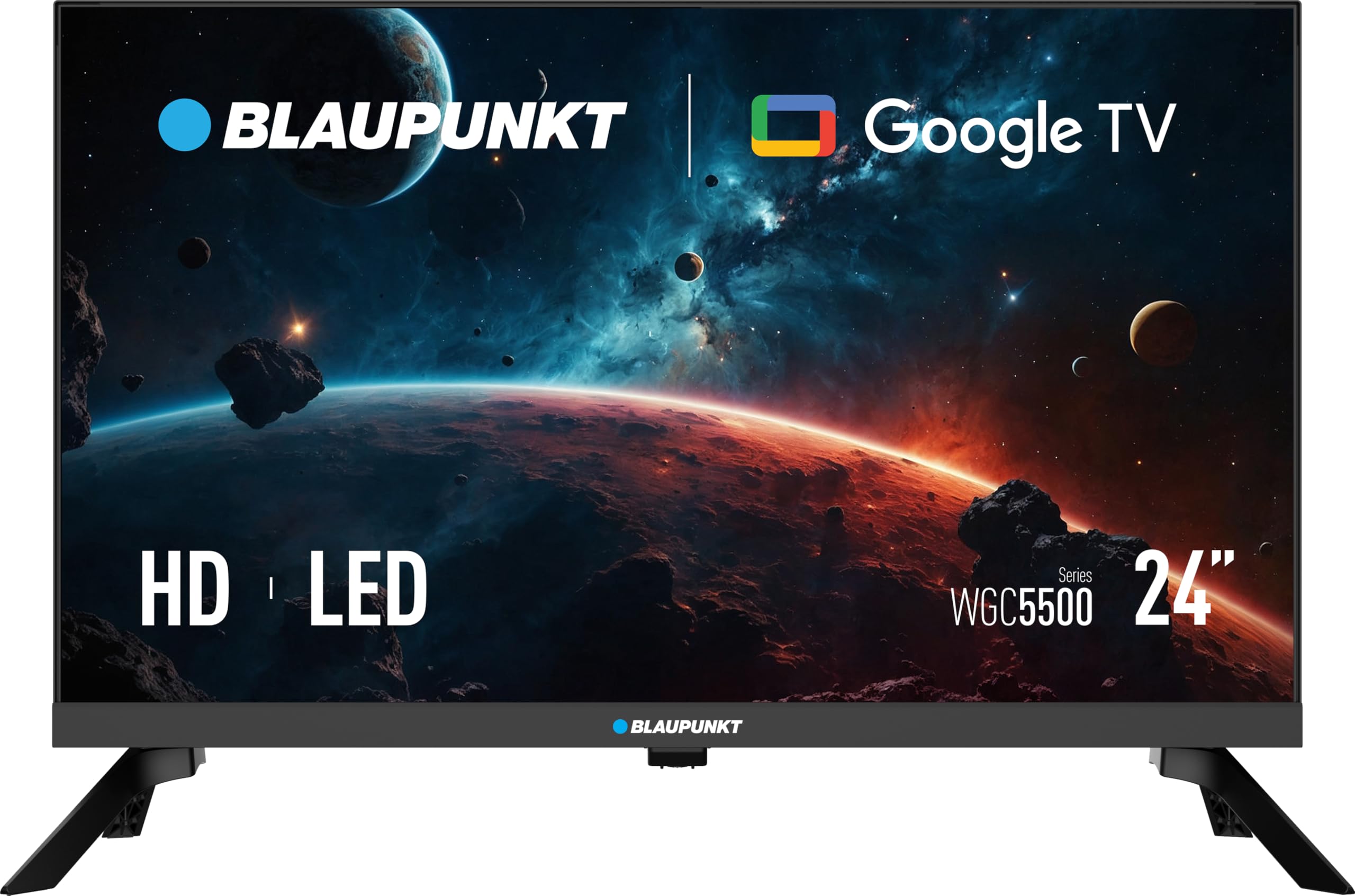
Figure 1: Front view of the Blaupunkt 24WGC5500S Smart TV.
1. Setup
1.1 Unpacking and Contents
Carefully remove the television from its packaging. Ensure all components are present. The package should contain:
- Blaupunkt 24WGC5500S Smart TV
- Remote Control
- User Manual (this document)
- Table Stand components (if not pre-assembled)
- Power Cable
If any items are missing or damaged, contact your retailer.
1.2 Physical Installation
Your TV can be installed on a table stand or mounted on a wall.
1.2.1 Table Stand Installation
- Place the TV screen face down on a soft, clean surface to prevent scratches.
- Attach the stand components to the bottom of the TV using the provided screws. Ensure they are securely fastened.
- Carefully lift the TV and place it on a stable, level surface.
1.2.2 Wall Mounting (Optional)
The Blaupunkt 24WGC5500S is compatible with VESA 200x100 wall mounts. Follow the instructions provided with your wall mount kit. Ensure the wall can support the weight of the TV and the mount.
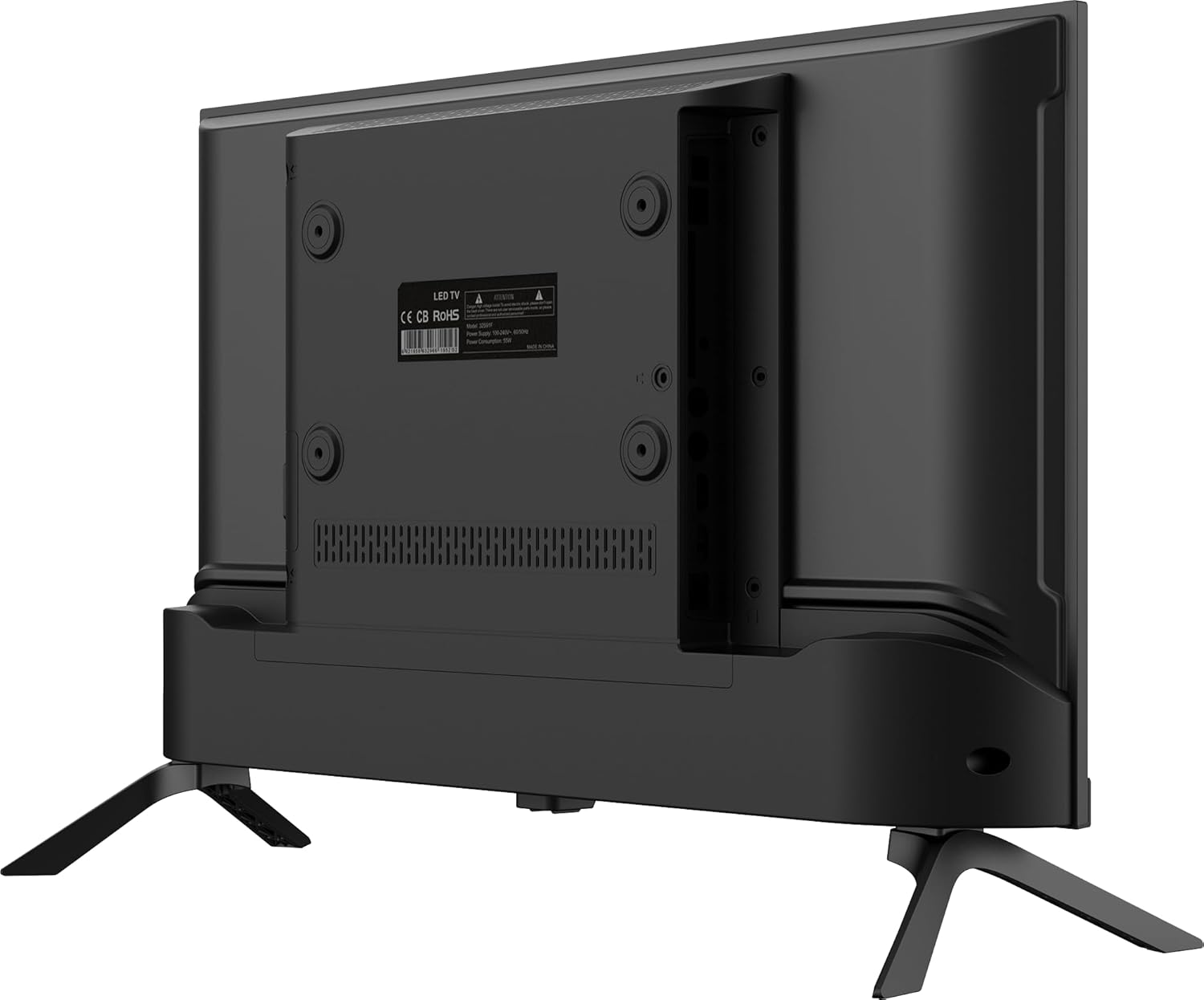
Figure 2: Rear view of the TV, highlighting VESA mounting points and connectivity ports.
1.3 Connecting Peripherals
Connect your external devices such as set-top boxes, gaming consoles, or sound systems to the TV's ports.
- HDMI: Use HDMI cables for high-definition audio and video connections. This TV has 3 HDMI ports.
- USB: Connect USB storage devices for media playback. This TV has 2 USB ports.
- LAN: For a wired internet connection, connect an Ethernet cable to the LAN port.
- Audio Output: Use the 3.5mm audio output for external speakers or headphones.
1.4 Initial Power On and Google TV Setup
- Connect the power cable to the TV and then to a power outlet.
- Press the power button on the remote control or on the TV.
- Follow the on-screen instructions to complete the initial setup, which includes:
- Language selection.
- Connecting to a Wi-Fi network (supports Wi-Fi 2T2R) or using a wired Ethernet connection.
- Signing in with your Google account to access Google TV features, apps, and voice control.
- Scanning for available TV channels (if connecting an antenna).

Figure 3: The Google TV interface, showing various streaming applications.
2. Operating
2.1 Basic TV Functions
- Power On/Off: Use the power button on the remote or TV.
- Volume Control: Use the Volume Up/Down buttons on the remote.
- Channel Selection: Use the Channel Up/Down buttons or number pad on the remote.
- Input Source: Press the "Input" or "Source" button on the remote to switch between HDMI, USB, and other inputs.
2.2 Google TV Features
Your Blaupunkt Smart TV runs on Google TV, providing access to a wide range of entertainment and smart features.
- Streaming Apps: Access popular services like Netflix, YouTube, and Google Play Store to download more applications.
- Voice Control: Use the integrated Google Assistant via the remote control to search for content, control playback, and manage smart home devices.
- Chromecast Built-in: Cast content directly from your compatible smartphone, tablet, or computer to the TV screen.
- Bluetooth 5.0: Connect Bluetooth-enabled devices such as headphones or soundbars wirelessly.

Figure 4: Enjoying content on the Blaupunkt Smart TV with Google TV features.
3. Maintenance
3.1 Cleaning the TV
- Always unplug the TV from the power outlet before cleaning.
- Use a soft, dry, lint-free cloth to wipe the screen and cabinet.
- For stubborn marks, lightly dampen the cloth with water or a mild, non-abrasive screen cleaner. Never spray cleaner directly onto the screen.
- Avoid using alcohol, benzene, thinners, or other volatile substances, as they may damage the TV.
3.2 General Care
- Do not block ventilation openings on the back of the TV.
- Avoid exposing the TV to direct sunlight, high temperatures, or high humidity.
- Keep the TV away from sources of strong electromagnetic interference.
4. Troubleshooting
If you encounter issues with your TV, refer to the following common problems and solutions.
| Problem | Possible Cause | Solution |
|---|---|---|
| No power | Power cable disconnected; power outlet not working. | Check power cable connection; test outlet with another device. |
| No picture, but sound is present | Incorrect input source selected; display settings issue. | Press the "Input" button on the remote to cycle through sources; check display settings. |
| No sound, but picture is present | Volume muted or too low; external audio device issue. | Increase volume; check mute status; ensure external audio devices are connected correctly. |
| Wi-Fi connection issues | Router too far; incorrect password; temporary network glitch. | Move TV closer to router or use Ethernet; re-enter Wi-Fi password; restart router and TV. |
| Remote control not working | Batteries depleted; obstruction between remote and TV. | Replace batteries; remove any obstructions; ensure remote is pointed at the TV's IR sensor. |
If the problem persists after trying these solutions, please contact customer support.
5. Specifications
| Feature | Detail |
|---|---|
| Brand | BLAUPUNKT |
| Model | 24WGC5500S |
| Model Year | 2024 |
| Screen Size | 24 Inches |
| Display Technology | LED LCD |
| Display Resolution | 1366 x 768 Pixels (HD Ready) |
| Image Aspect Ratio | 16:9 |
| Refresh Rate | 60 Hz |
| Operating System | Google TV |
| Connectivity | Wi-Fi (2T2R), Bluetooth 5.0, Ethernet |
| HDMI Ports | 3 |
| USB Ports | 2 |
| Audio Output | 3.5 mm jack |
| Audio Output Power | 12 Watts (2x6W stereo) |
| Special Features | Chromecast Built-in, Voice Control with Google Assistant |
| Power Consumption | 17 Watts (Energy Class E) |
| Voltage | 240 Volts |
| Product Dimensions (W x H x D) | 53.6 x 36 x 15.6 cm (with stand) |
| Product Weight | 2.2 kg |
| Mounting Compatibility | VESA 200x100 (Wall mount, Table stand) |
6. Warranty and Support
6.1 Warranty Information
Your Blaupunkt TV comes with a standard manufacturer's warranty. Please refer to the warranty card included in your product packaging for specific terms, conditions, and duration. Keep your proof of purchase for warranty claims.
6.2 Customer Support
For technical assistance, troubleshooting beyond this manual, or warranty inquiries, please contact Blaupunkt customer support. Contact details can typically be found on the official Blaupunkt website or on the warranty card.
When contacting support, please have your TV model number (24WGC5500S) and serial number ready.


