
Introduction
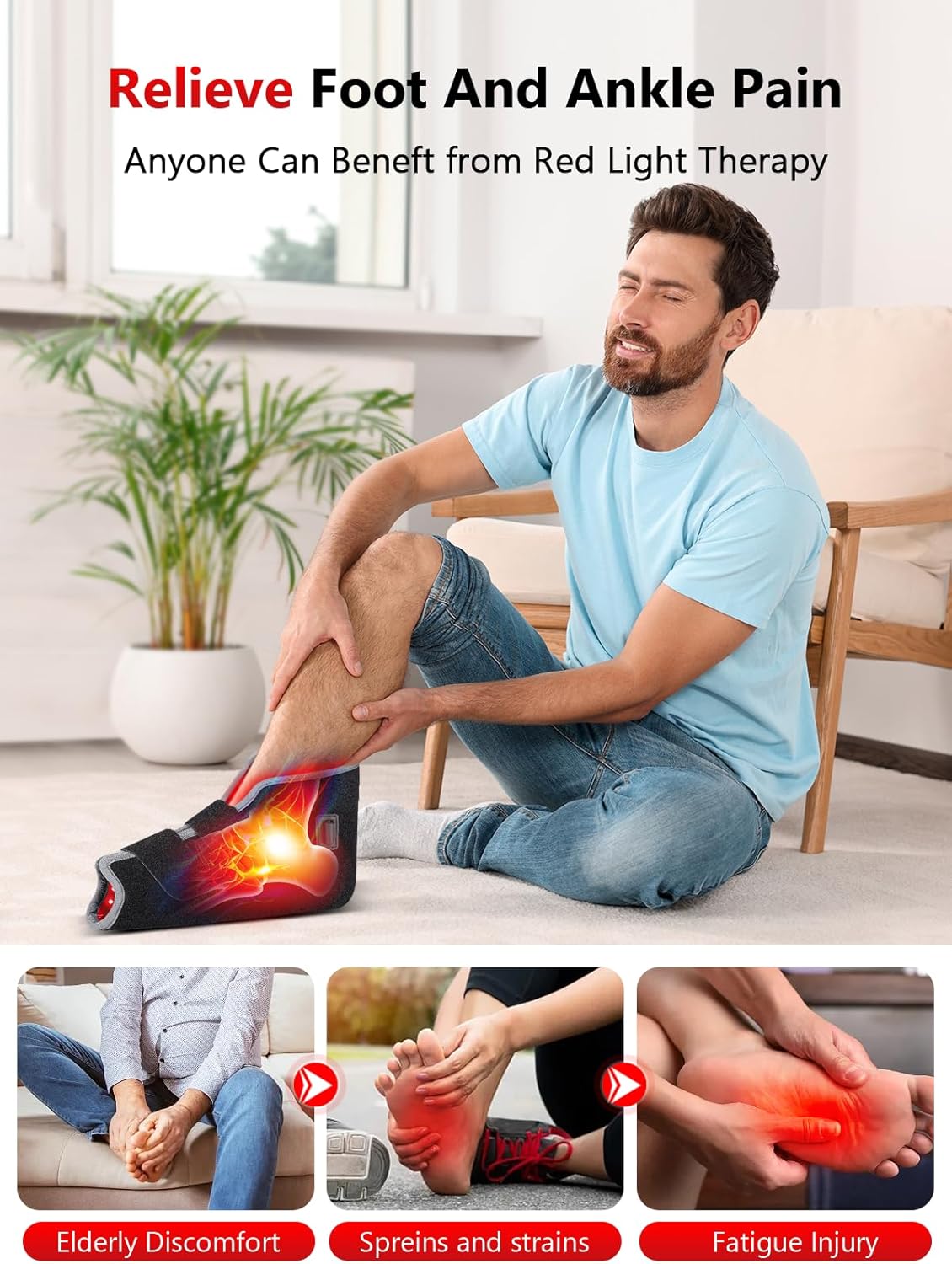
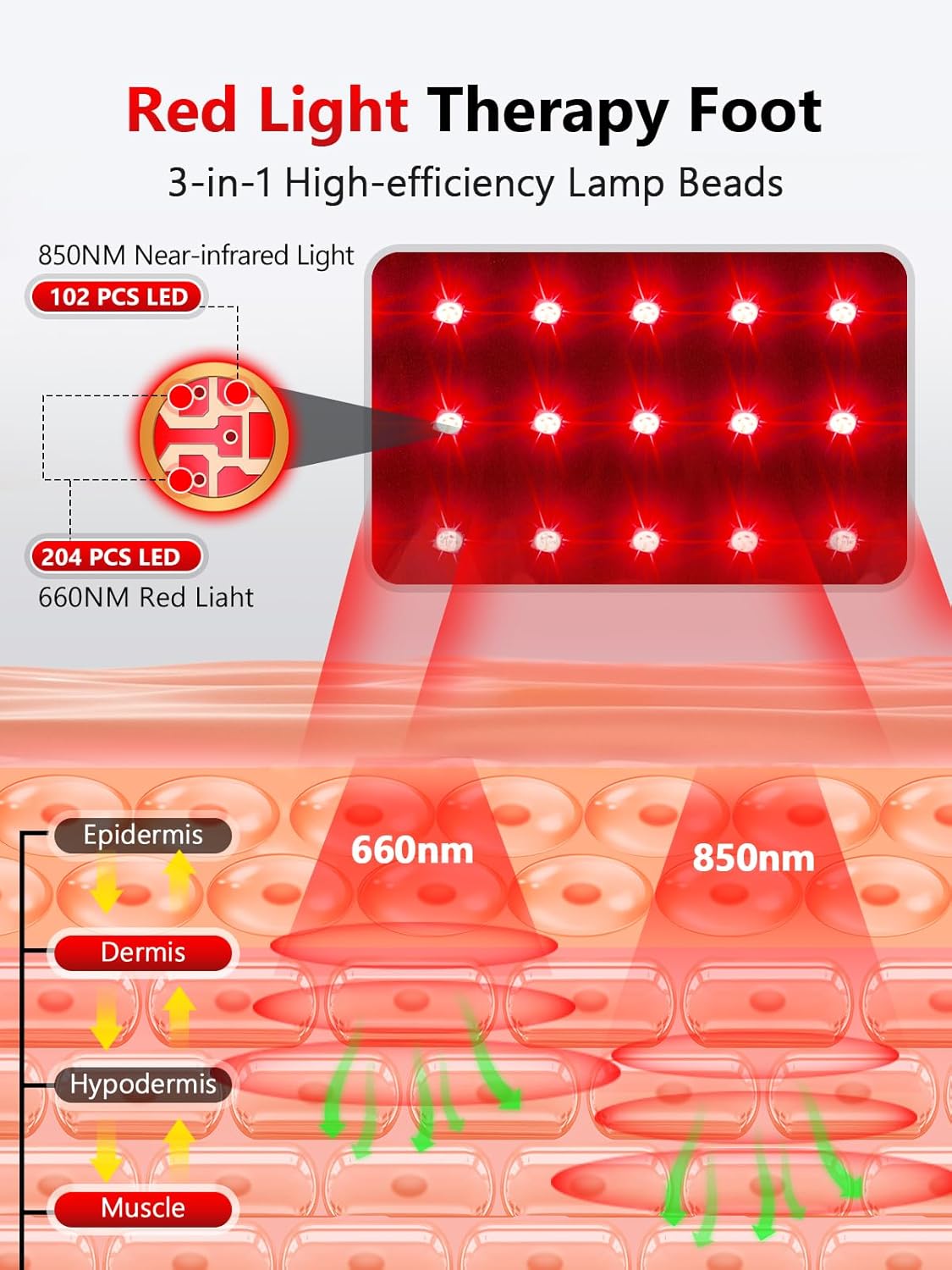
This manual provides detailed instructions for the safe and effective use of your ROMISA RZ-R010 Red Light Therapy Foot Wrap. This device is designed to deliver targeted red light (660nm) and near-infrared light (850nm) therapy, along with a heating function, to the foot and ankle areas. Please read this manual thoroughly before first use and retain it for future reference.
Important Safety Information
- Consult a healthcare professional before using this device if you have any pre-existing medical conditions, are pregnant, or are taking medications that may increase light sensitivity.
- Do not use the device on broken skin, open wounds, or areas with active infections.
- Avoid direct eye exposure to the LED lights.
- Keep the device out of reach of children.
- Do not immerse the electrical components in water.
- Discontinue use if you experience any discomfort, irritation, or adverse reactions.
- Statements regarding dietary supplements have not been evaluated by the FDA and are not intended to diagnose, treat, cure, or prevent any disease or health condition.
Package Contents
Please verify that all items are present in your package:
- 1 x Red Light Therapy Foot Wrap
- 1 x Control Line
- 1 x Power Cord
- 1 x User Manual
- 1 x Package Box

Setup Instructions
- Connect the Control Line: Locate the connection interface on the foot wrap and securely plug in the control line.
- Connect the Power Cord: Attach the power cord to the control line.
- Plug into Power: Insert the power cord into a standard AC socket.
- Prepare for Use: Ensure your feet are clean and dry before placing them into the foot wrap. The inner material is easy to clean (PVC material) and can be wiped down.
- Secure the Wrap: Use the adjustable Velcro straps to ensure a snug and comfortable fit around your foot and ankle. The outer material is designed to allow for versatile attachment of the Velcro straps.
Operating Instructions
The device features a handle controller with an LED screen for easy operation.
- Power On/Off: Press the power button on the controller to turn the device on or off. The LED screen will display the current settings.
- Select Mode: The device offers three modes for targeted therapy:
- 10Hz Mode (10P): For daily muscle comfort.
- 40Hz Mode (40P): For deeper recovery.
- Breath Mode (H): For gentle relaxation.
- Adjust Brightness: The device has 5 levels of brightness. Use the brightness adjustment buttons on the controller to increase or decrease the light intensity.
- Set Timer: The integrated timer can be set in 5-minute increments, from 5 to 30 minutes. Use the timer buttons on the controller to select your desired session duration.
- Recommended Usage: It is recommended to use the device for 20 minutes per day. Consistent long-term use is suggested for optimal results. A local warm and comfortable sensation during initial use is normal.

Maintenance
- Cleaning: The inner material of the foot wrap is made of an easy-to-clean PVC material. It can be wiped down with a damp cloth. Ensure the device is unplugged before cleaning.
- Storage: Store the device in a cool, dry place away from direct sunlight when not in use.
- Care: Do not fold or crease the LED panel excessively to avoid damage to the internal components.
Troubleshooting
| Problem | Possible Cause | Solution |
|---|---|---|
| Device does not power on. | Power cord not properly connected or no power from outlet. | Check all connections. Ensure the power cord is securely plugged into the device and a working electrical outlet. |
| Lights are dim or not all LEDs are lit. | Low brightness setting or potential LED malfunction. | Increase the brightness level using the controller. If the issue persists, contact customer support. |
| Device feels too hot or too cold. | Incorrect mode or timer setting. | Adjust the mode or timer settings as desired. The device provides a gentle warmth, not intense heat. |
Specifications
- Model Number: RZ-R010
- Light Wavelengths: 660nm (Red Light), 850nm (Near-Infrared Light)
- Lamp Beads: 102 (each with 3 chips)
- Modes: 10Hz Pulse, 40Hz Pulse, Breath Mode
- Brightness Levels: 5 adjustable levels
- Timer: Adjustable from 5 to 30 minutes (in 5-minute increments)
- Dimensions: Approximately 9"x7" (foot wrap size)
- Manufacturer: ROMISA
Warranty & Support
ROMISA is committed to your satisfaction. Your Red Light Therapy Foot Wrap comes with a 1-Year Peace of Mind warranty, offering free replacement for any reasons within this period.
For any inquiries, troubleshooting assistance, or warranty claims, please contact our customer support. We aim to provide a Within 24-Hour Response and 7/24 Fast Support.
This product is from a small business brand. Your support is appreciated.