Introduction
The SHJ 4G PoC Radio is an advanced Push-to-Talk Over Cellular communication device designed for reliable and flexible communication across various professional environments. It leverages 4G LTE networks to provide nationwide coverage, ensuring clear voice transmission and instant communication. This manual provides essential information for setting up, operating, maintaining, and troubleshooting your SHJ 4G PoC Radio.

Image: SHJ 4G PoC Radios are suitable for diverse professional settings requiring reliable communication.
Product Features
- Push-to-Talk Over Cellular (PoC): Utilizes 4G LTE networks for wide-area communication.
- Nationwide Connectivity: Operates across cellular 4G LTE coverage areas, offering extensive range up to 5000 kilometers.
- Long Battery Life: Equipped with a large capacity Lithium Ion battery for extended use.
- Rugged and Durable Design: Constructed with metal materials for resistance against impact and wear.
- Clear Display & Intuitive Operation: Features a bright display and user-friendly button layout.
- Multiple Charging Methods: Supports Type-C charging via home charger, power bank, car charger, computer, or USB devices.
- Group and Private Call Functionality: Enables both group and one-to-one communication.
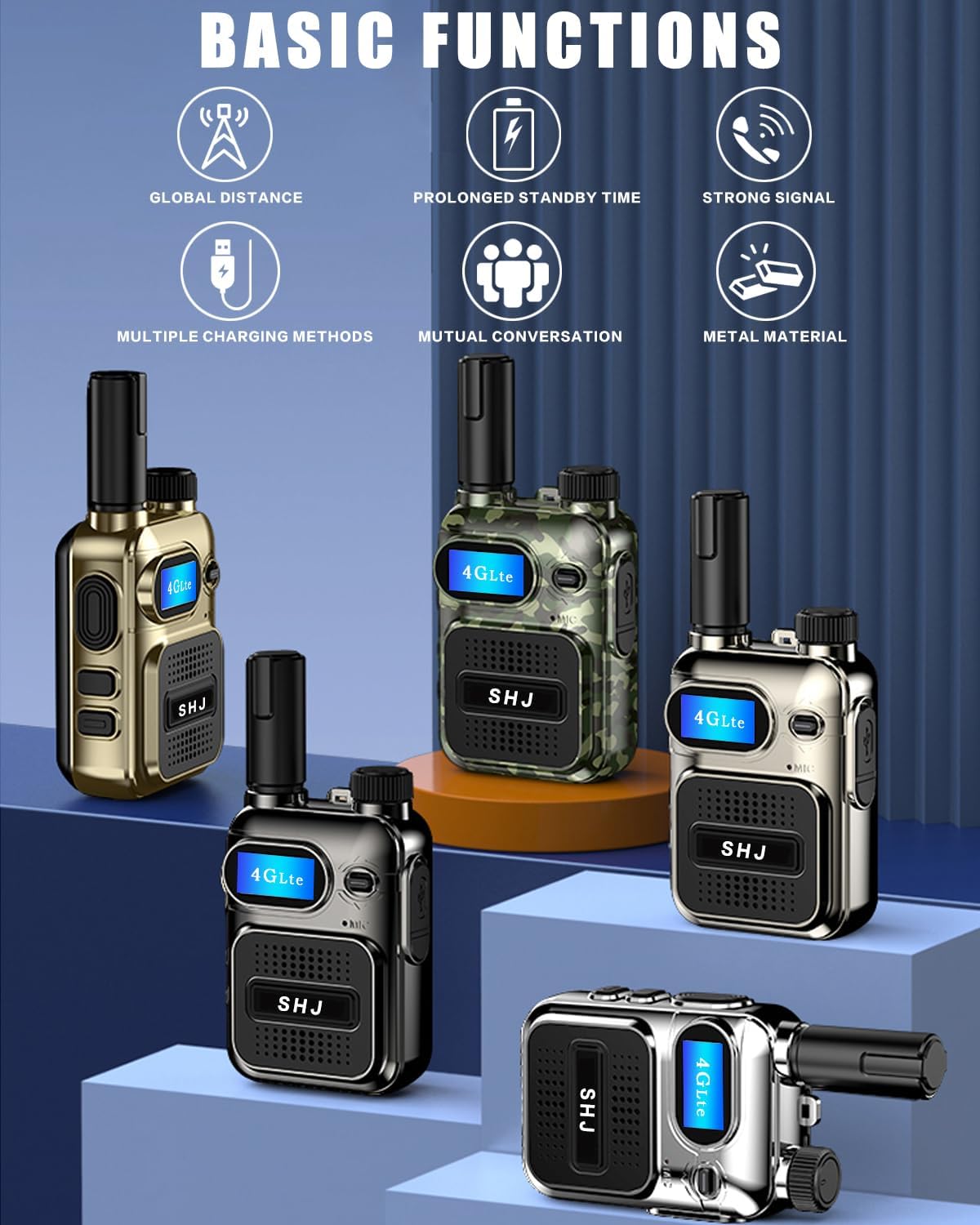
Image: Overview of the SHJ 4G PoC Radio's key features and capabilities.

Image: The durable metal casing of the radio, designed for harsh environments.
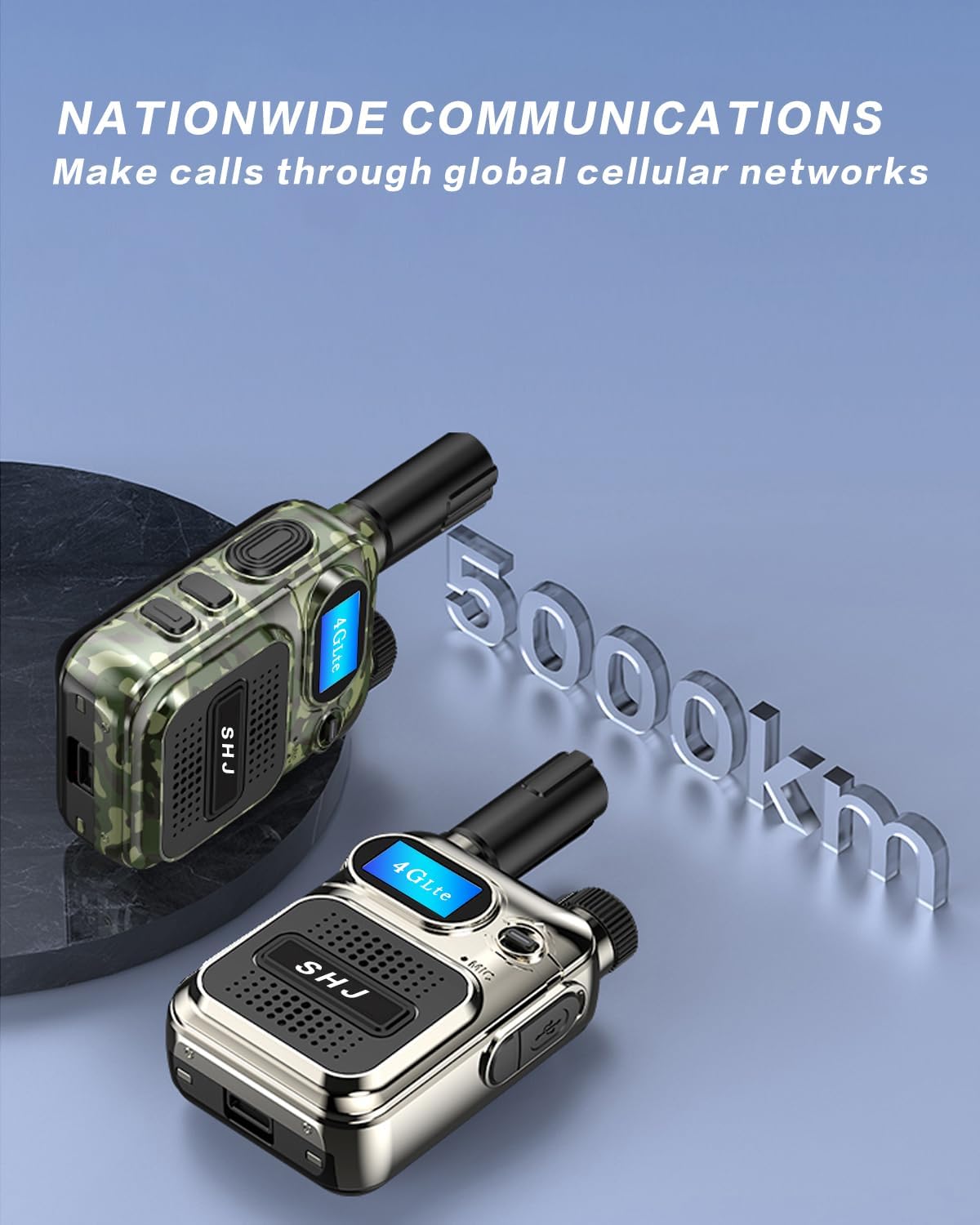
Image: The extensive communication range of the SHJ 4G PoC Radio.
Setup Guide
1. Unboxing and Initial Inspection
Carefully remove all components from the packaging. Verify that all items listed in the "What's in the Box" section are present and undamaged. The standard package includes the radio unit, battery, SIM card (pre-installed or separate), charger, and USB cable.

Image: Components included with your SHJ 4G PoC Radio.
2. SIM Card Installation
The SHJ 4G PoC Radio requires a SIM card for cellular network connectivity. The SIM card is typically pre-installed or provided separately. If separate, locate the SIM card slot, usually found under the battery compartment. Carefully insert the SIM card into the designated slot, ensuring correct orientation. Do not force the SIM card, as this may cause damage.

Image: The SHJ 4G PoC Radio utilizes a SIM card for cellular communication.
Note: Some users have reported difficulty with SIM card placement. Ensure the battery is removed before attempting to insert the SIM card. If the radio does not detect the SIM card after installation, re-check its orientation and ensure it is fully seated. Contact customer support if issues persist.
3. Battery Installation and Charging
- Insert the provided Lithium Ion battery into the battery compartment on the back of the radio. Ensure it clicks securely into place.
- Connect the Type-C USB cable to the charging port on the radio and the other end to the power adapter.
- Plug the power adapter into a standard electrical outlet. The charging indicator light will illuminate.
- Allow the radio to charge fully before first use. A full charge typically takes several hours.
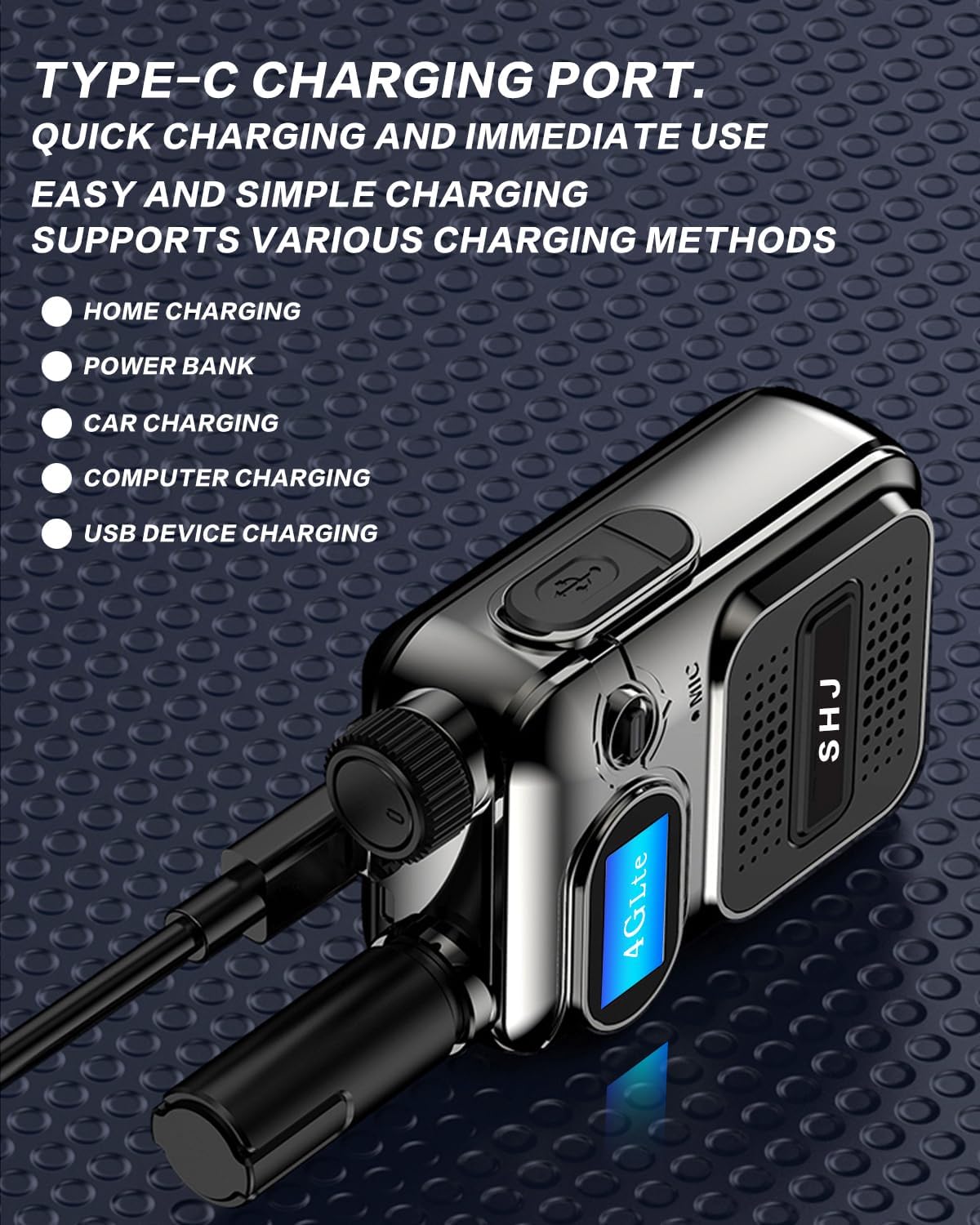
Image: The Type-C charging port and versatile charging options for the radio.
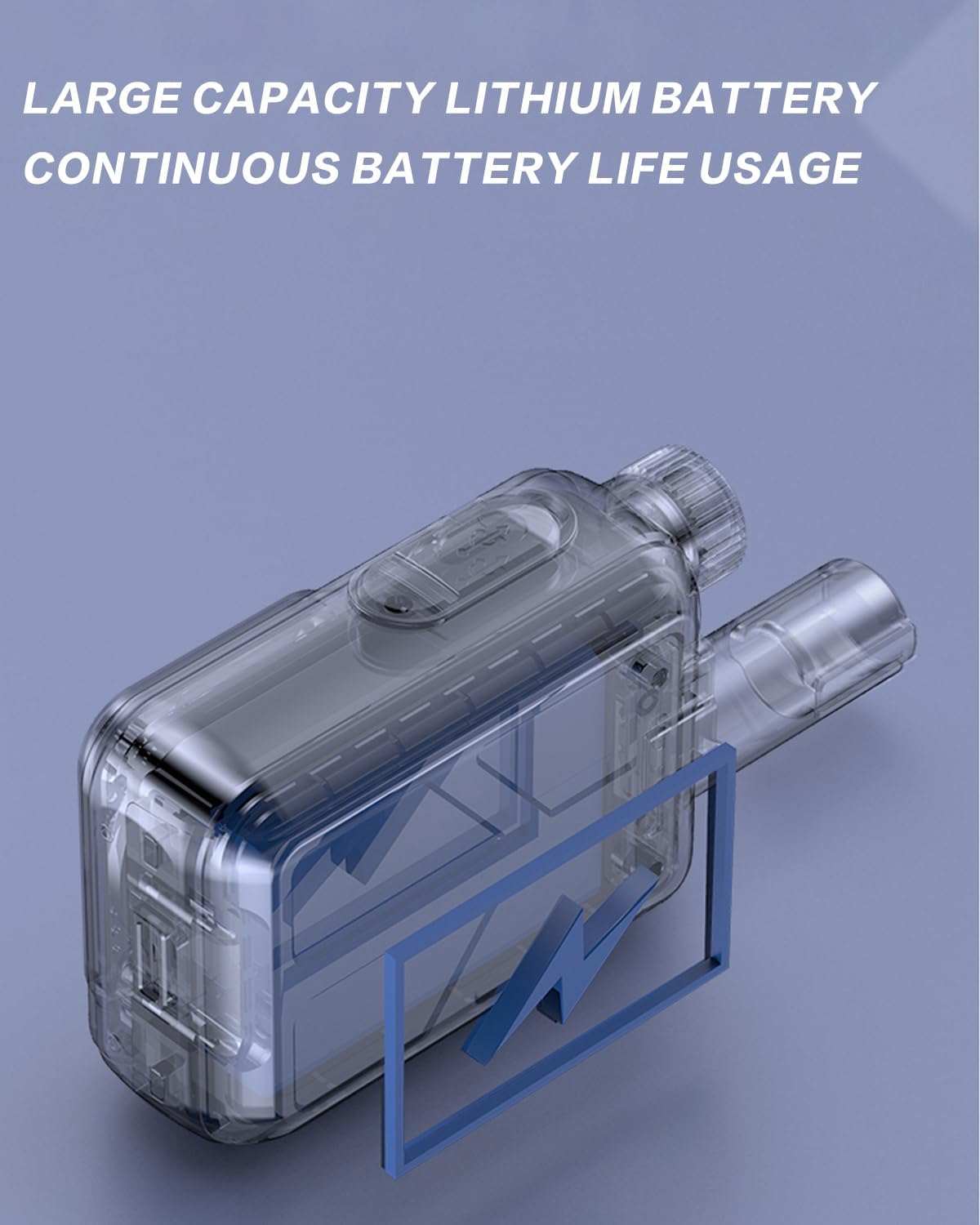
Image: The internal battery design emphasizing its large capacity for continuous usage.
4. Initial Power On and Activation
Press and hold the power button (usually located on the side or top) until the display screen illuminates. The radio will boot up and attempt to connect to the cellular network. For some units, activation with the seller may be required. The device IMEI number, displayed on the startup screen, and the SIM card number may be needed for this process. Refer to the seller's instructions for activation if necessary.
Operating Instructions
1. Power On/Off
To power on, press and hold the power button until the screen lights up. To power off, press and hold the power button until the shutdown prompt appears, then confirm.
2. Adjusting Volume
Rotate the volume knob, typically located on the top of the radio, clockwise to increase volume and counter-clockwise to decrease it. Adjust to a comfortable listening level.

Image: The radio's speaker designed for clear and loud audio output.
3. Push-to-Talk (PTT) Communication
To transmit, press and hold the large Push-to-Talk (PTT) button, usually on the side of the radio. Speak clearly into the microphone. Release the PTT button to listen. Note that with digital PoC radios, there might be a slight delay (approx. 2 seconds) before transmission begins after pressing PTT.
4. Group and Private Calls
The SHJ 4G PoC Radio supports both group and private (one-to-one) calls. The method for switching between groups or initiating private calls depends on the radio's software configuration. Typically, this involves navigating through the menu using the directional buttons and selecting the desired contact or group. If you are unable to create private groups or manage contacts, contact your seller for specific programming instructions or software tools.
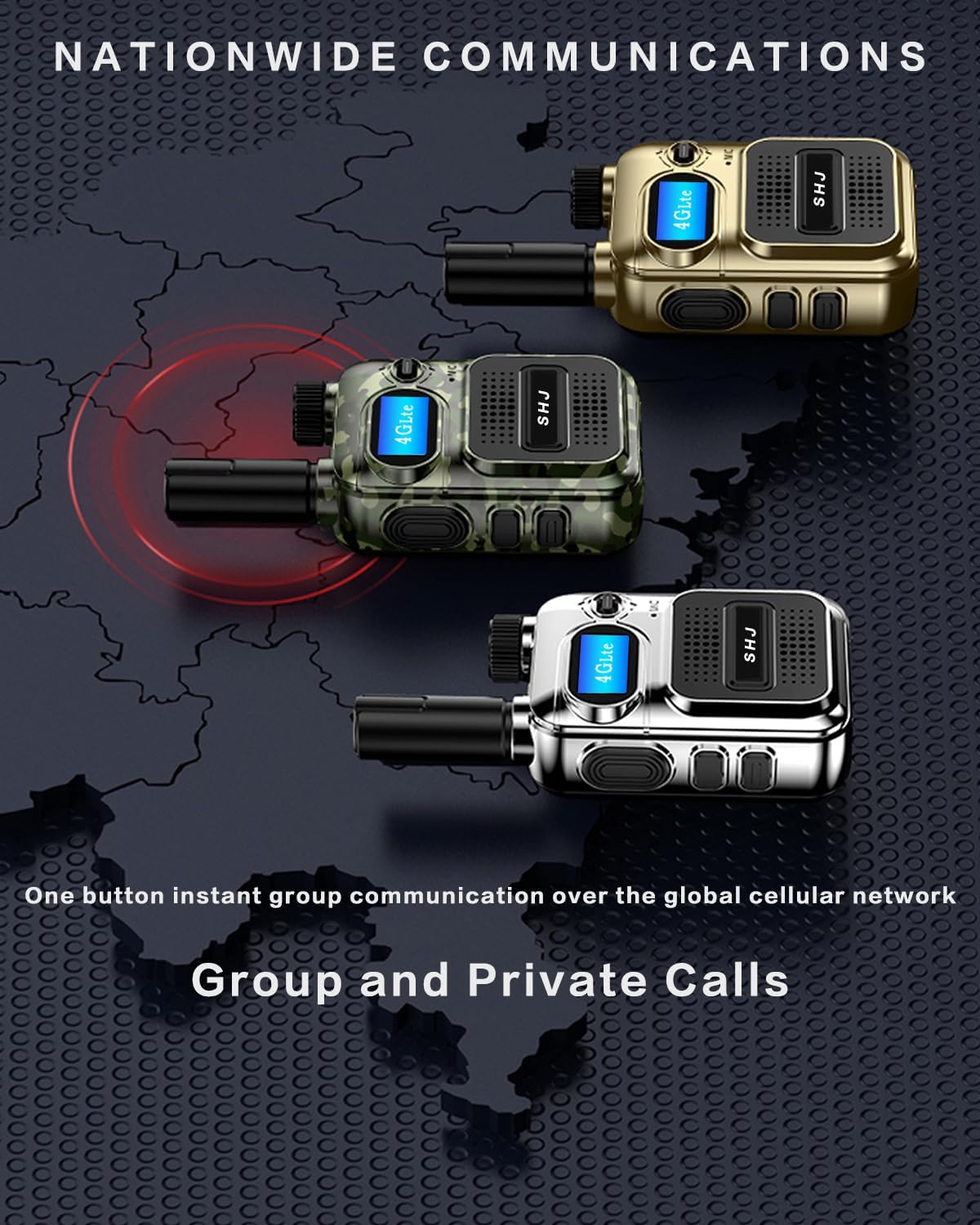
Image: The radio's capability for both group and private communications over a wide area.
5. Display Navigation
Use the navigation buttons (if present) to scroll through menus and options on the display. The display shows network status, battery level, current group, and other relevant information.
Maintenance
1. Cleaning the Radio
Wipe the radio's exterior with a soft, damp cloth. Do not use harsh chemicals or abrasive cleaners. Ensure the charging port and speaker grille are free of dust and debris. While the radio is designed to be rugged, it is not water resistant, so avoid direct exposure to water.

Image: The radio's design for durability in various conditions, though it is not fully water resistant.
2. Battery Care
- Charge the battery regularly, even if the radio is not in frequent use, to maintain battery health.
- Avoid fully discharging the battery frequently.
- Store the radio and battery in a cool, dry place when not in use for extended periods.
3. Software Updates
Periodically check with the manufacturer or seller for any available software updates for your radio. Updates can improve performance, add features, or fix bugs.
Troubleshooting
| Problem | Possible Cause | Solution |
|---|---|---|
| Radio does not power on. | Low or depleted battery. | Charge the battery fully. Ensure the charger is properly connected. |
| No network signal / "SIM not detected". | SIM card improperly installed or not activated. | Re-insert the SIM card, ensuring correct orientation and full seating. Contact the seller for SIM card activation if required. |
| Cannot make private calls / Group issues. | Radio not programmed for private calls or incorrect group settings. | Contact the seller or manufacturer for programming assistance. This often requires specific software. |
| Radio stopped working after a few days. | SIM card deactivation or network issue. | Verify SIM card status with the provider or seller. Check network coverage in your area. Perform a factory reset if possible (consult seller for instructions). |
| Audio is too low or too loud. | Volume knob setting. | Adjust the volume knob carefully to find the optimal level. |
Specifications
| Feature | Detail |
|---|---|
| Model Number | H28Y |
| Item Weight | 13.1 ounces |
| Package Dimensions | 7.87 x 5.35 x 1.81 inches |
| Batteries | 1 Lithium Ion battery (included) |
| Brand | SHJ |
| Number of Channels | 299 |
| Special Feature | 4G PoC |
| Talking Range Maximum | 5000 Kilometer |
| Tuner Technology | HF |
| Water Resistance Level | Not Water Resistant |
| Included Components | Factory configuration (Radio, Battery, SIM card, Charger, USB cable) |
Warranty and Support
Warranty Information
The product comes with a manufacturer's warranty. For specific details regarding the warranty period and coverage, please refer to the documentation provided with your purchase or contact the seller/manufacturer directly. The provided data indicates a warranty period of "2" (likely 2 years), but confirmation from the official warranty statement is recommended.
Customer Support
For technical assistance, programming inquiries (e.g., setting up private groups, radio names), SIM card activation, or any other support needs, please contact the seller or manufacturer. Many issues, such as SIM card activation and advanced programming, require direct assistance from the vendor.
Seller: Quanzhou Jingli Trading Co., Ltd


