
1. Introduction
Thank you for purchasing the Smalody PC Speakers Model YXSM7060BT. This manual provides essential information for the proper setup, operation, and maintenance of your new speakers. Please read this manual thoroughly before use to ensure optimal performance and to prevent damage.

Figure 1.1: Smalody PC Speakers (Model YXSM7060BT)
2. Package Contents
Please check the package for the following items:
- Smalody PC Speaker Unit (1 piece)
- User Manual (1 piece)
3. Product Overview
The Smalody PC Speakers Model YXSM7060BT are designed to enhance your audio experience with versatile connectivity and an innovative design.
Key Features:
- Innovative Design: Features a sleek panel with cool blue LED lights and a modern black finish, suitable for PC gaming setups.
- Easy Connectivity: Supports both USB cable and Bluetooth 5.4 for flexible audio input.
- Audio Performance: Equipped with dual 5W High-Excursion drivers for clear, expansive sound and 3D stereo surround performance.
- Wide Compatibility: Connects to desktop computers, laptops, tablets, smartphones, gaming consoles, and other Bluetooth audio-enabled devices.

Figure 3.1: Immersive Gaming Experience with LED Lighting
Component Identification:
Refer to the images below for identification of the speaker's components and ports.
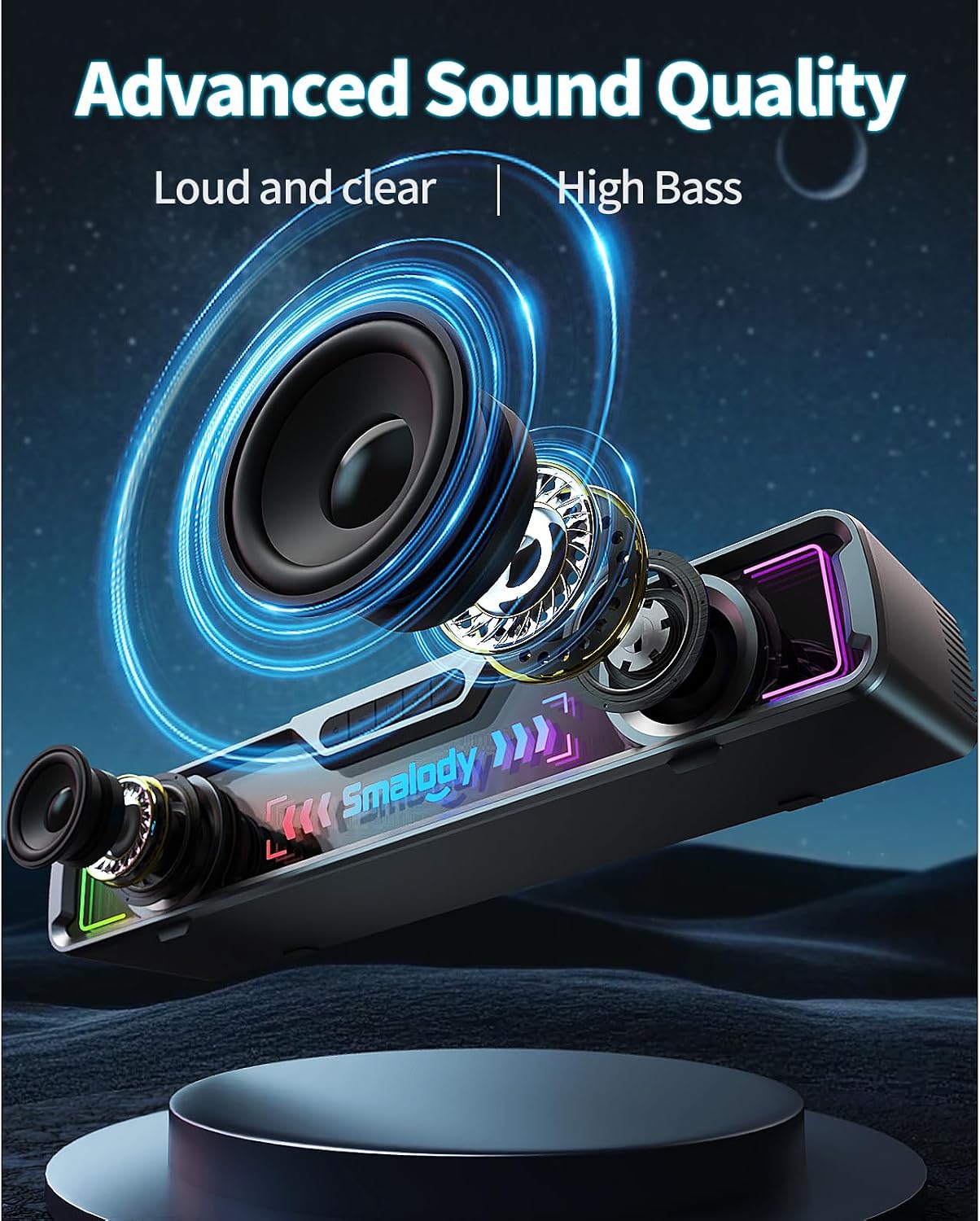
Figure 3.2: Side view with control knob

Figure 3.3: Rear view with connectivity ports
4. Setup Instructions
The Smalody PC Speakers offer both USB and Bluetooth connectivity. Choose the method that best suits your device.
4.1. USB Connection
- Connect the USB cable from the speaker to an available USB port on your computer or power adapter.
- Connect the 3.5mm audio jack from the speaker to the audio output port (headphone jack) on your computer.
- Turn on the speaker using the control knob.
- Ensure your computer's audio output is set to the connected speaker.
4.2. Bluetooth Connection
- Turn on the speaker using the control knob. The speaker will automatically enter Bluetooth pairing mode (indicated by a flashing LED light).
- On your device (smartphone, tablet, laptop), enable Bluetooth and search for available devices.
- Select "Smalody YXSM7060BT" from the list of devices.
- Once paired, the LED light will become solid, indicating a successful connection.

Figure 4.1: Versatile Connectivity Options
5. Operating Instructions
5.1. Power On/Off and Volume Control
- Power On: Rotate the control knob clockwise until you hear a click and the LED lights illuminate.
- Power Off: Rotate the control knob counter-clockwise until you hear a click and the LED lights turn off.
- Volume Adjustment: Rotate the control knob clockwise to increase volume and counter-clockwise to decrease volume.
5.2. LED Light Control
The speaker features integrated LED lights. Specific controls for changing light modes or turning them off are typically integrated with the main control knob or a dedicated button. Refer to the product's physical controls for detailed operation.
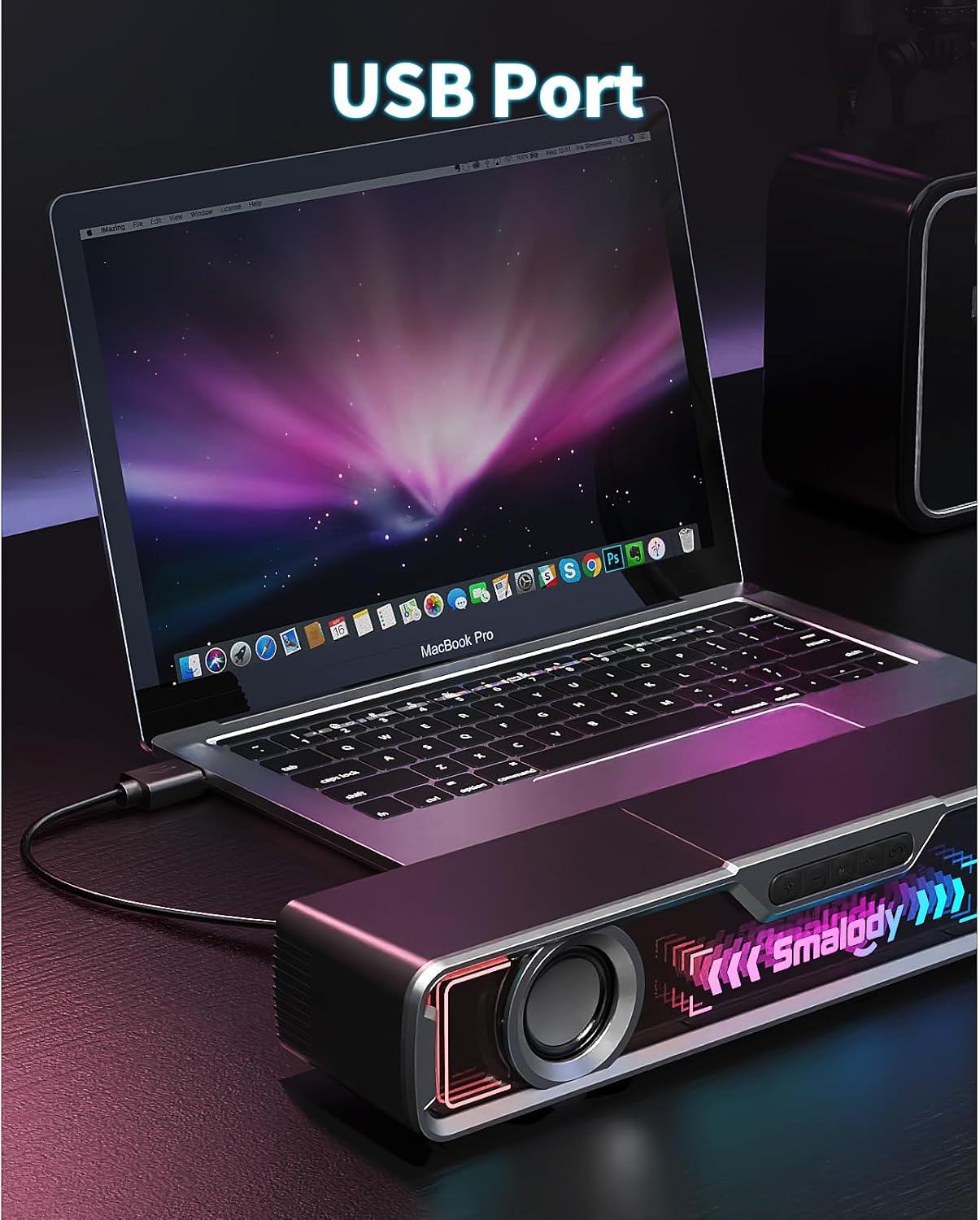
Figure 5.1: Blue LED Lights in operation
6. Maintenance
To ensure the longevity and optimal performance of your Smalody PC Speakers, follow these maintenance guidelines:
- Cleaning: Use a soft, dry cloth to wipe the speaker's surface. Do not use liquid cleaners or abrasive materials, as they may damage the finish or internal components.
- Storage: When not in use for extended periods, store the speakers in a cool, dry place away from direct sunlight and extreme temperatures.
- Avoid Moisture: Keep the speakers away from water and high humidity to prevent electrical damage.
- Handle with Care: Avoid dropping or subjecting the speakers to strong impacts.
7. Troubleshooting
If you encounter issues with your speakers, refer to the following common problems and solutions:
| Problem | Possible Cause | Solution |
|---|---|---|
| No sound | Speaker not powered on, volume too low, incorrect audio source, loose cable connection. | Ensure speaker is powered on and volume is up. Check all cable connections (USB, 3.5mm jack). Verify correct audio output selected on your device. |
| Bluetooth not connecting | Speaker not in pairing mode, device Bluetooth off, interference. | Ensure speaker is in Bluetooth pairing mode (flashing LED). Turn Bluetooth off and on again on your device. Move closer to the speaker. |
| Sound distortion | Volume too high, poor audio source quality. | Reduce the volume on both the speaker and your device. Try a different audio source to check if the issue persists. |
| LED lights not working | Speaker not powered on, specific light mode selected. | Ensure the speaker is powered on. Check if there's a button or control knob setting for LED lights. |
8. Specifications
Technical specifications for the Smalody PC Speakers Model YXSM7060BT:
- Model Name: YXSM7060BT
- Brand: Smalody
- Maximum Speaker Output Power: 10 Watts (Dual 5W High-Excursion)
- Frequency Response: 60 Hz
- Connectivity Technology: Bluetooth 5.4, USB
- Audio Output Mode: 3D Stereo Surround
- Mounting Type: Tabletop
- Speaker Type: 3D
- Special Feature: Bass Amplification
- Recommended Uses: For computers, gaming consoles, televisions, smartphones, tablets
- Compatible Devices: Personal computer, laptop, smartphone, tablet, television
- Power Source: Corded Electric (USB)
- Item Dimensions (Depth x Width x Height): 52P x 11l x 12H cm (Note: 'P' and 'l' likely refer to Italian 'Profondità' and 'Larghezza' for Depth and Width respectively. 'H' for Height.)
- Audio Driver Type: Dynamic Driver
- Country of Origin: China
9. Warranty and Support
Smalody products are manufactured to high-quality standards. For warranty information and customer support, please refer to the documentation included with your purchase or contact Smalody customer service. Keep your purchase receipt for warranty claims.
