Introduction
This manual provides detailed instructions for the assembly, operation, and maintenance of your Generic Sonoma 848837 TV Cabinet. Please read all instructions carefully before beginning assembly and retain this manual for future reference. Proper assembly and care will ensure the longevity and stability of your furniture.
Safety Information
- Always assemble the product on a soft, clean surface to prevent scratches.
- Ensure all parts are securely fastened before use. Do not overtighten screws, as this may damage the material.
- Do not stand or climb on the TV cabinet.
- Distribute weight evenly across shelves and the top surface. Do not exceed the maximum weight capacity for any section.
- Keep small parts and packaging materials away from children and pets to prevent choking hazards.
- If the cabinet is intended to hold a television, consider using an anti-tip kit (not included) to secure it to the wall, especially in households with children or pets.
Package Contents
Before assembly, verify that all components and hardware are present and undamaged. Refer to the included assembly diagram for a complete list of parts. If any parts are missing or damaged, do not proceed with assembly. Contact customer support for assistance.
Expected materials:
- Engineered wood panels (top, sides, shelves, doors)
- Metal frame components
- Assembly hardware (screws, dowels, hinges, handles, etc.)
- Assembly instructions/diagrams
Setup and Assembly
Assembly is required for this TV cabinet. Follow the step-by-step instructions and diagrams provided in the separate assembly guide included in your package. A Phillips head screwdriver and possibly a hammer may be required (not included).
- Unpack and Identify Parts: Carefully remove all components from the packaging. Lay them out on a clean, soft surface. Compare each part to the parts list in the assembly guide to ensure everything is present.
- Assemble the Metal Frame: Begin by connecting the metal frame components as indicated in the diagrams. Ensure all screws are finger-tightened initially.
- Attach Wood Panels: Secure the engineered wood panels (top, side, and shelf panels) to the metal frame using the provided hardware. Pay close attention to the orientation of each panel.
- Install Doors and Hinges: Attach the door hinges to the cabinet frame and then mount the doors. Adjust hinges as necessary to ensure proper door alignment and smooth operation.
- Install Handles: Secure the handles to the cabinet doors.
- Final Tightening: Once all components are in place, carefully tighten all screws with a screwdriver. Do not overtighten.
- Placement: Position the assembled TV cabinet on a level surface.
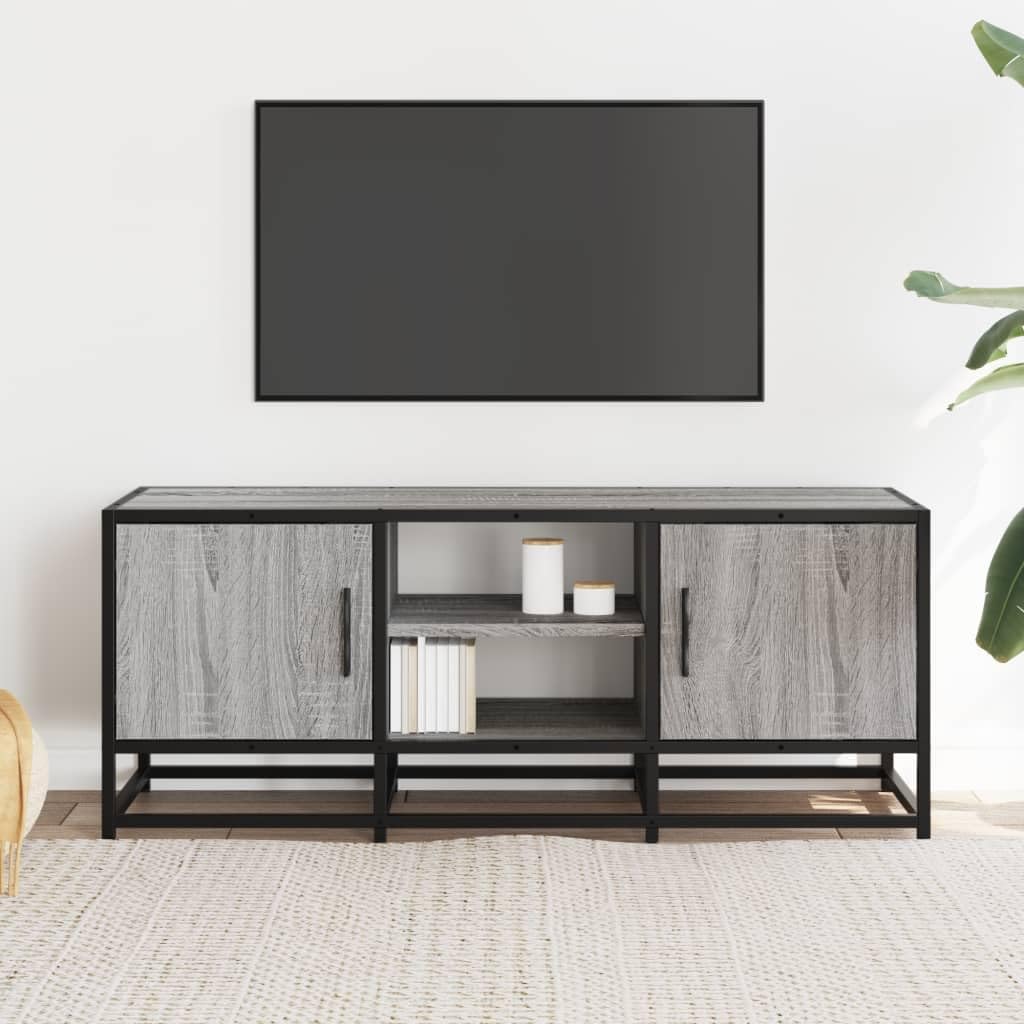
Figure 1: Front view of the assembled TV cabinet, showcasing its design with two closed compartments and two open central shelves.
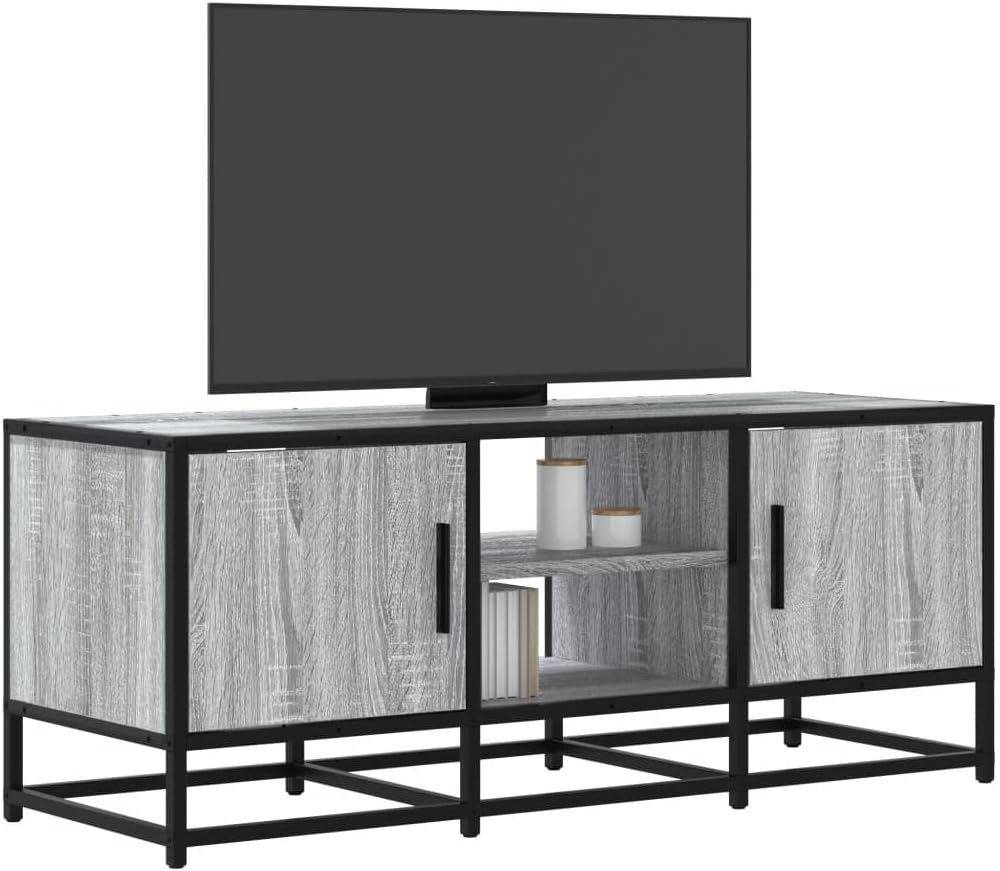
Figure 2: Angled view of the TV cabinet with a television on its top surface, demonstrating its intended use.
Operating Instructions
The Sonoma 848837 TV Cabinet is designed to provide stable support for your television and organized storage for media devices and accessories.
- Placement of TV: Place your television centrally on the top surface of the cabinet. Ensure the TV's base fits securely and does not overhang the edges.
- Storage: Utilize the two closed compartments for items you wish to keep out of sight, such as DVDs, remote controls, or cables. The two open central shelves are ideal for media players, gaming consoles, or decorative items, allowing for easy access and ventilation.
- Cable Management: While no specific cable management features are built-in, cables can be routed behind the unit to maintain a tidy appearance.
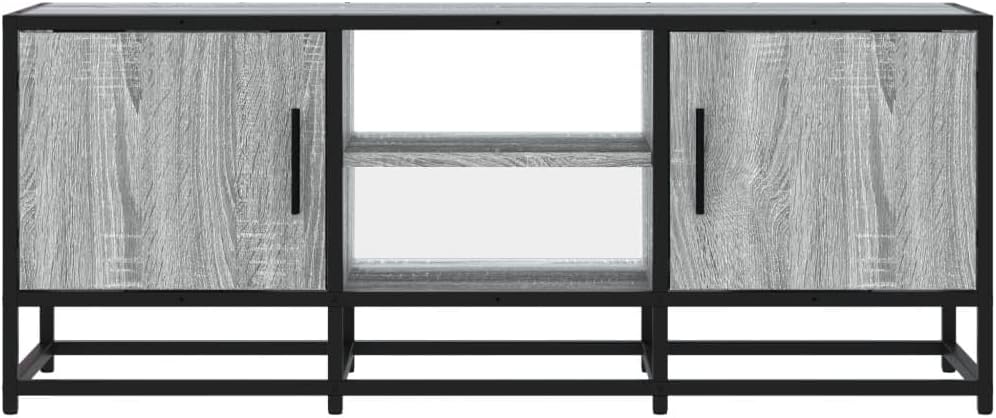
Figure 3: Front view of the TV cabinet, highlighting the combination of closed storage and open shelving.

Figure 4: The TV cabinet with its doors open, illustrating the internal storage capacity of the side compartments.
Maintenance
Regular cleaning and proper care will help maintain the appearance and extend the life of your TV cabinet.
- Cleaning: Wipe surfaces with a soft, damp cloth. Avoid using harsh chemicals, abrasive cleaners, or polishes that may damage the finish.
- Spills: Immediately wipe up any spills to prevent moisture damage to the engineered wood.
- Dusting: Dust regularly with a dry, soft cloth.
- Hardware Check: Periodically check all screws and fasteners to ensure they remain tight. Retighten if necessary, but do not overtighten.
- Avoid Direct Sunlight: Prolonged exposure to direct sunlight can cause fading or discoloration of the wood finish.
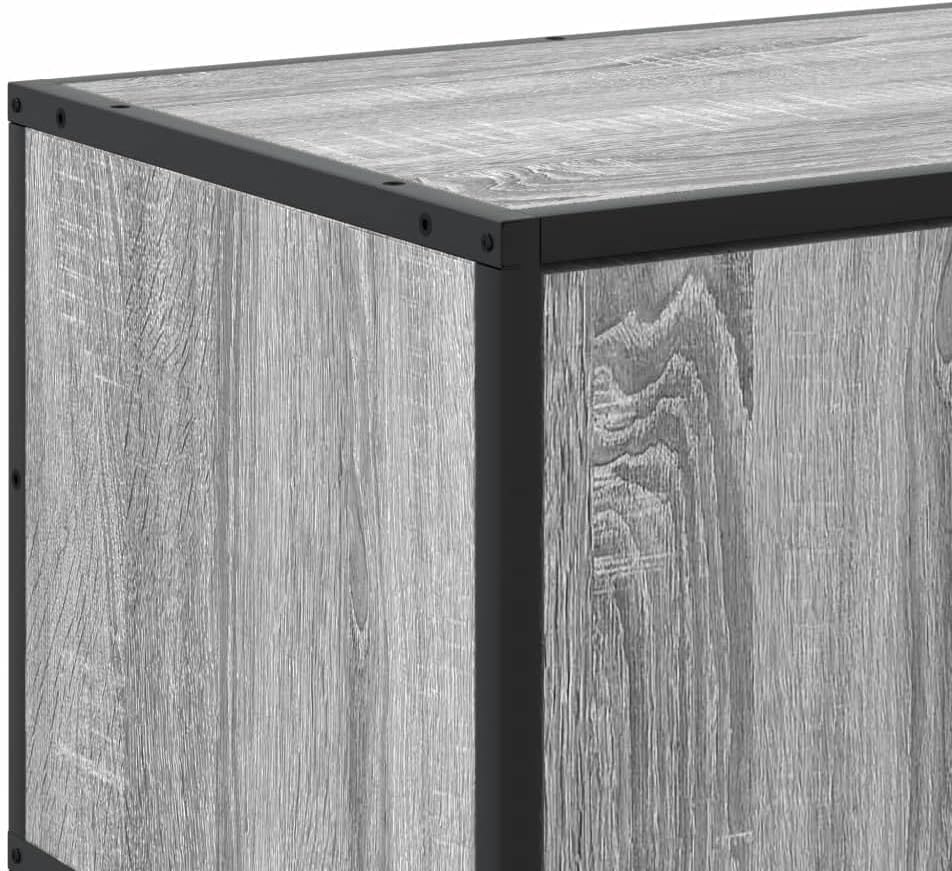
Figure 5: Close-up of a corner, detailing the construction and material finish.
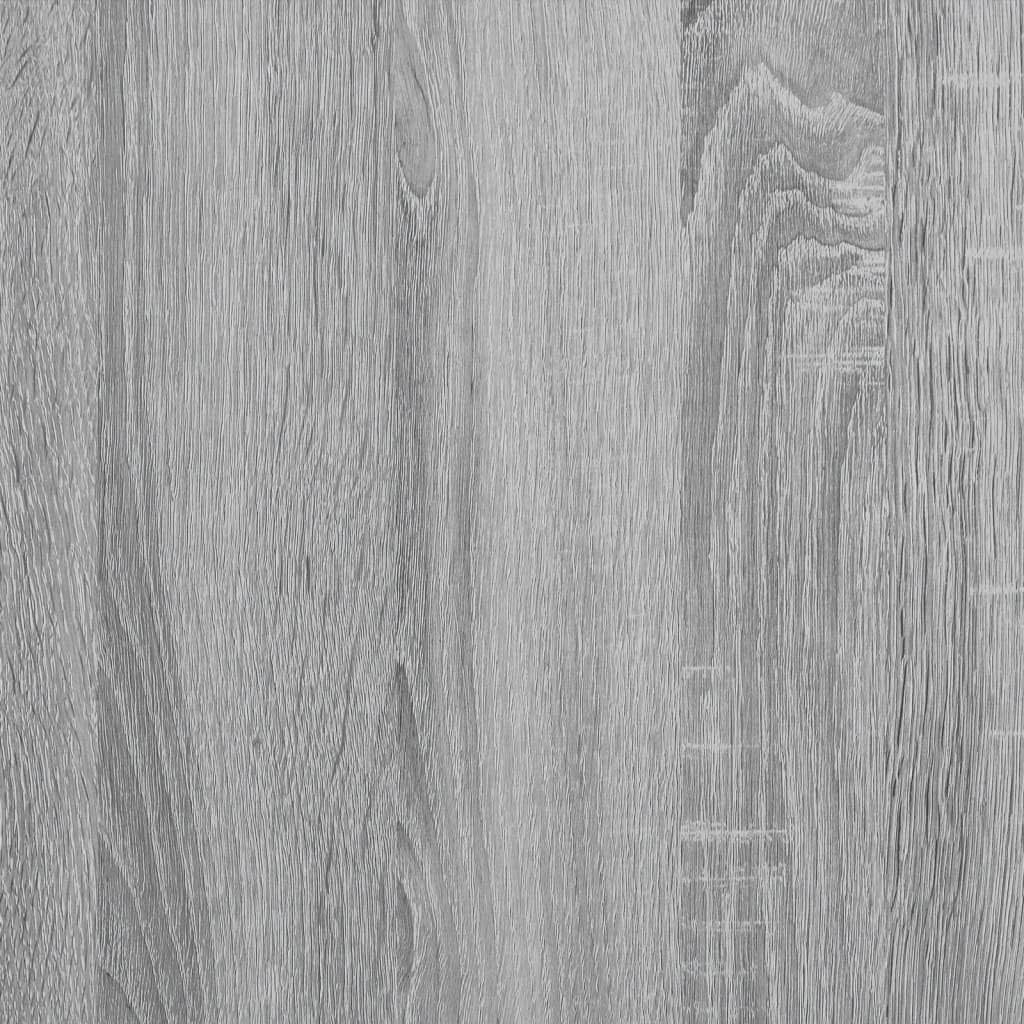
Figure 6: Detailed view of the engineered wood surface texture.
Troubleshooting
- Wobbly Cabinet: Ensure the cabinet is placed on a level surface. Check that all screws and fasteners are securely tightened. If necessary, use furniture levelers (not included) under the feet.
- Doors Not Aligning: Adjust the hinges on the doors. Most hinges allow for minor adjustments to align the doors horizontally, vertically, and in depth. Refer to the hinge manufacturer's instructions if specific adjustments are needed.
- Missing Parts: If you discover any missing components during assembly, do not attempt to force parts or substitute with incorrect hardware. Contact the seller or manufacturer's customer support immediately for replacement parts.
- Scratches/Damage: For minor scratches on the wood surface, furniture repair markers or touch-up kits can be used. For significant damage, contact customer support.
Specifications
| Feature | Detail |
|---|---|
| Model Number | 848837 |
| Brand | Generic |
| Color | Grey Sonoma |
| Material | Engineered wood, metal |
| Overall Dimensions (L x W x H) | 100 x 35 x 41 cm |
| Assembly Required | Yes |
Warranty and Support
For warranty information, please refer to the terms and conditions provided by your retailer at the time of purchase. If you have any questions, require replacement parts, or need further assistance, please contact the seller directly through your purchase platform. Ensure you have your model number (848837) and proof of purchase available when contacting support.


