Important Safety Instructions
Please read all safety and operating instructions carefully before using this television. Keep these instructions for future reference.
- Do not block any ventilation openings. Install in accordance with the manufacturer's instructions.
- Do not install near any heat sources such as radiators, heat registers, stoves, or other apparatus (including amplifiers) that produce heat.
- Protect the power cord from being walked on or pinched, particularly at plugs, convenience receptacles, and the point where they exit from the apparatus.
- Only use attachments/accessories specified by the manufacturer.
- Unplug this apparatus during lightning storms or when unused for long periods of time.
- Refer all servicing to qualified service personnel. Servicing is required when the apparatus has been damaged in any way, such as power-supply cord or plug is damaged, liquid has been spilled or objects have fallen into the apparatus, the apparatus has been exposed to rain or moisture, does not operate normally, or has been dropped.
What's in the Box
Upon unpacking your TCL 50Q5K Smart TV, please ensure all components listed below are present and in good condition.

Image: The TCL 50Q5K Smart TV shown with its stand, remote control, and a diagram indicating its dimensions (111.1 cm width, 64.4 cm height without stand, 68.4 cm height with stand, 7.0 cm depth without stand, 25.4 cm depth with stand). The image also lists the contents: TV, table stand, power cable, remote control and batteries, and quick start guide.
- TCL 50Q5K Smart TV
- Table Stand
- Power Cable
- Remote Control and Batteries
- Instruction Manual (this document)
- Warranty Card
Setup Guide
1. Attaching the Stand
Carefully place the TV face-down on a soft, clean surface to prevent screen damage. Align the stand with the screw holes on the bottom of the TV and secure it using the provided screws.
2. Connecting Power and Devices
Connect the power cable to the TV's power input and then to a wall outlet. Connect your external devices such as cable boxes, gaming consoles, or Blu-ray players to the appropriate HDMI or other input ports on the back of the TV.
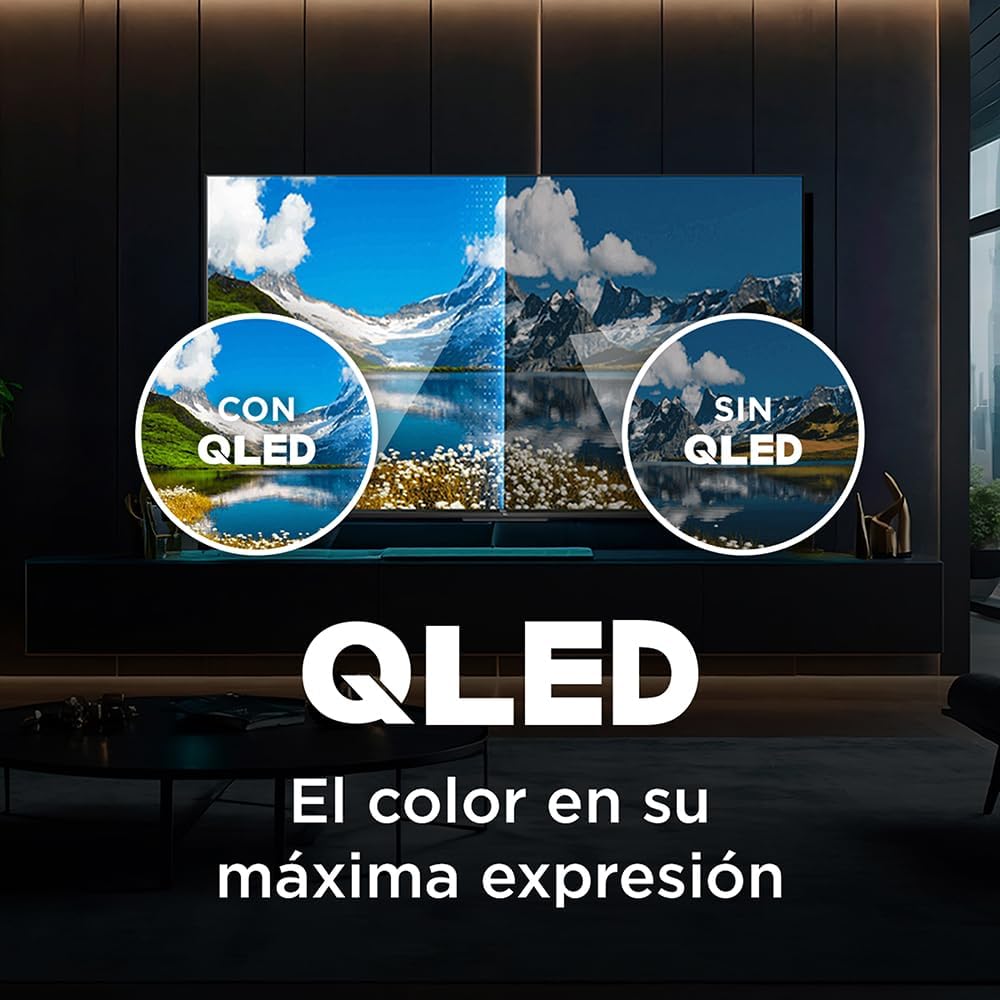
Image: Rear view of the TCL 50Q5K Smart TV, highlighting the arrangement of its various input and output ports, including HDMI, USB, and audio connections, essential for connecting external devices.
3. Initial Setup
Turn on the TV. Follow the on-screen instructions to select your language, connect to your Wi-Fi network, and sign in with your Google account to access Google TV features. This process will guide you through channel scanning and basic picture/sound settings.
Operating Your TV
Using the Remote Control
The included remote control allows you to navigate the Google TV interface, adjust volume, change channels, and access smart features. Familiarize yourself with the button layout for optimal use.

Image: A user comfortably seated, holding the remote control and interacting with the TCL Smart TV, which displays the Google TV home screen with various streaming app icons.
Voice Control
The TCL 50Q5K supports hands-free voice control via Google Assistant and is compatible with Alexa. Simply say "Hey Google" or "Alexa" (if configured) followed by your command to search for content, control smart home devices, or manage TV settings.
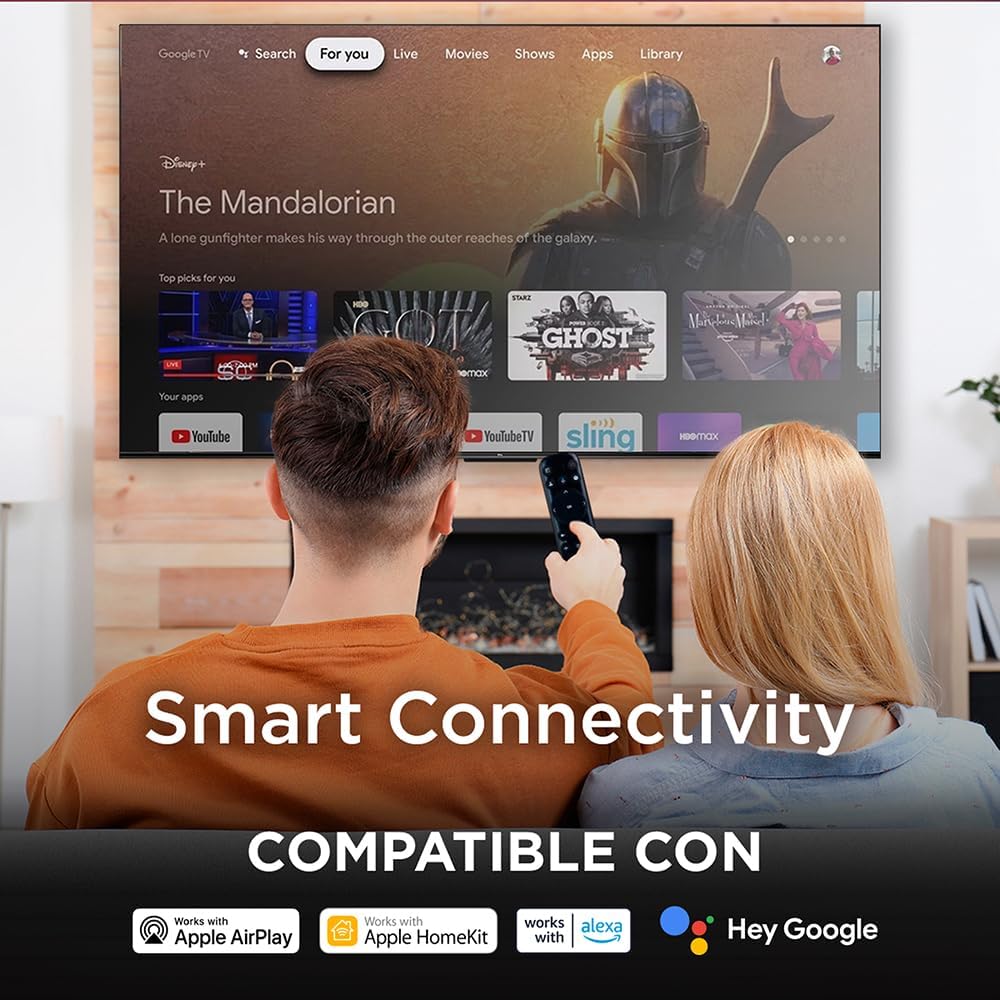
Image: The TCL Smart TV screen displaying the Google TV interface, with a "Hey Google" voice command bubble indicating active voice control functionality.
Smart Features and Connectivity
Your TCL 50Q5K Smart TV is equipped with advanced features for an immersive viewing experience and seamless connectivity.
QLED 4K Display with VisionHDR10+
Experience stunning visuals with the QLED display technology, offering vibrant colors and exceptional contrast. VisionHDR10+ further enhances picture quality by optimizing brightness, color, and contrast frame by frame.
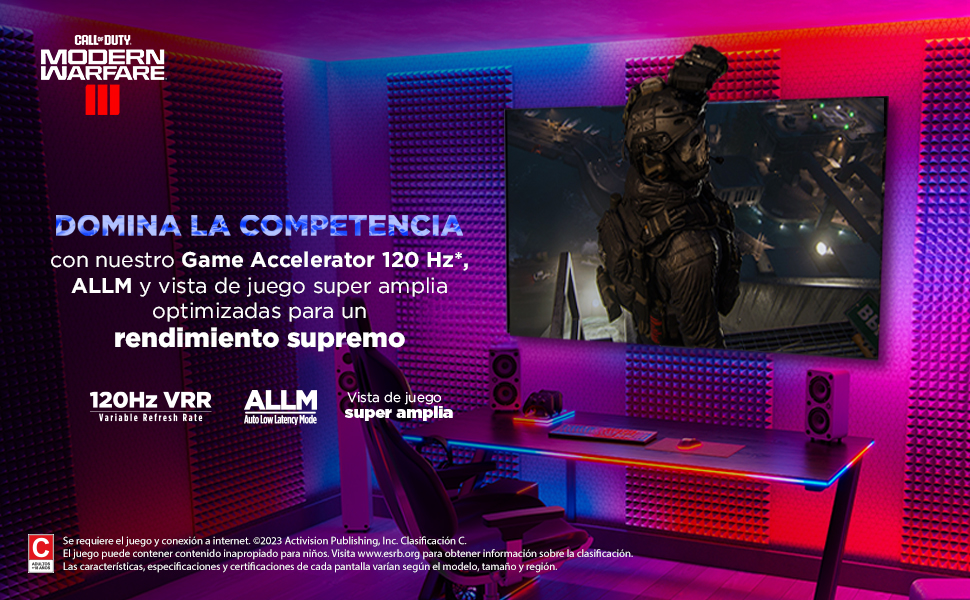
Image: A split screen comparison demonstrating the superior color reproduction of a QLED display (left) versus a non-QLED display (right), illustrating the vibrancy and richness of colors.
AiPQ Engine and Micro Dimming
The AiPQ Engine intelligently optimizes picture and sound settings in real-time, while Micro Dimming technology precisely adjusts brightness across different zones of the screen for deeper blacks and brighter whites.
Dolby Vision-Atmos Sound
Immerse yourself in rich, multi-dimensional audio with Dolby Vision-Atmos, delivering cinematic sound quality directly to your living room.
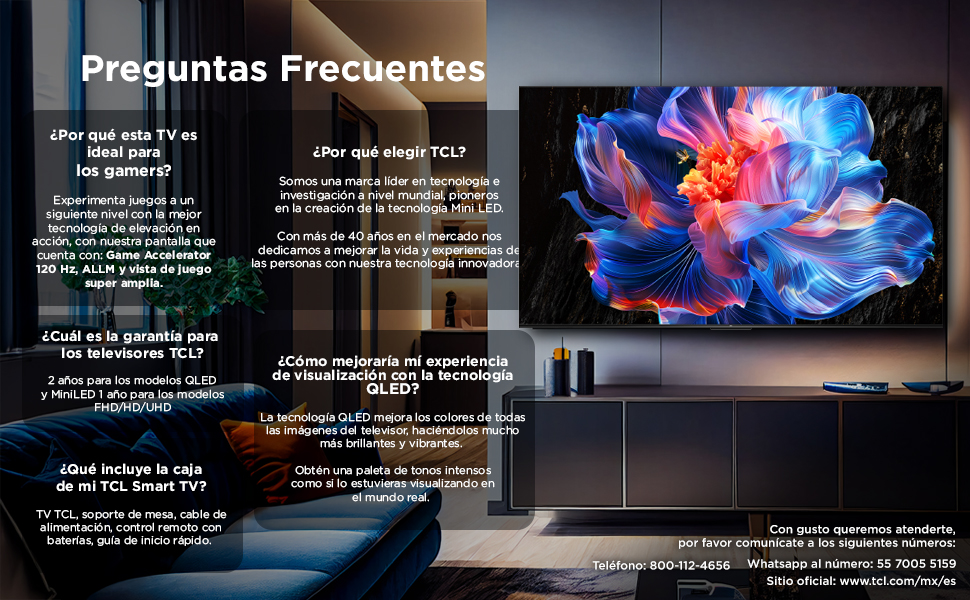
Image: A TCL Smart TV displaying an underwater scene, with animated sound waves emanating from the screen, illustrating the immersive audio experience provided by Dolby Vision-Atmos technology.
Wireless Connectivity
Connect your TV to your home network via Wi-Fi (802.11 b/g). The TV is compatible with Apple AirPlay, Apple HomeKit, and Google Home, allowing for seamless integration with your smart home ecosystem.

Image: A couple watching the TCL Smart TV, which displays various streaming apps and logos for Apple AirPlay, Apple HomeKit, Alexa, and Hey Google, indicating broad smart connectivity.
Gaming Features
The TCL 50Q5K is designed to enhance your gaming experience with dedicated features.
120Hz Game Accelerator, ALLM, and VRR
Enjoy smoother gameplay with the 120Hz Game Accelerator, which provides a higher refresh rate for fluid motion. Auto Low Latency Mode (ALLM) automatically switches the TV to a low-latency setting when a gaming console is detected, reducing input lag. Variable Refresh Rate (VRR) synchronizes the TV's refresh rate with the game's frame rate, eliminating screen tearing and stuttering for a more responsive and immersive gaming session.

Image: The TCL Smart TV displaying a high-speed racing game, with text overlays highlighting "120Hz Game Accelerator," "ALLM (Auto Low Latency Mode)," and "VRR (Variable Refresh Rate)," emphasizing its gaming capabilities.
Maintenance and Care
Cleaning the Screen
Gently wipe the screen with a soft, lint-free cloth. For stubborn marks, lightly dampen the cloth with water or a specialized screen cleaner. Avoid using harsh chemicals or abrasive materials.
General Care
- Keep the TV away from direct sunlight and heat sources.
- Ensure adequate ventilation around the TV.
- Unplug the TV during electrical storms or when not in use for extended periods.
- Avoid placing heavy objects on top of the TV.
Troubleshooting
If you encounter issues with your TCL 50Q5K Smart TV, refer to the common solutions below. If the problem persists, contact customer support.
No Power
- Check if the power cord is securely connected to both the TV and the wall outlet.
- Verify that the wall outlet is functioning by plugging in another device.
- Press the power button on the TV itself, not just the remote.
No Picture or Poor Picture Quality
- Ensure the correct input source is selected (e.g., HDMI 1, TV).
- Check all cable connections to external devices.
- Adjust picture settings (brightness, contrast, color) in the TV menu.
- If using an antenna, check its connection and position.
No Sound or Poor Sound Quality
- Increase the volume on both the TV and any connected audio devices.
- Check audio cable connections.
- Ensure the TV is not muted.
- Check sound settings in the TV menu (e.g., audio output, sound mode).
Remote Control Not Working
- Replace the batteries in the remote control.
- Ensure there are no obstructions between the remote and the TV's IR sensor.
- If it's a Bluetooth remote, try re-pairing it according to the TV's on-screen instructions.
Network Connectivity Issues
- Restart your Wi-Fi router and the TV.
- Check your Wi-Fi password and ensure it's entered correctly.
- Move the TV closer to the router or consider a Wi-Fi extender if the signal is weak.
Specifications
| Feature | Detail |
|---|---|
| Brand | TCL |
| Model | 50Q5K |
| Model Year | 2025 |
| Screen Size | 50 Inches (127 cm) |
| Display Technology | QLED |
| Resolution | 4K (3840x2160) |
| Refresh Rate | 60 Hz (with 120Hz Game Accelerator) |
| Special Features | Flat, Smart Voice Recognition, Chromecast, VisionHDR10+, AiPQ Engine, Micro Dimming, ALLM, VRR |
| Connectivity | Wi-Fi (802.11 b/g), HDMI, USB |
| Compatible Internet Services | Netflix, Amazon Prime Video, Apple TV+ |
| Product Dimensions (without stand) | 111.1 x 7 x 64.4 cm (Width x Depth x Height) |
| Weight | 10.8 kg |
| Mounting Type | Wall Mountable |
Warranty and Support
Warranty Information
TCL offers a 2-year warranty for QLED and MiniLED TV models. Please retain your proof of purchase for warranty claims.
Customer Support
For technical assistance, troubleshooting, or warranty inquiries, please contact TCL customer support through the following channels:
- Official Website: www.tcl.com/mx/es
- Telephone: 800-112-4656
- WhatsApp: 55 7005 5159
Please have your TV model number (50Q5K) and serial number ready when contacting support.


