
1. Introduction and Overview
Thank you for choosing the QiSa S86 Pro Solar Charger Power Bank. This robust and versatile device is designed to keep your electronic devices charged in various environments, especially outdoors. Featuring a high-capacity 40000mAh battery, multiple charging inputs (solar, hand crank, wall adapter), and built-in output cables, it offers unparalleled convenience. Additionally, it integrates essential outdoor tools such as a bright flashlight, a compass, and a leveling device, all housed in a durable, IP67 waterproof, shockproof, and dustproof casing.
2. Product Features
- High Capacity Battery: Equipped with a 40000mAh lithium polymer battery, capable of providing multiple charges for smartphones, tablets, and other USB-powered devices.
- Multiple Charging Inputs:
- Solar Panel: For emergency charging using sunlight. (Note: Solar charging is supplementary; main charging should be via wall adapter for optimal battery life).
- Hand Crank Generator: Provides emergency power generation by rotating the handle. (Note: Hand crank is for emergency use only, not primary charging).
- USB-A Input Cable: Built-in cable for charging the power bank via a wall adapter.
- Type-C Input Port: For fast charging the power bank (PD18W Max).
- Versatile Output Options:
- Built-in Cables: Includes Micro USB, Type-C, and iOS (Lightning) cables for direct device charging.
- USB1 Output Port: 22.5W fast charging.
- Type-C Output Port: PD20W fast charging.
- USB2 Output Port: 10W output.
- Multi-functional Tools:
- Super Bright Flashlight: 4 modes (Super Bright, Soft, SOS, Strobe) for various lighting needs.
- Built-in Compass: For navigation assistance.
- Leveling Device: For measuring levelness, useful for camping or setting up equipment.
- Durable Construction: Made from high-quality engineering ABS material, offering IP67 waterproof, shockproof, and dustproof protection.
- Intelligent Safety Protection: Built-in IC with multiple protection programs including short circuit, overcurrent, over-discharge, overvoltage, temperature, over-power, overcharge, recovery, and electromagnetic field protection.
3. Setup
3.1 Initial Charging of the Power Bank
Before first use, it is recommended to fully charge the power bank via a wall adapter to ensure optimal battery performance.
- Connect the built-in USB-A input cable or a Type-C cable (not included) to the corresponding input port on the power bank.
- Plug the other end of the cable into a compatible USB wall adapter (not included).
- The LED indicators on the power bank will light up, showing the charging progress. All four blue LEDs will be solid when fully charged.
3.2 Solar Charging (Emergency Use)
The solar panel can be used to trickle charge the power bank when exposed to direct sunlight. This method is primarily for emergencies and not intended as the main charging source.
- Place the power bank with the solar panel facing direct sunlight.
- A green LED indicator will illuminate to confirm solar charging is active.
3.3 Hand Crank Charging (Emergency Use)
The built-in hand crank generator provides a manual charging option for critical emergencies.
- Unfold the hand crank from its storage position.
- Rotate the handle clockwise or counter-clockwise to generate power. The LED indicators will show minimal charging activity.
- This method is slow and intended only for situations where no other power source is available.

Image: The QiSa S86 Pro Power Bank illustrating its four diverse power input methods: traditional USB-A, modern USB-C, the emergency hand crank, and the integrated solar panel for outdoor use.
4. Operating Instructions
4.1 Charging Your Devices
The power bank can charge up to 6 devices simultaneously using its built-in cables and external ports.
- Using Built-in Cables: Pull out the appropriate built-in cable (Micro USB, Type-C, or iOS) and connect it directly to your device.
- Using External Ports: Connect your device's charging cable to one of the available output ports (USB1, Type-C, or USB2).
- The power bank will automatically begin charging your device. The blue LED indicators will show the remaining battery level.

Image: The QiSa S86 Pro Power Bank connected to and charging six different electronic devices, including smartphones, a tablet, and earbuds, demonstrating its multi-device charging capability.

Image: A detailed view of the QiSa S86 Pro Power Bank highlighting its four integrated charging cables: USB-A for input, and USB-C, Micro USB, and iOS (Lightning) for output, eliminating the need for extra cables.
4.2 Using the Flashlight
- Turn On/Off: Press and hold the power button on the side for approximately 3 seconds to turn the flashlight on or off.
- Change Modes: Once the flashlight is on, short press the power button to cycle through the 4 modes: Super Bright → Soft → SOS → Strobe.
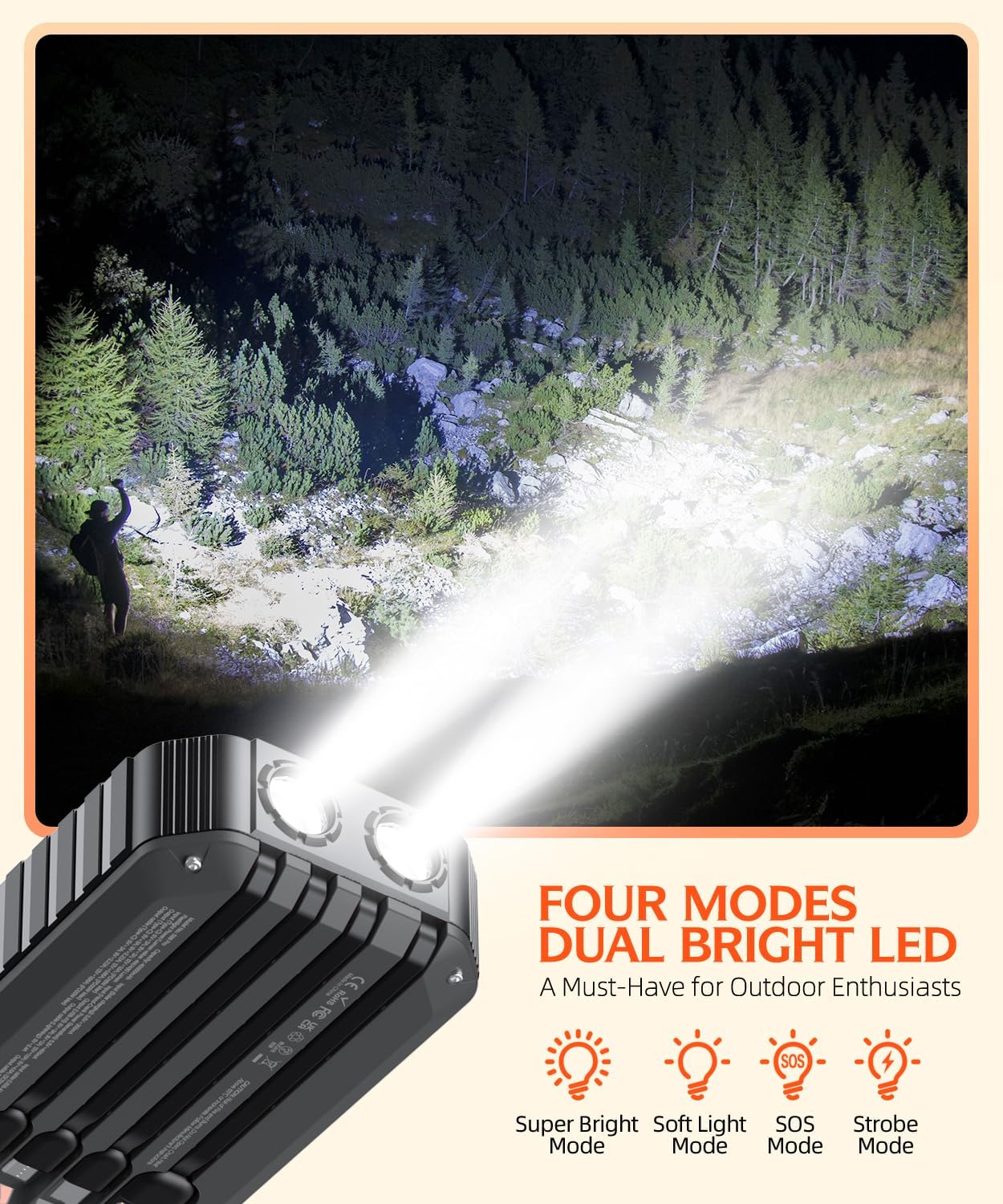
Image: The powerful dual LED flashlight of the QiSa S86 Pro Power Bank lighting up a dark outdoor environment, with visual indicators for its four distinct lighting modes: Super Bright, Soft Light, SOS, and Strobe.
4.3 Using the Compass and Leveling Device
- The compass is located on the side of the power bank. Hold the device flat to ensure accurate readings for navigation.
- The leveling device is integrated near the built-in cables. Use it to check the levelness of surfaces, which can be helpful for setting up tents or other equipment.
Video: An official seller video demonstrating the various features of the QiSa S86 Pro Solar Charger Power Bank, including its built-in cables, hand crank, flashlight, compass, and leveling device, highlighting its versatility for outdoor use.
5. Maintenance
5.1 General Care and Cleaning
- Keep the power bank away from extreme temperatures, direct heat, or fire.
- Avoid dropping or subjecting the device to strong impacts.
- Clean the device with a soft, dry cloth. Do not use harsh chemicals or abrasive materials.
- Ensure the solar panel is clean for efficient charging.
5.2 Battery Longevity
- For optimal battery life, fully charge the power bank at least once every three months if not in regular use.
- Avoid completely draining the battery frequently.
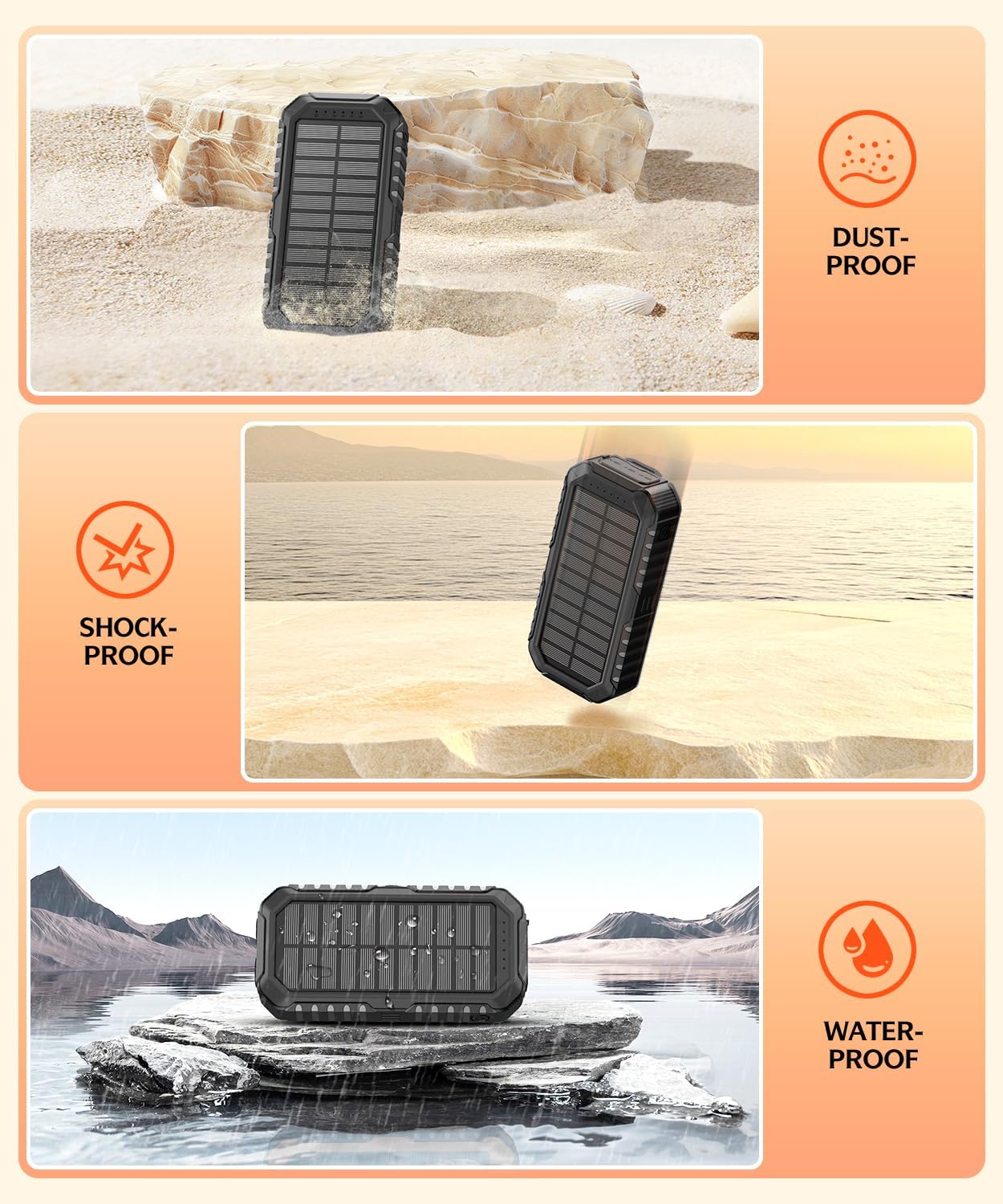
Image: The QiSa S86 Pro Power Bank showcasing its robust IP67 rating, with visual representations of its dust-proof, shock-proof, and water-proof capabilities, making it ideal for challenging environments.
6. Troubleshooting
6.1 Power Bank Not Charging
- Ensure the charging cable is securely connected to both the power bank's input port and the wall adapter.
- Try a different charging cable or wall adapter.
- Verify the wall outlet is functional.
6.2 Device Not Charging from Power Bank
- Check if the power bank has sufficient charge (refer to LED indicators).
- Ensure the device's charging cable (built-in or external) is properly connected to both the power bank and the device.
- Try a different output port or built-in cable.
- Some devices may require a specific charging protocol; ensure compatibility.
6.3 Flashlight Not Working
- Ensure the power bank is sufficiently charged.
- Press and hold the power button for 3 seconds to activate the flashlight.
7. Specifications
| Feature | Specification |
|---|---|
| Model Number | S86 Pro |
| Battery Capacity | 40000 Milliamp Hours |
| Battery Cell Composition | Lithium Polymer |
| Product Dimensions | 6.5 x 3 x 1.5 inches |
| Item Weight | 1.5 pounds |
| Input Ports | Built-in USB-A, Type-C (PD18W Max) |
| Output Ports | Built-in Micro, Type-C, iOS; USB1 (22.5W), Type-C (PD20W), USB2 (10W) |
| Waterproof Rating | IP67 |
| Manufacturer | Jiangxi Xionel Electronic Technology Co., Ltd. |

Image: An internal view diagram of the QiSa S86 Pro Power Bank, illustrating its comprehensive multi-protect technology that safeguards against various electrical issues like short circuits, overcurrent, and overcharge.
8. Warranty and Support
For warranty information, technical support, or any inquiries regarding your QiSa S86 Pro Solar Charger Power Bank, please refer to the contact information provided with your purchase or visit the official QiSa website. Keep your purchase receipt for warranty claims.