
1. Introduction
This manual provides instructions for the HZIME Replacement Remote Control. This remote is designed to function as a direct replacement for the original remote controls of various mini projectors, offering seamless operation without the need for complex setup.

Image: Front and back view of the HZIME Replacement Remote Control, highlighting its ergonomic design and button layout.
2. Compatibility
The HZIME Replacement Remote Control is compatible with the following projector models:
- HY300
- HY300PRO
- HY300 ULTRA
- HY320mini
- HY320
- Maypug P1 Mini
- GM200 Projector
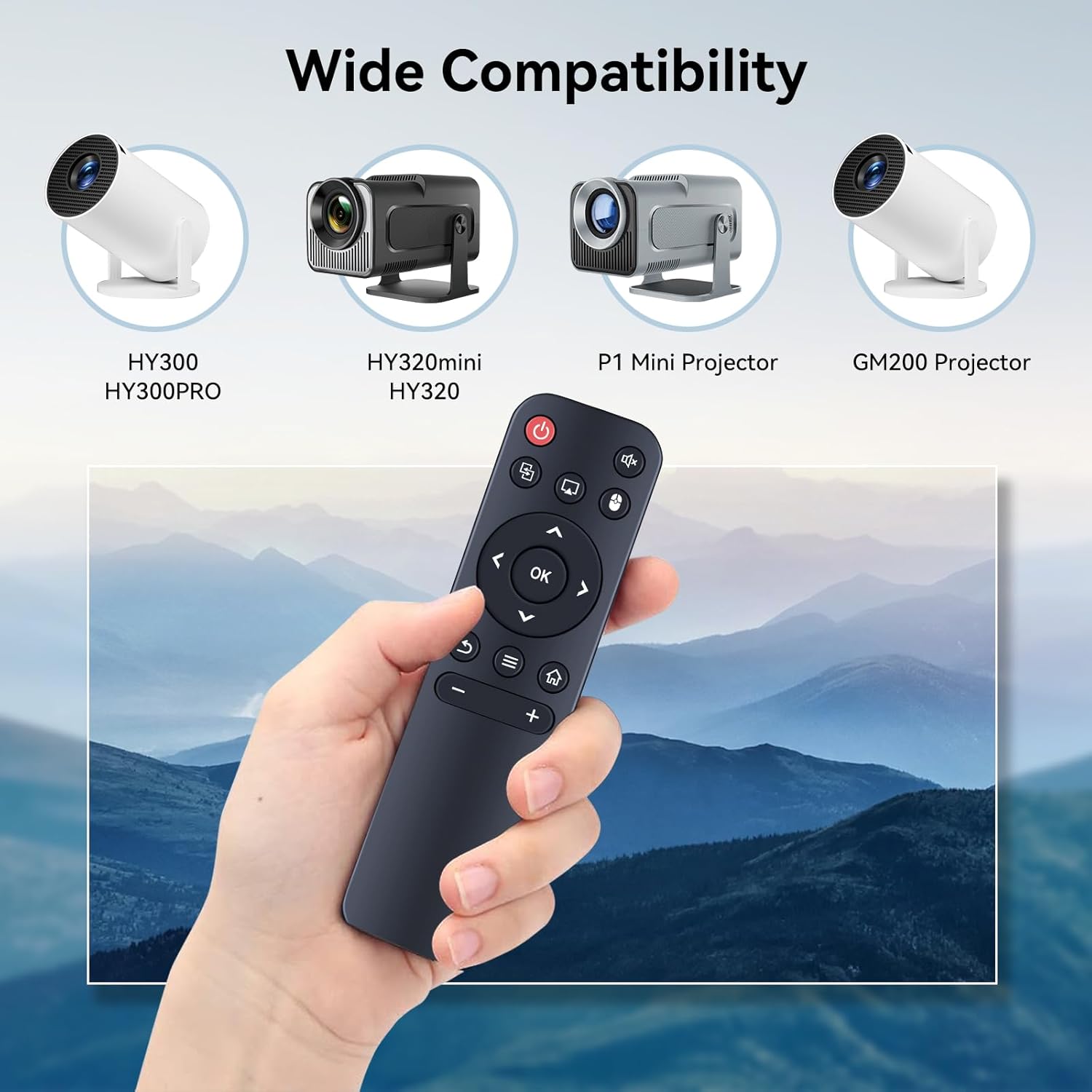
Image: Visual representation of the remote's wide compatibility with several projector models.
3. Features
- Infrared 3.0 Technology: Ensures a strong and responsive signal.
- Extended Control Range: Operates effectively up to 26 feet (approximately 8 meters).
- Wide Angle Control: Functions within an angle of more than 120 degrees.
- No Programming Required: Ready to use immediately after battery installation.
- Durable Construction: Made from durable ABS plastic with soft silicone buttons for comfortable use.
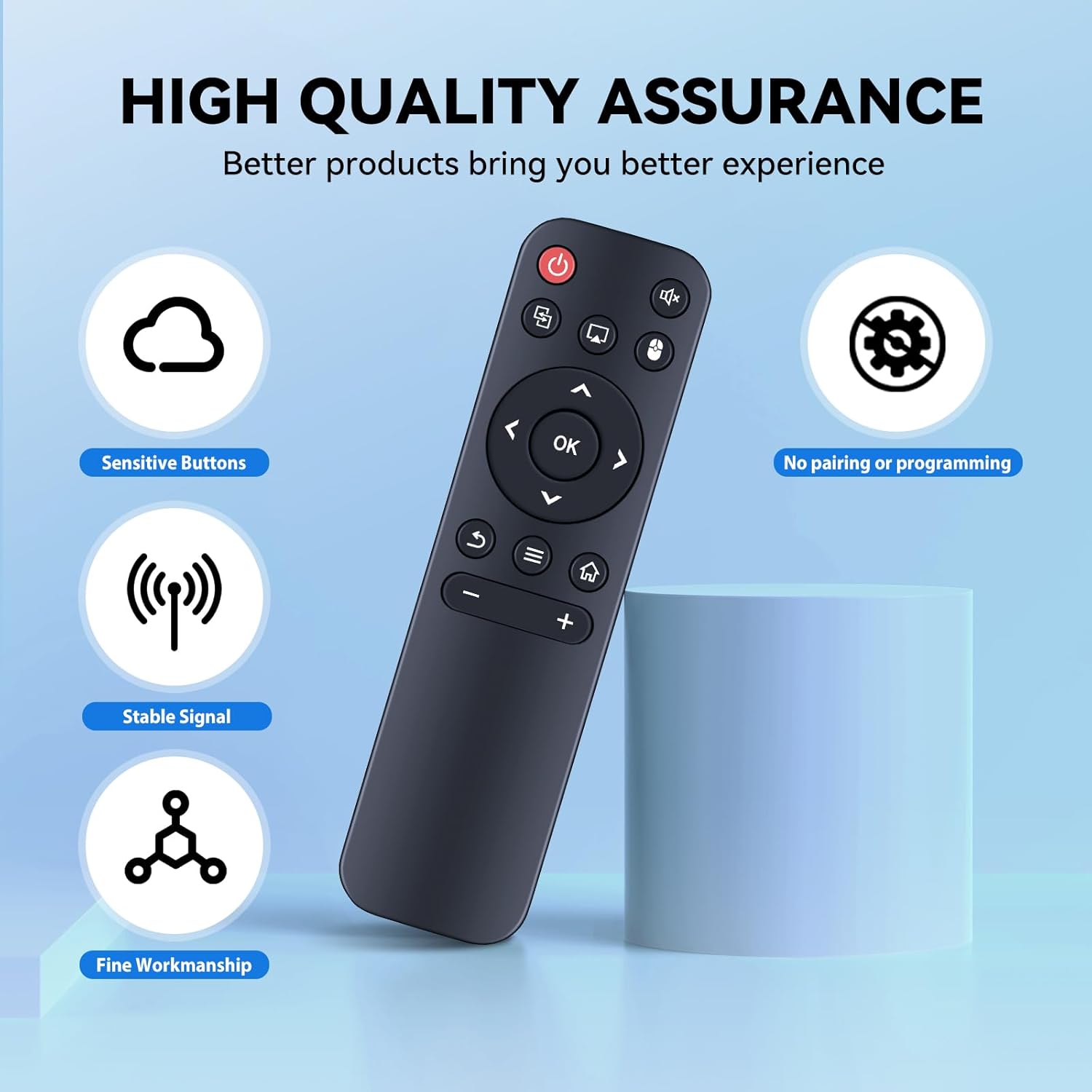
Image: Illustration of the remote's quality assurance features, including sensitive buttons and stable signal.
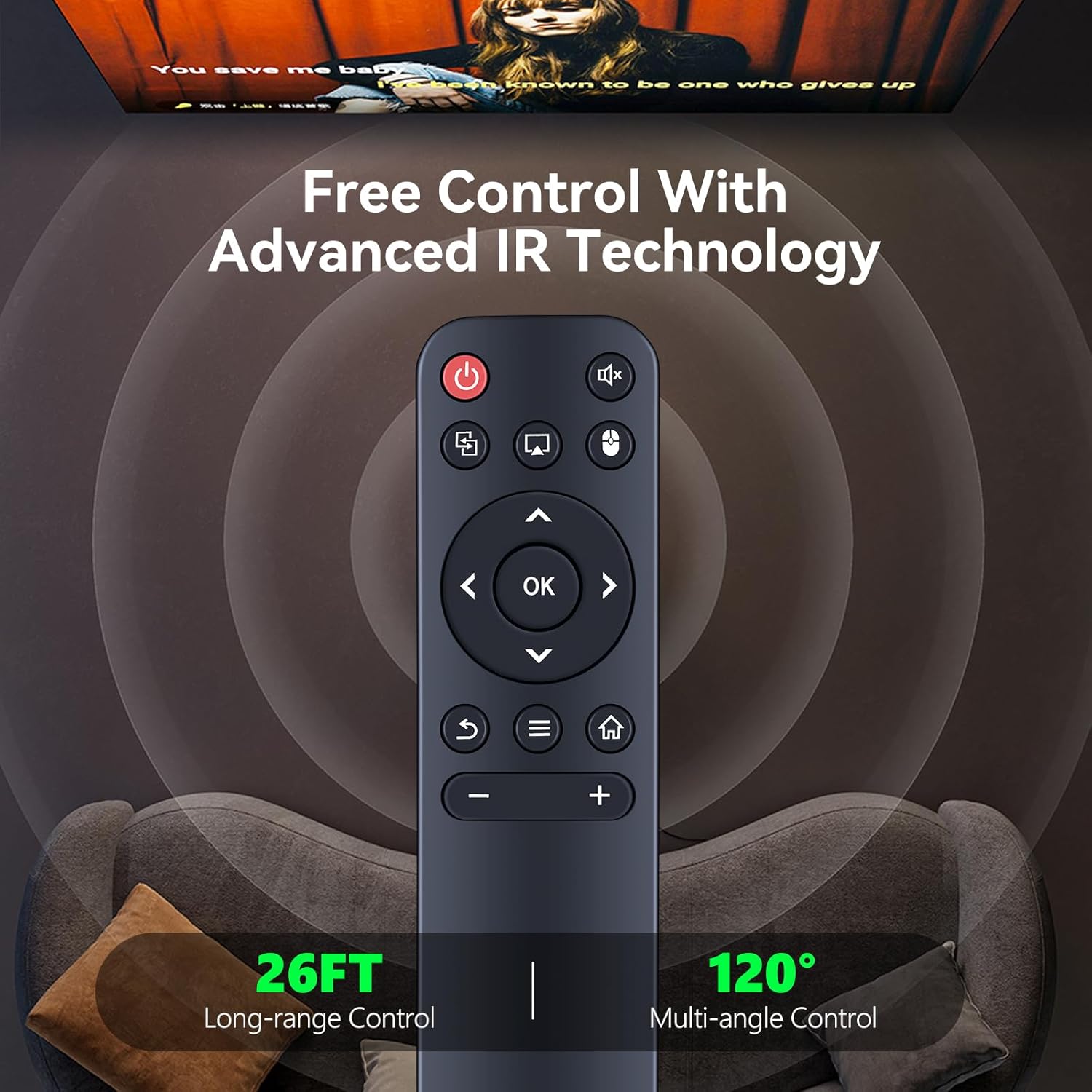
Image: Depiction of the remote's advanced IR technology, offering 26ft long-range and 120-degree multi-angle control.
4. Setup: Battery Installation
To begin using your HZIME Replacement Remote Control, you will need to install two 1.5V AAA batteries. Batteries are not included with the remote and must be purchased separately.
- Locate the battery compartment on the back of the remote control.
- Slide open the battery compartment cover.
- Insert two AAA batteries, ensuring the positive (+) and negative (-) terminals align correctly with the markings inside the compartment.
- Close the battery compartment cover securely.
The remote control does not require any programming or pairing. Once the batteries are installed, it is ready for immediate use with compatible projectors.

Image: Instructions for battery installation, showing the remote's battery compartment and the required AAA batteries.
5. Operating Instructions
The HZIME Replacement Remote Control provides intuitive access to your projector's functions. Point the remote directly at the projector for optimal signal transmission.
| Button | Function |
|---|---|
| Power (Red) | Turns the projector on or off. |
| Navigation Arrows (Up, Down, Left, Right) | Navigates through menus and selections. |
| OK | Confirms selections or enters menus. |
| Volume Up (+) | Increases audio volume. |
| Volume Down (-) | Decreases audio volume. |
| Mute | Mutes or unmutes audio. |
| Source/Input | Selects input sources (e.g., HDMI, USB). |
| Home | Returns to the main home screen or menu. |
| Back/Return | Goes back to the previous screen or menu. |
| Menu/Settings | Opens the projector's settings or options menu. |
For specific functions related to your projector model, refer to your projector's original user manual.
6. Maintenance
- Cleaning: Wipe the remote control with a soft, dry cloth. Do not use liquid cleaners or abrasive materials.
- Battery Replacement: Replace batteries when the remote's responsiveness decreases. Always replace both batteries at the same time with new ones of the same type.
- Storage: Store the remote in a cool, dry place away from direct sunlight and extreme temperatures. If not used for extended periods, remove the batteries to prevent leakage.
- Avoid Drops: Protect the remote from physical impact to prevent damage.
7. Troubleshooting
| Problem | Solution |
|---|---|
| Remote is unresponsive. |
|
| Buttons are not working correctly. |
|
| Remote works intermittently. |
|
8. Specifications
- Model Number: HY300
- Connectivity Technology: Infrared
- Power Source: 2 x 1.5V AAA Batteries (not included)
- Control Distance: Up to 26 feet (approx. 8 meters)
- Control Angle: Over 120 degrees
- Material: Durable ABS Plastic, Silicone Buttons
- Dimensions: 5.40" (Height) x 1.50" (Width) x 0.59" (Depth)
- Item Weight: 1.13 ounces

Image: Detailed product dimensions of the HZIME remote control.
9. Product Videos
Video 1: Replacement Remote for Mini Projector
Description: This video demonstrates the HZIME replacement remote control, showcasing its compatibility with various mini projectors and its responsive operation. It highlights the remote's long-range control and durable construction.
Video 2: For Mini Projector Remote Replacement
Description: This video provides another view of the replacement remote, emphasizing its ease of use and direct functionality for mini projectors without requiring any setup or pairing.
10. Warranty and Support
HZIME is committed to providing quality products and customer service. If you encounter any questions or issues regarding your remote control during purchase or use, please contact us. We are dedicated to assisting you and resolving any concerns.
For support, please refer to the contact information provided with your purchase or visit the HZIME official store page on Amazon: HZIME Store.