
1. Product Overview
This manual provides detailed instructions for the dreeong universal remote control, designed to operate various LG Air Conditioner models. It offers a convenient replacement or secondary control for your air conditioning unit, featuring essential functions for temperature adjustment, mode selection, and fan speed control.
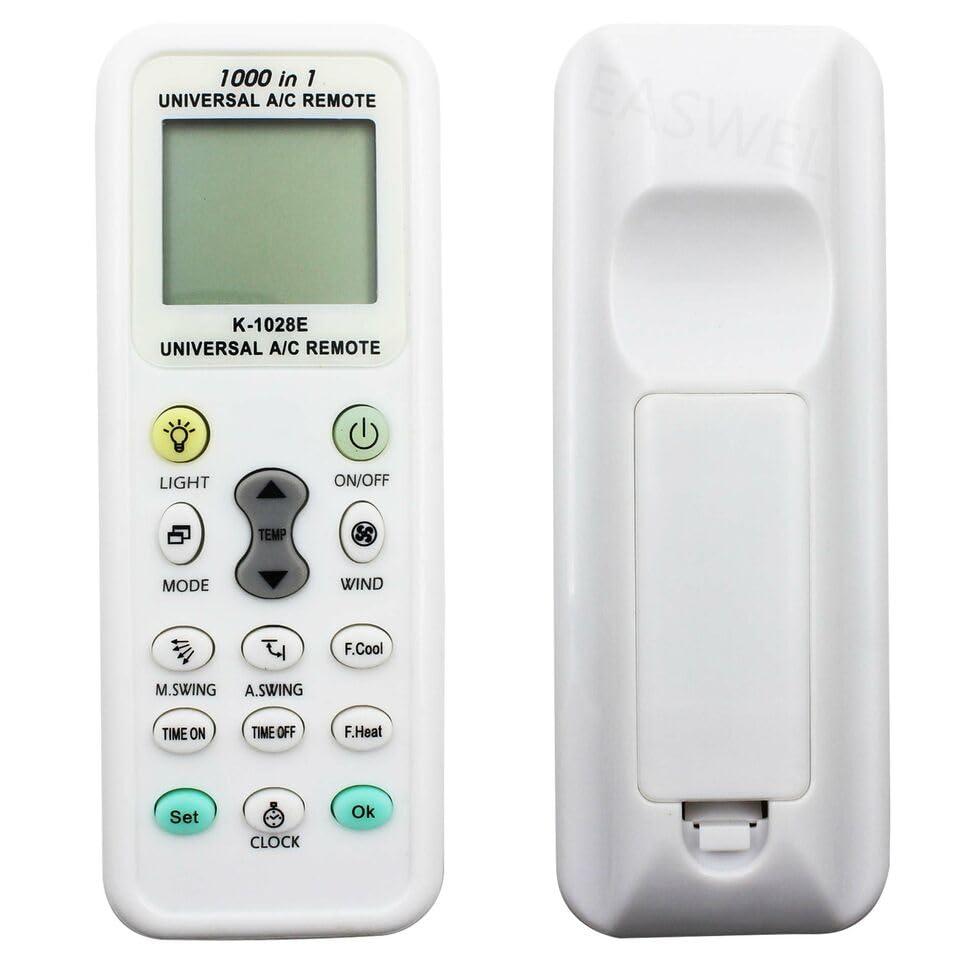
Figure 1.1: Front view of the dreeong universal remote control. This image shows the remote's display screen and various control buttons, including power, mode, temperature, and fan speed.
2. Setup
2.1 Battery Installation
The remote control requires two AAA batteries (not included). Ensure correct polarity when inserting.
- Open the battery compartment cover on the back of the remote control.
- Insert two new AAA batteries, matching the (+) and (-) terminals as indicated inside the compartment.
- Close the battery compartment cover securely.
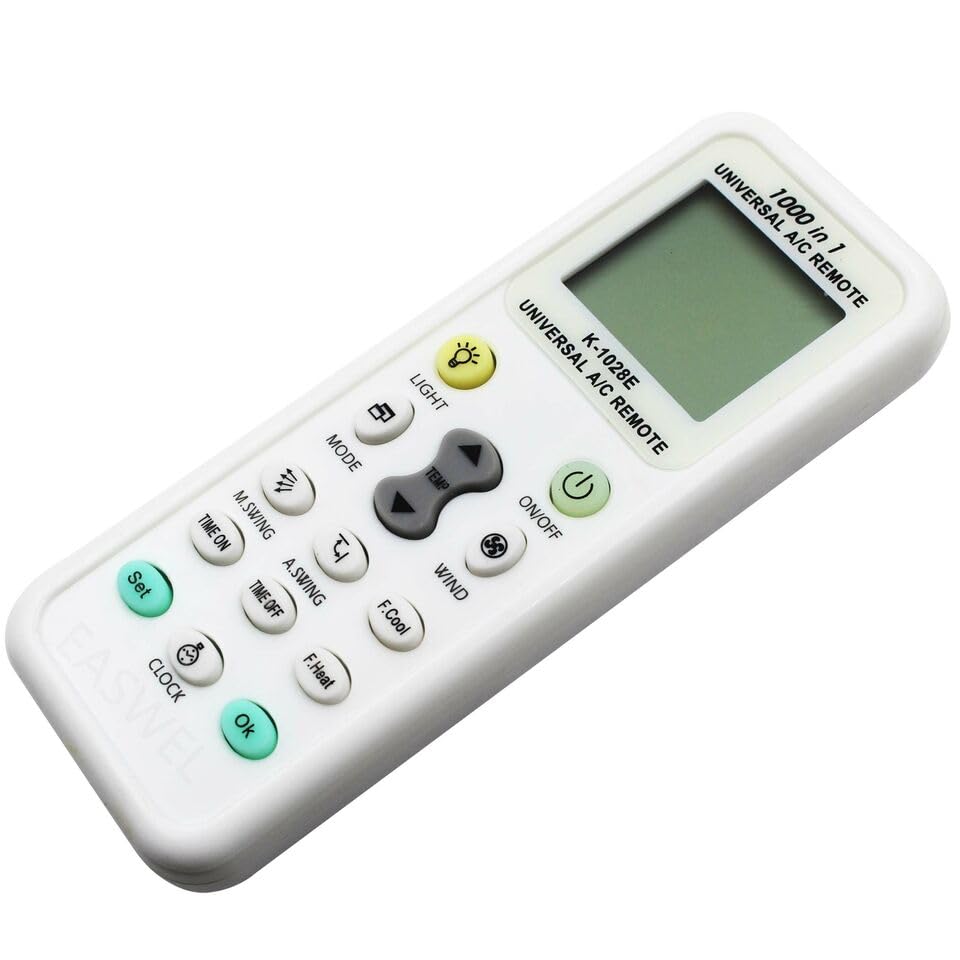
Figure 2.1: Angled view of the dreeong universal remote control. This perspective highlights the ergonomic design and button layout, similar to the main image but from a different angle.
2.2 Programming the Remote Control
To operate your LG Air Conditioner, the remote control must be programmed with the correct code. There are two primary methods:
Method A: Manual Code Entry
- Turn on your air conditioner manually.
- Press and hold the SET button on the remote control for approximately 3 seconds until the code digits on the LCD screen start flashing.
- Refer to the provided code list (usually included with the remote or found online) for LG Air Conditioners. Enter the 3-digit code using the temperature UP and DOWN buttons.
- Once the correct code is displayed, press the OK button to confirm. The code digits will stop flashing.
- Test the remote by pressing the ON/OFF button. If the air conditioner responds, the programming is successful. If not, repeat the process with the next code for LG.
Method B: Automatic Search
- Turn on your air conditioner manually.
- Press and hold the SET button for approximately 6 seconds. The code digits on the LCD screen will start flashing and automatically cycle through codes.
- Point the remote control towards the air conditioner. When the air conditioner responds (e.g., turns off or on, or makes a sound), immediately release the SET button.
- Press the OK button to confirm the code.
- Test the remote by pressing various function buttons. If the air conditioner responds correctly, the programming is successful. If not, repeat the automatic search process.
3. Operating Instructions
Once programmed, your dreeong universal remote control provides full functionality for your LG Air Conditioner. Below are the common button functions:
- ON/OFF: Powers the air conditioner on or off.
- MODE: Cycles through operating modes (e.g., Cool, Heat, Fan, Dry, Auto).
- TEMP UP/DOWN: Adjusts the desired temperature setting using the arrow buttons.
- WIND (Fan Speed): Adjusts the fan speed (e.g., Low, Medium, High, Auto).
- M.SWING / A.SWING: Controls the horizontal (M.Swing) and vertical (A.Swing) louver movement for air distribution.
- TIME ON / TIME OFF: Sets a timer for the air conditioner to turn on or off automatically.
- CLOCK: Sets the current time on the remote's display.
- LIGHT: Activates or deactivates the backlight of the remote's LCD screen.
- F.Cool / F.Heat: May activate a fast cooling or fast heating function, depending on the AC unit's capabilities.
Note: Not all functions may be supported by every LG Air Conditioner model. Refer to your air conditioner's original manual for specific feature compatibility.
4. Maintenance
Proper care ensures the longevity and reliable operation of your remote control.
4.1 Battery Replacement
Replace batteries when the remote's display becomes dim or the air conditioner no longer responds reliably. Always replace both batteries simultaneously with new AAA batteries.
4.2 Cleaning
Wipe the remote control with a soft, dry cloth. Do not use liquid cleaners, abrasive pads, or chemical solvents, as these can damage the surface or internal components.
4.3 Storage
If the remote control will not be used for an extended period, remove the batteries to prevent leakage and potential damage.
5. Troubleshooting
If you encounter issues with your remote control, refer to the following common problems and solutions:
| Problem | Possible Cause | Solution |
|---|---|---|
| Remote not working / AC not responding. |
|
|
| Remote display is dim or blank. | Low batteries. | Replace batteries. |
| Some functions do not work. |
|
|
6. Specifications
- Model: K-1028E (Universal A/C Remote)
- Power: DC 3V (2 x AAA batteries)
- Control Distance: Approximately 8 meters (line of sight)
- Compatible Brands: LG (and other major AC brands, when programmed)
- Compatible LG Models: LSN090CE, LSN120CE, LSN242CE, LT081CER, and others.
- Material: ABS
7. Warranty and Support
For warranty information or technical support, please refer to the retailer or manufacturer's website where the product was purchased. Keep your purchase receipt as proof of purchase.
For further assistance, you may contact dreeong customer service through their official channels, if available.