
Introduction
This manual provides instructions for the installation, operation, and maintenance of the dreeong 3.5mm AUX Input Cable. This cable is designed to connect external audio devices to compatible Pioneer car stereo units, including models DEH-P88RS, DEH-P900, KEH-P6200-W, and DEH-P7600MP.
Product Overview
The dreeong 3.5mm AUX Input Cable facilitates the connection of portable audio players, smartphones, or other devices with a 3.5mm headphone jack to your compatible Pioneer car stereo. It provides a direct audio input for clear sound transmission.
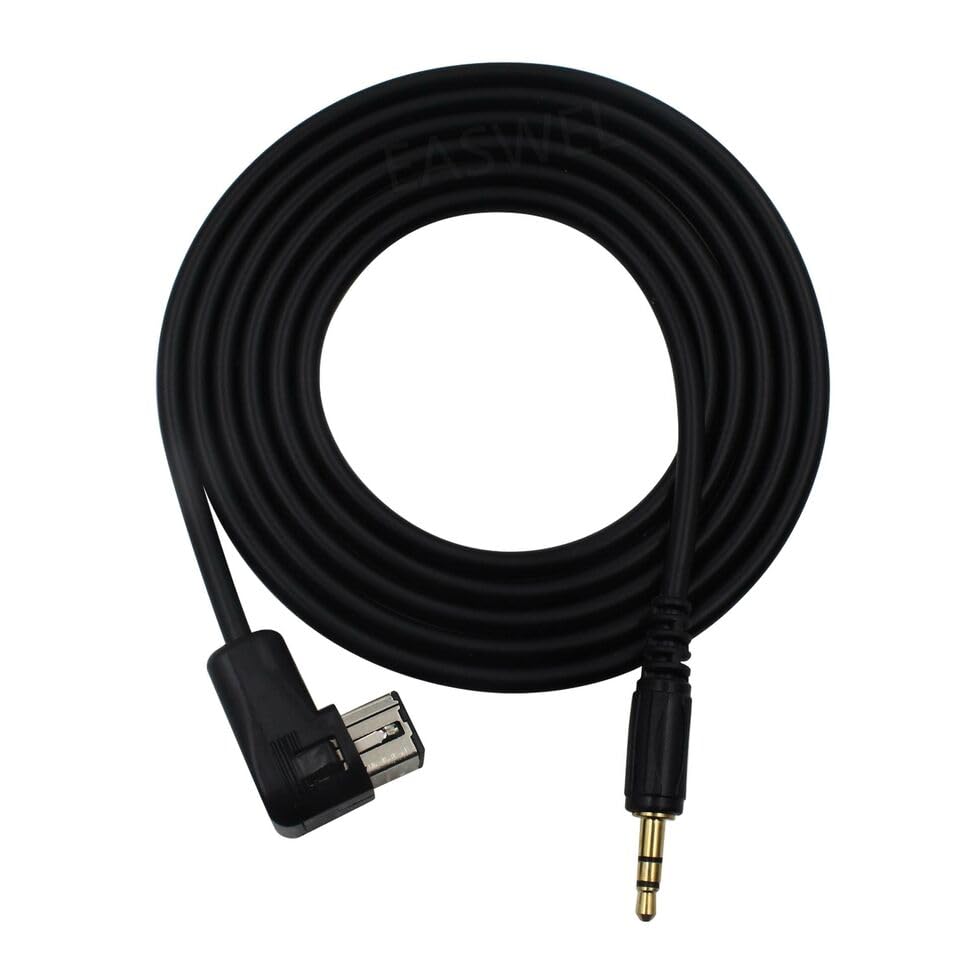
Image 1: The dreeong 3.5mm AUX Input Cable, coiled, displaying both the 3.5mm audio jack and the multi-pin connector designed for Pioneer car stereos.
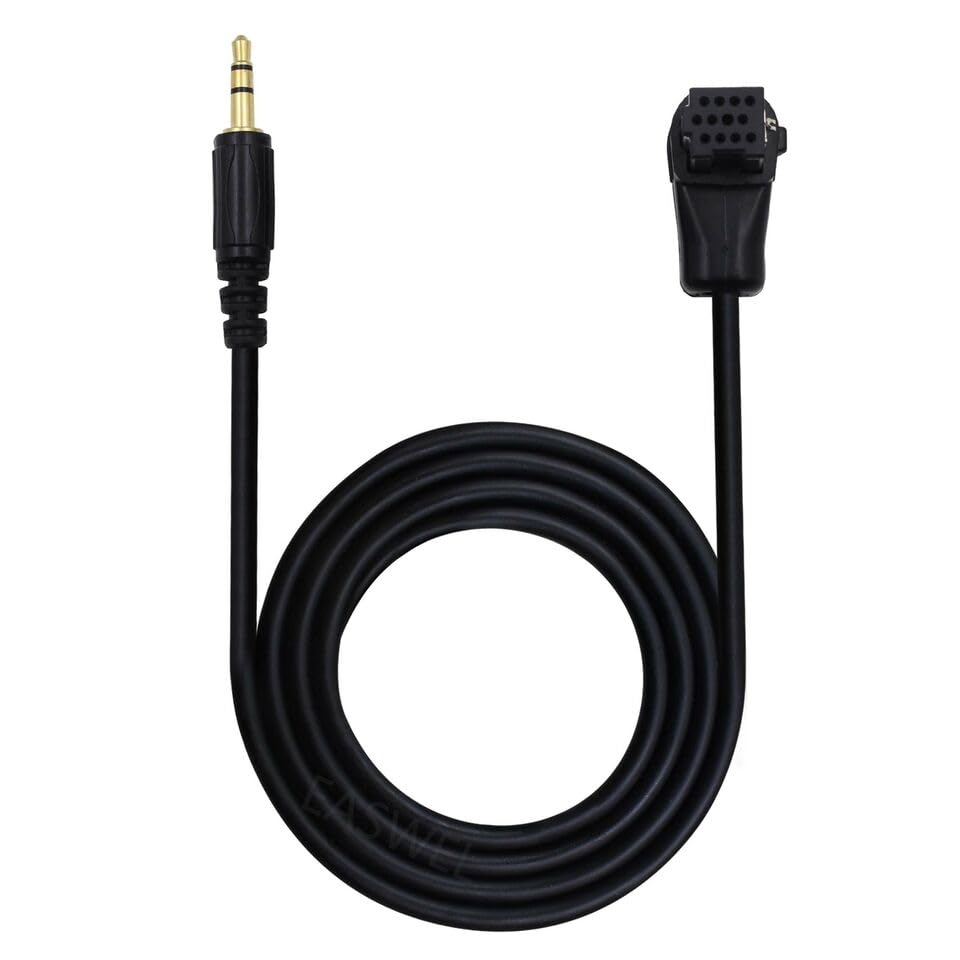
Image 2: The dreeong 3.5mm AUX Input Cable laid out straight, providing a clear view of the 3.5mm audio jack on one end and the Pioneer multi-pin connector on the other.
Setup
- Locate the AUX Input Port: Identify the multi-pin AUX input port on the rear of your compatible Pioneer car stereo unit. Refer to your Pioneer stereo's manual for the exact location.
- Connect the Cable to Pioneer Unit: Carefully insert the multi-pin connector end of the dreeong AUX cable into the corresponding AUX input port on your Pioneer stereo. Ensure a secure connection.
- Connect to Audio Device: Plug the 3.5mm jack end of the dreeong AUX cable into the headphone output or AUX output port of your external audio device (e.g., smartphone, MP3 player).
- Secure Cabling: Route the cable safely to avoid interference with vehicle operation and to prevent damage.
Operating Instructions
- Power On: Turn on your Pioneer car stereo unit and your external audio device.
- Select AUX Input: On your Pioneer car stereo, navigate through the source options (e.g., CD, Tuner, USB) until you find the "AUX" or "External Input" option. This is typically done by pressing the "Source" or "Function" button repeatedly.
- Adjust Volume: Start playing audio on your external device and adjust the volume on both your external device and the Pioneer car stereo to a comfortable listening level.
Note: The exact steps for selecting the AUX input may vary slightly depending on your specific Pioneer stereo model. Consult your Pioneer stereo's user manual for detailed instructions.
Maintenance
- Cleaning: Keep the cable and its connectors clean and free from dust and debris. Use a soft, dry cloth for cleaning.
- Storage: When not in use, store the cable in a cool, dry place, away from direct sunlight and extreme temperatures. Avoid tightly coiling or bending the cable sharply to prevent internal wire damage.
- Handling: Always grasp the connector ends when plugging or unplugging the cable. Avoid pulling directly on the cable itself.
Troubleshooting
| Problem | Possible Cause | Solution |
|---|---|---|
| No audio output. |
|
|
| Distorted or poor audio quality. |
|
|
Specifications
- Product Type: 3.5mm AUX Input Cable
- Brand: dreeong
- Model Number: DREE3114BEA
- Compatibility: Pioneer DEH-P88RS, DEH-P900, KEH-P6200-W, DEH-P7600MP
- Connector 1: 3.5mm Male Stereo Jack
- Connector 2: Multi-pin connector for Pioneer car stereos
- UPC: 606052703243
Warranty and Support
Specific warranty information for the dreeong 3.5mm AUX Input Cable is not provided in this manual. For details regarding warranty coverage, technical support, or customer service, please contact the manufacturer, dreeong, directly or refer to the product packaging and purchase documentation.
It is recommended to retain your proof of purchase for any warranty claims.