
1. Introduction
This manual provides detailed instructions for the installation, operation, and maintenance of your dreeong Music Interface AMI MMI 2G Audio AUX Cable Adapter. This adapter allows you to connect external audio devices to your Audi's MMI 2G system, enabling audio playback through the vehicle's speakers. Please read this manual thoroughly before use to ensure proper functionality and to prevent damage.
2. Safety Information
- Do not attempt to modify or disassemble the adapter. This may void the warranty and cause damage.
- Keep the adapter away from water, moisture, and extreme temperatures.
- Ensure all connections are secure before operating your vehicle. Loose connections can lead to intermittent audio or damage.
- Avoid obstructing the driver's view or interfering with vehicle controls during installation or use.
3. Package Contents
Please check the package for the following items:
- 1 x dreeong Music Interface AMI MMI 2G Audio AUX Cable Adapter
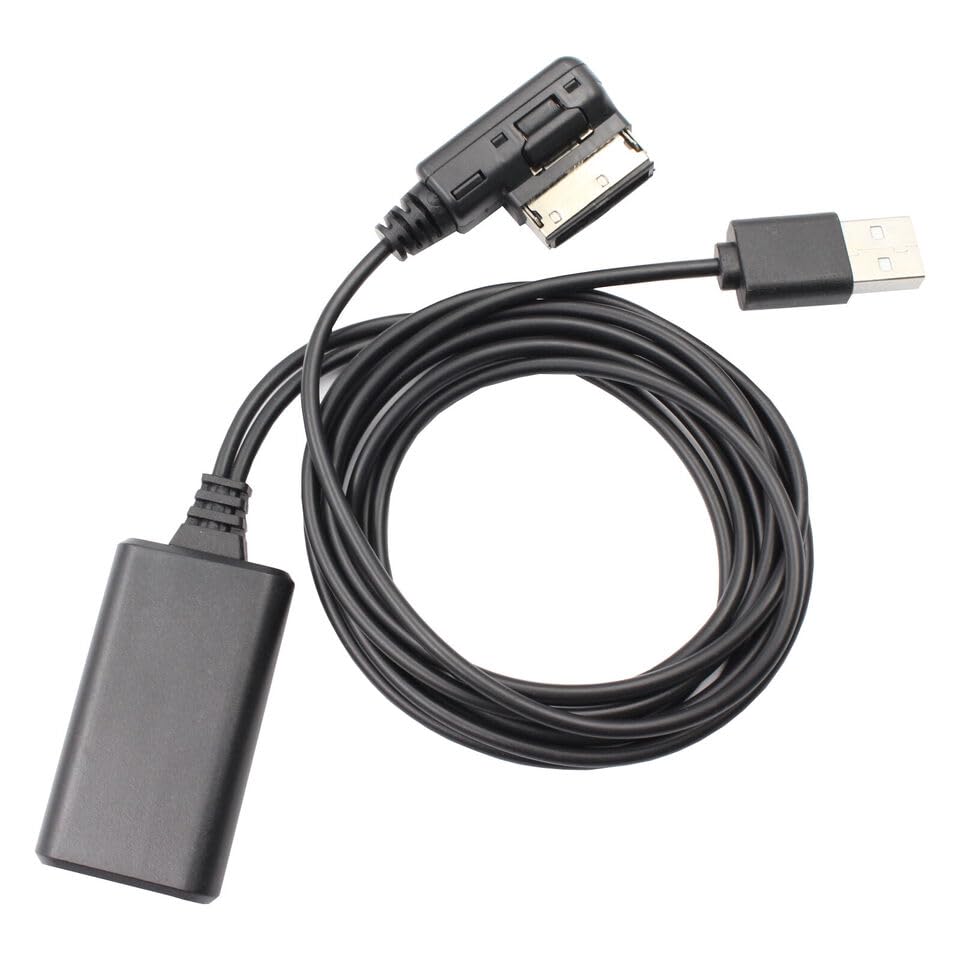
Image 1: The dreeong Music Interface AMI MMI 2G Audio AUX Cable Adapter. This image shows the complete cable with its AMI connector, USB connector, and the main cable itself, coiled for display.
4. Product Overview
The dreeong Music Interface AMI MMI 2G Audio AUX Cable Adapter is designed to seamlessly integrate with your Audi's MMI 2G system. It features a proprietary AMI connector on one end and a standard USB-A connector on the other, allowing for versatile audio input from various devices.
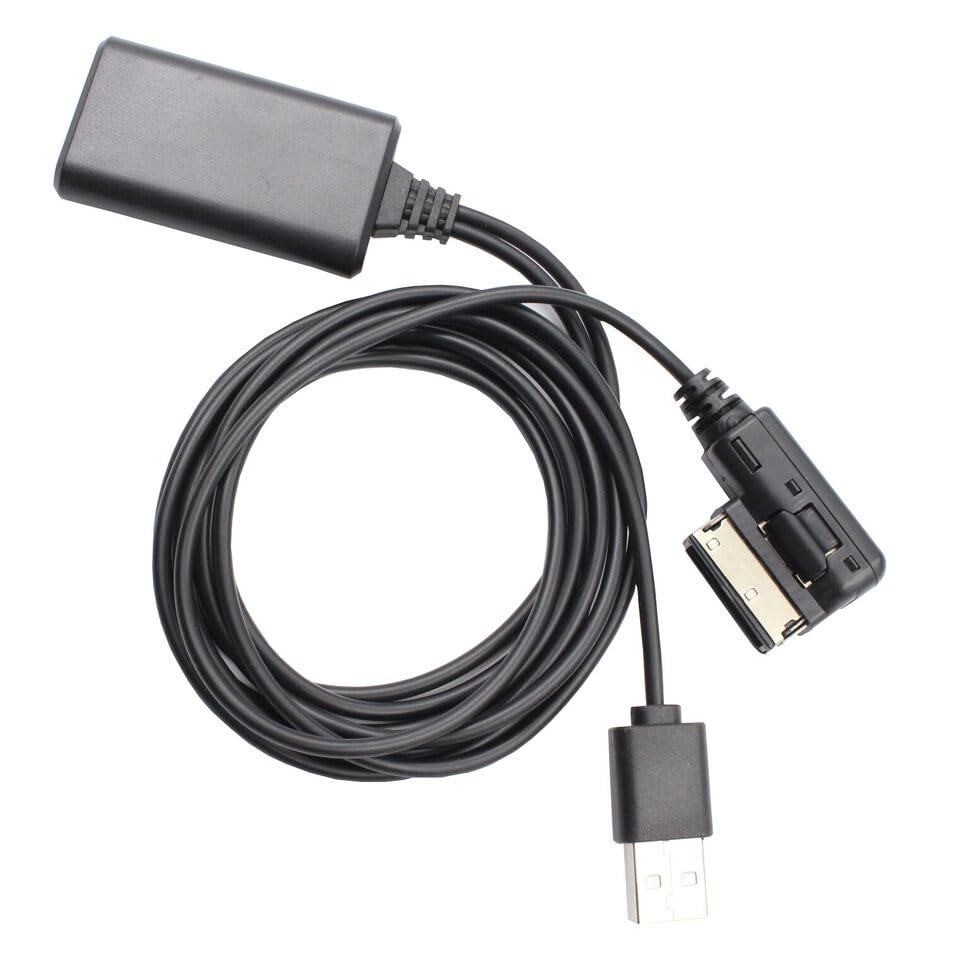
Image 2: A closer view of the dreeong adapter, highlighting the AMI connector (L-shaped) and the USB-A connector. The main cable and the control box are also visible.
5. Setup
Follow these steps to install the dreeong Music Interface AMI MMI 2G Audio AUX Cable Adapter in your Audi vehicle:
- Locate the AMI Port: In most Audi models (A5, Q5, Q7, A7, A6L) with MMI 2G, the AMI (Audi Music Interface) port is typically located in the glove compartment, center console, or under the armrest. Refer to your vehicle's owner's manual if you cannot locate it.
- Connect the AMI End: Carefully insert the L-shaped AMI connector of the adapter into the vehicle's AMI port. Ensure it clicks securely into place.
- Connect Your Audio Device: Plug your audio device (e.g., smartphone, MP3 player) into the USB-A connector of the adapter.
- Secure the Cable: Route the cable in a way that does not interfere with driving or vehicle controls.
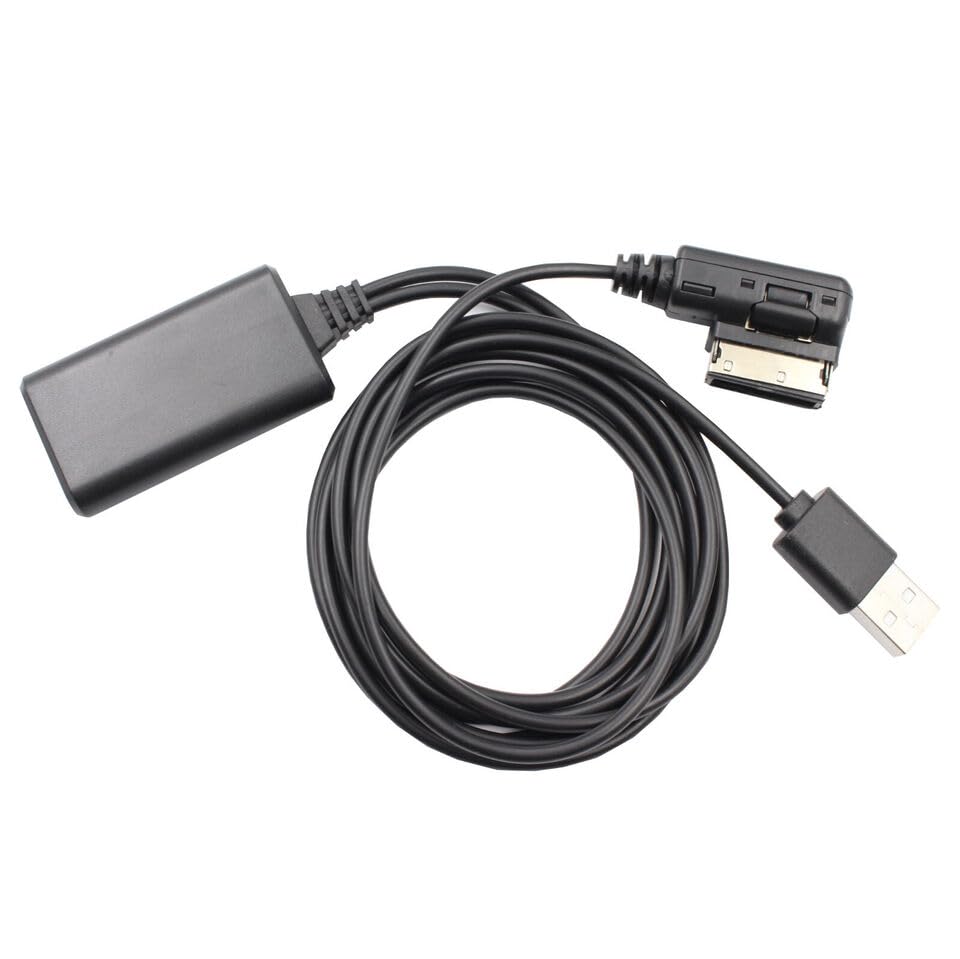
Image 3: An alternative view of the dreeong adapter, showing the cable's flexibility and the design of the connectors, useful for understanding how it might fit into tight spaces.
6. Operating
Once the adapter is connected and your audio device is plugged in, follow these steps to play audio:
- Turn on your Audi's MMI System: Ensure your vehicle's infotainment system is powered on.
- Select the AMI/AUX Source: Navigate through your MMI system's menu to select the 'Media' or 'Source' option. Look for 'AMI' or 'AUX' as an input source and select it. The exact menu path may vary slightly depending on your Audi model and MMI software version.
- Play Audio: Start playing audio from your connected device. The sound should now be routed through your Audi's sound system.
7. Maintenance
To ensure the longevity and optimal performance of your dreeong Music Interface AMI MMI 2G Audio AUX Cable Adapter, follow these simple maintenance guidelines:
- Cleaning: Use a soft, dry cloth to wipe the adapter and cables. Do not use liquid cleaners or solvents.
- Storage: When not in use, store the adapter in a cool, dry place, away from direct sunlight and extreme temperatures.
- Handling: Avoid bending the cable sharply or pulling on the connectors forcefully, as this can damage the internal wiring.
8. Troubleshooting
If you encounter issues with your adapter, refer to the following troubleshooting tips:
- No Audio Output:
- Ensure the adapter is securely connected to both the AMI port and your audio device.
- Verify that the correct input source (AMI/AUX) is selected on your Audi's MMI system.
- Check the volume levels on both your audio device and the car's MMI system.
- Test with a different audio device to rule out issues with the source device.
- Intermittent Audio:
- Check for loose connections at both ends of the adapter.
- Ensure the cable is not pinched or damaged.
- Device Not Recognized:
- This adapter is primarily for audio input. While it uses a USB connector, it may not support data transfer or device charging for all devices.
- Ensure your audio device is powered on and playing audio.
9. Specifications
| Feature | Specification |
|---|---|
| Brand | dreeong |
| Model | AMI MMI 2G Audio AUX Cable Adapter |
| ASIN | B0DP9Z3V2H |
| GTIN / UPC | 606052748206 |
| Unit Count | 1.0 Count |
| Compatibility | Audi A5, Q5, Q7, A7, A6L with MMI 2G system |
10. Warranty and Support
This dreeong product comes with a standard manufacturer's warranty. For specific warranty details, please refer to the product packaging or contact your retailer. If you require technical assistance or have questions not covered in this manual, please contact dreeong customer support through the retailer's platform or the contact information provided with your purchase.