
1. Introduction
This manual provides essential information for the safe and effective use of your dreeong AC Wall Power Supply Adapter Cord. This adapter is specifically designed as a replacement power supply for the Line 6 DC-1G Adapter, ensuring compatibility and reliable performance for your compatible devices.
Please read this manual thoroughly before using the product and retain it for future reference.
2. Product Overview
The dreeong AC Wall Power Supply Adapter Cord provides stable electrical power to devices requiring a Line 6 DC-1G compatible power source. It features a standard US wall plug and a barrel connector designed to fit the corresponding input jack on your device.
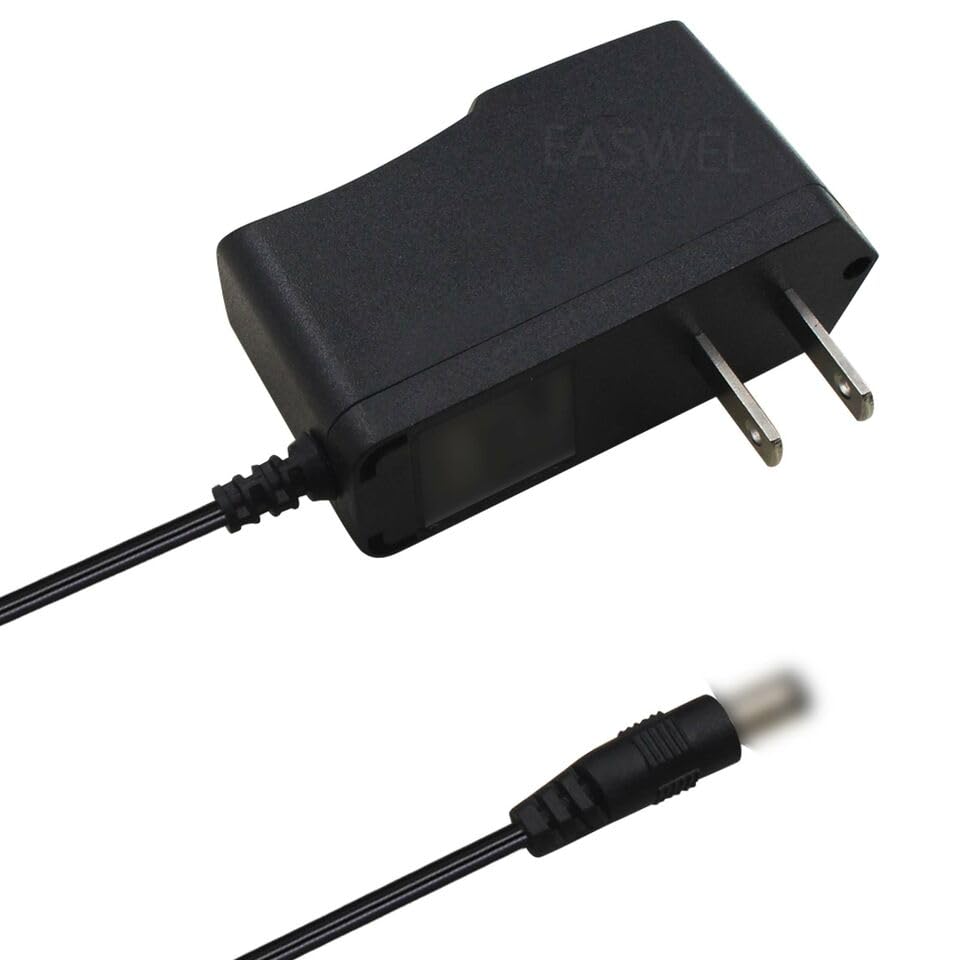
Figure 2.1: The dreeong AC Wall Power Supply Adapter, showing the US standard two-prong plug and the barrel connector at the end of the cord.
3. Setup and Installation
- Verify Compatibility: Before connecting, ensure your device requires a Line 6 DC-1G compatible power adapter. Check your device's power input specifications.
- Connect to Device: Carefully insert the barrel connector of the dreeong adapter into the power input jack of your device. Ensure a snug and secure fit.
- Connect to Power Outlet: Plug the AC prongs of the adapter into a standard, grounded wall power outlet.
- Power On Device: Once connected, you may power on your device. The adapter should provide the necessary power for operation.
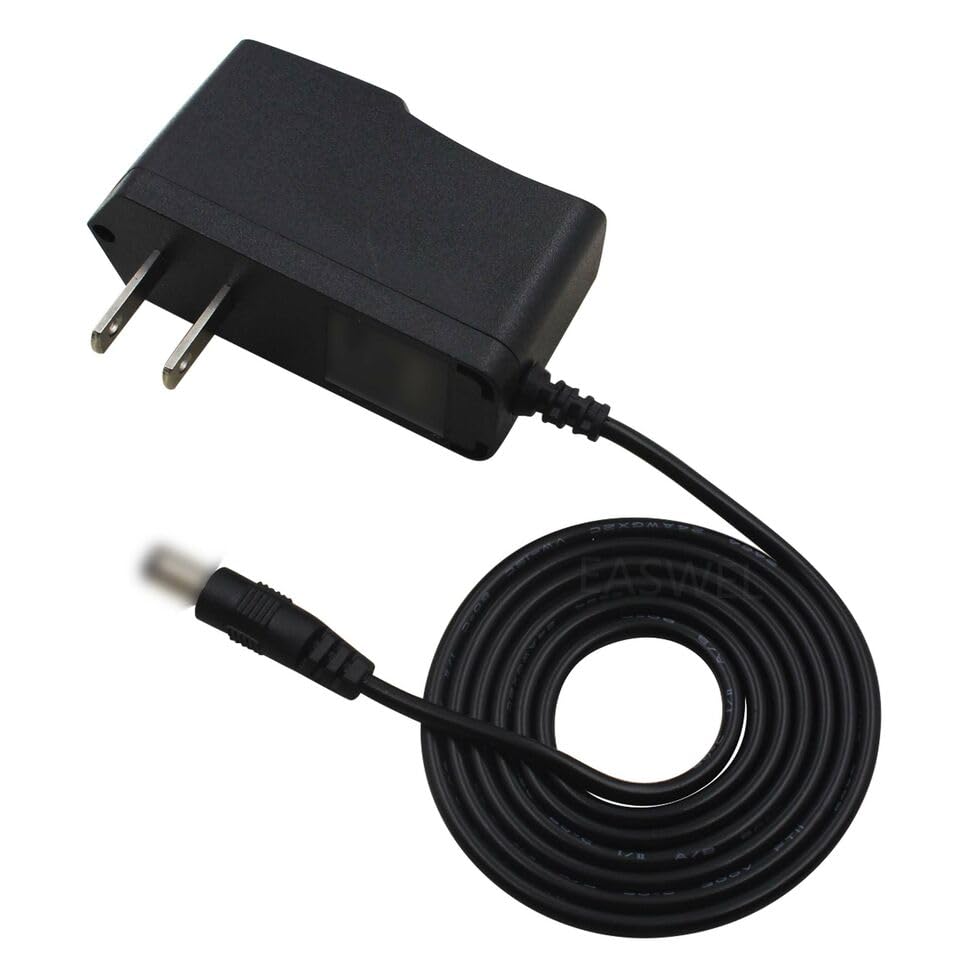
Figure 3.1: The adapter with its cord coiled, illustrating the compact design for storage and transport.
4. Operating Instructions
This power adapter is designed for simple plug-and-play operation. Once correctly connected to your device and a power outlet, it will continuously supply power to your device. There are no user-adjustable settings on the adapter itself.
- Always ensure the adapter is fully inserted into both the device and the wall outlet.
- Do not force the connector into the device's power jack.
- Disconnect the adapter from the wall outlet when not in use for extended periods.
5. Maintenance and Care
To ensure the longevity and proper functioning of your dreeong AC Wall Power Supply Adapter, follow these simple maintenance guidelines:
- Cleaning: Disconnect the adapter from all power sources before cleaning. Use a soft, dry cloth to wipe the exterior. Do not use liquid cleaners or abrasive materials.
- Storage: Store the adapter in a cool, dry place away from direct sunlight and extreme temperatures. Avoid tightly coiling the cord to prevent damage to the internal wires.
- Handling: Do not drop, bend, or subject the adapter to strong impacts. Avoid pulling the cord to disconnect the adapter from the wall outlet; always grasp the plug itself.
- Inspection: Periodically inspect the cord and connectors for any signs of damage, such as fraying, cuts, or bent prongs. If damage is observed, discontinue use immediately.
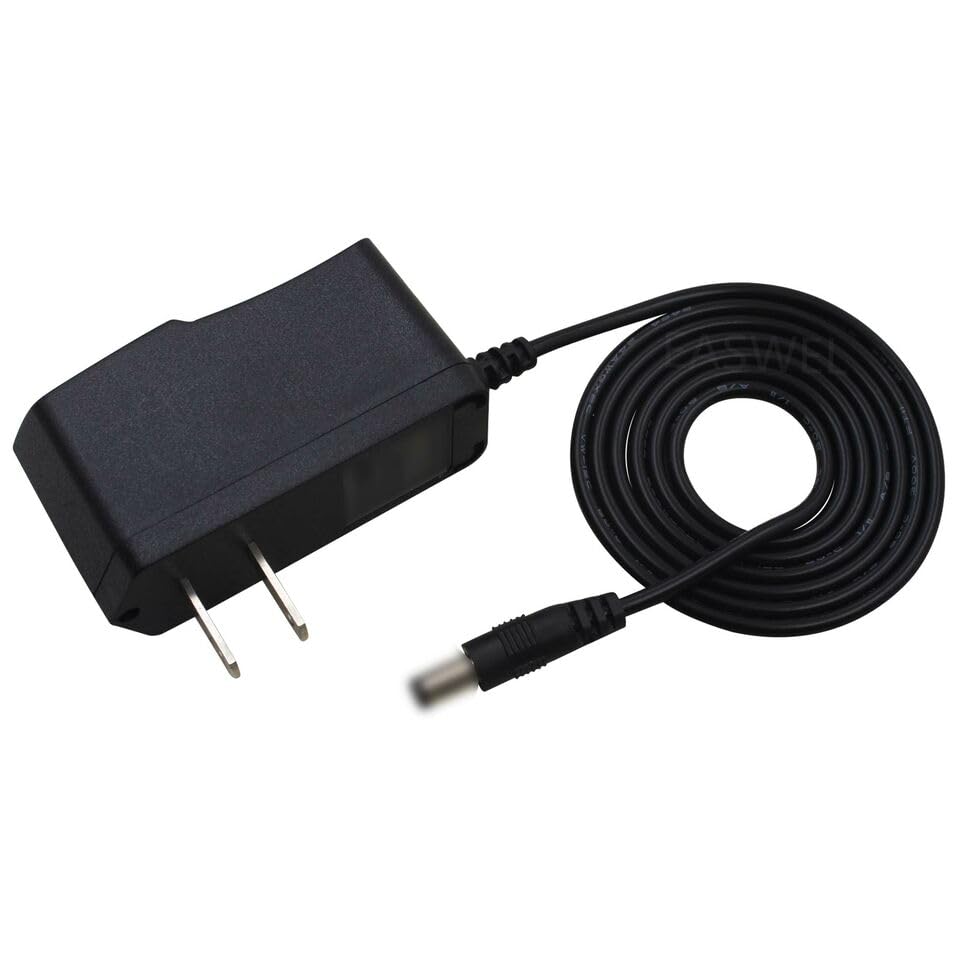
Figure 5.1: A top-down view of the adapter, highlighting its compact and durable casing.
6. Troubleshooting
If you encounter issues with your dreeong AC Wall Power Supply Adapter, please refer to the following common troubleshooting steps:
- No Power to Device:
- Ensure the adapter is securely plugged into both the wall outlet and your device.
- Try plugging the adapter into a different wall outlet to rule out a faulty outlet.
- Verify that your device is turned on and functioning correctly with its original power supply (if available).
- Check the adapter's cord and connectors for any visible damage.
- Device Not Charging/Operating Intermittently:
- Confirm that the adapter's specifications (voltage, amperage) match your device's requirements.
- Ensure the barrel connector is fully inserted and not loose in the device's port.
- Avoid using the adapter in extremely hot or cold environments.
If the problem persists after attempting these steps, discontinue use and contact customer support.
7. Specifications
| Feature | Detail |
|---|---|
| Product Type | AC Wall Power Supply Adapter Cord |
| Compatibility | Replacement for Line 6 DC-1G Adapter |
| Brand | dreeong |
| UPC | 606052746820 |
| ASIN | B0DP9YZX1P |
| GTIN | 606052746820 |
| Manufacturer | dreeong |
8. Warranty and Support
Specific warranty information for this dreeong product is not provided within the available product details. For warranty claims or technical support, please refer to the seller's return policy or contact the seller directly through the platform where the product was purchased.
For general inquiries or assistance, you may also visit the dreeong brand's official support channels if available.