
1. Introduction
This instruction manual provides essential information for the proper installation, operation, and maintenance of your dreeong Mic Cable Cord. This cable is designed for compatibility with various ICOM radio models, including ID-800H, ID-880H, IC-F111, IC-F211, IC-2710H, and IC-2720H. Please read this manual thoroughly before use to ensure optimal performance and longevity of the product.
2. Safety Information
- Do not expose the cable to extreme temperatures, direct sunlight, or moisture.
- Avoid bending or twisting the cable excessively, as this can damage internal wires.
- Keep the cable away from sharp objects or abrasive surfaces.
- Ensure connectors are clean and free of debris before connecting.
- If the cable appears damaged, discontinue use immediately.
3. Package Contents
Your package should contain the following item:
- 1 x dreeong Mic Cable Cord
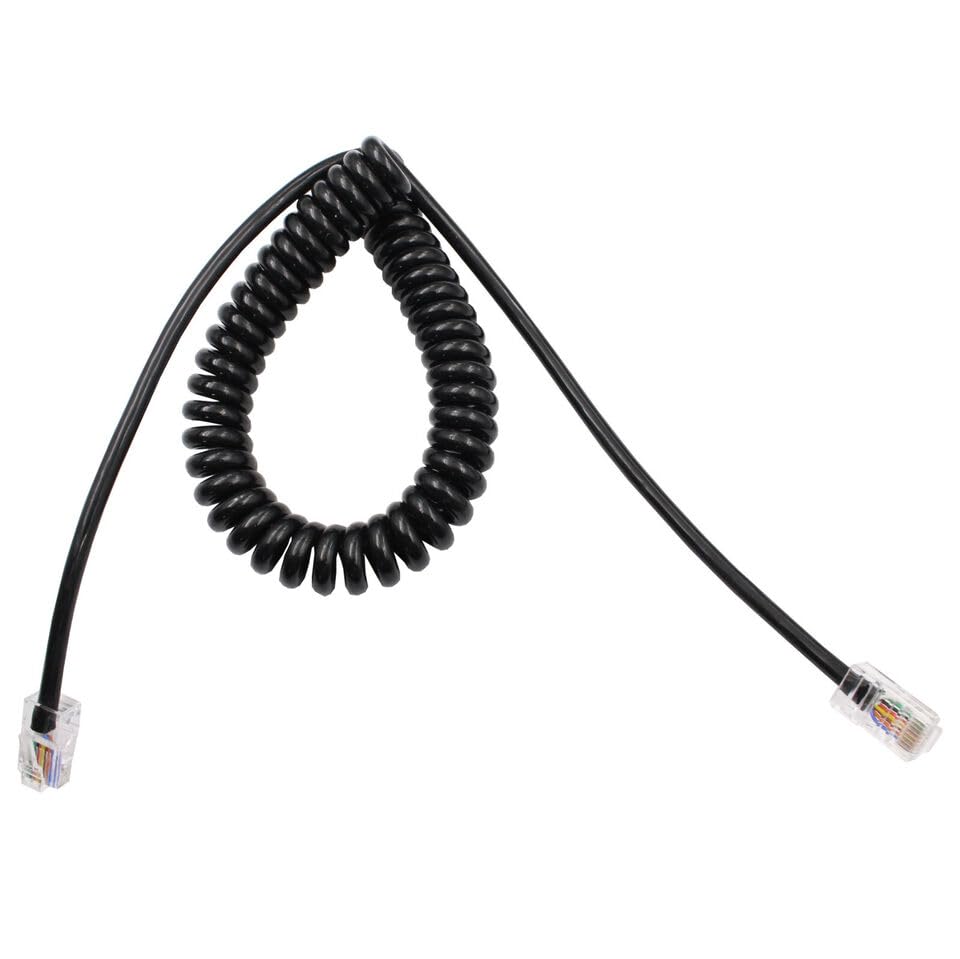
Image 1: The dreeong Mic Cable Cord, featuring a coiled black cable and two clear RJ-style connectors at each end.
4. Setup Instructions
Follow these steps to connect your dreeong Mic Cable Cord:
- Identify Connectors: The cable has two identical RJ-style connectors. These are designed to fit specific ports on your ICOM radio and compatible microphone.
- Connect to Microphone: Locate the microphone input port on your compatible ICOM microphone. Gently insert one end of the mic cable cord into this port until it clicks securely into place. Do not force the connector.
- Connect to Radio: Locate the microphone input port on your ICOM radio (e.g., ID-800H, ID-880H, IC-F111, IC-F211, IC-2710H, IC-2720H). Insert the other end of the mic cable cord into this port until it clicks securely.
- Verify Connection: Ensure both connectors are firmly seated. A loose connection may result in intermittent audio or communication issues.
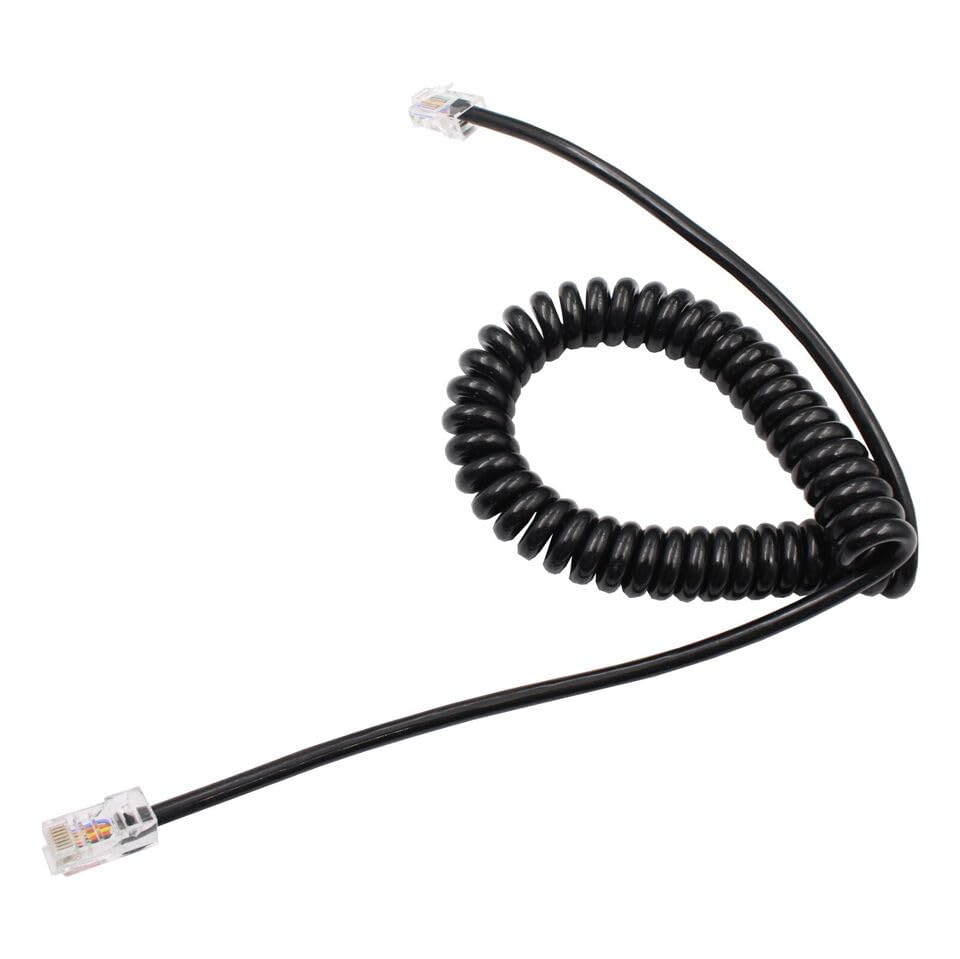
Image 2: A close-up view of one end of the dreeong Mic Cable Cord, highlighting the RJ-style connector.
5. Operating Instructions
Once the dreeong Mic Cable Cord is securely connected between your ICOM radio and microphone, the cable facilitates audio transmission. The operation of your microphone and radio will follow their respective instruction manuals. This cable acts as a passive conduit for signals.
- Ensure your radio is powered on.
- Refer to your ICOM radio's manual for specific microphone usage, volume adjustments, and transmission procedures.
- Speak clearly into the microphone for effective communication.
6. Maintenance
- Cleaning: Use a soft, dry cloth to wipe the cable and connectors. Do not use liquid cleaners or solvents.
- Storage: When not in use, store the cable in a cool, dry place, away from direct sunlight and extreme temperatures. Avoid tightly coiling or kinking the cable.
- Inspection: Periodically inspect the cable for any signs of wear, cuts, or damage to the insulation or connectors.
7. Troubleshooting
| Problem | Possible Cause | Solution |
|---|---|---|
| No audio from microphone | Loose connection; damaged cable; incorrect port. | Ensure both ends of the cable are securely connected. Check for visible damage to the cable. Verify the cable is plugged into the correct microphone input port on both the radio and microphone. |
| Intermittent audio | Loose connection; cable wear; dirty connectors. | Reseat both connectors. Inspect the cable for signs of wear or damage. Clean connectors gently with a dry, lint-free cloth. |
| Poor audio quality (static, distortion) | Damaged cable; interference; radio settings. | Inspect the cable for damage. Ensure the cable is not routed near sources of strong electromagnetic interference. Check your radio's audio settings. |
8. Specifications
- Product Type: Mic Cable Cord
- Brand: dreeong
- Compatibility: ICOM ID-800H, ID-880H, IC-F111, IC-F211, IC-2710H, IC-2720H
- Connector Type: RJ-style (specific pin configuration for ICOM models)
- Color: Black
- UPC: 606052732281
- ASIN: B0DP9YGXMW
9. Warranty and Support
For warranty information or technical support, please refer to the seller's policies on the platform where the product was purchased. Keep your purchase receipt as proof of purchase. For general inquiries regarding the dreeong Mic Cable Cord, please contact the manufacturer or seller directly.
Seller: DREEONG STORE
Amazon Seller Link: DREEONG STORE on Amazon