
1. Product Overview
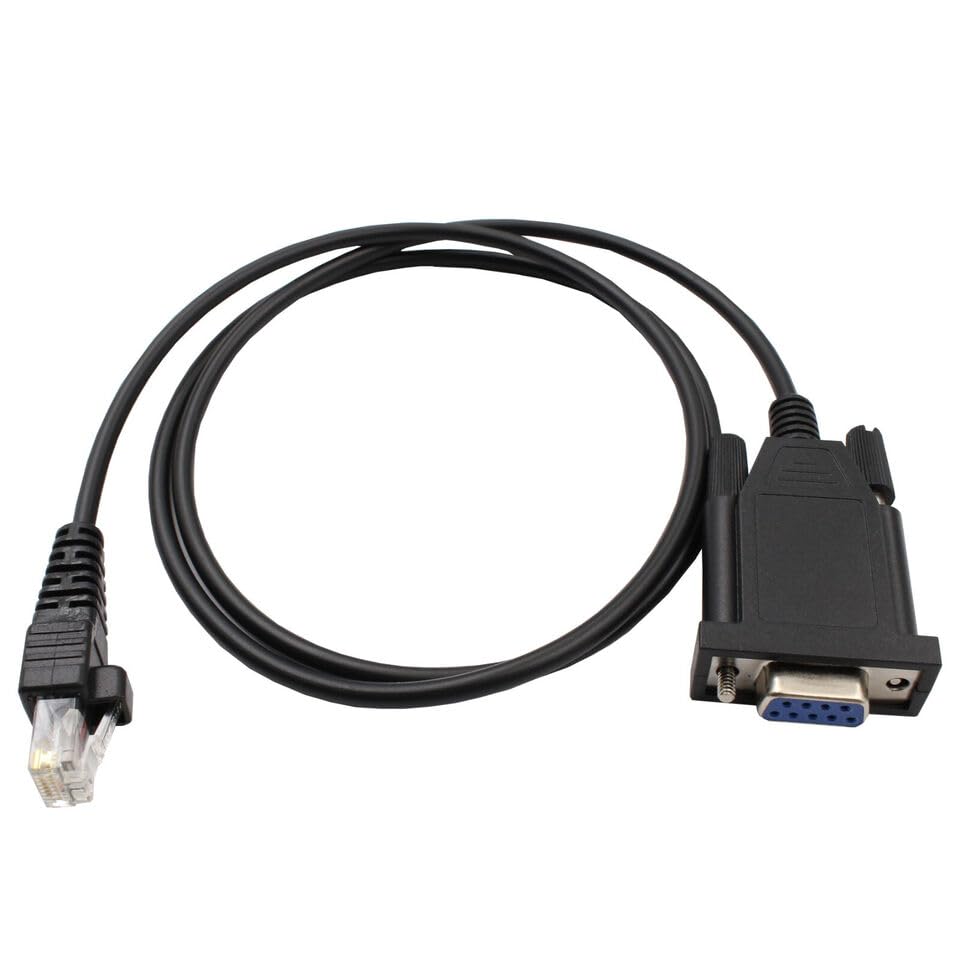
This manual provides instructions for the dreeong COM Programming Cable, designed to facilitate communication between a computer and compatible Kenwood radio models for programming purposes. This cable enables users to configure radio settings, frequencies, and other parameters using appropriate programming software.
2. Package Contents
- 1 x dreeong COM Programming Cable
3. Setup
3.1 Driver Installation
Before connecting the programming cable, ensure that the necessary USB to Serial (COM port) drivers are installed on your computer. These drivers are typically provided by your operating system or can be downloaded from the manufacturer of your computer's serial port chipset. Without the correct drivers, the cable will not be recognized by your computer.
3.2 Connecting the Cable
- Locate the serial port (DB9) on your computer. If your computer does not have a serial port, a USB to Serial adapter (not included) will be required.
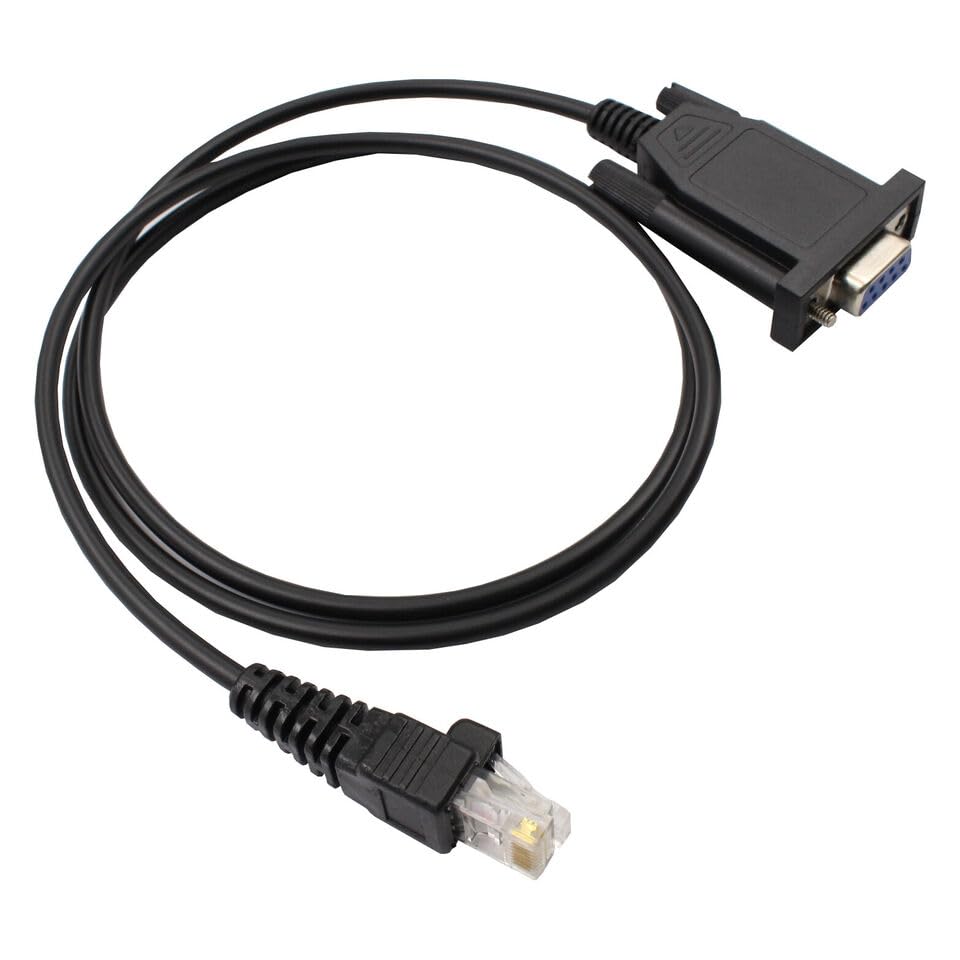
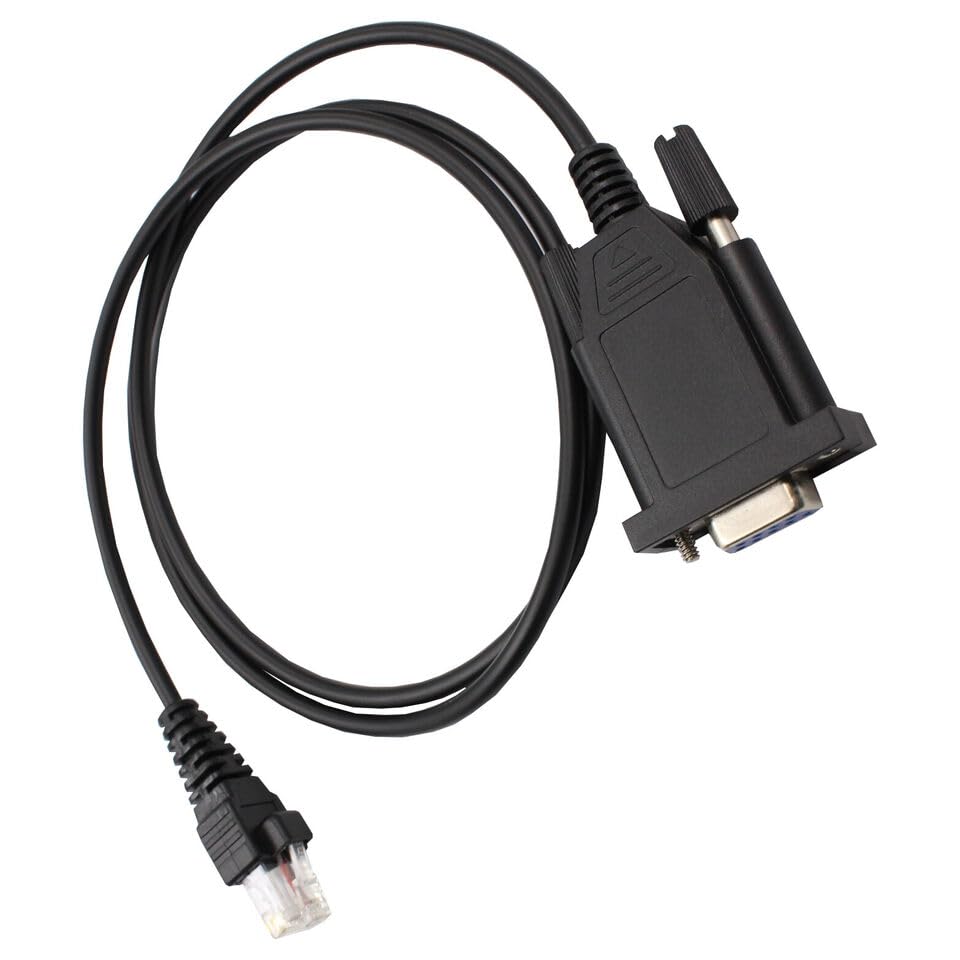
- Connect the DB9 end of the programming cable to the serial port on your computer.
- Connect the RJ45 end of the programming cable to the programming port on your Kenwood radio. Ensure a secure connection.
4. Operating Instructions
This cable acts as an interface between your computer and your Kenwood radio. To program your radio, you will need compatible programming software (Customer Programming Software - CPS) provided by Kenwood or a third-party developer. This software is not included with the cable.
- Power on your Kenwood radio.
- Launch the appropriate radio programming software on your computer.
- Within the software, navigate to the communication settings or port selection.
- Select the COM port assigned to the programming cable. This can usually be found in your computer's Device Manager under "Ports (COM & LPT)".
- Follow the specific instructions within your radio programming software to read from or write to your radio.
5. Maintenance
- Keep the cable clean and free from dust and debris.
- Store the cable in a cool, dry place away from direct sunlight and extreme temperatures.
- Avoid bending or kinking the cable excessively, as this can damage internal wires.
- Do not expose the cable to liquids.
6. Troubleshooting
6.1 Cable Not Detected
- Ensure drivers for your serial port or USB to Serial adapter are correctly installed.
- Verify the cable is securely connected to both the computer and the radio.
- Try a different USB port or serial port on your computer.
- Check Device Manager to confirm the COM port is recognized and functioning without errors.
6.2 Communication Errors
- Confirm the correct COM port is selected in the radio programming software.
- Ensure the radio is powered on and in programming mode (if applicable).
- Verify that the radio programming software is compatible with your specific radio model.
- Close any other applications that might be using the COM port.
7. Specifications
- Product Type: COM Programming Cable
- Connectors: DB9 Serial (Female), RJ45 (8-pin)
- Compatibility: Kenwood Radio Models TKR-750, TKR-751, TK-780, TKR-830, TKR-840
- Brand: dreeong
- UPC: 606052686669
8. Compatible Kenwood Radio Models
This programming cable is designed for use with the following Kenwood radio models:
- TKR-750
- TKR-751
- TK-780
- TKR-830
- TKR-840
9. Warranty and Support
For product support or warranty inquiries, please refer to the dreeong official website or contact your retailer. Keep your purchase receipt for warranty validation. Specific warranty terms and conditions may vary by region and retailer.