
Introduction
This manual provides instructions for the proper use, setup, and maintenance of your dreeong 2-Pin Headset Earpiece with Microphone. This earpiece is designed for clear communication with compatible two-way radios, offering a discreet and hands-free operation.
Product Overview
The dreeong 2-Pin Headset Earpiece consists of an in-ear speaker, an inline push-to-talk (PTT) button with an integrated microphone, and a 2-pin connector for your radio.
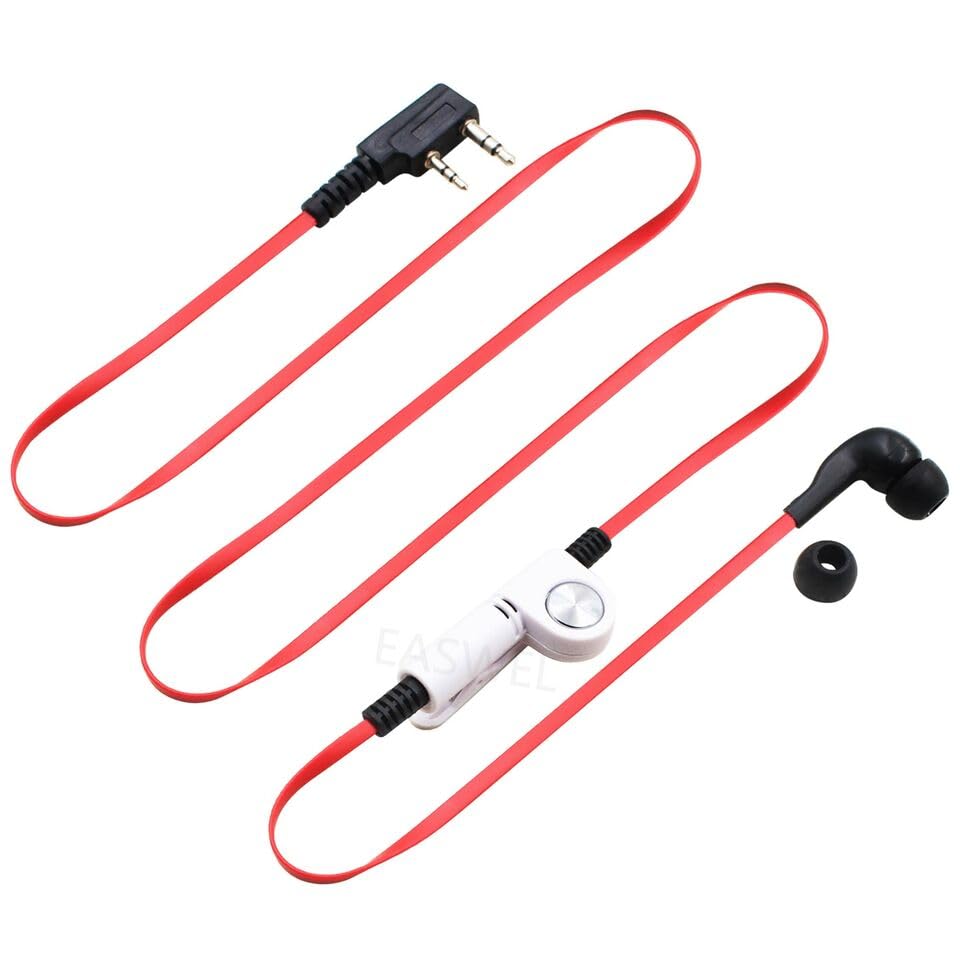
Figure 1: Components of the dreeong 2-Pin Headset Earpiece. This image displays a close-up of the earpiece's main parts, including the 2-pin connector, the central inline unit with a silver PTT button and microphone, and the black in-ear speaker with an additional ear tip.
- 2-Pin Connector: Connects to the radio's accessory port.
- Inline PTT Button: Activates the microphone for transmission.
- Microphone: Captures your voice for transmission.
- Earpiece: Delivers incoming audio from the radio.
- Cable: Connects all components.
Compatibility
This 2-pin headset earpiece is compatible with various two-way radio models, including but not limited to:
- QUANSHENG TG-K4AT
- QUANSHENG TG-2AT
- QUANSHENG TG-45AT
- Other radios with a compatible 2-pin accessory port.
Note: Ensure your radio has a standard 2-pin accessory jack for proper fit and function.
Setup
- Identify Radio Port: Locate the 2-pin accessory port on your compatible two-way radio. This port is typically covered by a rubber flap.
- Connect Earpiece: Carefully align the 2-pin connector of the headset with the radio's accessory port. Push firmly until the connector is fully seated. Do not force the connection.
- Secure Cable: Route the cable comfortably. The inline PTT button often includes a clip for attaching to clothing, allowing for easy access.
- Position Earpiece: Insert the earpiece into your ear. Adjust for a comfortable and secure fit to ensure clear audio reception.
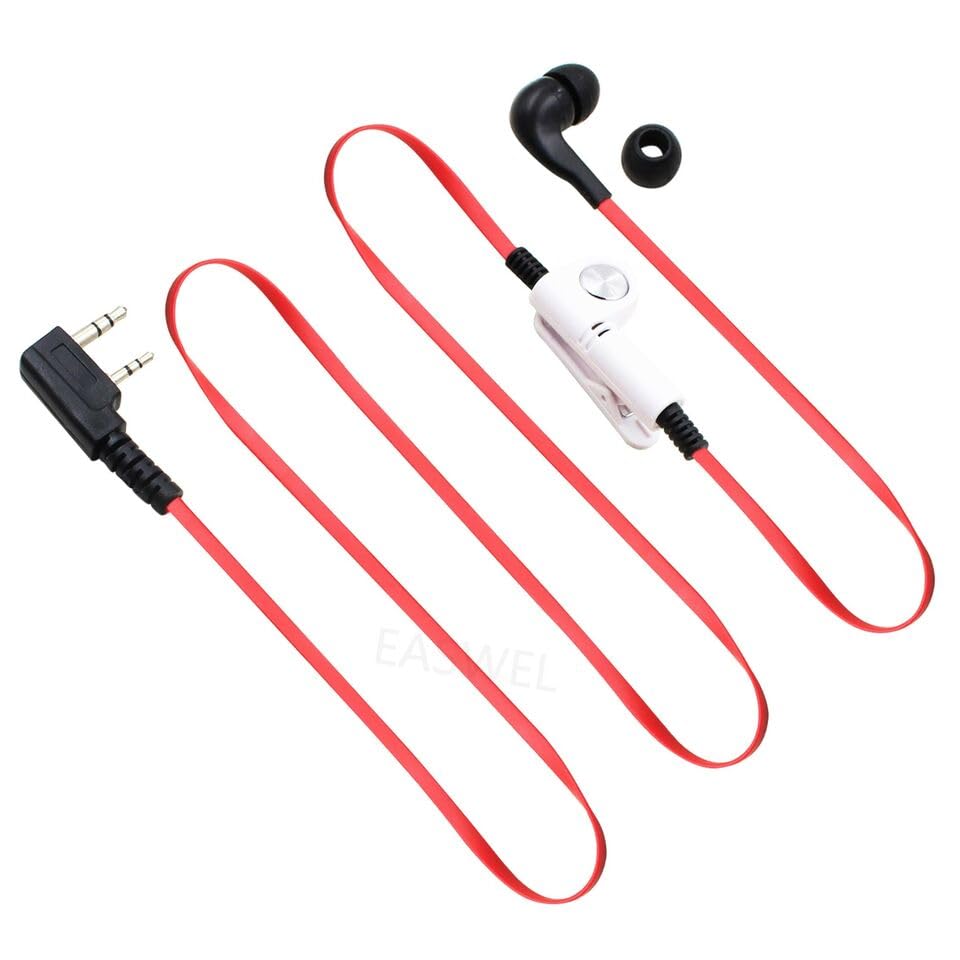
Figure 2: Full view of the dreeong 2-Pin Headset Earpiece. This image shows the entire length of the red cable, the 2-pin connector, the inline PTT button with an attached clip, and the earpiece, illustrating how the components are connected.
Operating Instructions
- Receiving Audio: Once connected, incoming transmissions from your radio will be heard through the earpiece. Adjust your radio's volume control for comfortable listening.
- Transmitting (Push-to-Talk): To speak, press and hold the PTT button located on the inline unit. Speak clearly into the microphone, which is integrated into the PTT unit. Release the PTT button when you have finished speaking to return to receive mode.
- Microphone Placement: For optimal voice clarity, ensure the microphone is positioned close to your mouth, typically clipped to your collar or lapel.
Maintenance
- Cleaning: Use a soft, dry cloth to wipe down the earpiece and cable. For the earpiece tip, a slightly damp cloth can be used, but ensure no moisture enters the speaker opening. Do not use harsh chemicals or abrasive cleaners.
- Storage: When not in use, store the earpiece in a clean, dry place, away from direct sunlight and extreme temperatures. Avoid tightly coiling the cable to prevent damage.
- Inspection: Periodically inspect the cable and connectors for any signs of wear, fraying, or damage.
Troubleshooting
| Problem | Possible Cause | Solution |
|---|---|---|
| No audio from earpiece |
|
|
| Others cannot hear me |
|
|
| Intermittent audio/transmission |
|
|
Specifications
- Connector Type: 2-Pin (Standard K-type)
- Earpiece Type: In-ear
- Microphone: Integrated into PTT unit
- Compatibility: QUANSHENG TG-K4AT, TG-2AT, TG-45AT, and other compatible 2-pin radios.
- Brand: dreeong
Warranty and Support
For warranty information or technical support, please refer to the retailer or manufacturer's official website where the product was purchased. Keep your purchase receipt as proof of purchase.