1. Product Overview
This manual provides instructions for the installation and care of your brotect AirGlass Hybrid-Glass Screen Protector, designed for the Maoo Titan Smartwatch 1.43". This protector offers enhanced screen protection while maintaining touch sensitivity and display clarity.

Image 1.1: brotect AirGlass Screen Protector packaging alongside a Maoo Titan Smartwatch, illustrating the product and its application.
2. Key Features
- Hybrid-Glass Technology: Combines flexibility with glass-like hardness.
- 9H Extreme Hardness: Provides strong scratch resistance.
- Ultra-Thin & Light: 2x thinner and lighter than typical tempered glass.
- High Transparency: Ensures clear and sharp display visibility.
- Anti-Fingerprint Layer: Reduces smudges and fingerprints.
- Bubble-Free Installation: Optimized adhesive for easy application.
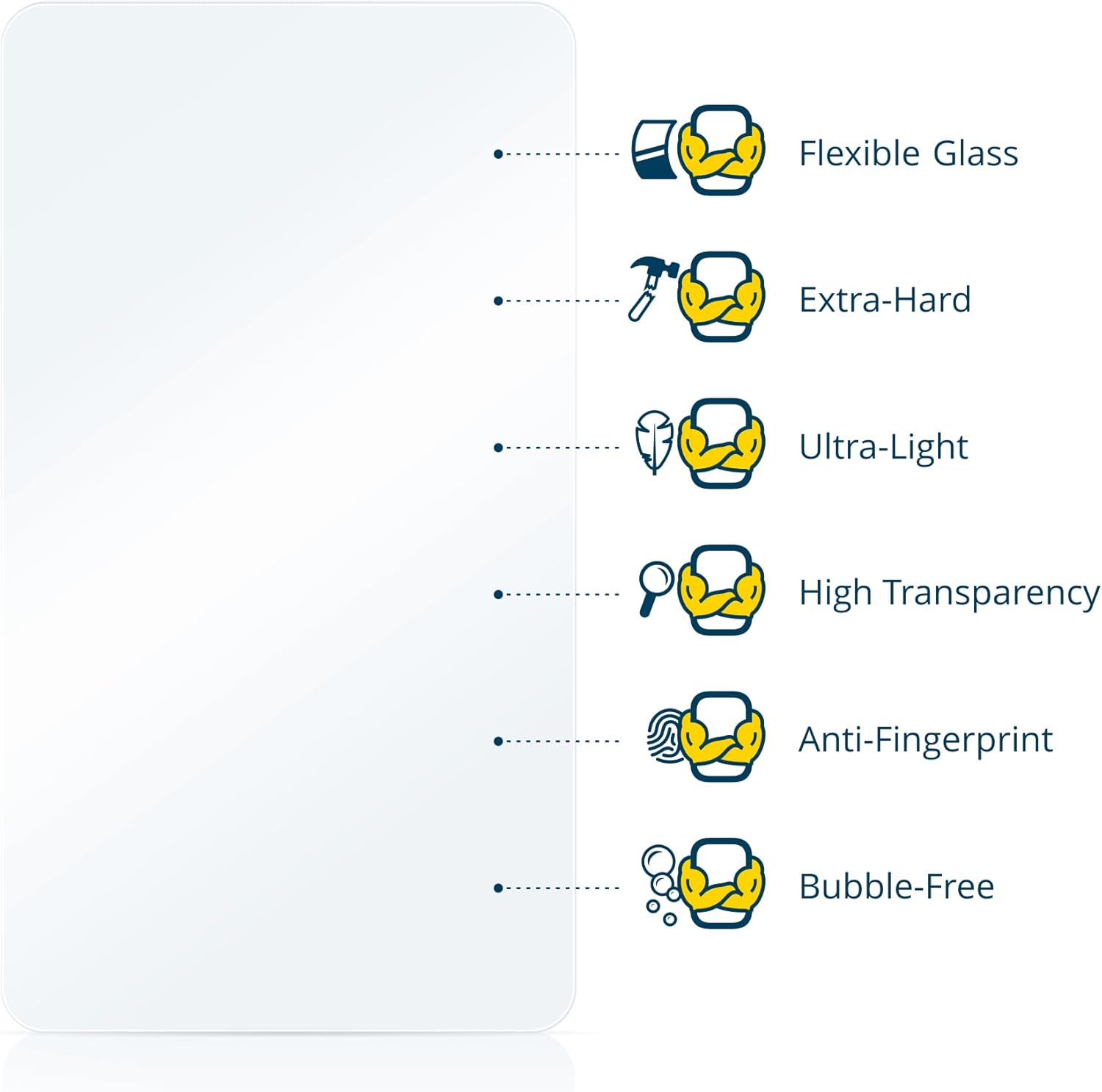
Image 2.1: Visual representation of the key features of the brotect AirGlass screen protector.

Image 2.2: The flexible nature of the AirGlass material being demonstrated.
3. Installation Guide
Follow these steps carefully for a bubble-free installation of your screen protector.
- Prepare the Environment: Locate a dust-free area, such as a bathroom after a hot shower. Thoroughly clean the smartwatch screen to remove any dust, dirt, or smudges.
- Position the Protector: Carefully peel off half of the backing film (labeled "1") from the screen protector. Align the exposed adhesive side with one edge of your smartwatch screen. Ensure the protector is centered.
- Apply and Smooth: Using a credit card or a soft cloth, slowly and carefully smooth the screen protector from the aligned edge towards the other side, gradually peeling off the remaining backing film (labeled "2") as you go. This helps prevent air bubbles.
- Remove Air Bubbles: If any air bubbles remain, gently push them towards the edges of the screen using a credit card wrapped in a soft cloth.

Image 3.1: Detailed visual guide for the screen protector installation process.

Image 3.2: The screen protector applied to the Maoo Titan Smartwatch.
4. Maintenance and Care
To ensure the longevity and clarity of your brotect AirGlass screen protector:
- Clean the screen protector regularly with a soft, lint-free cloth.
- For stubborn smudges, lightly dampen the cloth with water or a screen cleaner designed for electronics.
- Avoid using harsh chemicals, abrasive materials, or excessive force when cleaning.
- While the protector is scratch-resistant, avoid contact with sharp objects to prevent damage.
5. Troubleshooting
5.1. Air Bubbles After Installation
If you notice small air bubbles after installation:
- Small Bubbles: Many small bubbles will naturally disappear within 24-48 hours as the adhesive fully cures.
- Large Bubbles: Gently push larger bubbles towards the nearest edge using a credit card wrapped in a soft cloth. Apply steady, even pressure.
- Dust Particle: If a bubble is caused by a dust particle, it may be necessary to carefully lift the nearest edge of the protector with a piece of tape, remove the dust with another piece of tape, and then reapply. Exercise caution to avoid damaging the adhesive.
5.2. Protector Not Sticking Properly
Ensure the screen was thoroughly cleaned before application. Any dust, oil, or residue can prevent proper adhesion. Re-clean the screen and attempt re-application if possible, or use a new protector from the pack.
6. Specifications
| Product Type | Hybrid-Glass Screen Protector |
| Compatibility | Maoo Titan Smartwatch 1.43" |
| Hardness | 9H (Extreme Hardness) |
| Thickness | 2x thinner than ordinary tempered glass |
| Features | Flexible, Ultra-Light, High Transparency, Anti-Fingerprint, Bubble-Free |
| Package Contents | 3x brotect AirGlass Screen Protectors |
| Manufacturer | BROTECT |
| ASIN | B0DP7VFQH3 |
7. Warranty and Support
brotect products are manufactured with care in Germany. For warranty information and customer support, please refer to the official brotect website or contact your retailer.

Image 7.1: brotect Quality and Warranty information.